TAGGED: #bug#licensing#error, ansys-issues, optislang
-
-
March 31, 2025 at 2:12 pm
cibi
SubscriberHello everyone,
I normally use Ansys Workbench R1 2023 and Optislang R1 2023 to run some optimisation studies.
Last week, I launched a sensitivity study in Optislang that included running the Workbench in batch mode (I have done this before and never had problems). When I checked the simulations the next morning optislang had closed and trying to reopen the project didn't work. I tried to open other project but with no success, even when trying to open a blank project there was just a blank window that never loads:
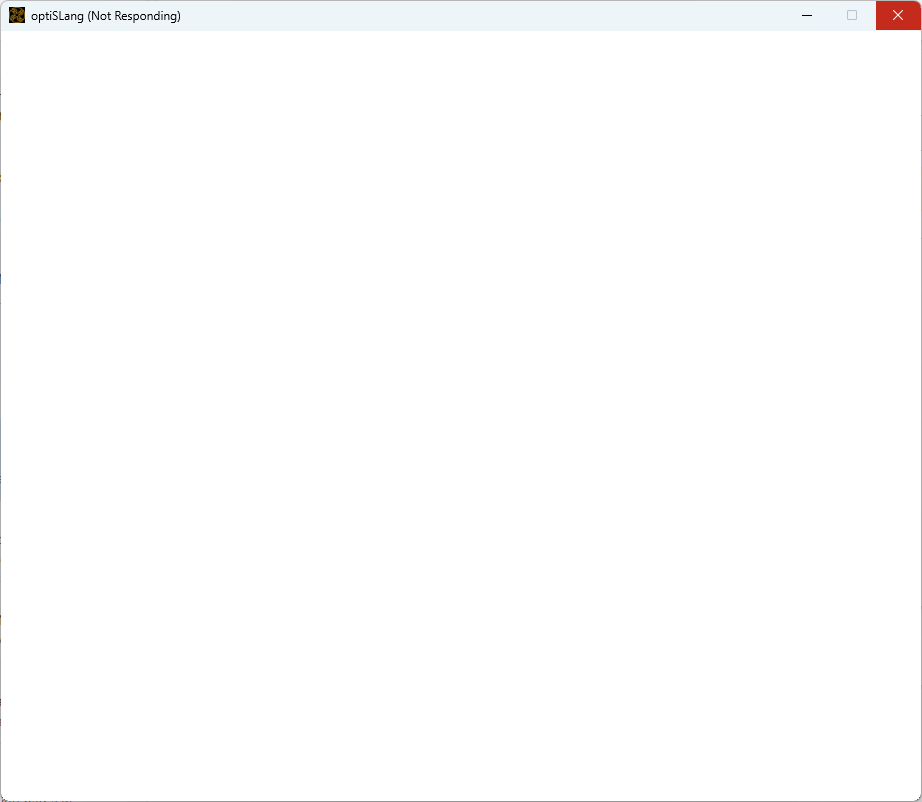
I uninstalled the entire Ansys package and reinstalled it again. This time I installed the R1 2024 version and it seemed to be working. Sometimes it won't load the projects and sometimes it will, so I thought it wasn't too bad. However then I realised that there are issues with the license and I can only open the projects in view-only mode:
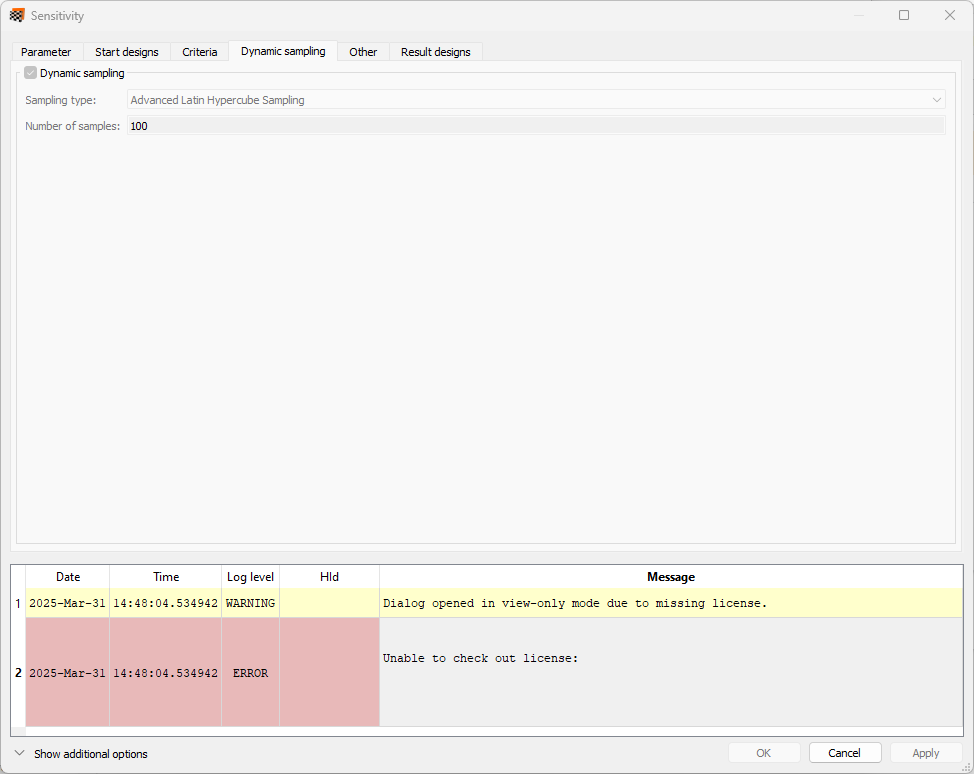
I don't know why the license is missing and there are no explanations of that error.Â
I checked the license manager and seems fine:
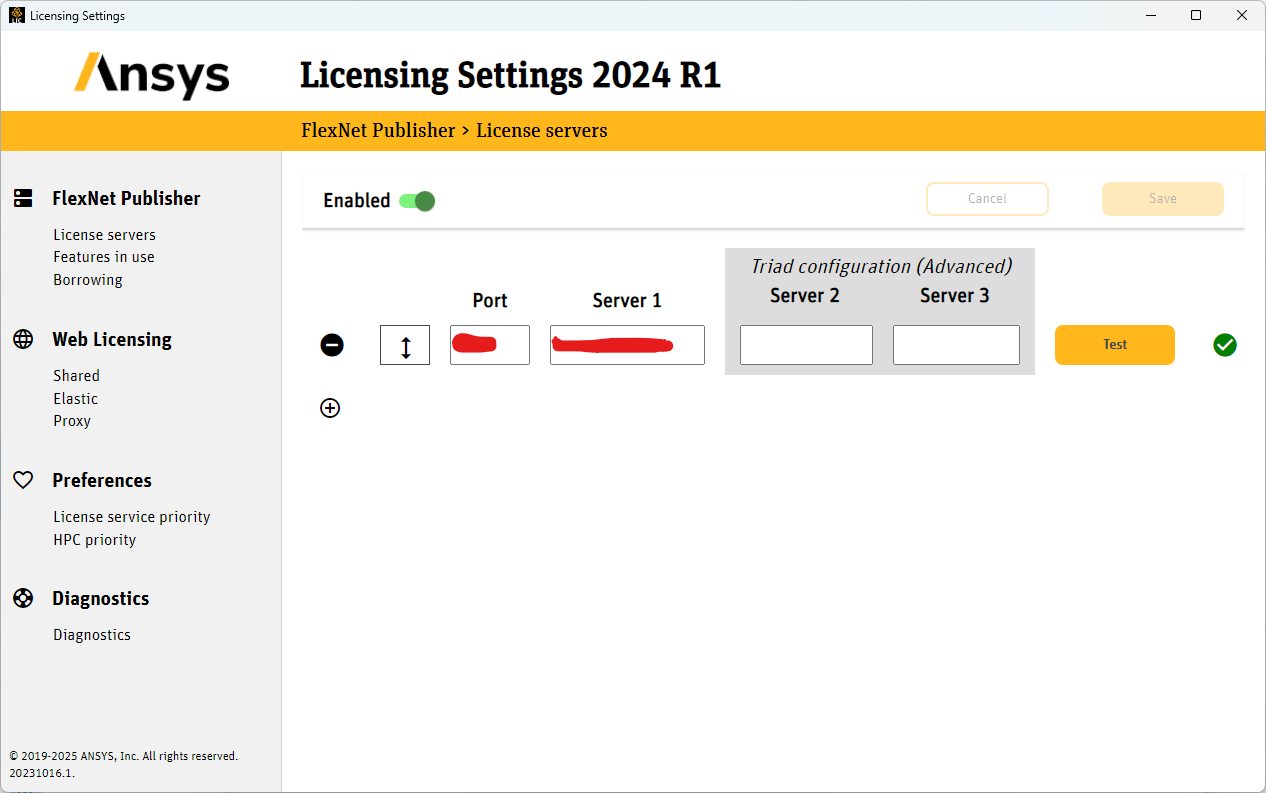
I then reinstall the R1 2023 version and surprisingly found the same error with the license.
I have contacted my department to check that everything is fine with the license but I am pretty sure it is (I can use Fluent and Workbench without problems) so I am really wondering what's wrong with optislang.
Does anybody know how to solve this problem? I have already uninstalled and reinstalled everything twice (both for the R1 2024 and R1 2023) and I really don't know what to do.
Thank you very much in advance.

-
April 8, 2025 at 11:13 am
Rajeshwari Jadhav
Forum ModeratorHi,
Click on "Feature in Use" tab under Ansys Licensing Settings and let me know if all increments are visible over there.
-
April 8, 2025 at 11:24 am
cibi
SubscriberHi,
Thank you for your reply! I manage to have the license working by deleting the temp files in AppData but I still have problems with opening optislang that sometimes get stuck on a blank window
-
April 8, 2025 at 11:36 am
Rajeshwari Jadhav
Forum ModeratorHi,
Try to update the graphics driver, does it crash once it is stucked?
-
April 8, 2025 at 12:44 pm
cibi
SubscriberI updated the graphic driver but it still doesn't work. Once it is stucked it goes on Not Responding for a while and then I usually force the window to close
-
-
-
April 8, 2025 at 12:45 pm
Rajeshwari Jadhav
Forum ModeratorHi,
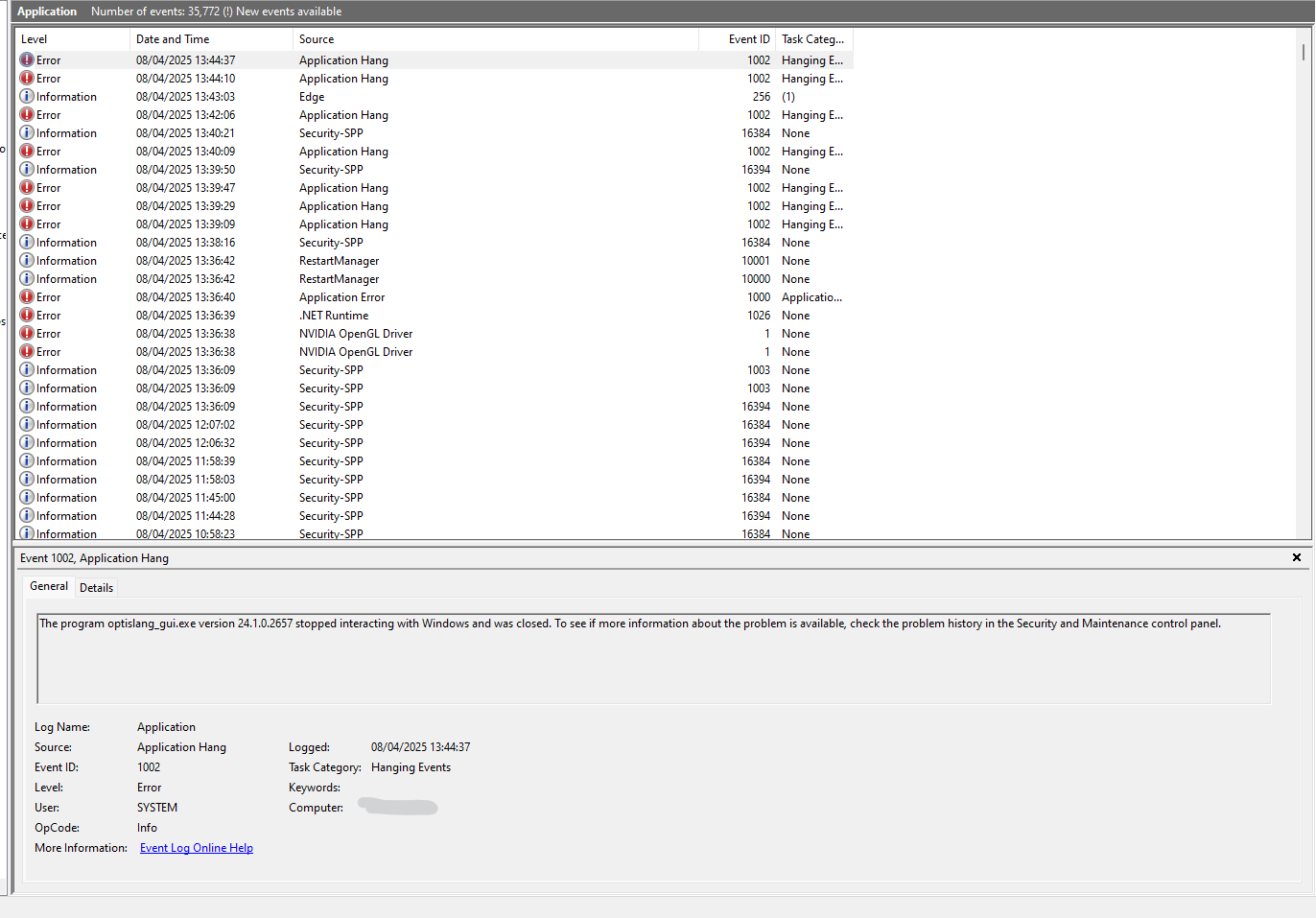
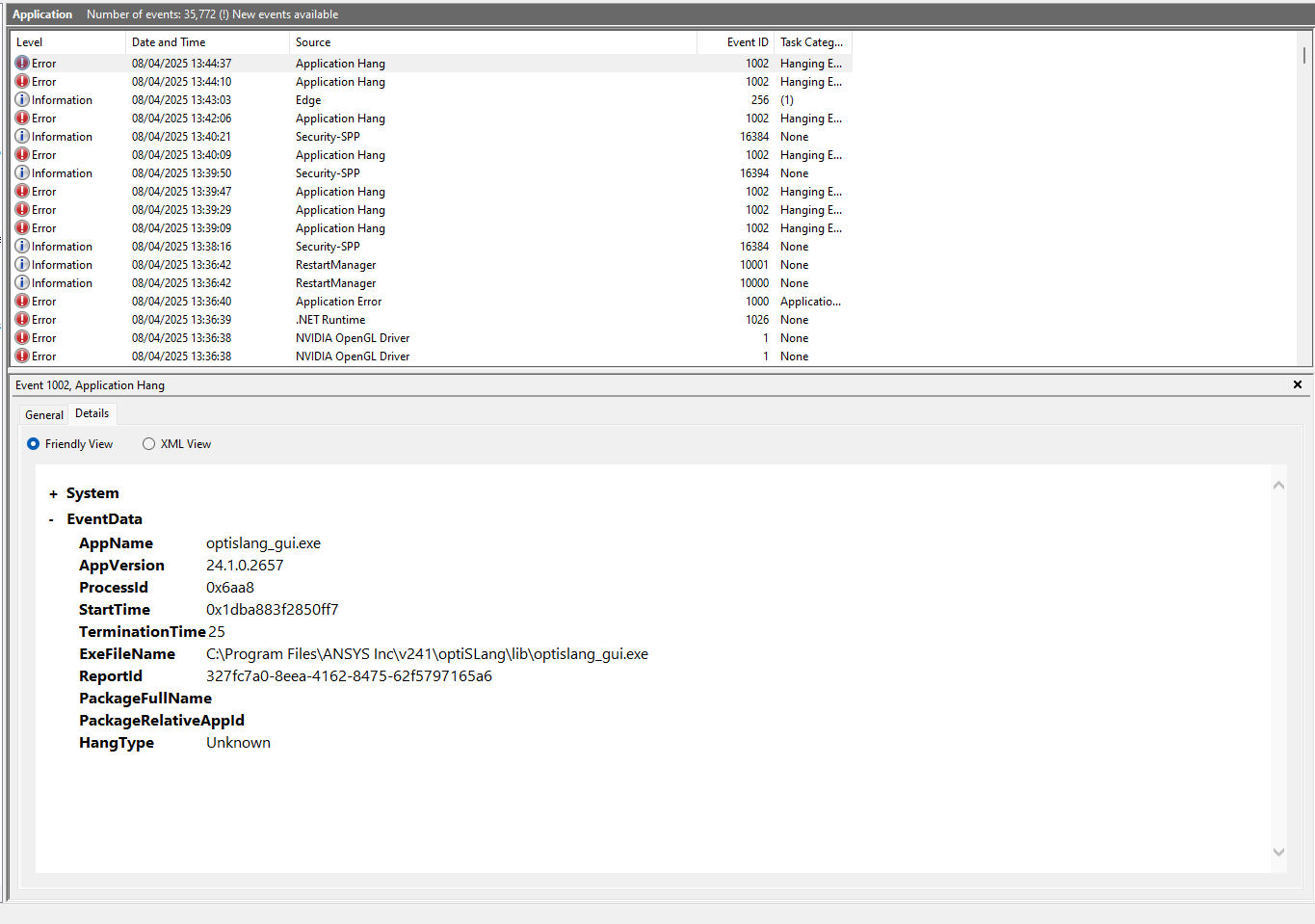
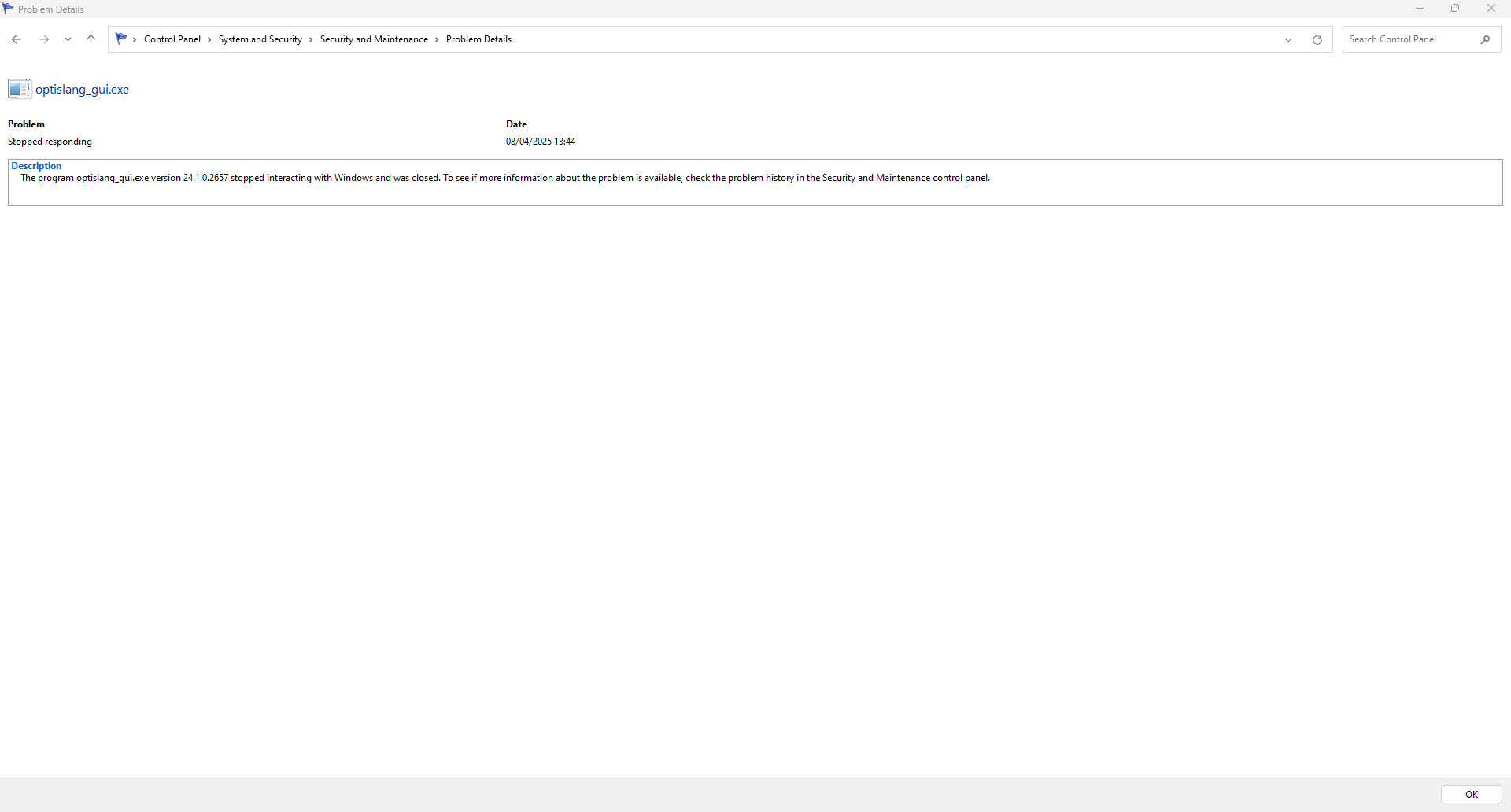
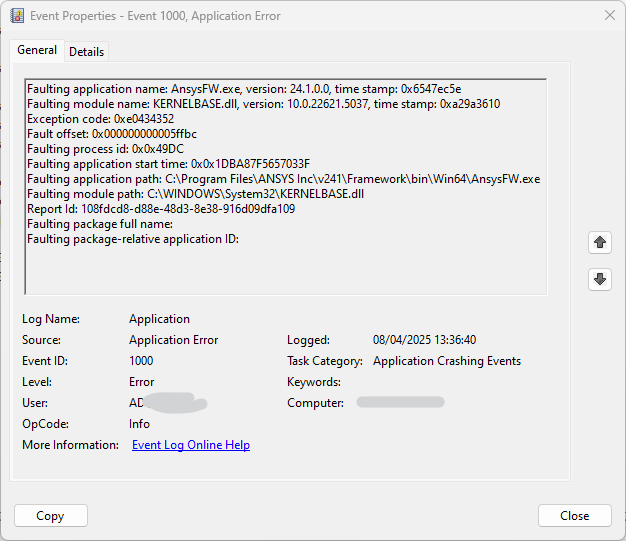
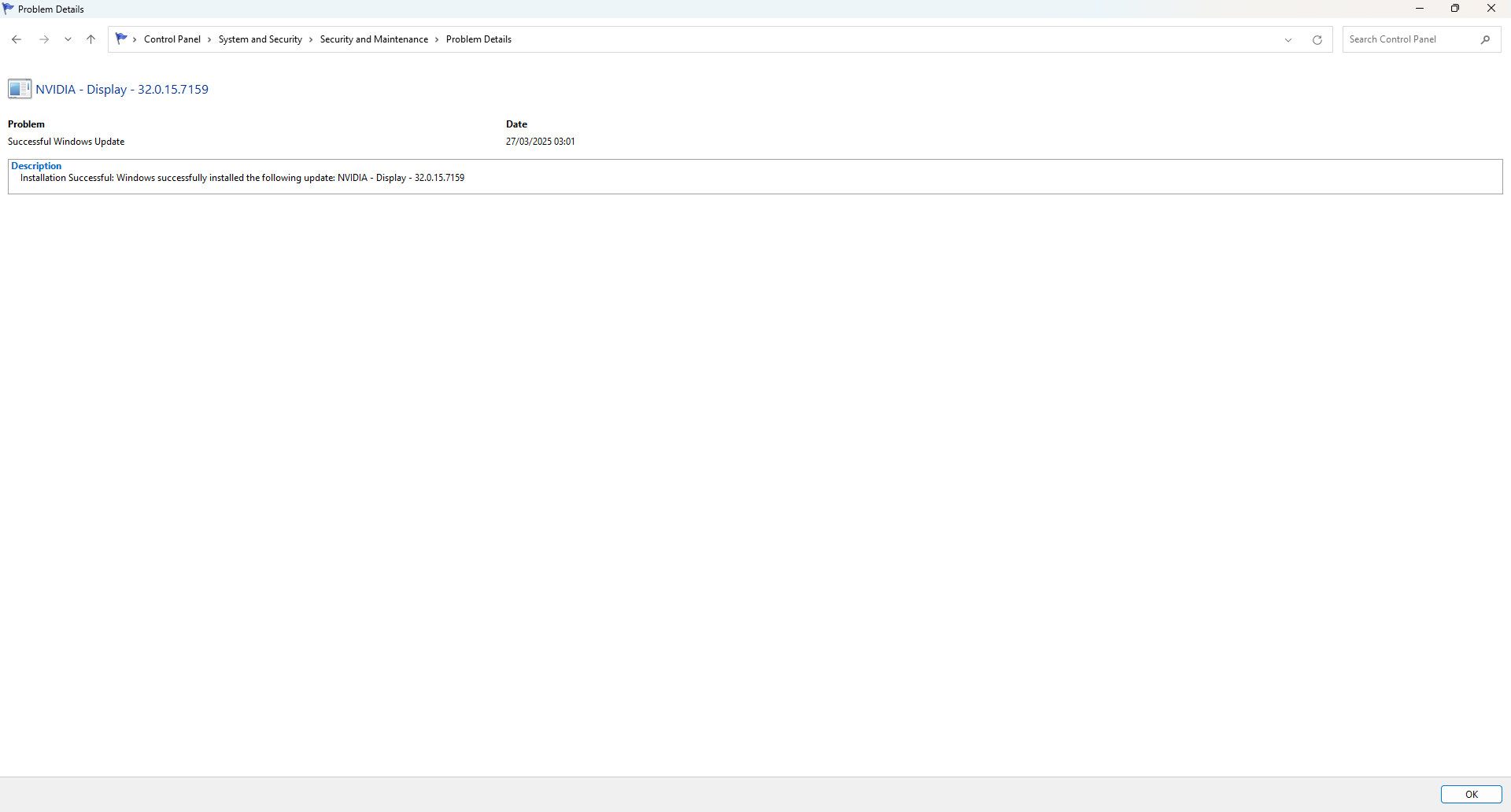
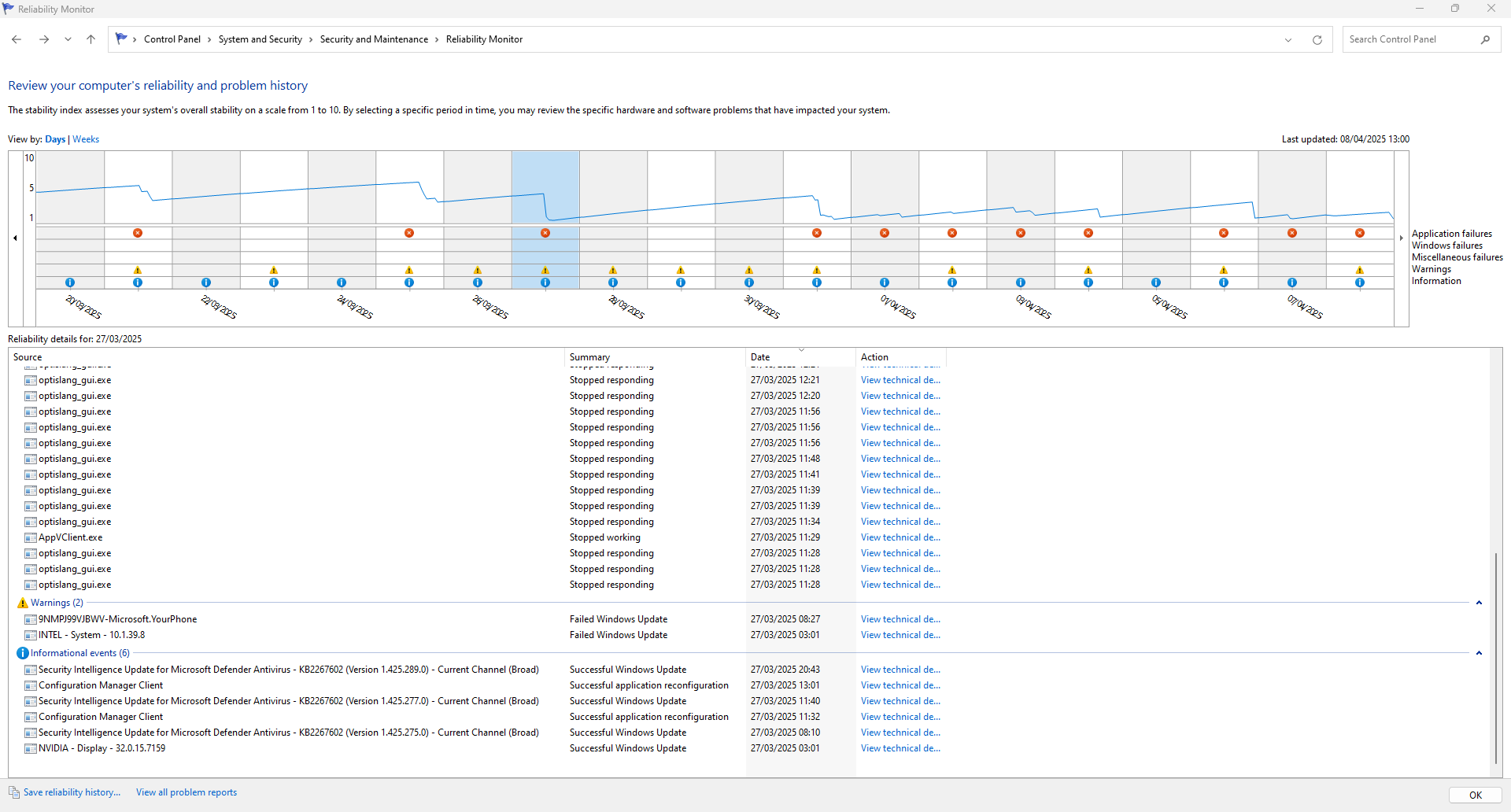
Launch Event Viewer> Windows logs> Click on Application and check if any error is shown over there.
-
April 8, 2025 at 1:11 pm
-
April 8, 2025 at 1:18 pm
-
April 8, 2025 at 1:29 pm
-
April 8, 2025 at 1:47 pm
Rajeshwari Jadhav
Forum ModeratorIs this error version specific?
Â
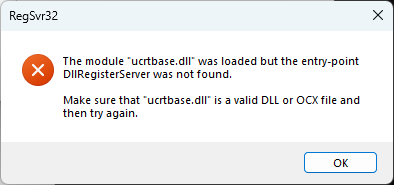
Can you manually register the DLLs listed below:
Check the PATH System Variable to make sure that C:\WINDOWS\system32;C:\WINDOWS; C:\WINDOWS\System32\Wbem;… entries are in front of everything else.
Like: PATH=C:\WINDOWS\system32;C:\WINDOWS;C:\WINDOWS\System32\Wbem;…all other entries...
Manually register the DLLs listed below by starting a Command Prompt (DOS) "as administrator" and changing to the directory c:\windows\system32, then typing:
Â
regsvr32.exe ole32.dll
regsvr32.exe atl.dll
regsvr32.exe oleaut32.dll
regsvr32.exe scrrun.dll
regsvr32.exe jscript.dll
regsvr32.exe vbscript.dll
regsvr32 ucrtbase.dll
regsvr32 KERNELBASE.dll
Â
Let me know if above dll were registered successfully.
-
April 9, 2025 at 9:07 am
cibi
Subscriber-
April 9, 2025 at 9:12 am
cibi
SubscriberI don't know if it's a coincidence but I have realised that if I delete the Dynardo folder in my AppData\Local folder then Optislang would usually open on the 2nd attempt without problems
-
-
April 10, 2025 at 7:04 am
Rajeshwari Jadhav
Forum ModeratorHi,
Is your application is launching without any error, I am not sure if deleting Dynardo folder might have helped you to resolve the issue.
-
April 10, 2025 at 2:36 pm
cibi
SubscriberI didn't resolve the issue, I still have that error when I try to open a saved project. Basically now to make it work I have to cancel the Dynardo folder everytime
-
- The topic ‘Issues in opening optislang projects and licence error’ is closed to new replies.
-
6269
-
1906
-
1457
-
1308
-
1022
© 2026 Copyright ANSYS, Inc. All rights reserved.