Ansys Assistant will be unavailable on the Learning Forum starting January 30. An upgraded version is coming soon. We apologize for any inconvenience and appreciate your patience. Stay tuned for updates.
Ansys Products

Ansys Products

Discuss installation & licensing of our Ansys Teaching and Research products.

Display problem

    • flums1
      Subscriber

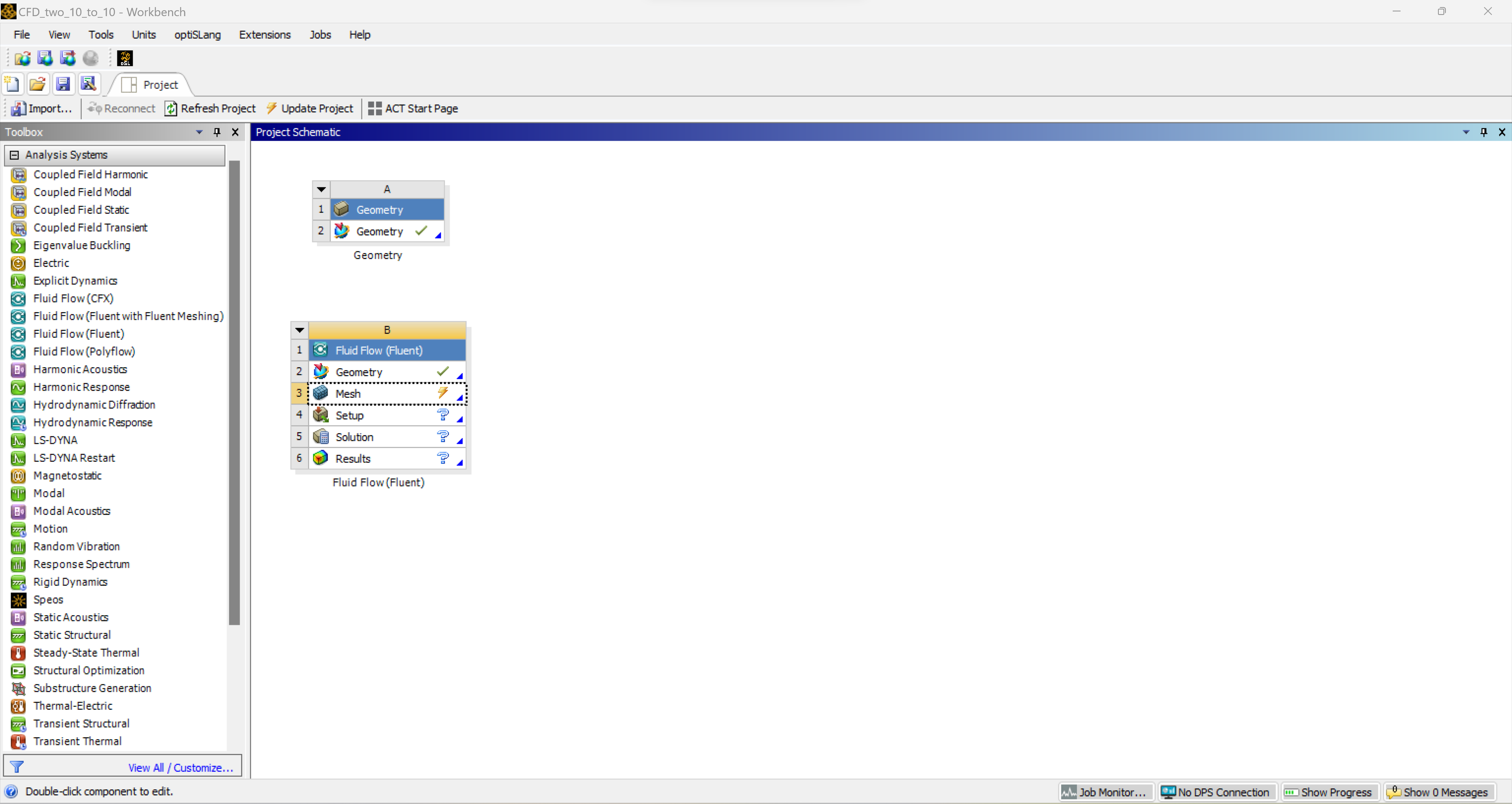
      Hello, I have a display problem that appears as I try to mesh for Ansys fluent. The software opens a second window which isn't scaled as the workbench is. I've tried to modify the DPI settings but it only affects the workbench and not the fluent console. Following is a screenshot from the workbench:
      Here is a screenshot when I am trying to mesh:
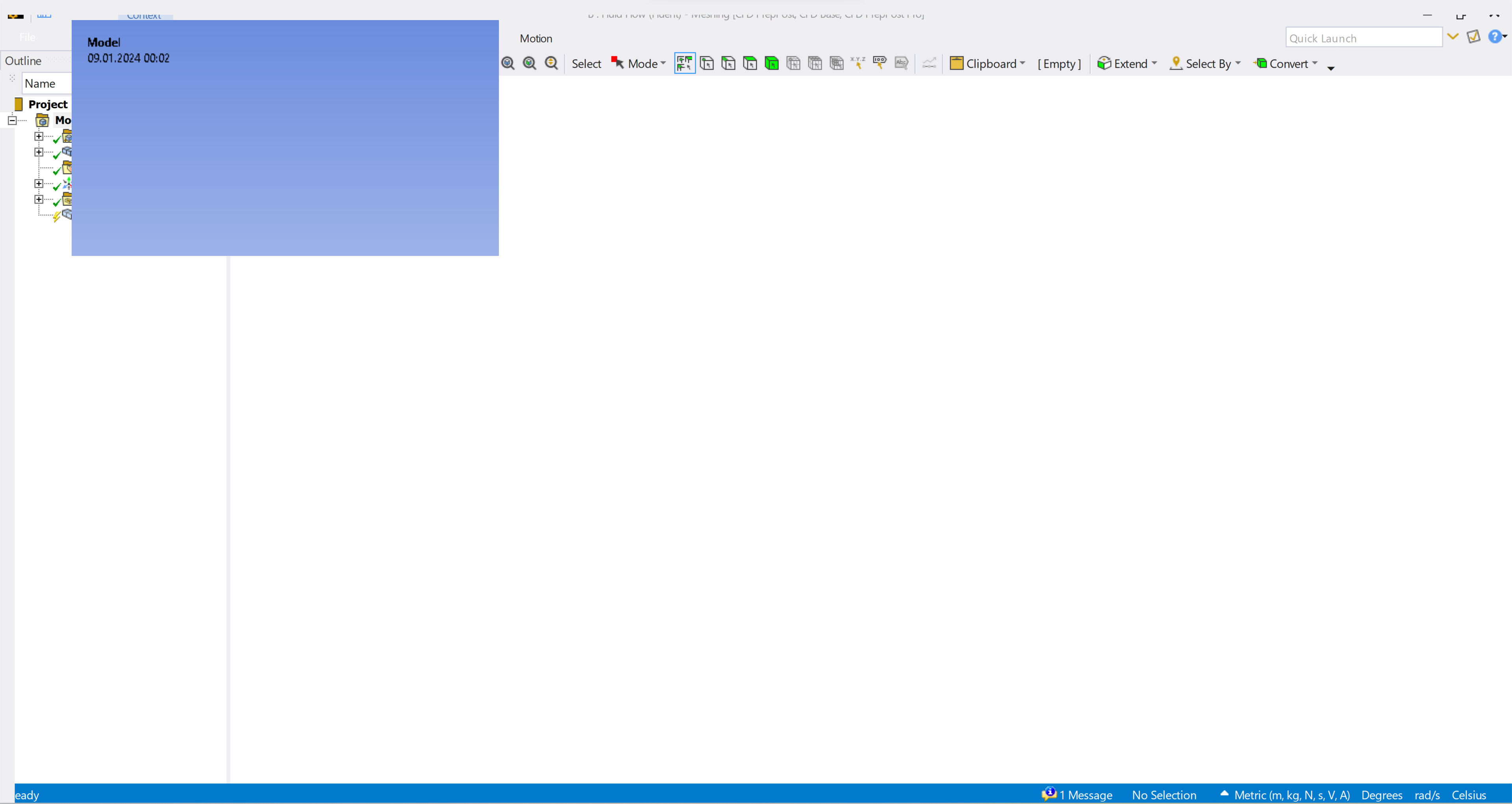
      I've also tried to rename the vxxx file from %appdata% to vxxx.old but it hasn't change anything. I ctried to change the DPI settings of every Ansys application. But hasn't change anything either.


      Thank you for your help!

    • George Karnos
      Ansys Employee

      Can you check the following post to se if this helps?
      https://forum.ansys.com.mcas.ms/forums/topic/sizing-on-ansys-workbench-19-2/

    • flums1
      Subscriber

      Hello George,

      reducing the resolution (try 1920 x 1080) and then also adjust your windows scaling settings, reduce the scaling to 100% is the only solution working.

      It is howerver very annoying beacuse every other app doesn't scale properly then. Do you have another solution so I don't need to change the scale of the screen every time I am working with Ansys?


      Thank you, Samuel

Viewing 2 reply threads
  • The topic ‘Display problem’ is closed to new replies.
[bingo_chatbox]








