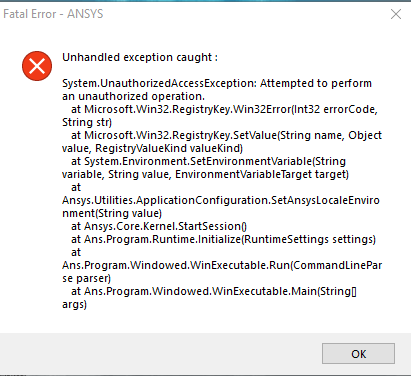
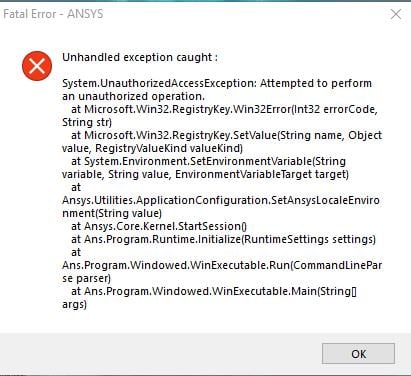
Open a Command Prompt (DOS) "as administrator" and issue the following commands
regsvr32.exe ole32.dll
regsvr32.exe atl.dll
regsvr32.exe oleaut32.dll
regsvr32.exe scrrun.dll
regsvr32.exe jscript.dll
regsvr32.exe vbscript.dll
Does this make any differences ?
If that doesn't help, check if you have environment variables ANSYS191_DIR and AWP_ROOT191 set.
Did this v191 work before or this is the first time you install ANSYS on this machine ?
Check your installation directory (default is C:Program FilesANSYS Inc) and see if you have install.err file. If so, please post its content here.
Thanks,
Win



















 You are navigating away from the AIS Discovery experience