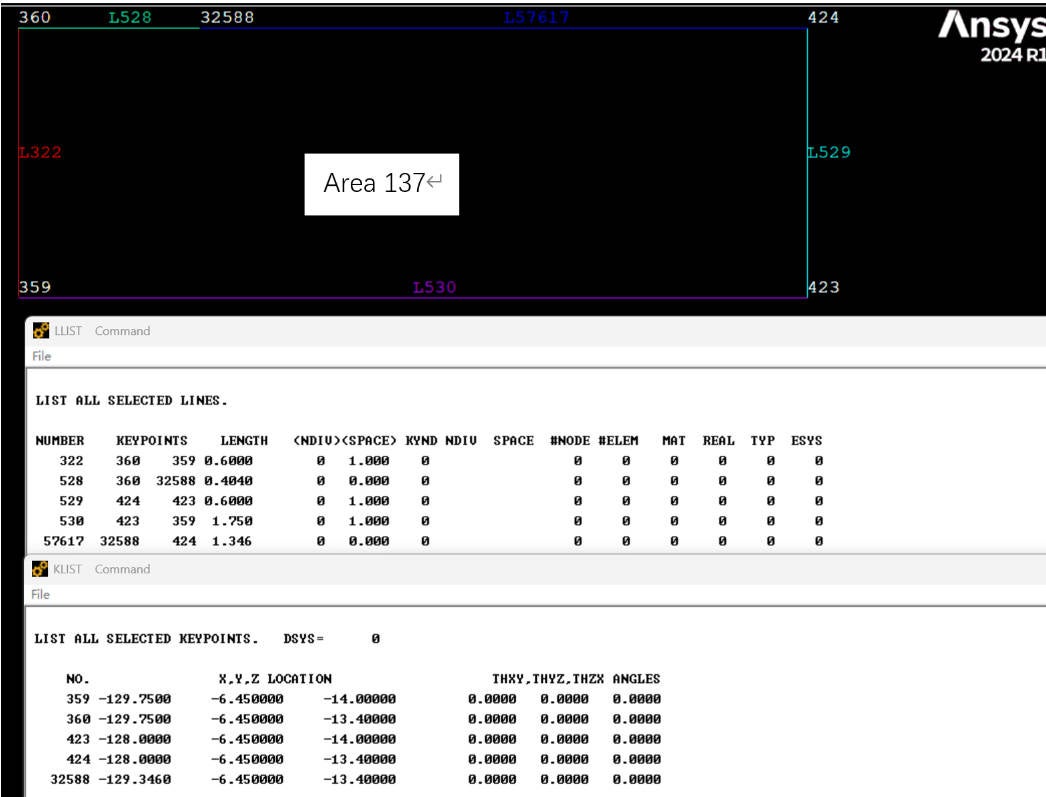
This problem originate from AMESH command error. Its hint goes “Error meshing area 137. Boundary segments touch or are too close for meshing. Redefine number of divisions on boundary or adjust element size parameters.” In fact ,not only area 137 , similar errors happend to countless areas.
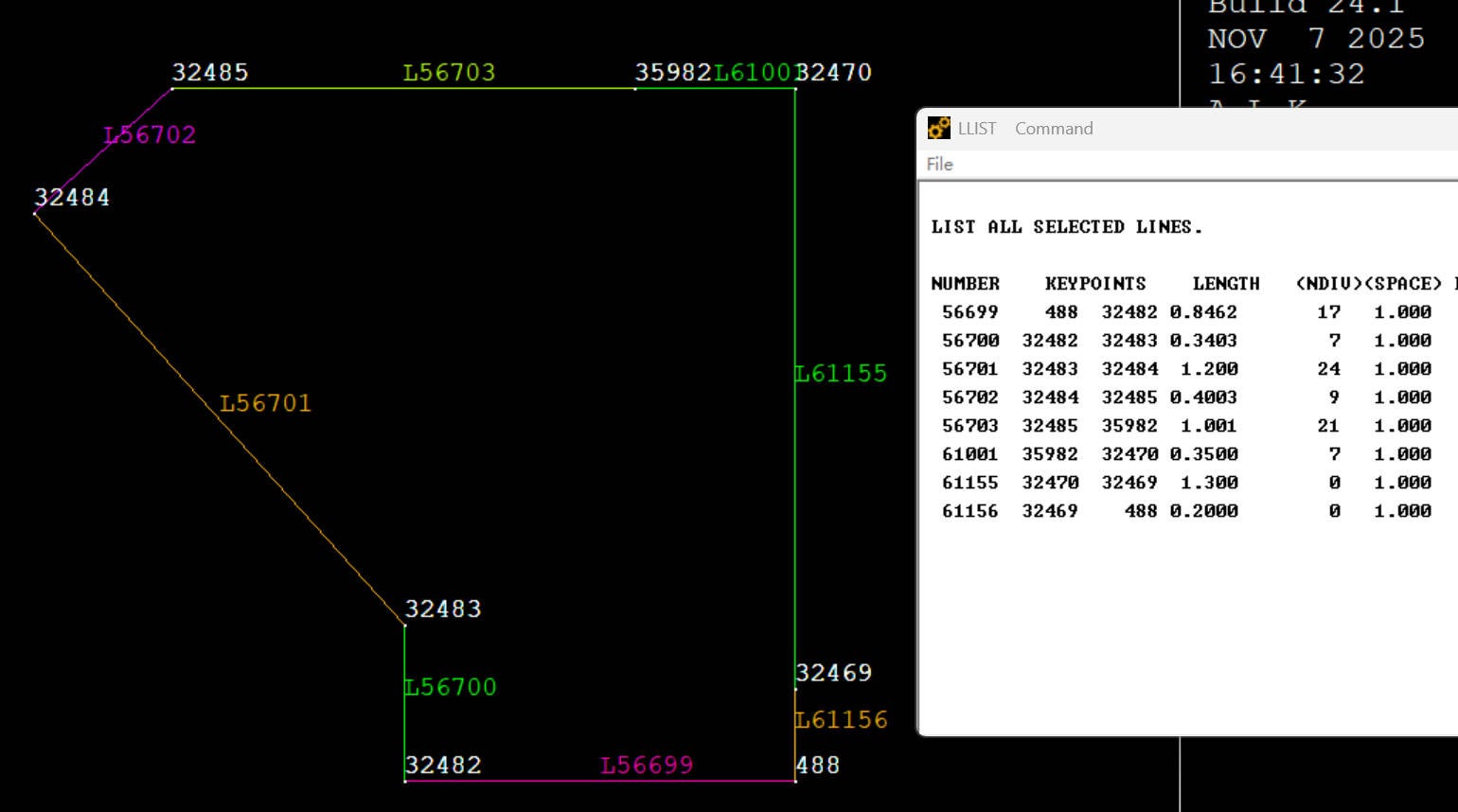
I checked this area 137. It do not like common area. These lines belong to this area are not sorted. They are not clockwise or anti-clockwise. Because the whole model is created by many AREA Boolean operation and LDIV and NUMMRG command. the whole model has 25457 areas and 53692 lines. The model is a bridge, composed by areas , its length is around 430m. Very complicated.
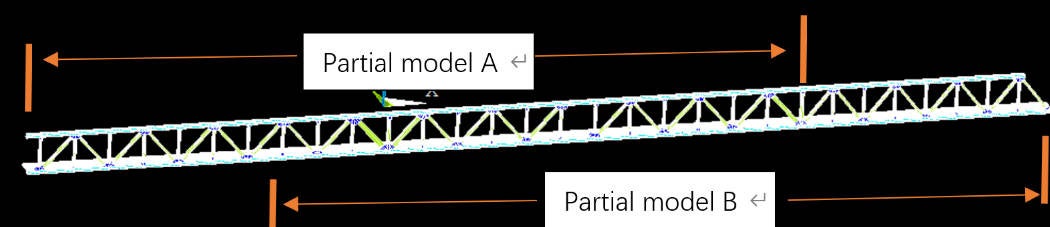
First, I thought the AMESH ERROR due to these NO clockwise or anti-clockwise areas. But it is not. I do some tests. I create 2 partial models. Partial model A is from very begin to the 330m long point. Partial model A is from the 130m long point to the very end. See the subsequent diagram. Then something magical happened. AMESH command goes successfully. NO ERROR happened on these 2 partial models. Especially partial model A ,these amesh error areas in original model basically have twin areas in partial model A. they share the geometry. Why the same area can be meshed in one model while cannot be meshed in another.
I guess, the complexity level of the model affect the AMESH command. It has a threshold value. And it sudden change on the success of AMESH. In other words, the failure of AMESH has nothing with the area itself.
This problem confuse me long time. Please give me some advise to settle it. Thanks.


















 You are navigating away from the AIS Discovery experience