TAGGED: 4k-display, display-problem
-
-
January 8, 2024 at 11:08 pm
flums1
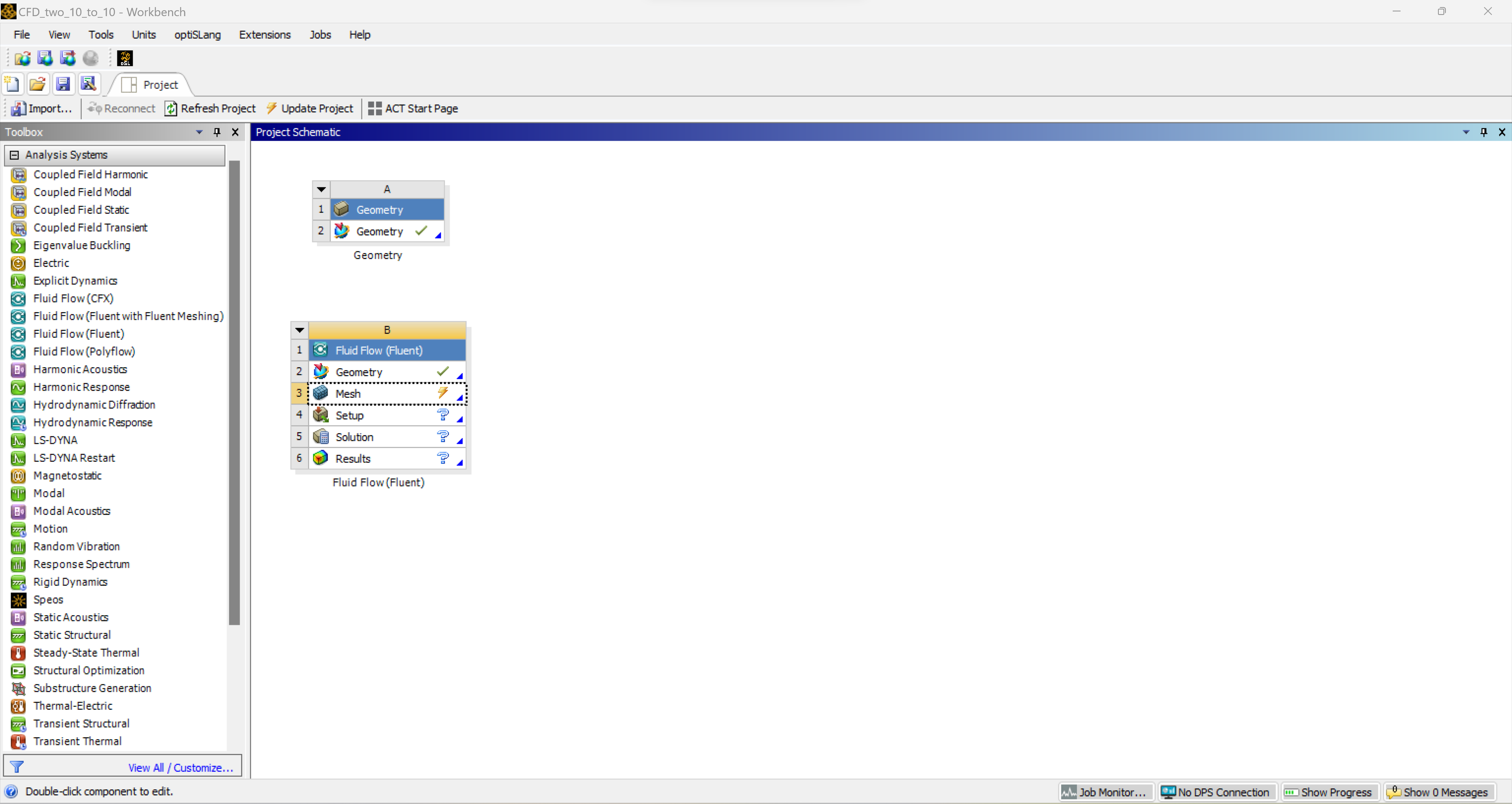
SubscriberHello, I have a display problem that appears as I try to mesh for Ansys fluent. The software opens a second window which isn't scaled as the workbench is. I've tried to modify the DPI settings but it only affects the workbench and not the fluent console. Following is a screenshot from the workbench:
Here is a screenshot when I am trying to mesh:
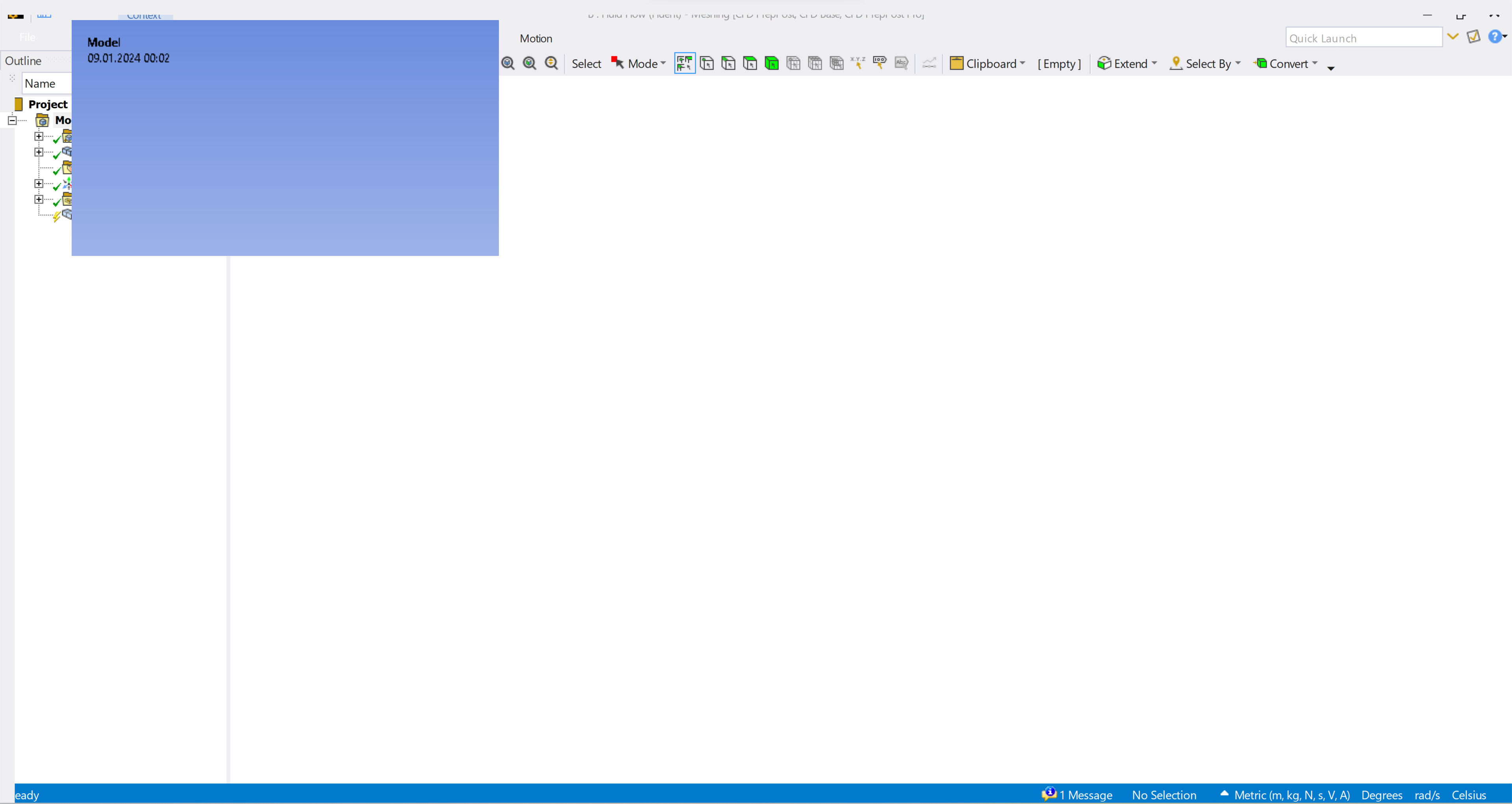
I've also tried to rename the vxxx file from %appdata% to vxxx.old but it hasn't change anything. I ctried to change the DPI settings of every Ansys application. But hasn't change anything either.
Â
Thank you for your help!

-
January 9, 2024 at 3:07 pm
George Karnos
Ansys EmployeeCan you check the following post to se if this helps?
https://forum.ansys.com.mcas.ms/forums/topic/sizing-on-ansys-workbench-19-2/ -
January 9, 2024 at 10:25 pm
flums1
SubscriberHello George,
reducing the resolution (try 1920 x 1080) and then also adjust your windows scaling settings, reduce the scaling to 100% is the only solution working.
It is howerver very annoying beacuse every other app doesn't scale properly then. Do you have another solution so I don't need to change the scale of the screen every time I am working with Ansys?
Â
Thank you, Samuel
-
- The topic ‘Display problem’ is closed to new replies.
-
5834
-
1906
-
1420
-
1305
-
1021
© 2026 Copyright ANSYS, Inc. All rights reserved.








