
Additive manufacturing geometries are increasingly incorporating lattice structures due to their ability to reduce material usage while maintaining structural integrity. Lattice structures can be optimized for specific mechanical properties, such as strength-to-weight ratios, making them ideal for aerospace, automotive, and medical applications.
Similarly, by using topology optimization, designers can ensure that the material is only used where necessary, leading to lightweight yet strong components.
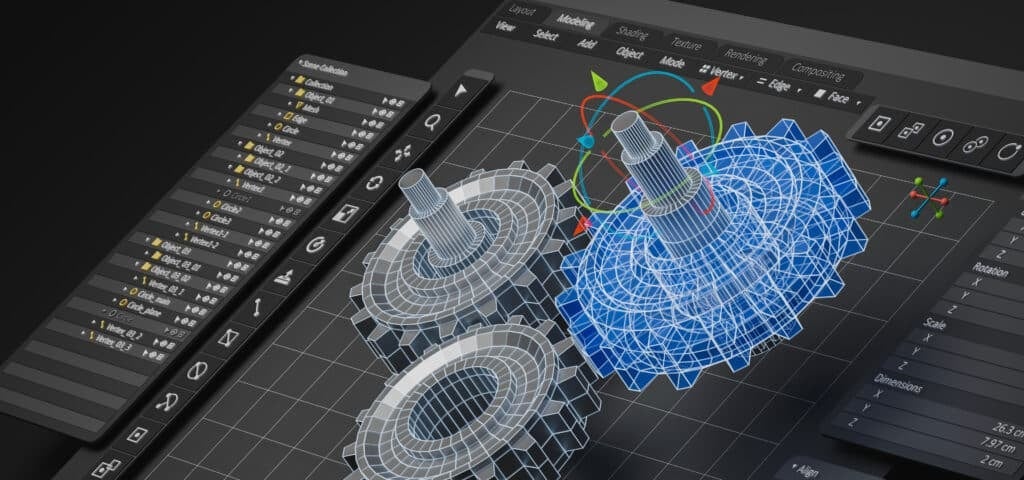
However, for both lattices and topology optimization, most of the times geometries are very complicated and in STL file format. The STL file format is made up of large number of facets, and it creates complications in the further processing, meshing and simulation of the model.
Hence, in this course, you will learn how to convert the STL geometry to solid using the Sub-D option in Ansys Discovery™ 3D product simulation software.
-
Cost: $450.00
- Course Duration: 1-2 HOURS
- Skill Level: Beginner
- Skills Gained: Ansys Discovery Modeling, STL to Solid Conversion, Lattice Infills
No reviews available for this learning resource.