Hey.
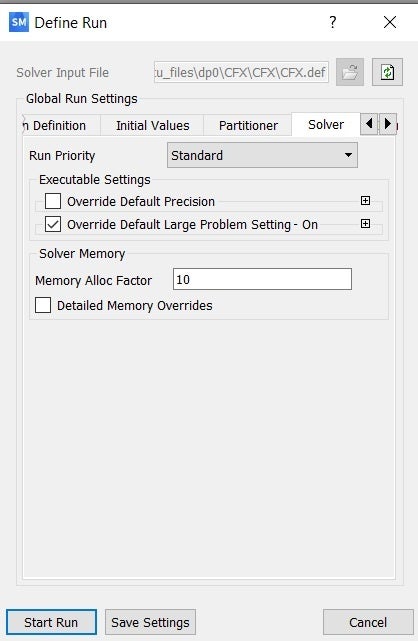
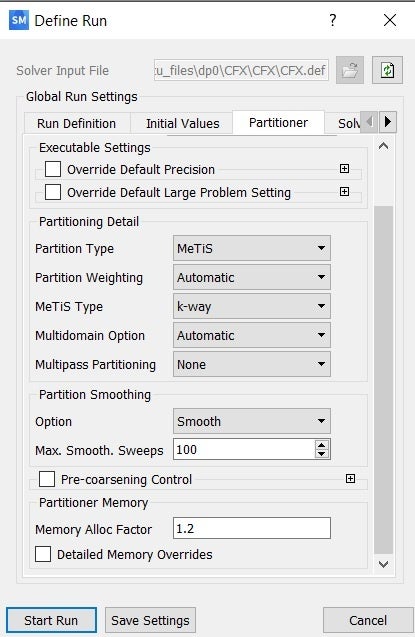
I'm working with Vista CPD, Turbo Grid and CFX. I created geometry of impeller and volute, than mesh of impeller in TG and mesh of volute in ansys meshing, set settings in CFX-Pre and every time, when I would like to run solution with parallel option I have this error:
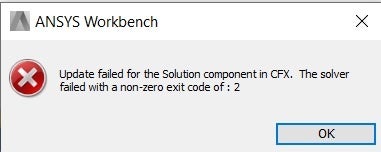
Update failed for the Solution component in CFX. The solver failed with a non-zero exit code of: 2
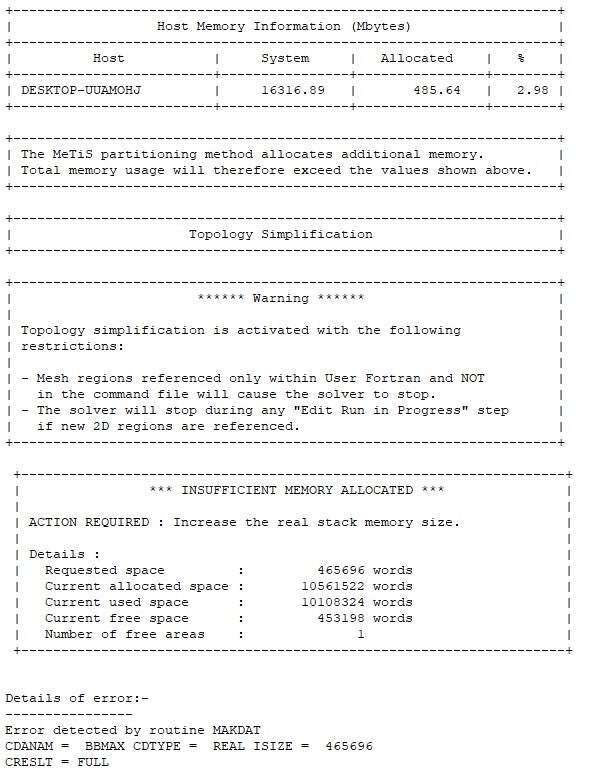
Details of error:-
----------------
Error detected by routine MAKDAT
CDANAM = XMAX CDTYPE = REAL ISIZE = 1048576
CRESLT = FULL
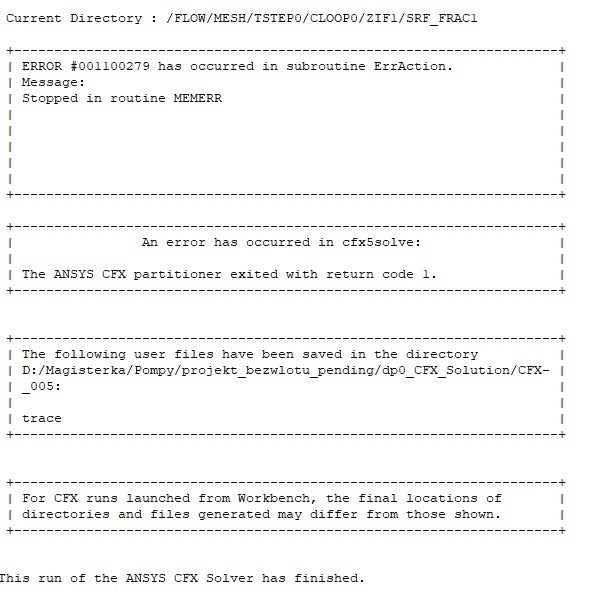
Current Directory : /FLOW/MESH/TSTEP0/CLOOP0/ZIF1/SRF_FRAC1
+--------------------------------------------------------------------+
| ERROR #001100279 has occurred in subroutine ErrAction. |
| Message: |
| Stopped in routine MEMERR |
+--------------------------------------------------------------------+
| An error has occurred in cfx5solve: |
| |
| The ANSYS CFX partitioner exited with return code 1. |
+--------------------------------------------------------------------+
That's strange, cuz using serial solution there is no problem with that, but it took too much time. Also when I've not selected Inlet Domain in Five-Edge Vertex Mesh Size Reduction parallel solution started.
Does somebody know any solution of that?
Regards


















 You are navigating away from the AIS Discovery experience