Ansys Assistant will be unavailable on the Learning Forum starting January 30. An upgraded version is coming soon. We apologize for any inconvenience and appreciate your patience. Stay tuned for updates.
Electronics

Electronics

Topics related to HFSS, Maxwell, SIwave, Icepak, Electronics Enterprise and more.

S21 results missing in 100GHz Metamaterial simulation with Floquet Ports

    • arakawa-taro-vj
      Subscriber

      Hello,

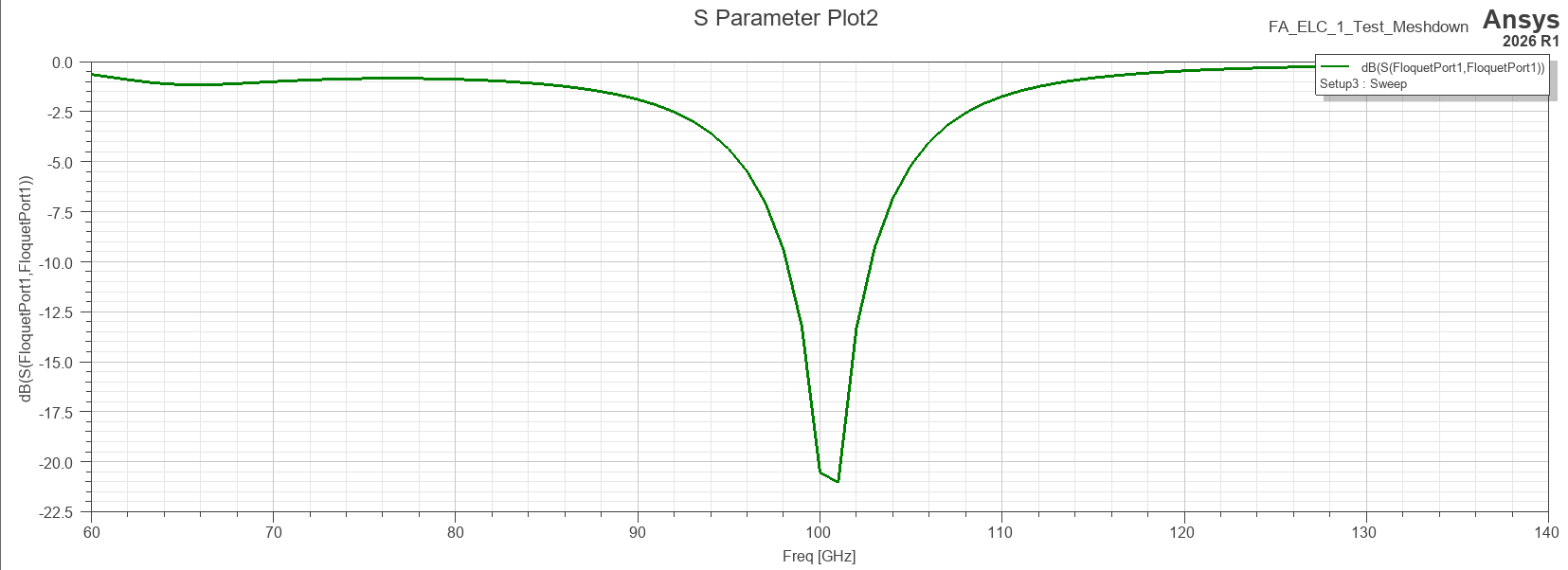
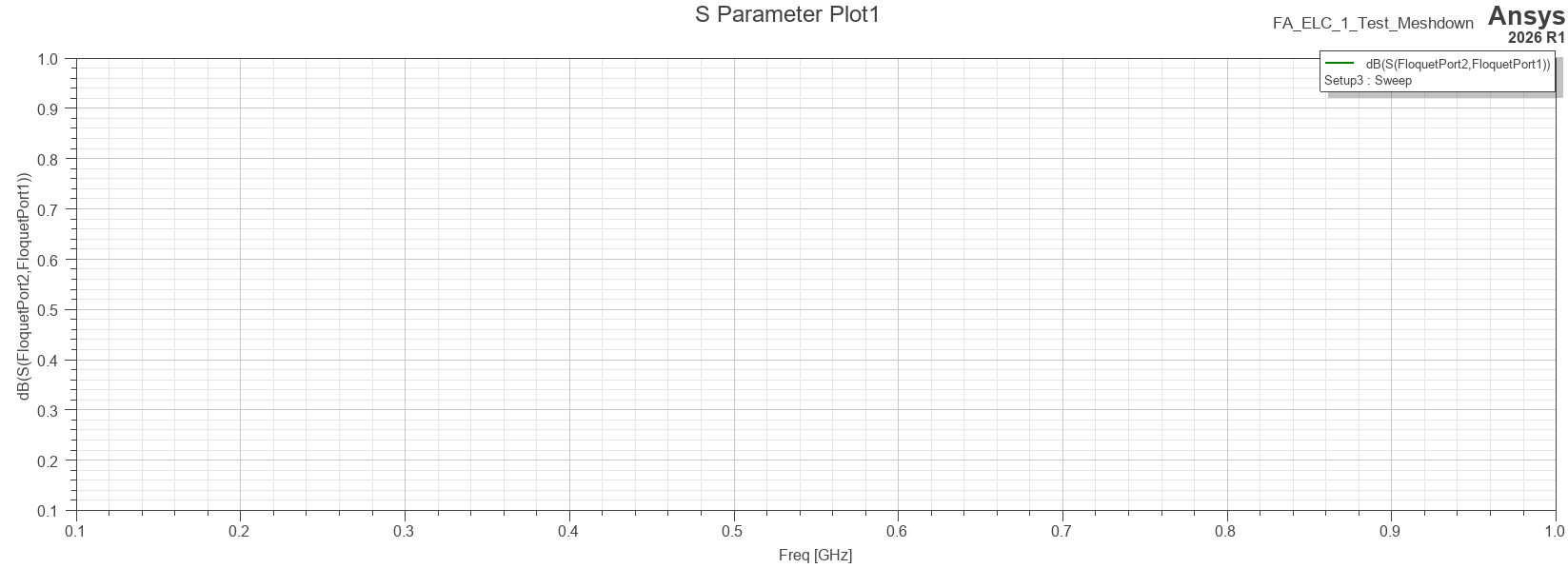
      I am a graduate student researching "Metamaterial Antenna-Integrated Quantum Well Optical Modulators" for the 100GHz band. I am currently facing an issue where S21 is not being output (or appears as zero) in my HFSS simulation, while S11 is plotted correctly.

      Simulation Setup:

      Frequency: 100GHz (W-band)

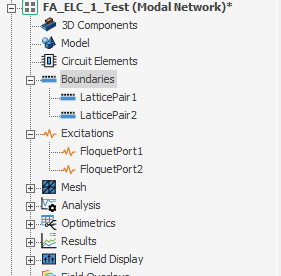
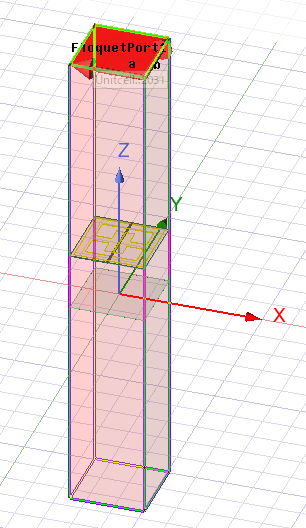
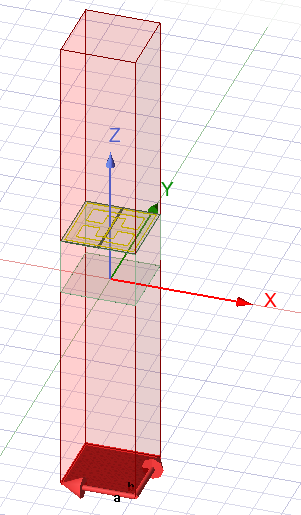
      Ports: Floquet Ports (Port 1 and Port 2)

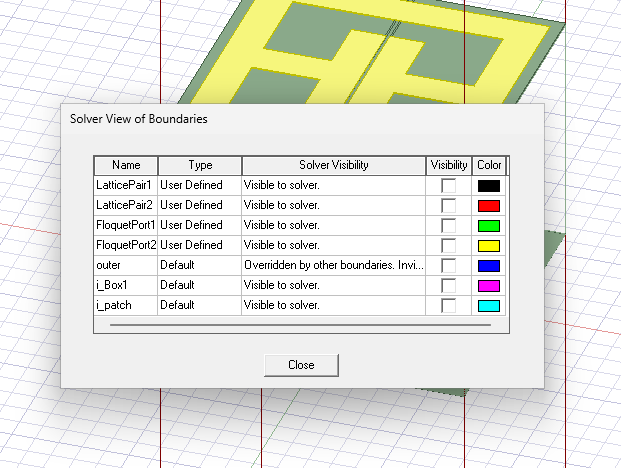
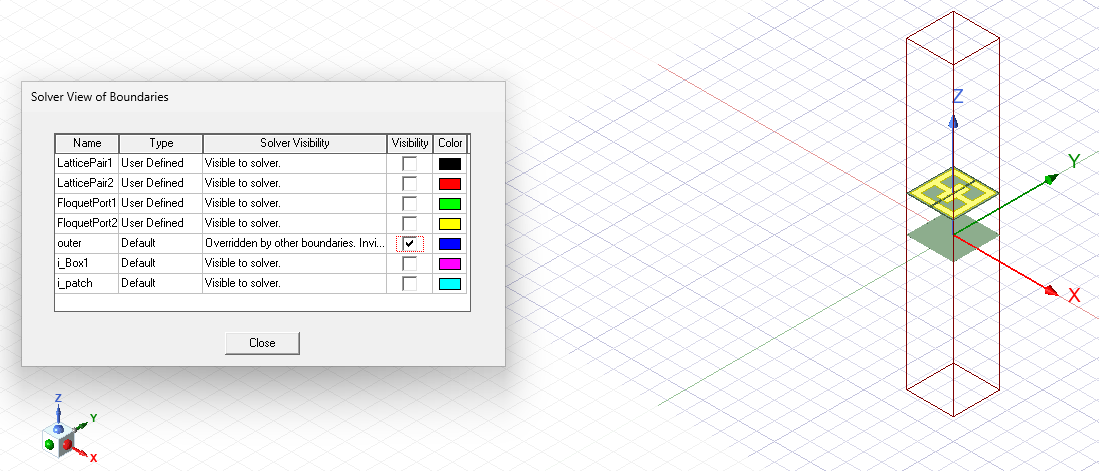
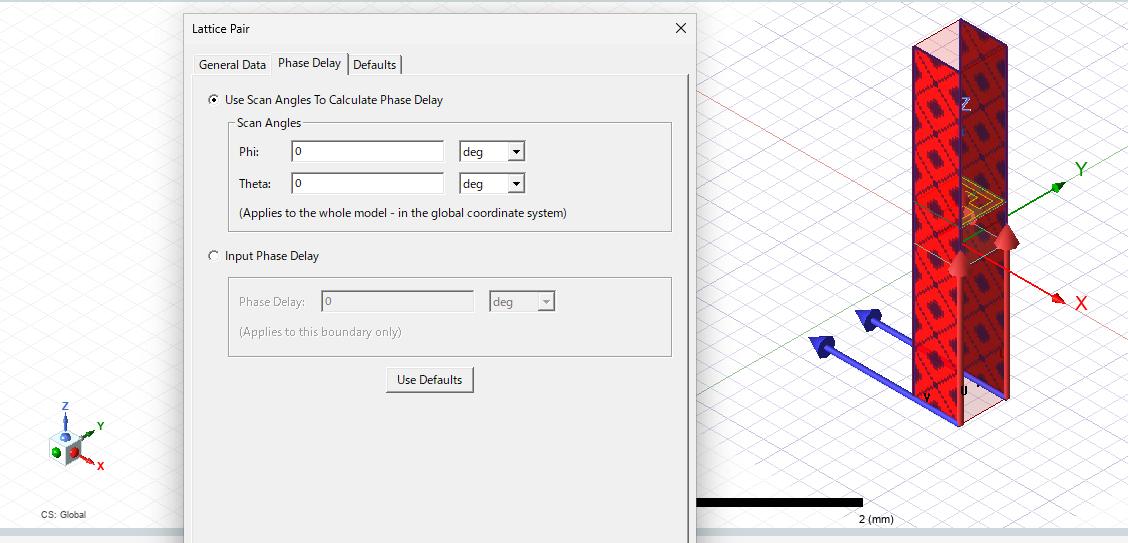
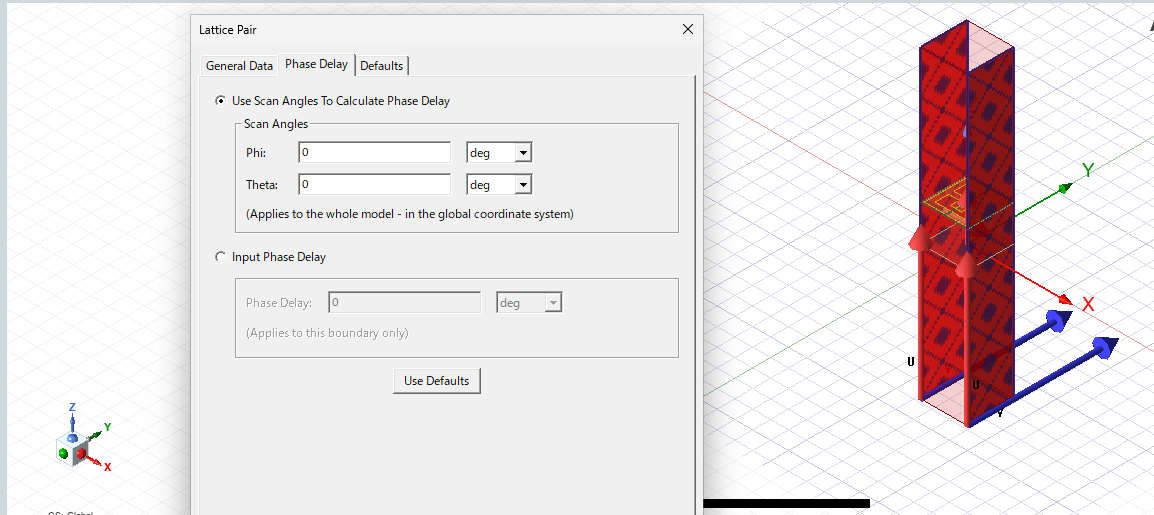
      Boundaries: Primary/Secondary (Master/Slave) Periodic Boundary Conditions

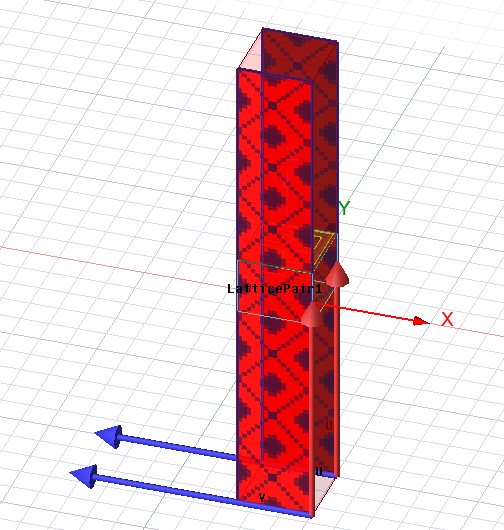
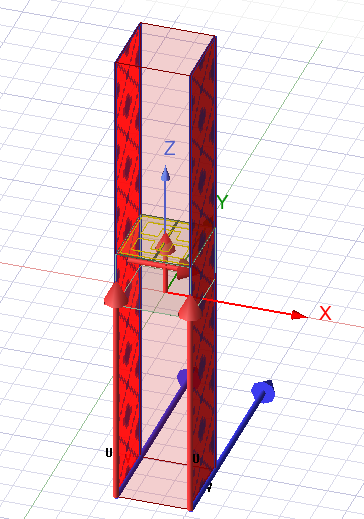
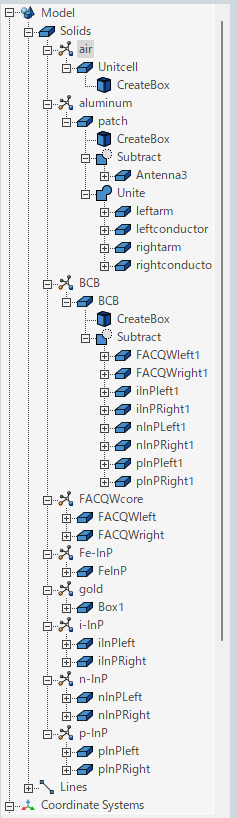
      Structure: A metamaterial resonator (Meta-atom) coupled with a semiconductor waveguide (FACQW core layer).

      Current Issue:
      Despite successfully running the analysis, only S11 data is available in the Results. S21 remains at zero or is missing from the plot options altogether.

      What I have tried:

      Benchmarking: I successfully reproduced the S-parameter results of a previous study using a similar setup with a Lithium Niobate (LN) substrate.

      Material Check: I suspected the high-dielectric waveguide might be the cause, but changing the waveguide material/dimensions did not resolve the missing S21 issue.

      Port Modes: I have checked that both Floquet ports have the same number of modes defined.

      Questions:

      Could this be an issue with the "Post Processing" mode setup in the Floquet port settings?

      Are there specific conditions where S21 is not calculated even if the simulation completes without errors?

      Could the polarization setup between the two ports be causing an orthogonality issue that nullifies the transmission?
       

    • Gia
      Ansys Employee

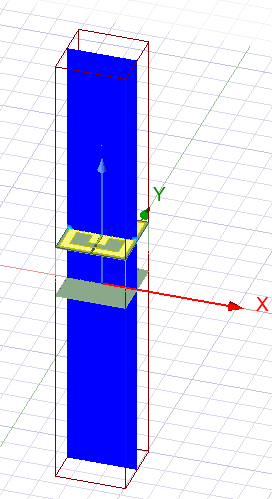
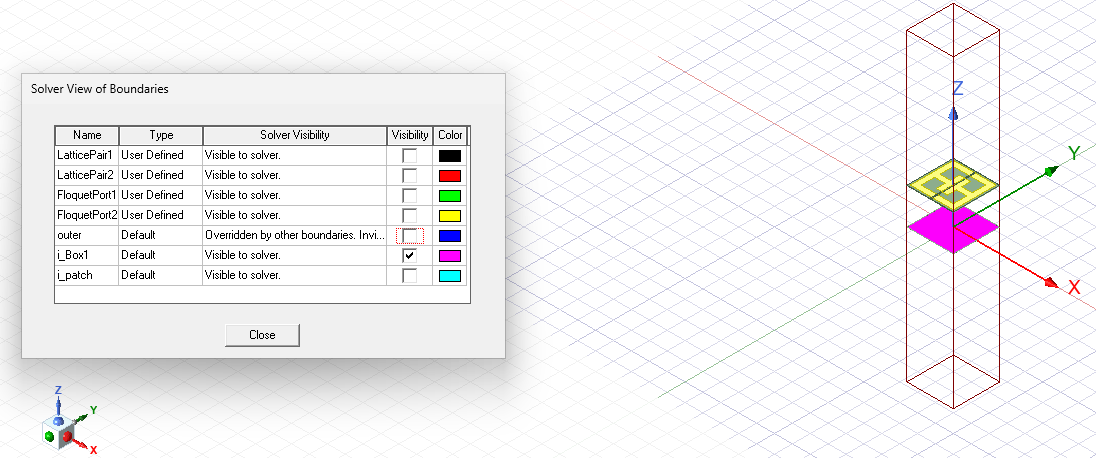
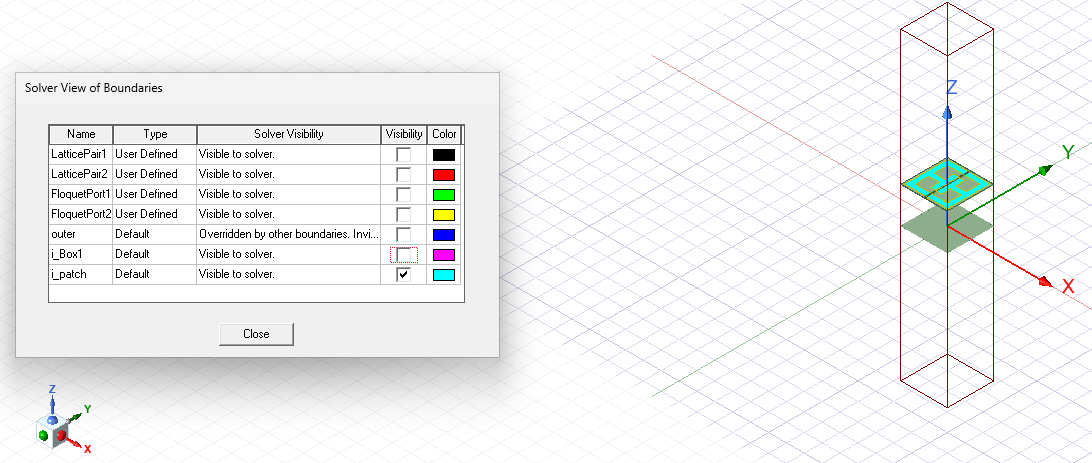
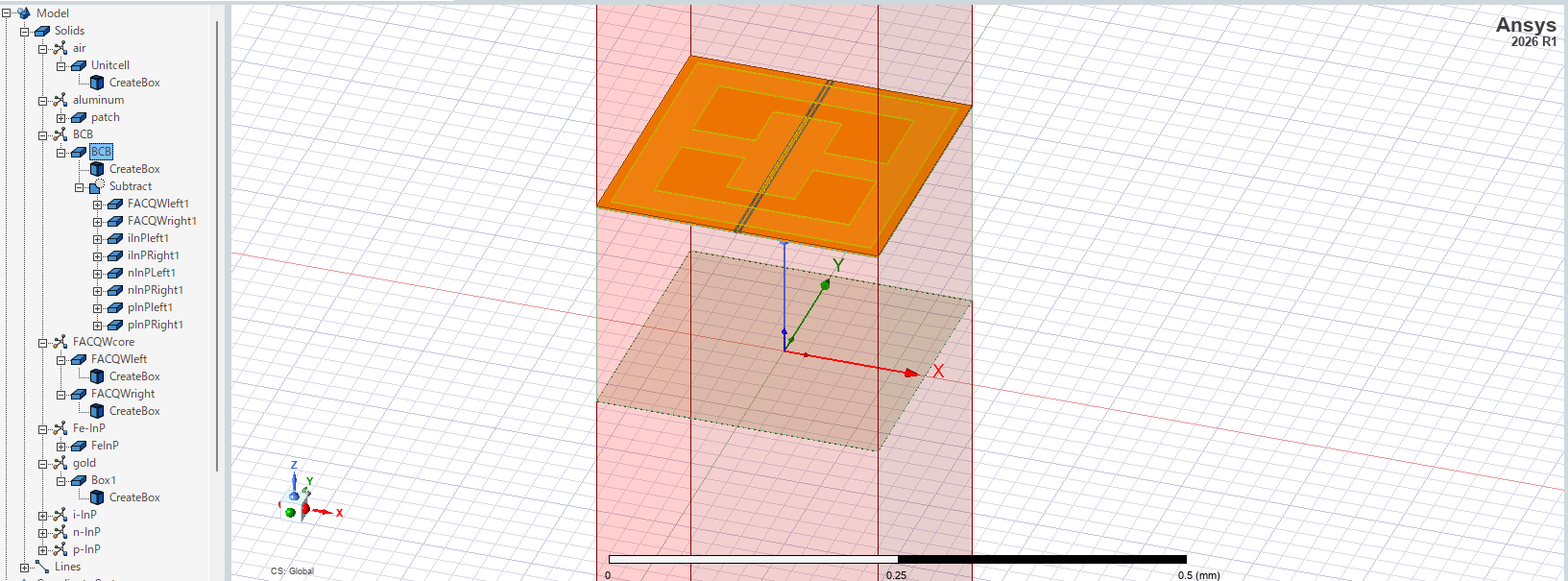
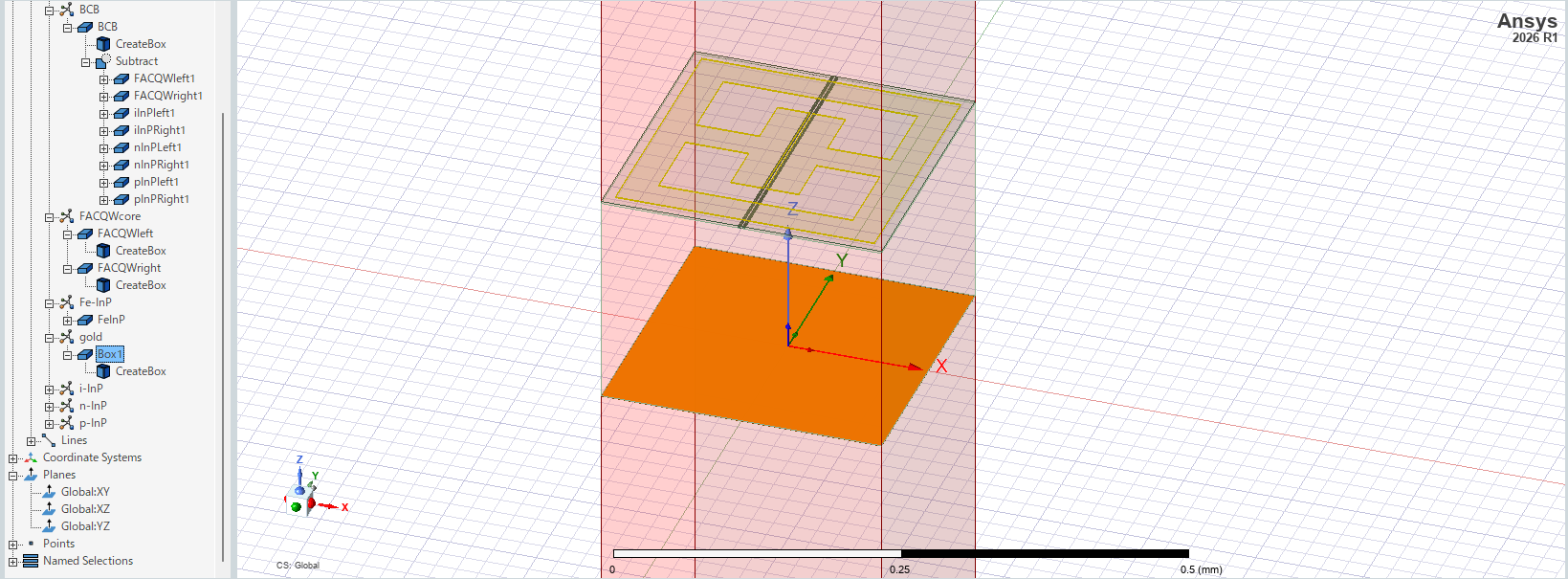
      What is the 2D square object centered at the [x,y,x] origin?

      To help debug, please select the XZ plane from the 'Planes' section of the model tree and then click [HFSS > Fields > Plot Fields > E > Mag_E]. - Do you see EM fields being plot thorughout the entire unit cell?

    • arakawa-taro-vj
      Subscriber

      Thank you for your response.
      When I plotted the XZ plane, the result looked like the figure below.
      Does this mean that the issue isn’t with the port, but rather that electromagnetic waves aren’t entering the device in the first place?

    • Gia
      Ansys Employee

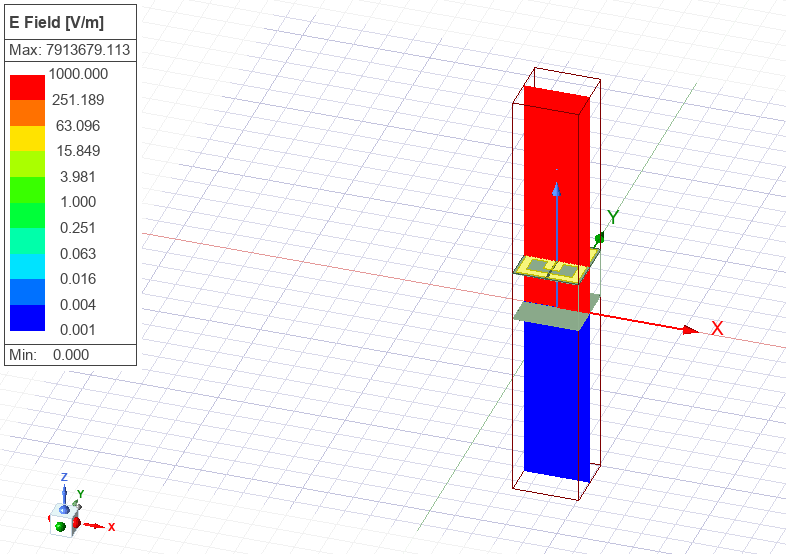
      Double-click on the colorbar in the plot legend - then adjust the min to 1e-3, the max to 1e3, and then set the scale from 'linear' to 'log'.

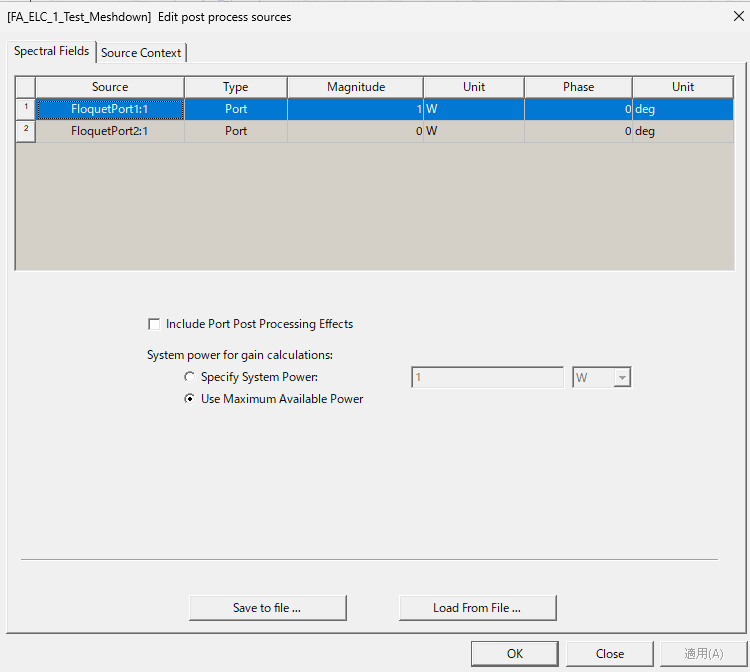
      You can also change which port is being excited in the field plots by right-clicking on 'Excitations' in the project tree and then selecting 'Edit Sources' - here you can scale the field plots based on the magnitude and phase being input into each port.

      What is the height of the air space modeled above the metamaterial structure? - There should be at least lambda/4 distance to allow the wave to propigate from the Floquet port.

    • arakawa-taro-vj
      Subscriber

      Thank you for your response.
      First, please see the graph below showing the electromagnetic field distribution on a logarithmic scale.
      As a fully passive device, do you think these results are reasonable?

      In addition, the command displayed via “Edit Source” is as follows.
      If the configuration specifies that 1 W of electromagnetic radiation is incident from port 1, this setting appears to be correct.

      The height of the air layer is 750 μm from the device surface, which is approximately one-quarter of the wavelength.

      If electromagnetic waves are being properly incident on Port 1, I believe Port 2 is the reason why S21 is not being output, but I have not yet found any evidence to support this.

    • Gia
      Ansys Employee

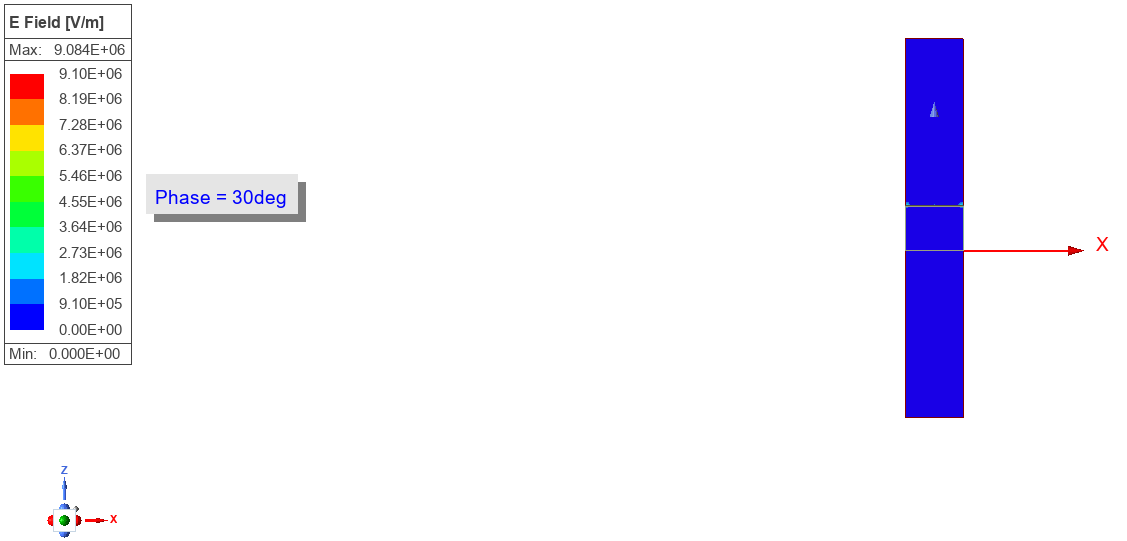
      Adjust the max of the scale to 1e7 to get a better view of the fields. - Right-click on the plot's name and select 'Animate' and then use the default options. - You should see how the fields propigate as a function of the input excitation's phase.

      Next - Change the edit sources setting so that you are only exciting port 2 - then view/animate the fields.

      What is the 2D square object centered at the [x,y,x] origin? - It looks like you have a sheet of metal there? - This would block any transmission across the structure...

    • arakawa-taro-vj
      Subscriber

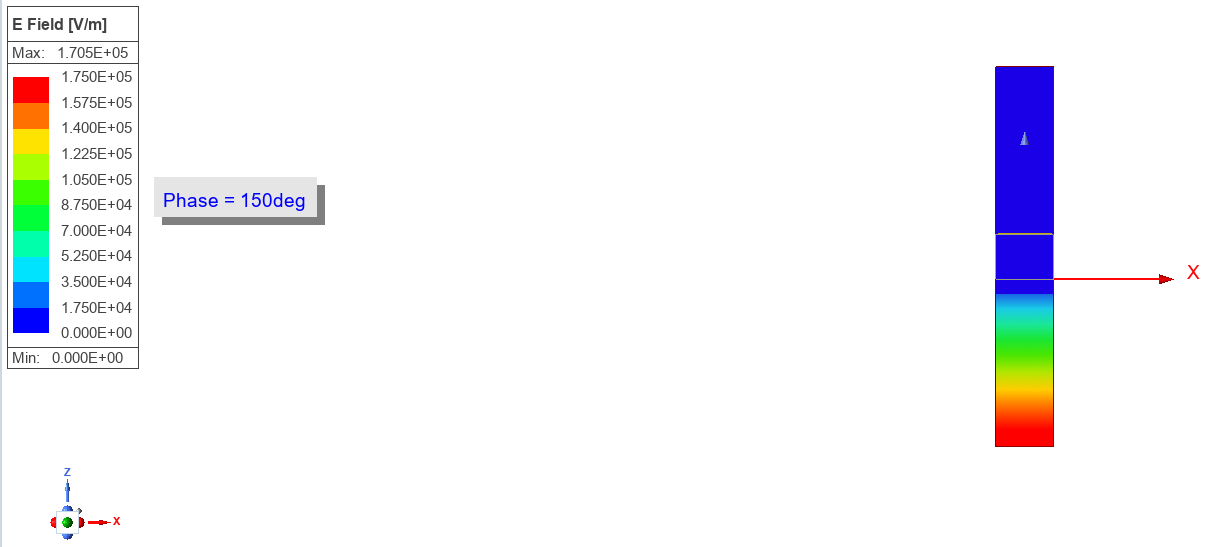
      First, when Port 1 is excited, the result is as shown in the figure below, with only the electromagnetic field near the antenna changing.

      Next, when Port 2 was activated, changes in the electromagnetic field were observed across the entire bottom surface of the device.

      Also, the green object near the origin is a 3D object made of an insulating film called BCB. Since it is not a metal, it is unlikely to be obstructing the light.

    • Gia
      Ansys Employee

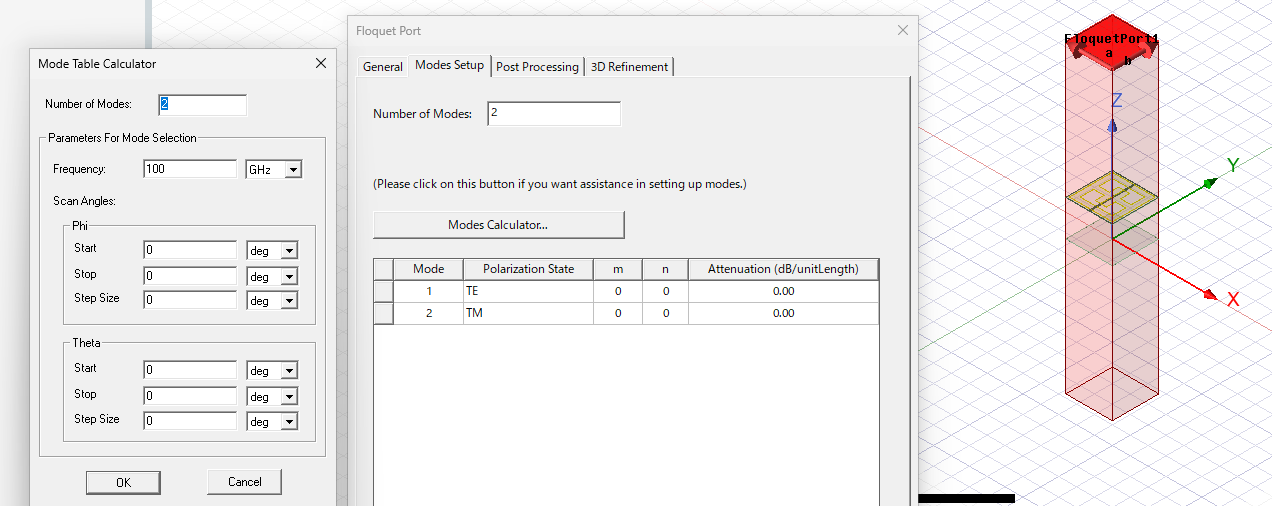
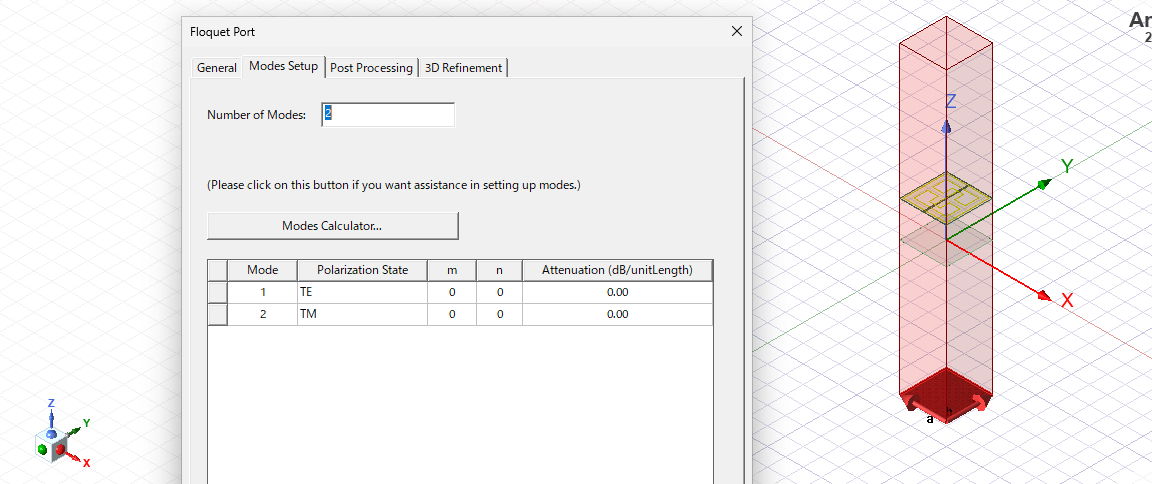
      It looks like you only have the Floquet ports set to solve for 1x single mode each. - So it is possible that you could be exciting the TE mode with one port and the TM mode with the other.

      Please review the HFSS help PDF regarding use of the floquet modes calculator (that is found within the floquet port settings UI) to make sure you are solving for all the possible modes that could propigate.

      Additionally, as a side note, I would reccomend taking some time to adjust the field plot bounds in order to get a better view of the field propigation. - Try to adjust both the upper and lower bounds so that neither the red nor blue extremes of the scale are saturating.

Viewing 7 reply threads
  • You must be logged in to reply to this topic.
[bingo_chatbox]