LS Dyna

LS Dyna

Topics related to LS-DYNA, Autodyn, Explicit STR and more.

LS DYNA Student version now is error?

    • Tiisora
      Subscriber

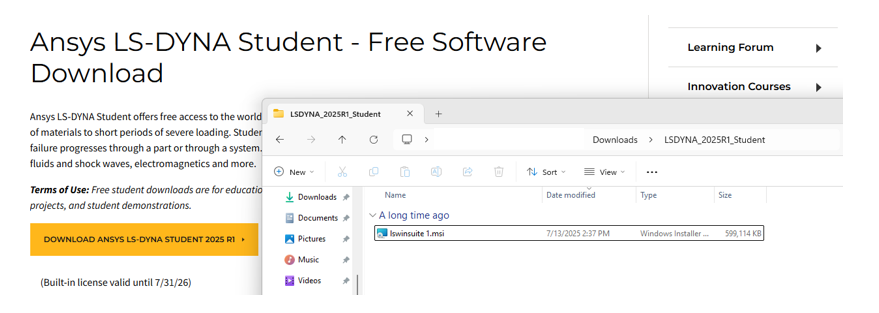
      For some reason, I re-downloaded the student version, but it seems to have an import error.

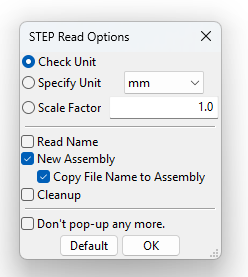
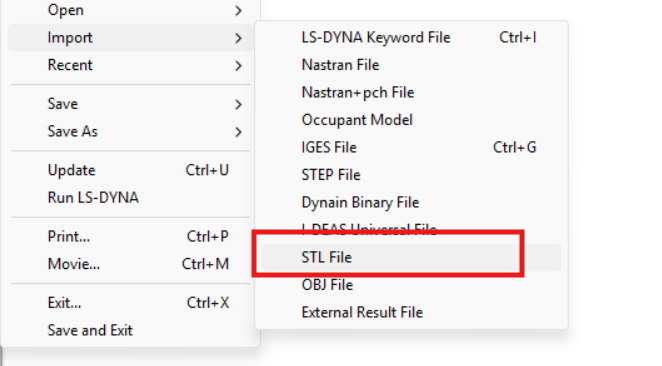
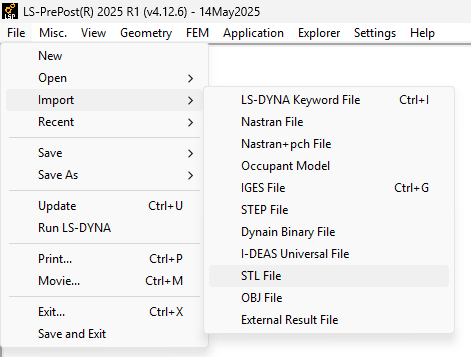
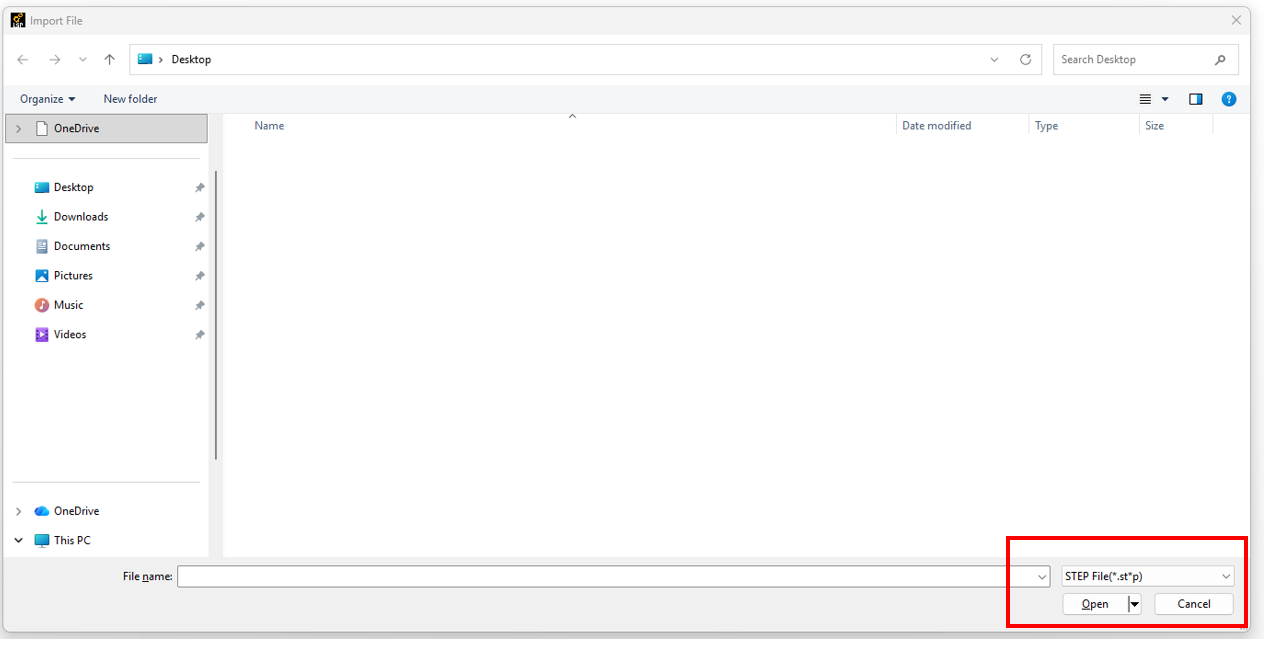
      I selected "Import STL file," but it showed as STEP. Selecting OBJ showed STL, and so on for other options.

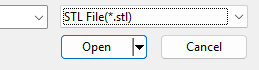
      However, when I switched back from STEP to STL, I still couldn't import the STL file.

      How can I fix now? and is there another way to import the file?

      I selected keyword -> include, but I still can't read the file.

      Please help me!! 
      Thank in advance!

    • Nanda
      Ansys Employee

      Hello User,

      Are you using LS-PrePost or Workbench LS-DYNA? Could you share the screenshot of the error? What version do you use? Please note that LS-DYNA under Workbench is not available at the moment; please follow this thread for more details: Is LSDYNA truly not available on student workbench

      3.1. File Menu

      Regards,

      Nanda.

      Introducing Ansys Assistant a 24/7 AI-powered virtual assistant for active Ansys academic customers.

      Have a look at our public help documentation website: Ansys Help

      For more exciting courses and certifications, hit this link: Ansys Innovation Courses | ANSYS Innovation Space

      Guidelines for Posting on Ansys Learning Forum

      • Tiisora
        Subscriber

        Hi Nanda,

        I am using  LS-PrePost 2025 R1 (v4.12.6).

        My act: File -> Import -> STL file.

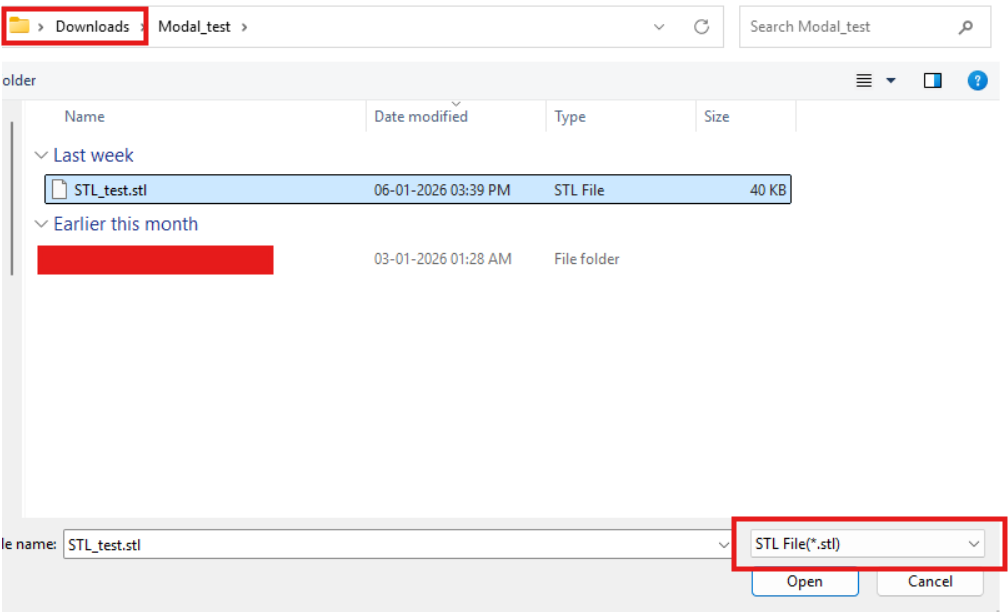
        A window appeared showing the file extension, which was in STEP format (*.st*p).

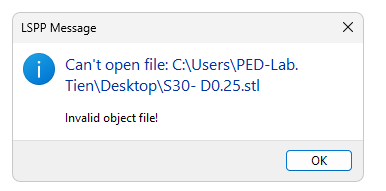
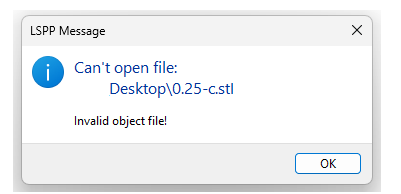
        After I changed it back to STL file (*.stl) and selected the file to import, the message that appeared was:

        When I press OK, LS PrePost also exit.


    • Nanda
      Ansys Employee

      Hello User,

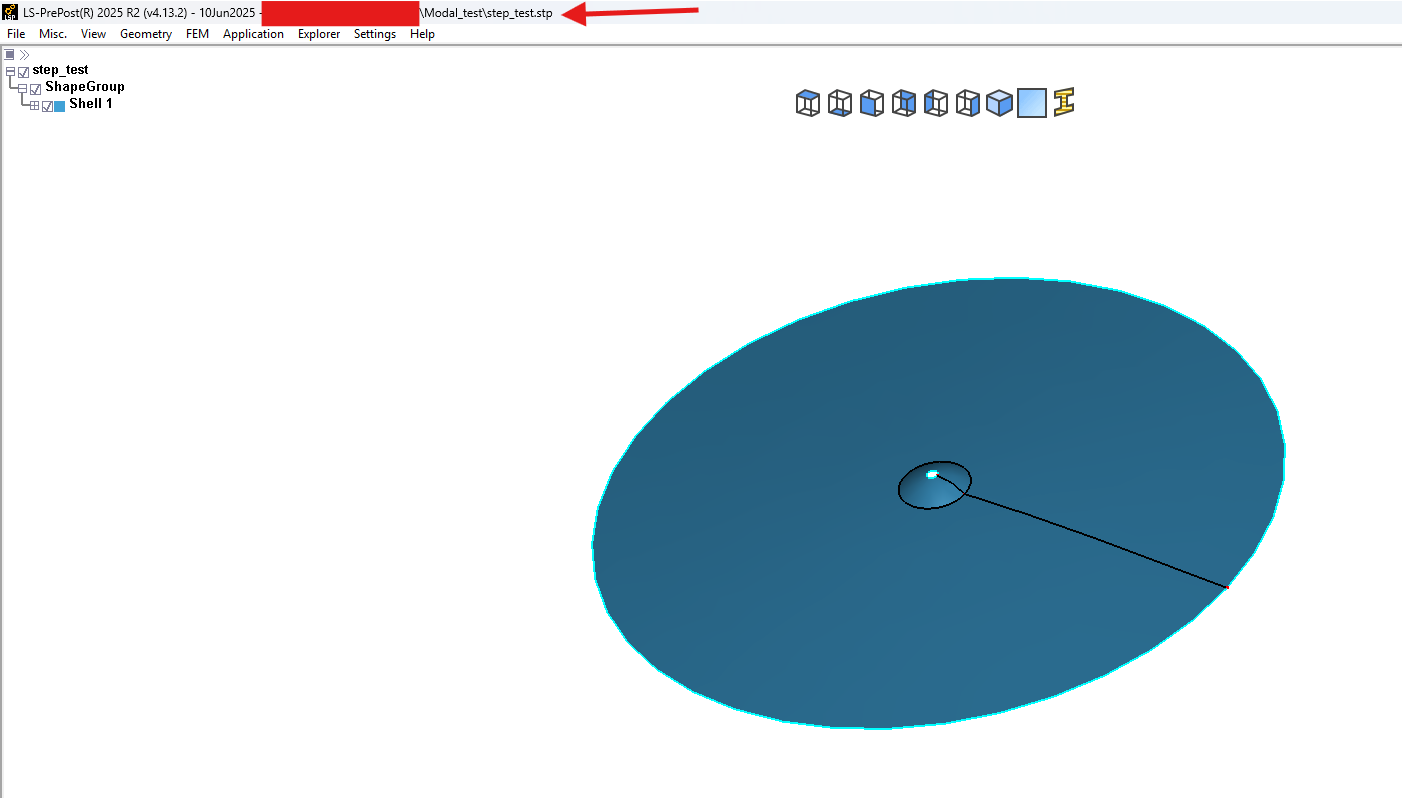
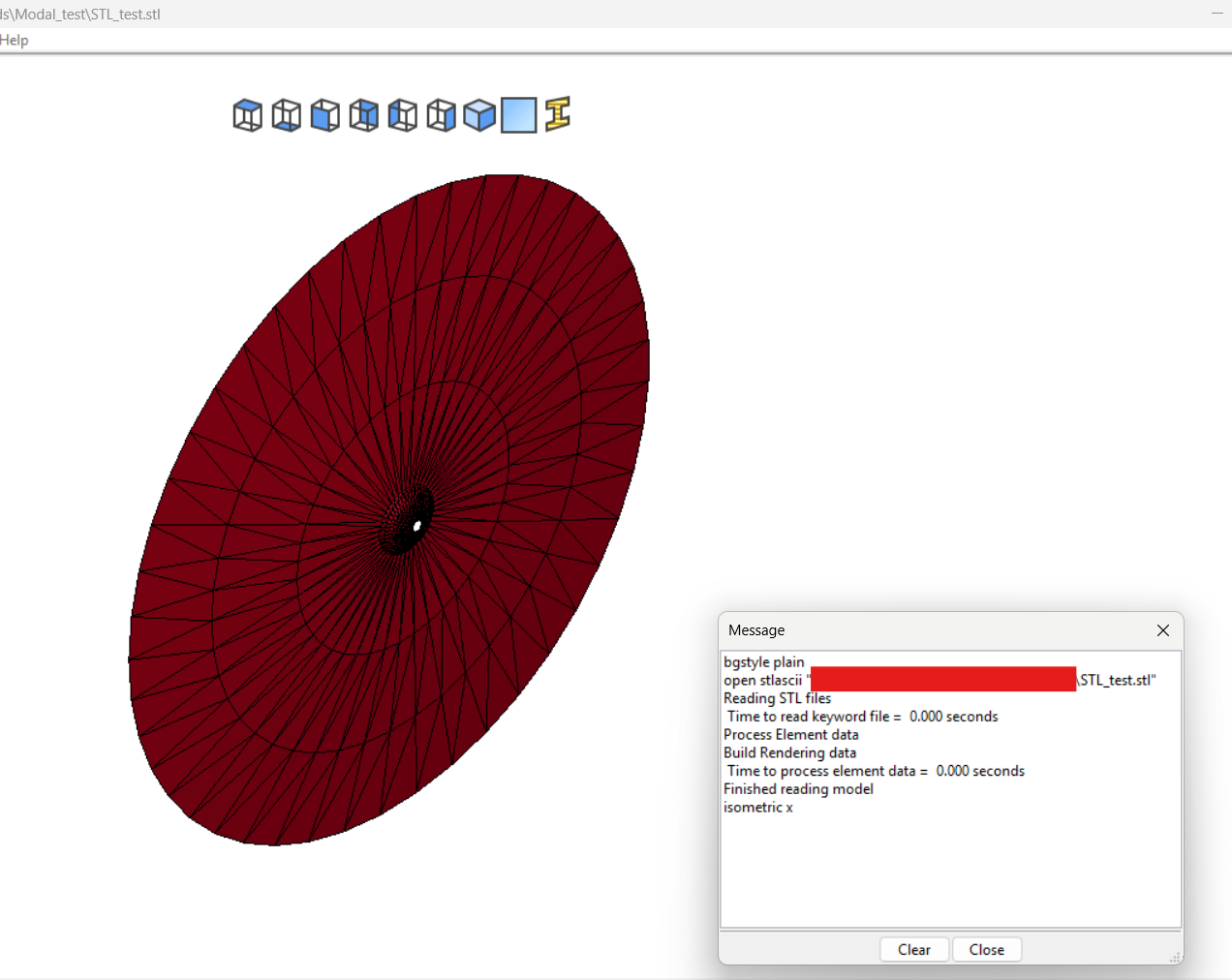
      Currently, I don't have 4.12.6, so I tested this in the 4.13.2 version. I'm unable to reproduce the issue. See below:

      I suspect something went wrong during your installation. Could you do a cleaner reinstallation again? If the issue persists, let me know.

      If you would like to upgrade, more recent LSPP versions can be found here: Index

      Best,

      Nanda

      • Tiisora
        Subscriber

        Hi,

        Sorry for replying late.

        You can check the video I recorded of my PC here:

        https://drive.google.com/file/d/1d7RU4e6AgP9OeC5YpxmeZDZpFpLfnD66/view?usp=drive_link

        I'm not sure.

        I have downloaded the software a few day ago. Your version is  4.13.2. is This version newer ?

        Thank you.

      • Tiisora
        Subscriber

        I just checked the video again,

        It looks a bit blurry when viewed in the website. Please download it if needed.

        Thanks.

    • Nanda
      Ansys Employee

      Also, could you clarify this statement: "After I changed it back to STL file (*.stl) and selected the file to import, the message that appeared was:"

      So, are you trying to convert a step file into an STL file within LS-PrePost? Does this pop-up come to you when you import a STEP file?

      Best,

      Nanda

Viewing 3 reply threads
  • You must be logged in to reply to this topic.