Ansys Assistant will be unavailable on the Learning Forum starting January 30. An upgraded version is coming soon. We apologize for any inconvenience and appreciate your patience. Stay tuned for updates.
General Mechanical

General Mechanical

Topics related to Mechanical Enterprise, Motion, Additive Print and more.

How to get the surface ID of a surface?

    • fan134
      Subscriber

      Hello everyone,

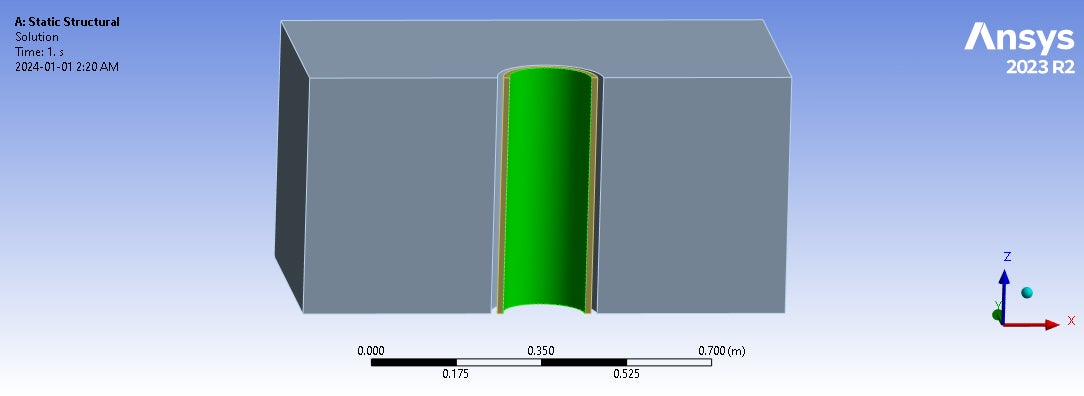
      Can anybody help me to find the surface ID of the green colored surface?

      Note: I tried to get surface ID from the worksheet but unfrotunately even after solving I couldn't access the worksheet!

    • Akshay Maniyar
      Ansys Employee

      Hi Faysal,

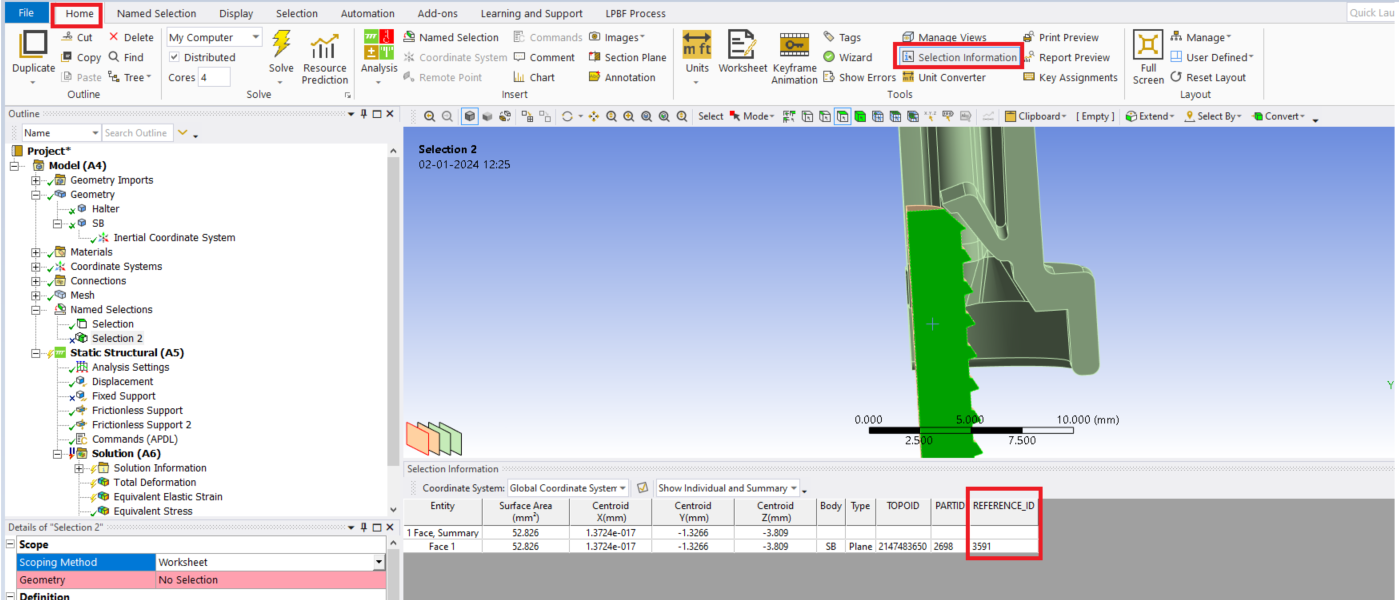
      You can try using 'selection information' under the Home tab.

      Thanks,

      Akshay Maniyar

    • ErKo
      Ansys Employee

      Hi 

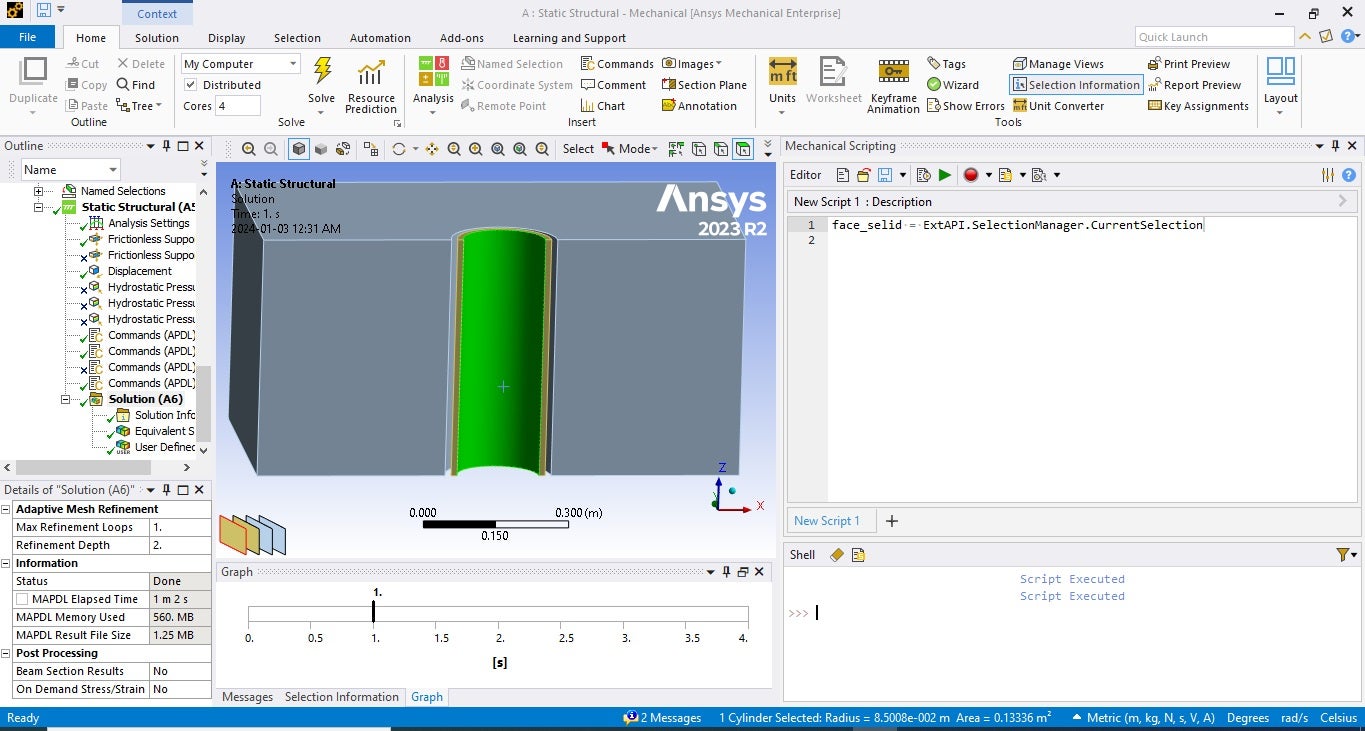
      Just in case you are scripting inside mechanical and need the face id, in that case it can be retrieved with the following method:

      face_selid = ExtAPI.SelectionManager.CurrentSelection

      https://discuss.ansys.com/discussion/1624/get-body-in-tree-from-selected-face

      All the best

      Erik

    • fan134
      Subscriber

      Dear Erik,

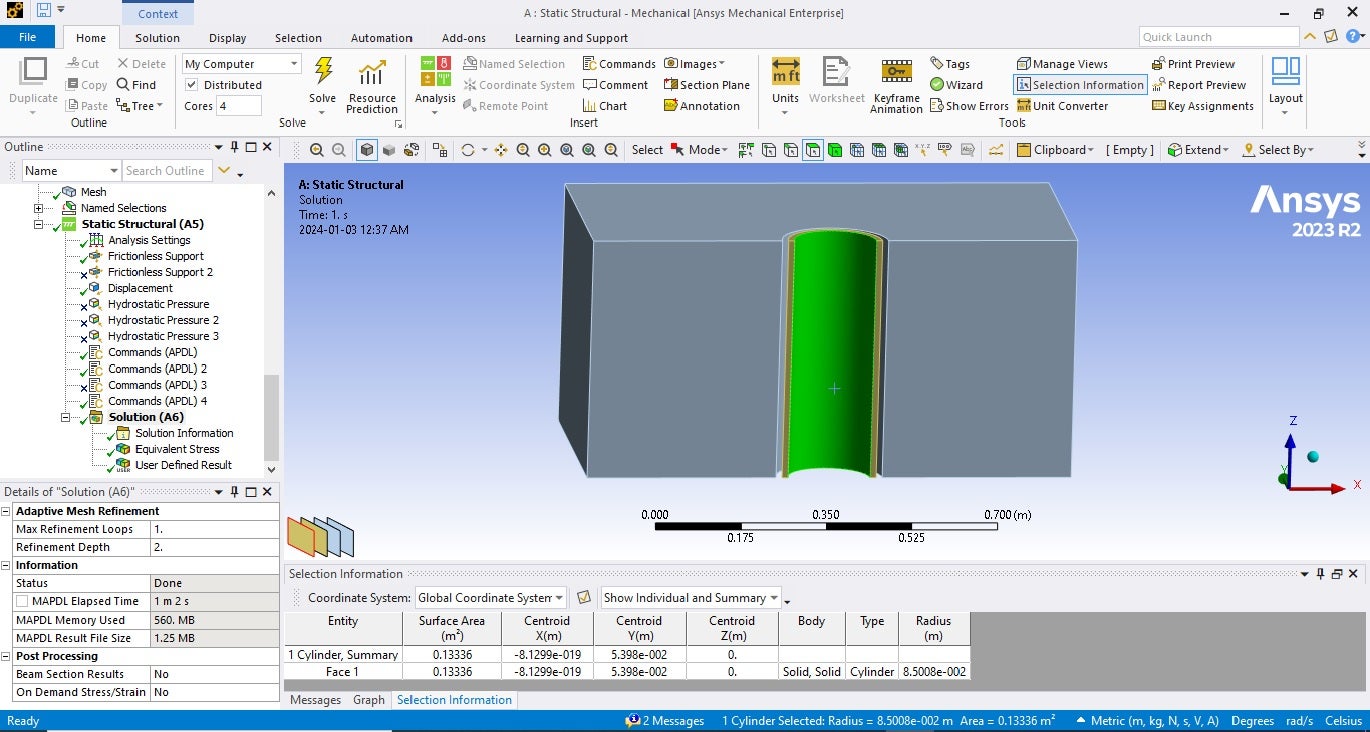
      Thank you so much for your reply. I tried using "selection information" even before posting here but it didn't give me the ID of that face. And I tried your script too. Unfortunately, it didn't give me the ID as well. I've attached the pictures. Please take a look.

      Can you suggest me any other way? Thanks in advance.


      Regards,

      Faysal


      • ErKo
        Ansys Employee

        Hi

        We need to activate beta options in workbench to see the surface id in the selection info.

        See how to do that:

        https://www.youtube.com/watch?v=nne64wg-w5g

        For the script:

        To see/print it (face id) in the script/shell window where it says "Script Executed", just add this:

        face_selid = ExtAPI.SelectionManager.CurrentSelection

        print(face_selid)

    • ErKo
      Ansys Employee


    • ErKo
      Ansys Employee

      closing this as this post might be useful for others having similar issue.


Viewing 5 reply threads
  • The topic ‘How to get the surface ID of a surface?’ is closed to new replies.
[bingo_chatbox]