Ansys Assistant will be unavailable on the Learning Forum starting January 30. An upgraded version is coming soon. We apologize for any inconvenience and appreciate your patience. Stay tuned for updates.
Ansys Products

Ansys Products

Discuss installation & licensing of our Ansys Teaching and Research products.

DesignModeler display issue. Can’t maximizie the work window.

    • shajie9981
      Subscriber

      Hi, everyone

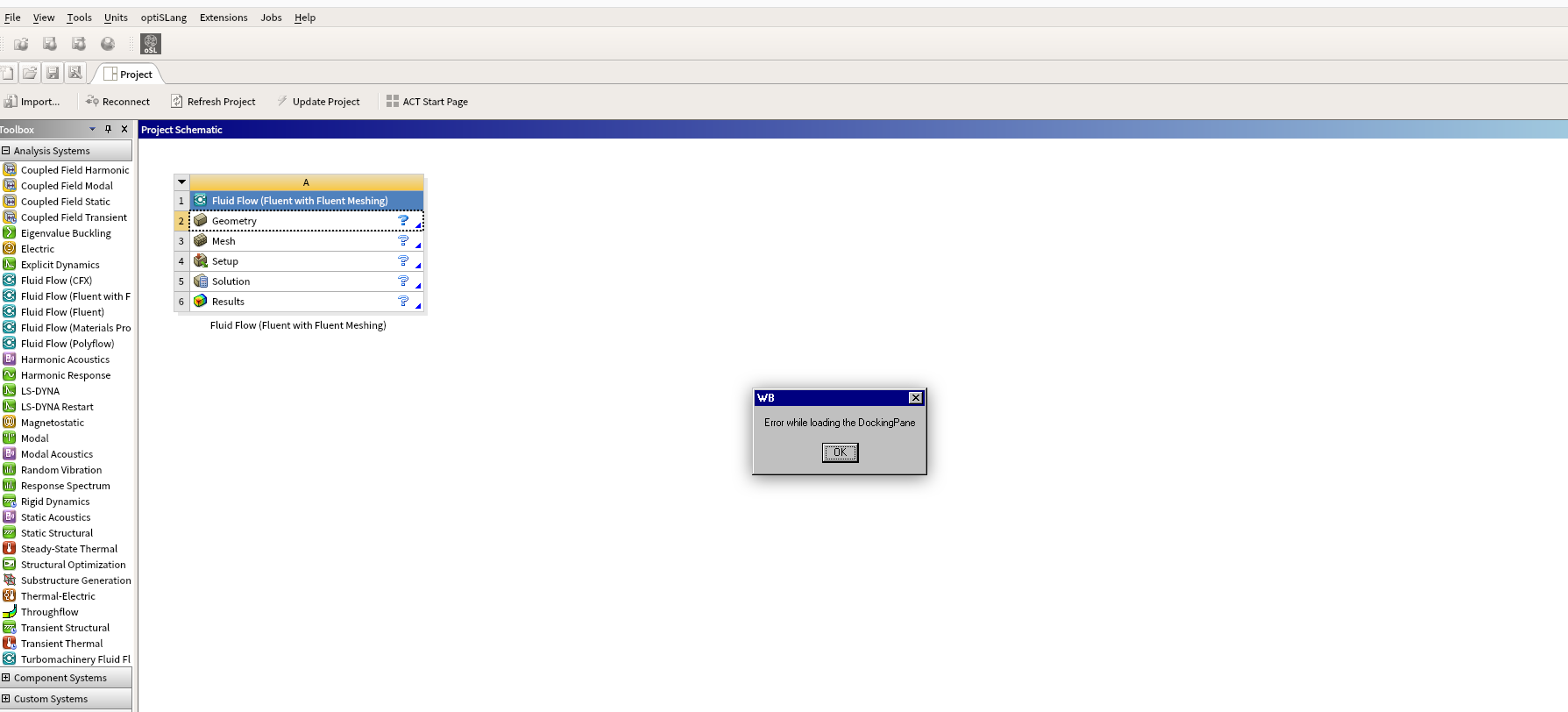
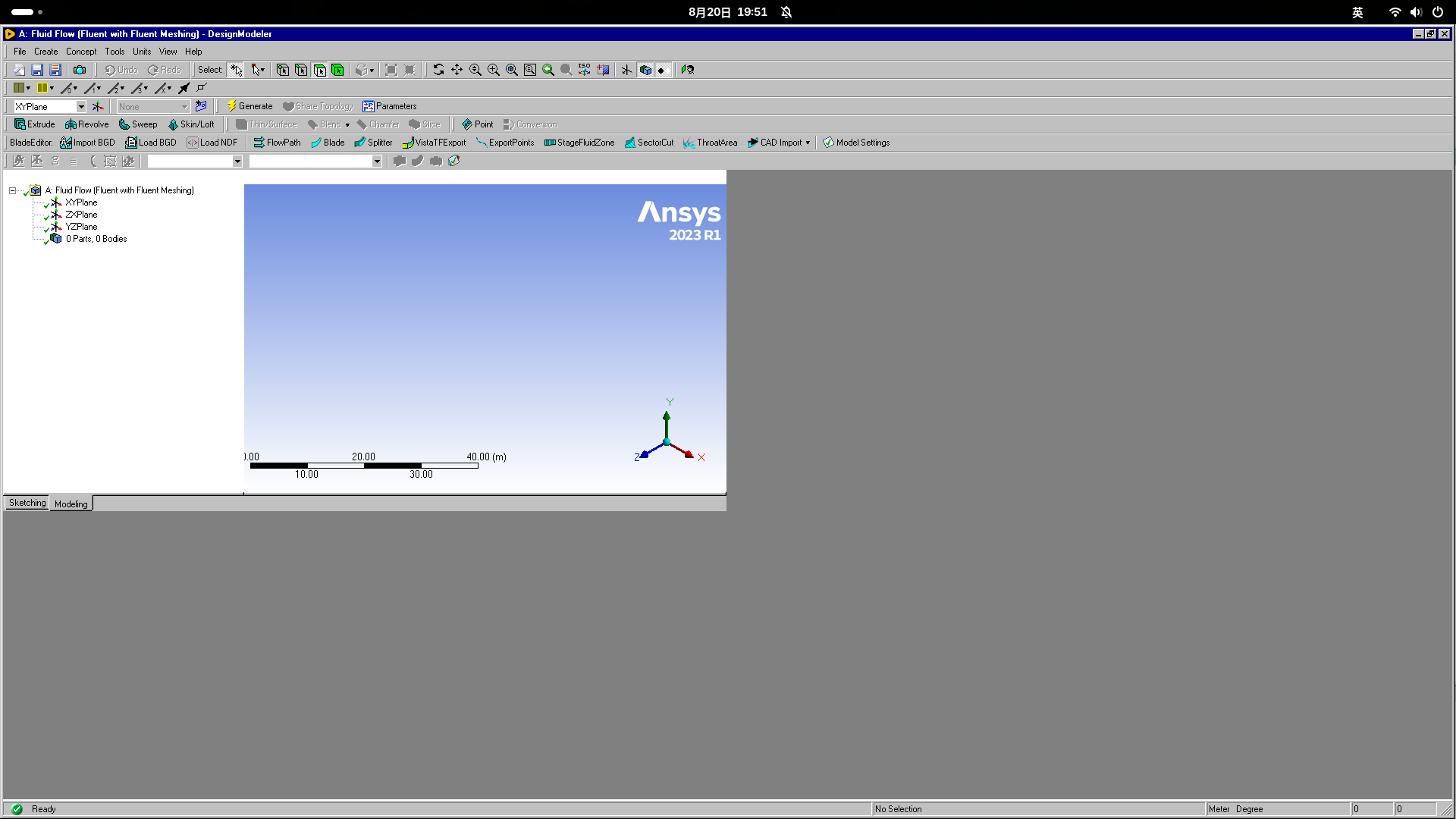
      I installed Ansys 2023 R1 on my Linux system. When I start DesignModeler from Workbench, it pops up a message: Error while loading DockingPane (Figure 1). After I got over it with ok, DesignModler runs with a weird graphic (Figure 2). I can't maximize the windows. I've searched some similar problems and tried to set a compatible DPI with Workbench, but I don't know the setting command in the Linux system. 

      Could anyone tell me how to fix it? Any help would be appreciated!

    • Omkar Pawar
      Ansys Employee


      Hi 

      Please check with reset layout option. It can be accessed through View >> Windows >> Reset Layout. 

      This option may not be there as your blade modeler seems to be active. Please disable it from Tools >> Option >> BladeModeler Licensing No. 

      Kindly restart the design Modular session after these changes.


      • shajie9981
        Subscriber

        Hi, Omkar

        Thanks for your help.

        I reset the BladeModeler and layout option as your suggestions and restarted the DesignModular, but the graphic window still can't maximize.

        I've been searching for solutions in those days. Could it be an OpenGL issue or a Qt issue?

        Again, it was very appreciated for your help.

    • Omkar Pawar
      Ansys Employee


      If the reset is not helpful, then it could be an issue due to computer resolution. Please check the display setting of the computer. Check by increasing the scale or by selecting appropriate resolution.


      • shajie9981
        Subscriber

        Thank you for the help, but still can't work...

Viewing 2 reply threads
  • You must be logged in to reply to this topic.
[bingo_chatbox]