TAGGED: ale
-
-
February 11, 2026 at 3:59 am
gl6fp
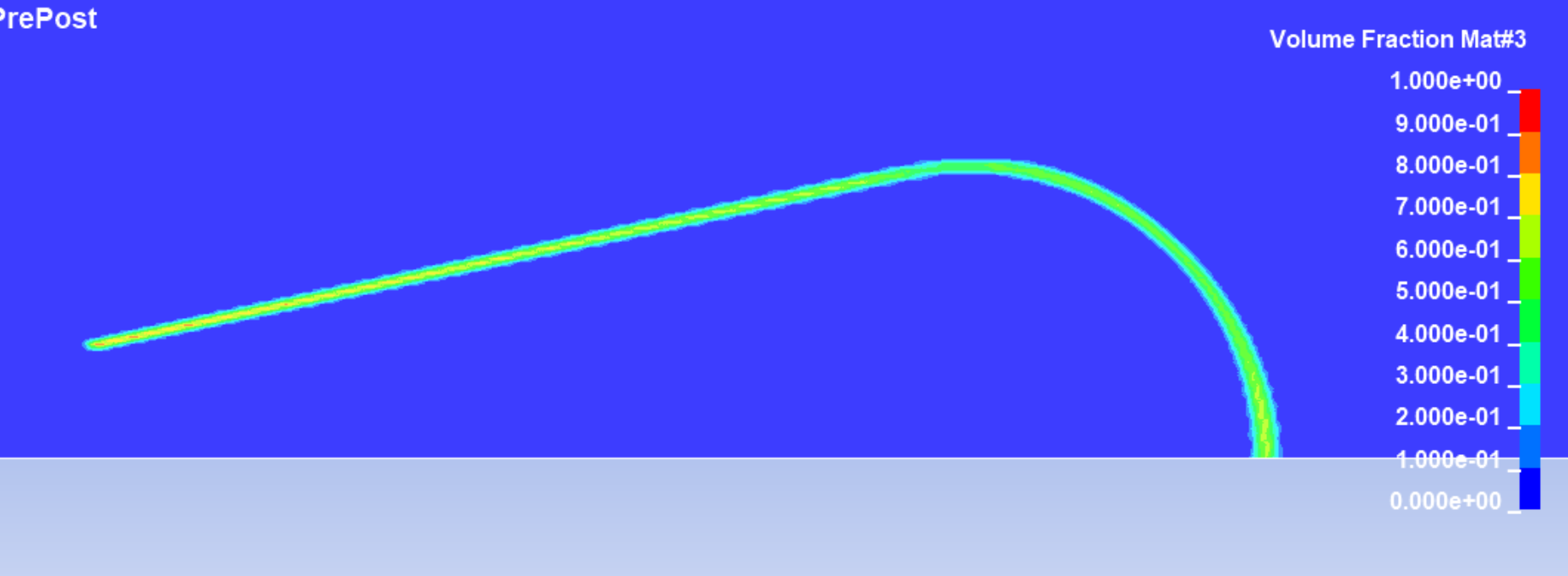
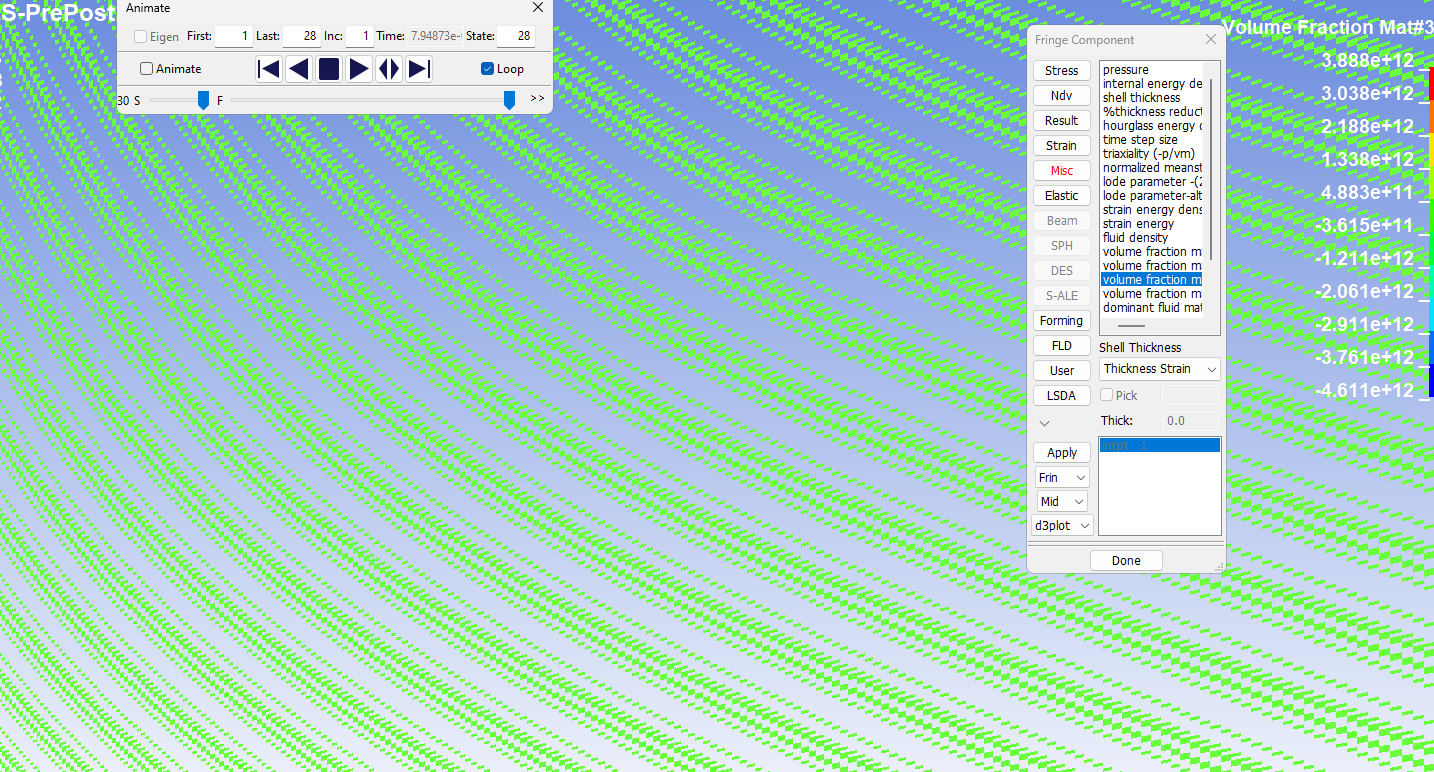
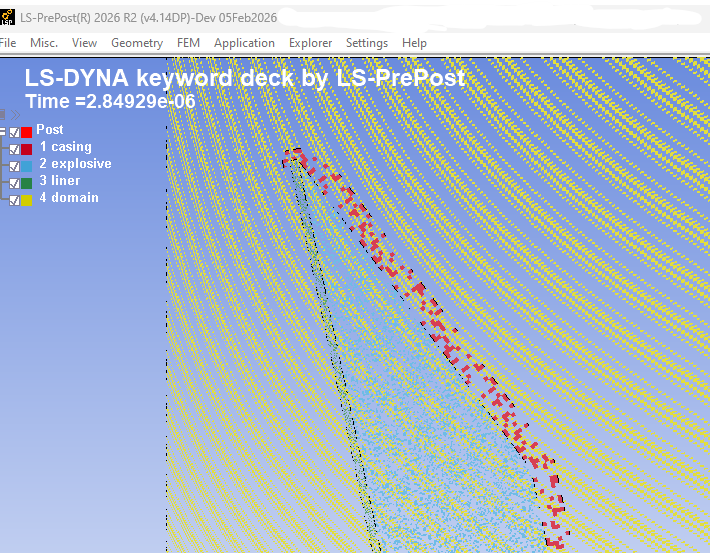
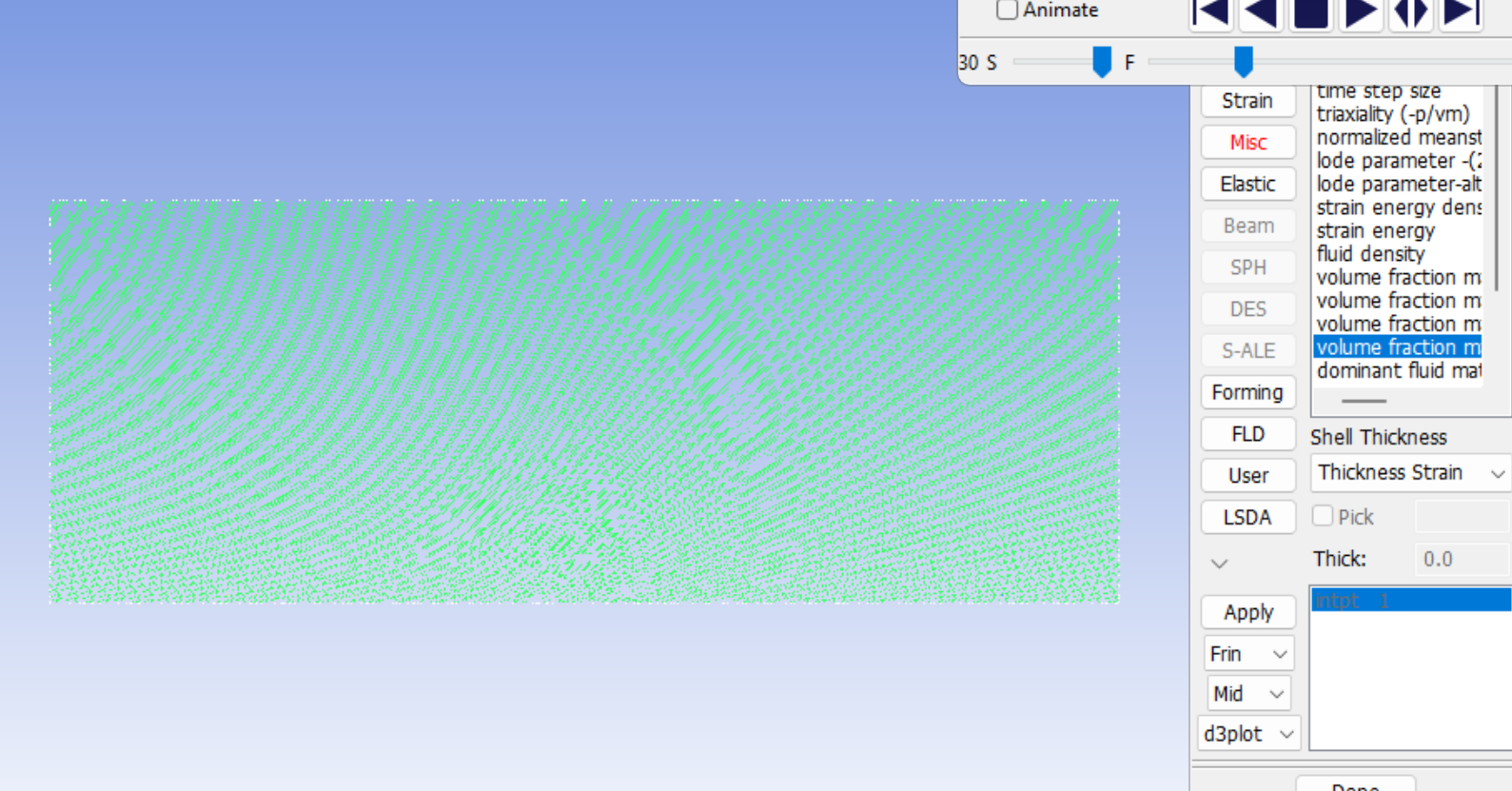
SubscriberAThe first d3plot looks fine, but every one after the first one starts looking like this. I have tried resaving folders, or doing the setup again froms scratch. Is it a mesh issue?Â
I exported Ansys workbench mesh as .k file, then opened in prepost to run. It was working fine, then i made a mesh refinement and did the same thing, now regardless what i do, when i open the post, the plots look like this. As if the index of the mesh cells got messed up or something. I have plotted graphs of energy etc, so my simulation is definitely not blowing up to cause this.
ALE axisymmetric no Lagrange bodies.
Does anyone know what is going on? Any help would be appreciated! -

February 11, 2026 at 7:05 am
Nanda
Ansys EmployeeÂ
Hello User,
Where do you do the mesh refinement? LSPP? or Ansys workbench?
May be this discussion will be of help: https://innovationspace.ansys.com/forum/forums/topic/how-to-change-the-display-style-of-the-pressure-contour-map/
Regards,
Nanda.
Introducing Ansys Assistant a 24/7 AI-powered virtual assistant for active Ansys academic customers.
Have a look at our public help documentation website: Ansys Help
For more exciting courses and certifications, hit this link: Ansys Innovation Courses | ANSYS Innovation Space
Guidelines for Posting on Ansys Learning Forum
Â
-
February 11, 2026 at 8:51 pm
-
February 11, 2026 at 8:54 pm
-
February 11, 2026 at 9:32 pm
Nanda
Ansys EmployeeHello,
What is the date of the LSPP version? Have you tried it with the latest LSPP 4.13 or 4.14? If it doesn't help you, you may want to try to delete your LSPP configuration file, supposing it is the Windows platform, with the following steps:
- Close all sessions of LS-PrePost.
- Enter %appdata% in the Windows Explorer address bar.
- Go to LSTC/LS-PrePost4.XX/Â
- Delete everything.
Additionally, are you running LSPP remotely or locally? Windows or Linux platform?
The latest LSPP can be found here: Index
Best,
Nanda
-
February 11, 2026 at 9:43 pm
gl6fp
SubscriberI have been using 4.10. Workbench 2024R1. It is through AppsAnywhere with my school, so do I have to ask them to upgrade it? Windows platform. I was confused as before mesh refinement it was working fine and displaying correctly.Â
-
February 11, 2026 at 9:47 pm
Nanda
Ansys EmployeeYeah, it's really difficult to know what's causing the issue. So any defects in the 4.10 version might have been fixed in the recently released one. Worth a try!
I don't think you might need AppsAnywhere for this. You can download and install it. If your school firewall prevents you from doing so, please check with concerned faculty/staff.
Best,
Nanda
-
February 11, 2026 at 9:57 pm
-
February 13, 2026 at 12:07 am
gl6fp
SubscriberI have figured out, it is due to the mesh I imported from workbench. I do not know why it did not like it, maybe because the scale factor was too big, but once I started using the structured ale mesh as the background, it now works.Â
-
February 13, 2026 at 6:17 am
Nanda
Ansys EmployeeAwesome,
Thanks for letting us know!
-
- You must be logged in to reply to this topic.
-
5159
-
1836
-
1387
-
1249
-
1021
© 2026 Copyright ANSYS, Inc. All rights reserved.