My team and I recently recieved thermal desktop licenses but are having trouble getting the software to work. Following both (on different computers) the 2024R2 and 2025R1 thermal desktop installation guide, AutoCAD boots, but crashes once a thermal desktop ribbon button is pressed, giving the following error. 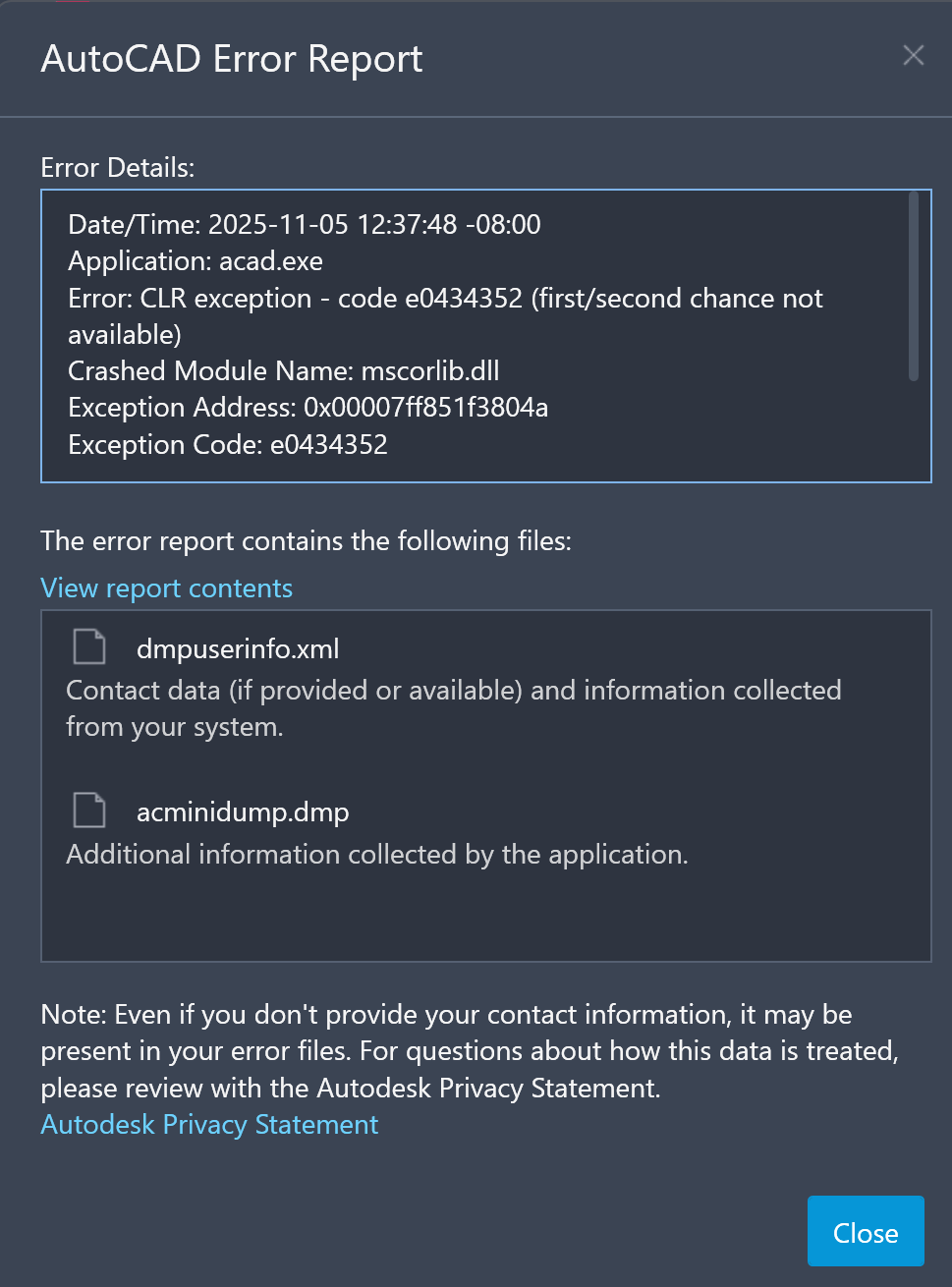
My main suspect is the license not properly being checked out from the licensing server, as this error can be replicated even when a connection to the licensing server is not established. When connected to the license server, the licensing settings displays the green check mark next to the "test" button, indicating a connection, as seen below. This connection has also been verified in terminal using the "ping" command.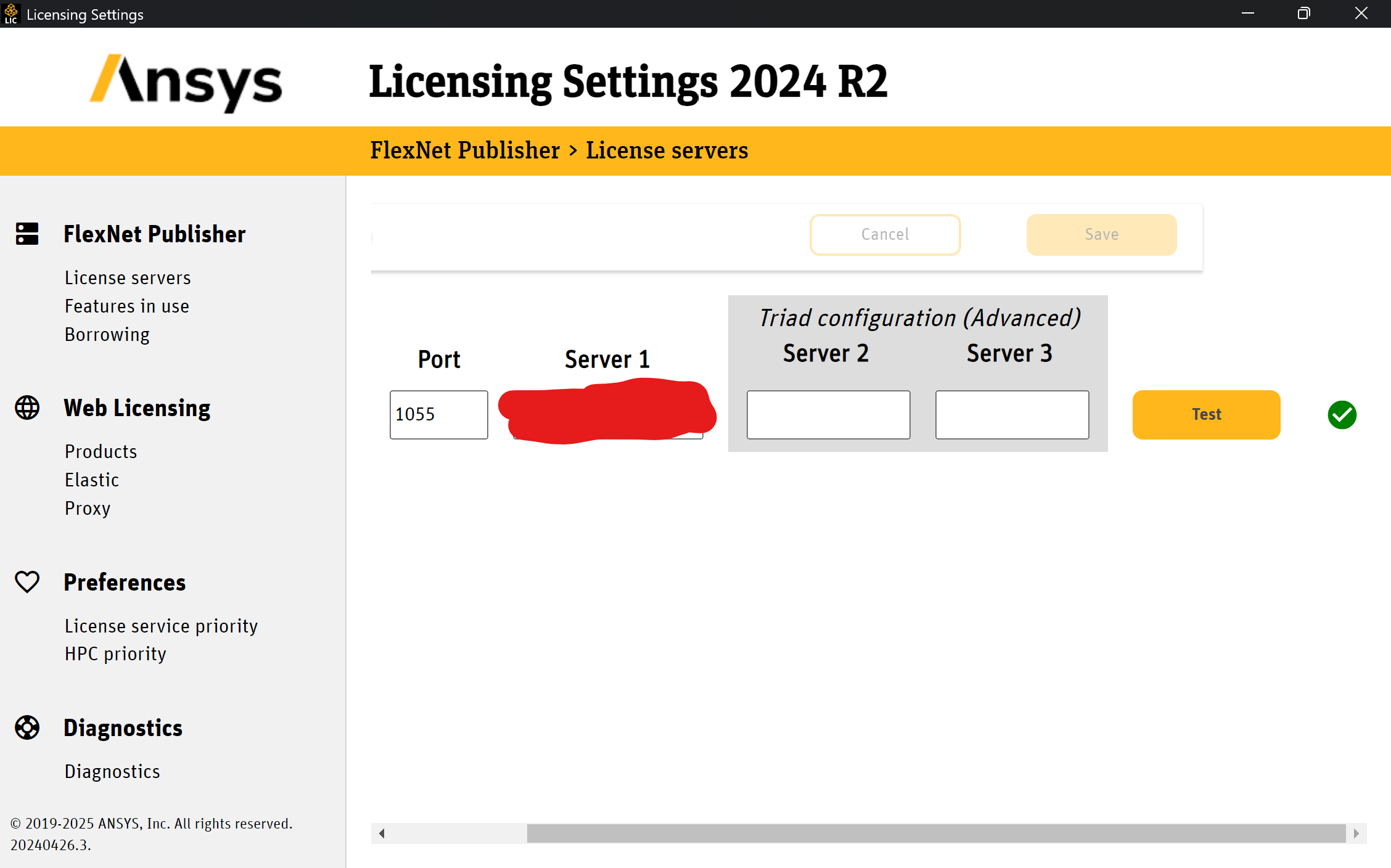
In the Ansys licensing portal, among other licenses, thermal desktop is listed on the page "The following products are activated on Host ID" on the screenshot below

However, no licenses appear to be borrowable in the licensing settings on the client computer. Any help would be appreciated, my team and I are eager to try anything.


















 You are navigating away from the AIS Discovery experience