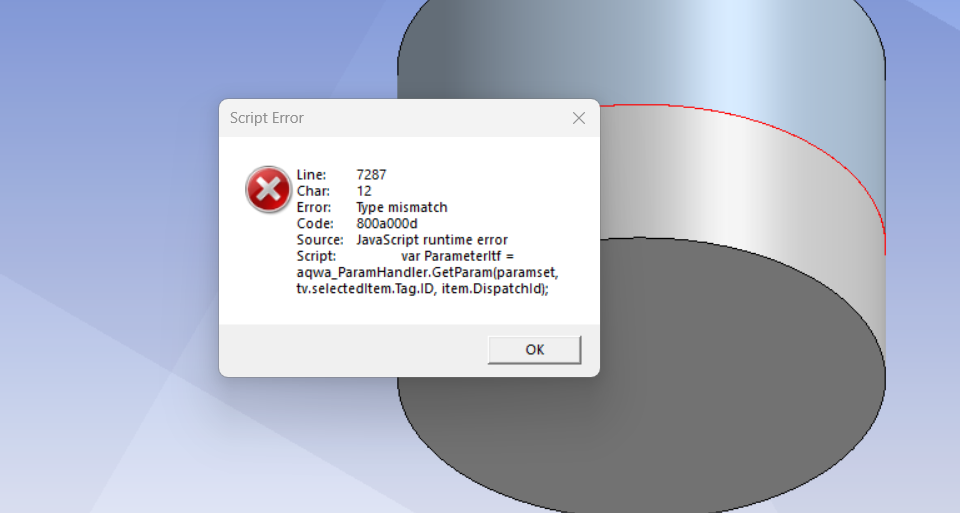
Thank you Ingrid, I solve the Issue. Here is the steps followed to fix the problem
Steps to Restore Classic JScript Engine (jscript.dll)
🔹 1. Launch Registry Editor
🔹 2. Navigate to This Key
HKEY_LOCAL_MACHINE\SOFTWARE\Policies\Microsoft\Internet Explorer\Main
If the keys Internet Explorer or Main don’t exist, you can create them manually:
🔹 3. Create the Registry Value
Right-click on the Main key → New > DWORD (32-bit) Value
Name it: JScriptReplacement
Double-click the new value and set its Value data to 0
🔹 4. Optional: Also Set Under Current User
You can repeat the same steps under:
HKEY_CURRENT_USER\SOFTWARE\Policies\Microsoft\Internet Explorer\Main
This ensures the setting is applied per-user, especially in multi-user environments.
🔹 5. Reboot



















 You are navigating away from the AIS Discovery experience