-
-
November 21, 2019 at 3:02 pm
-
November 21, 2019 at 5:37 pm
tsiriaks
Ansys EmployeeThe main issue is on your first screenshot. You can refer to this thread for explanation of the issue and how to resolve it
-
November 22, 2019 at 12:59 am
-
November 23, 2019 at 1:12 am
tsiriaks
Ansys EmployeeHow far ahead did you search ? I'd recommend to go up until year of 2100 , just for a kick. If there is still none showing up, I'd recommend to search online for a free tool to look for these files since Windows sometimes can't find them. This error is also very common for all software that's using FlexNet licensing, so you may be able to find someone suggests certain free search tools for this issue.
-
November 27, 2019 at 2:17 am
-
December 2, 2019 at 6:06 pm
tsiriaks
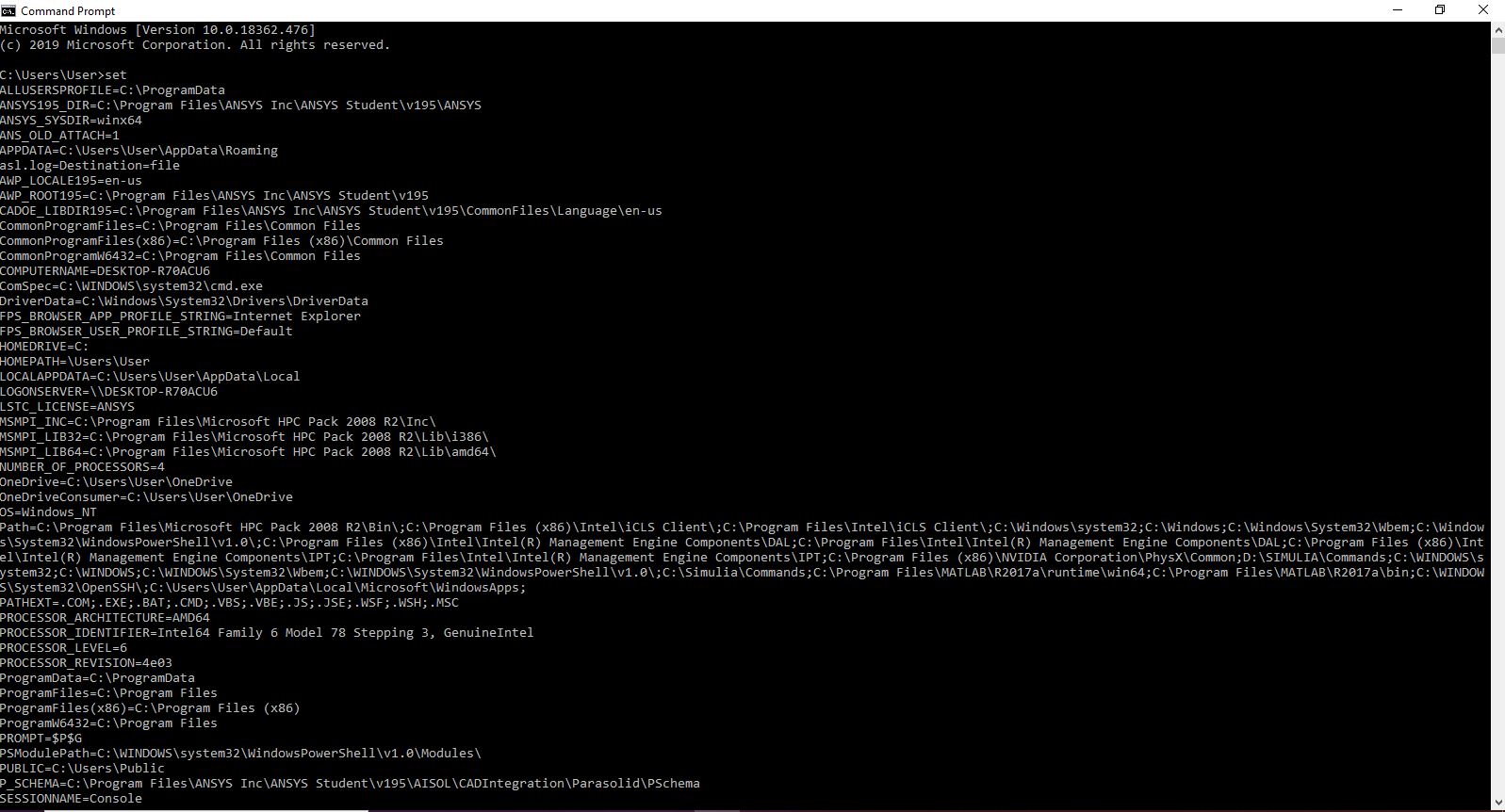
Ansys EmployeeOpen CMD Prompt and issue the following command
"%awp_root195%..Shared FilesLicensingwinx64ansysli_util" -checkout MECH_STRUCT
and post the output of it here.
-
December 3, 2019 at 12:35 am
-
December 4, 2019 at 12:58 am
tsiriaks
Ansys Employeeok, it's actually still having the same issue : system clock has been set back
Can you search for the future files again ? It might be easier to find a tool online that help you search the entire systems for any future date, doesn't have to be specific to certain year in the future
By the way, those 4 future files that you found, were they related to certain software ? If so, perhaps you can try uninstalling that software for now.

-
- The topic ‘ansys license manager error’ is closed to new replies.
-
4452
-
1494
-
1376
-
1209
-
1021
© 2025 Copyright ANSYS, Inc. All rights reserved.