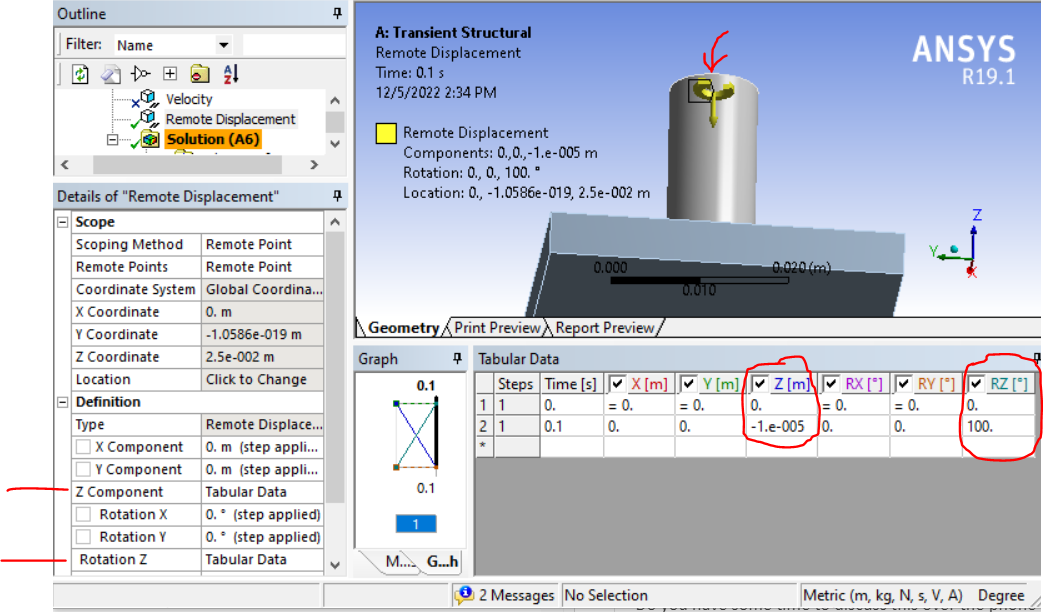
You may need to turn to rod as I did in a test case (a very brief transient, with relatively small rotation) that I worked up. I found that a remote point works pretty well for this:
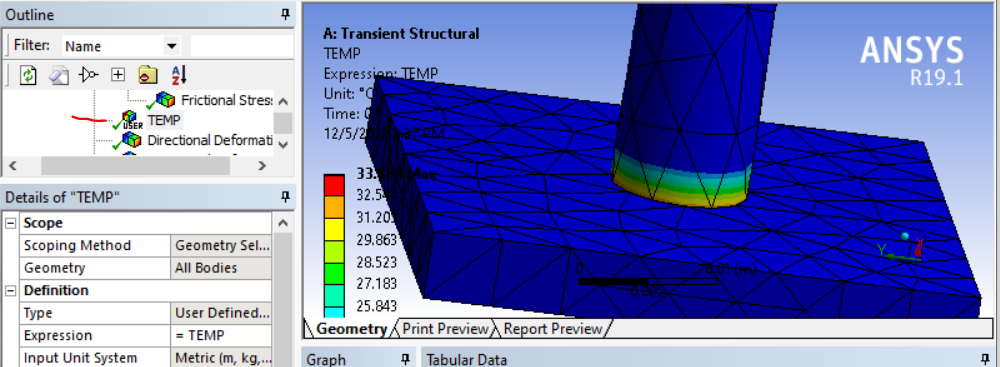
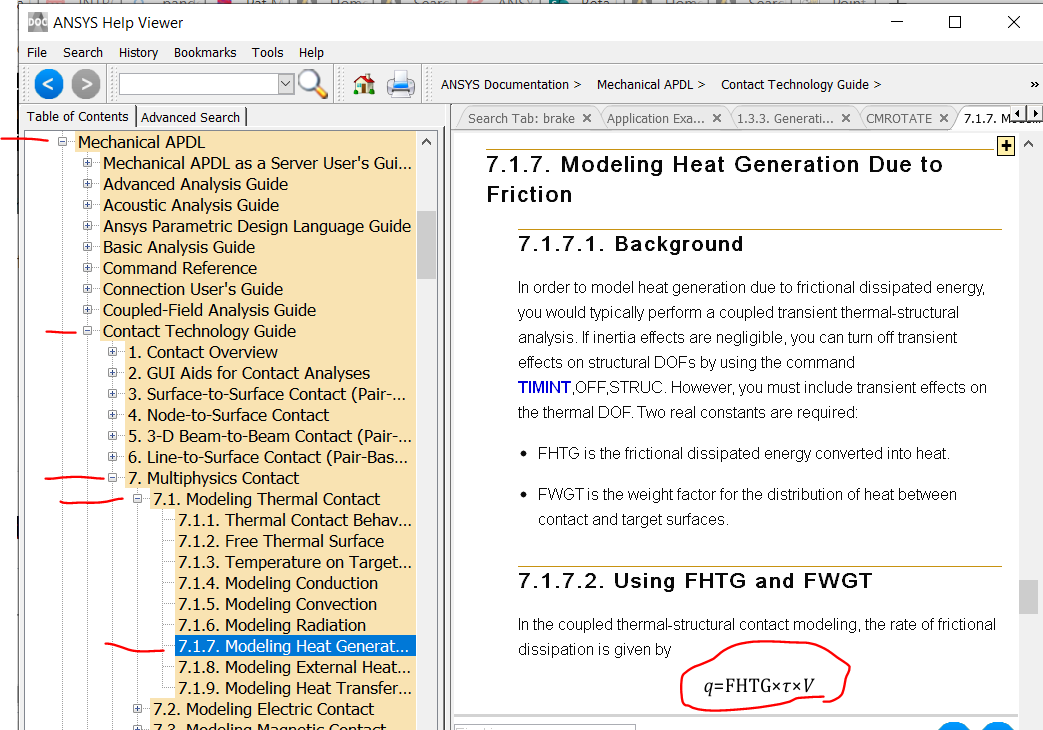
I do see some heat up (thermal response due to contact friction):
 In your model it appears you used a Rotational Velocity object. I tried that initially myself. It inserts a CMOMEGA command into the ds.dat file. It appears this doesn't actually move (spin) the elements. Rather, it appears to only calculate the body forces associated with the specified rotation (stresses due to centripital acceleration). So the mesh doesn't actually spin, and the contact surfaces do not move with repect to each other and so no frictional heat is created. In contrast, my remote displacement does rotate the rod mesh and cause sliding in the contact, so frictional heat is developed.
I strongly reccomend ramping up rotational speed and axial plunge gradually (stepping suddenly to full values might cause convergence problems). It might take a large number of time steps to perform this simulation.
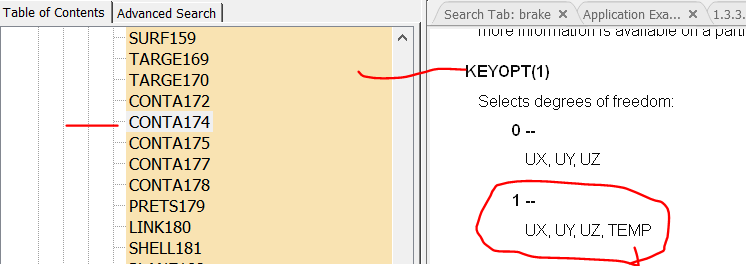
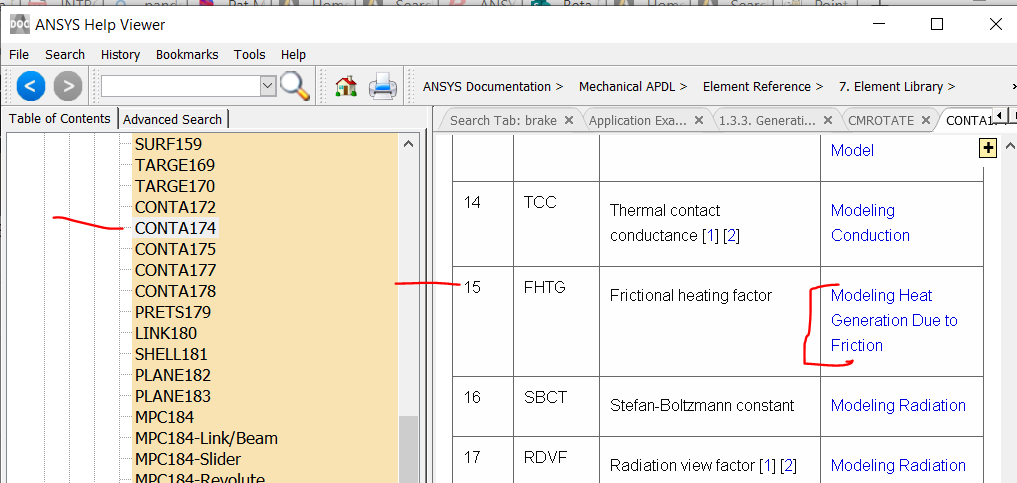
I do NOT think the CMROTATE command (to specify rotation and internal contact sliding without actually moving the mesh in static and modal analysis used to perform brake squeal analyses) will work in a friction weld simulation such as yours. I tried this too and saw neither rod rotation nor a thermal response. I believe you have to "manually" turn the rod mesh as I did with a remote point to get frictional heating response from the coupled field contact elements.


















 You are navigating away from the AIS Discovery experience