

-
-
September 1, 2020 at 4:20 am
JesseLin
SubscriberSeptember 1, 2020 at 9:42 pmtsiriaks
Ansys EmployeeOpen CMD Prompt and enter the following commandnsetnand post the output of it here.nnDo you have an install.err file under C:\Program Files\ANSYS Inc\ANSYS Student ? If so, post the content of it here.nnType dxdiag in CMD Prompt, and post the screenshots of the main page and 'Display' tabnSeptember 2, 2020 at 1:44 amSubscriberHi sir, here are your required materials.n1.setn n
September 2, 2020 at 1:57 amSubscriber3.main page after typing dxdiag & display tabn
n
September 2, 2020 at 1:57 amSubscriber3.main page after typing dxdiag & display tabn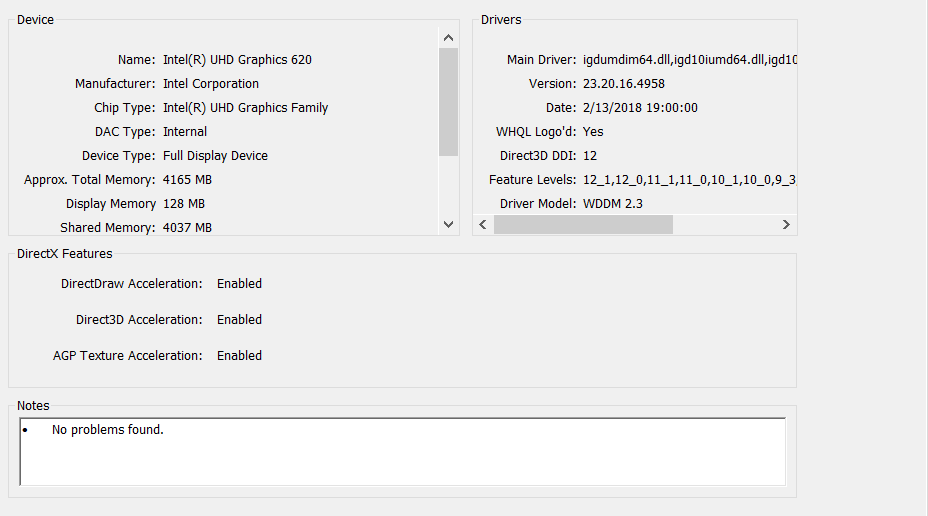
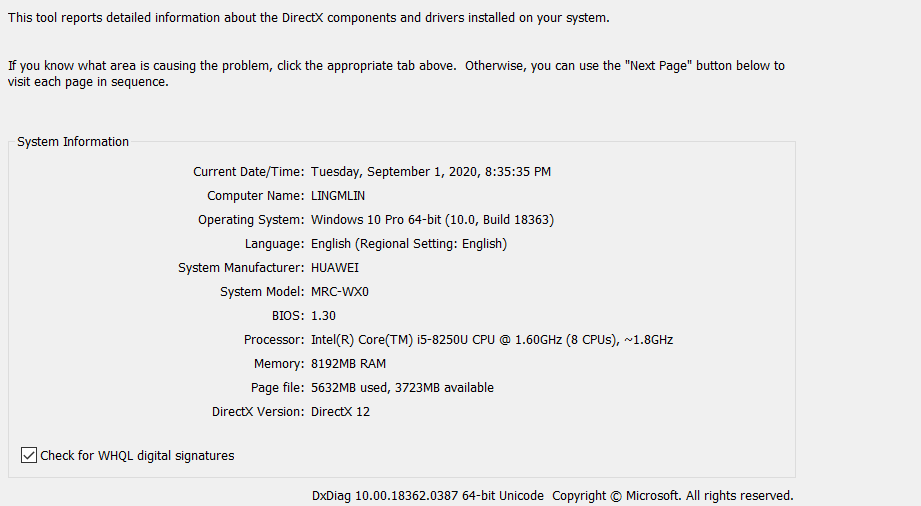 n
September 2, 2020 at 1:59 amSubscriber2.n
n
September 2, 2020 at 1:59 amSubscriber2.n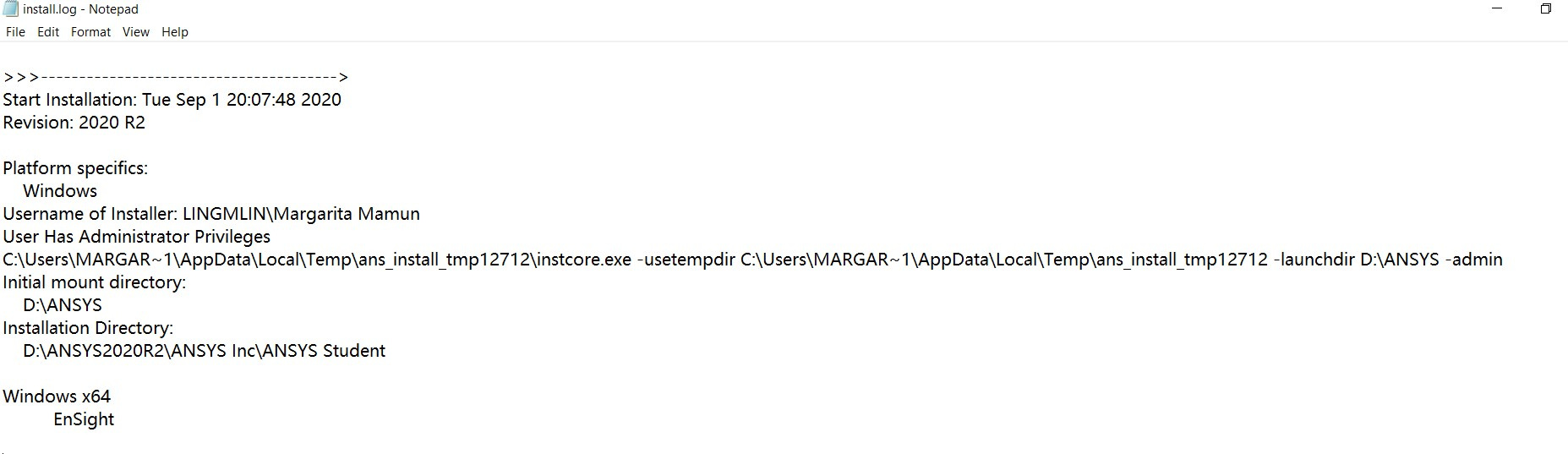
 nn
September 2, 2020 at 1:59 amSubscriber
nn
September 2, 2020 at 1:59 amSubscriber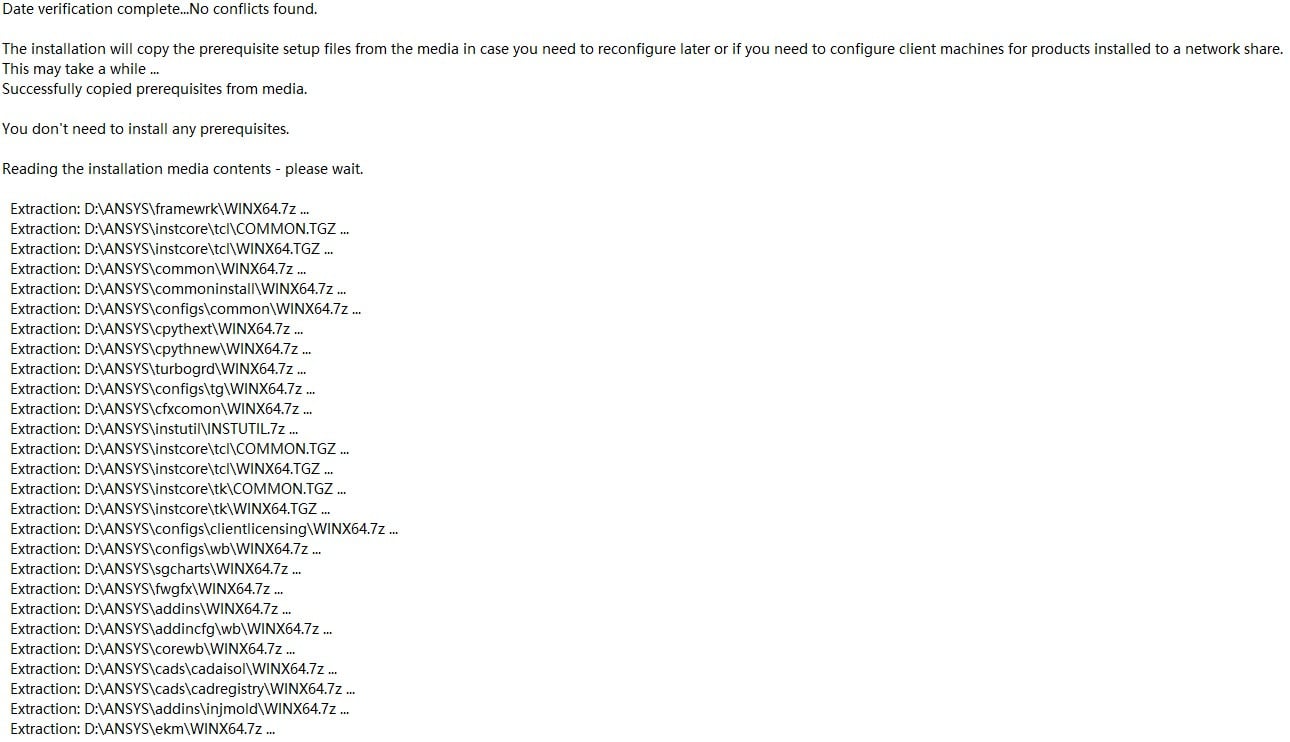
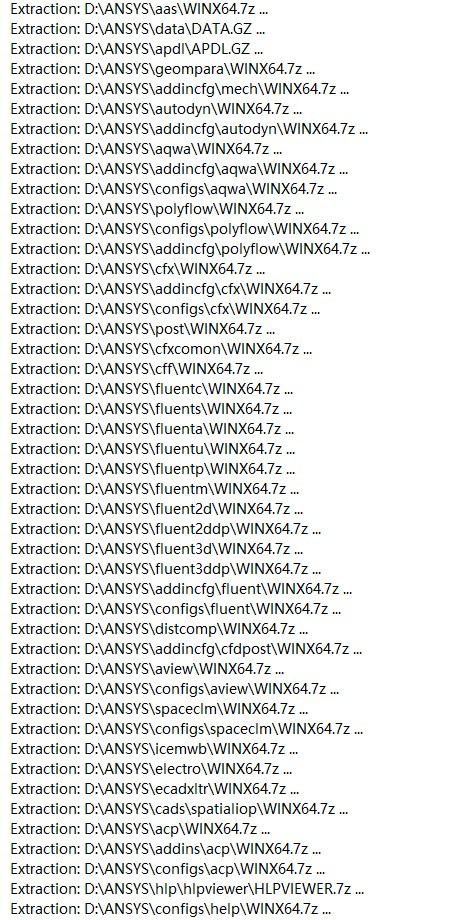 n
September 2, 2020 at 2:00 amSubscriber
n
September 2, 2020 at 2:00 amSubscriber
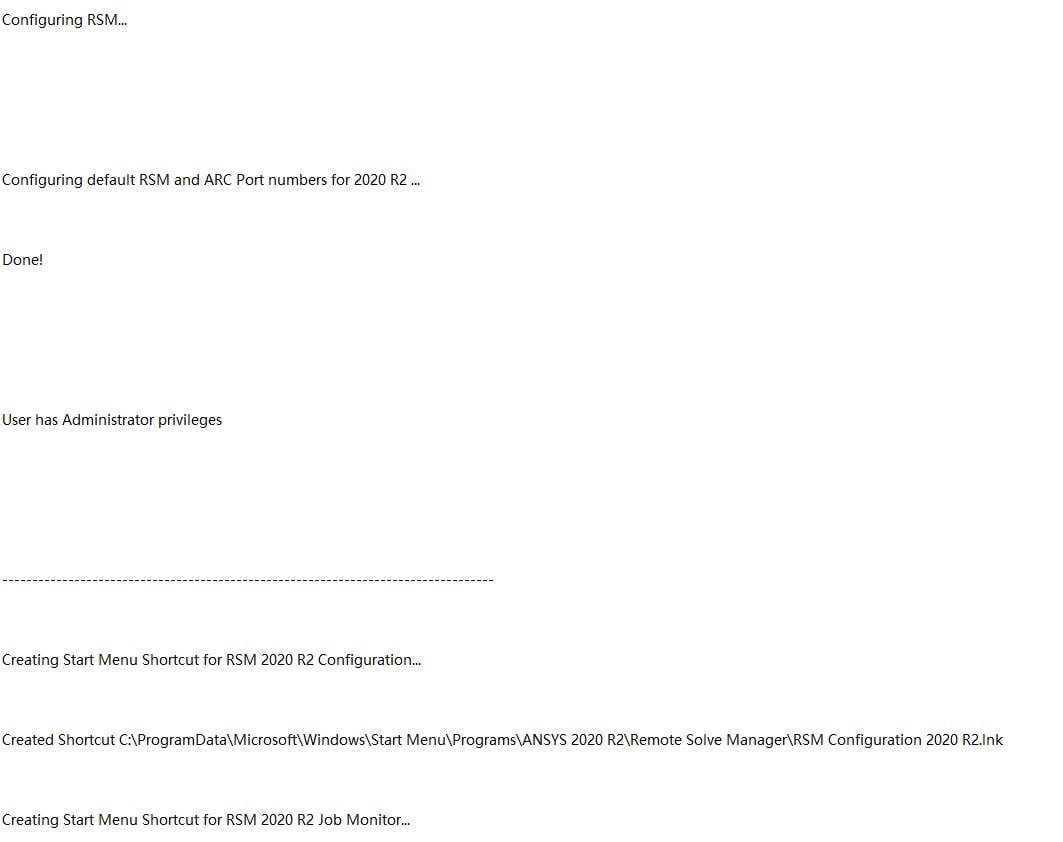 n
September 2, 2020 at 2:00 amSubscriber
n
September 2, 2020 at 2:00 amSubscriber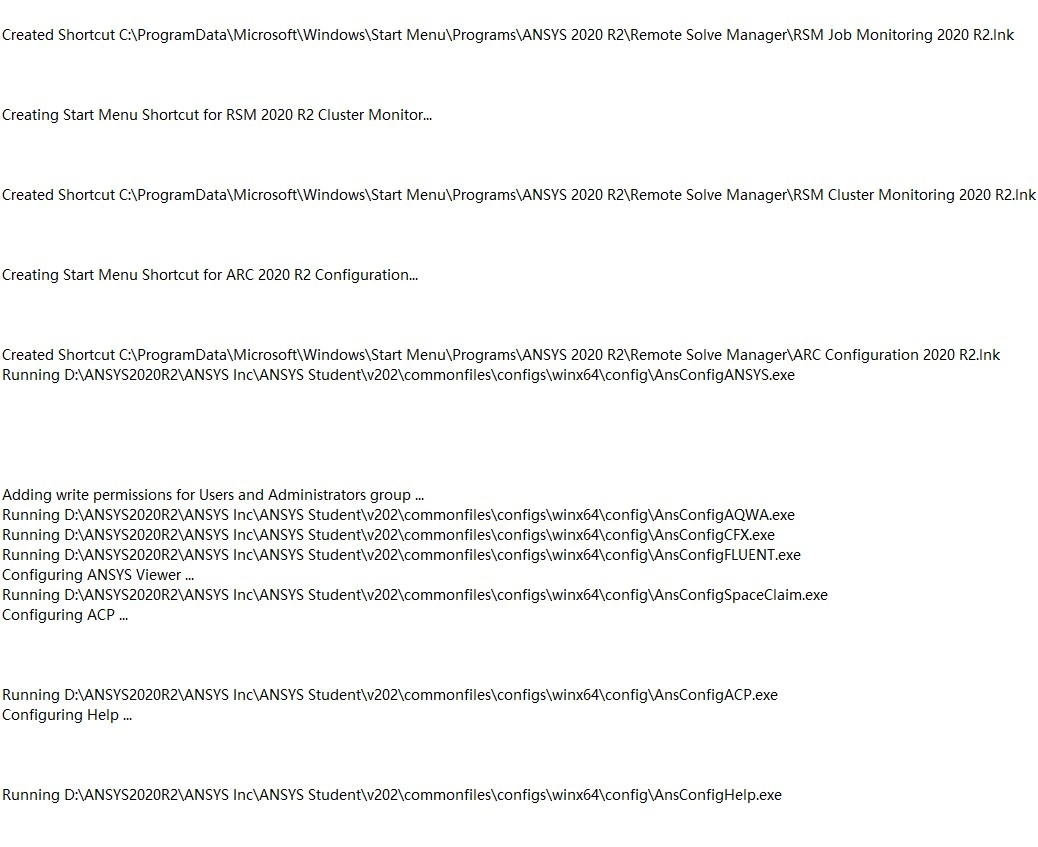
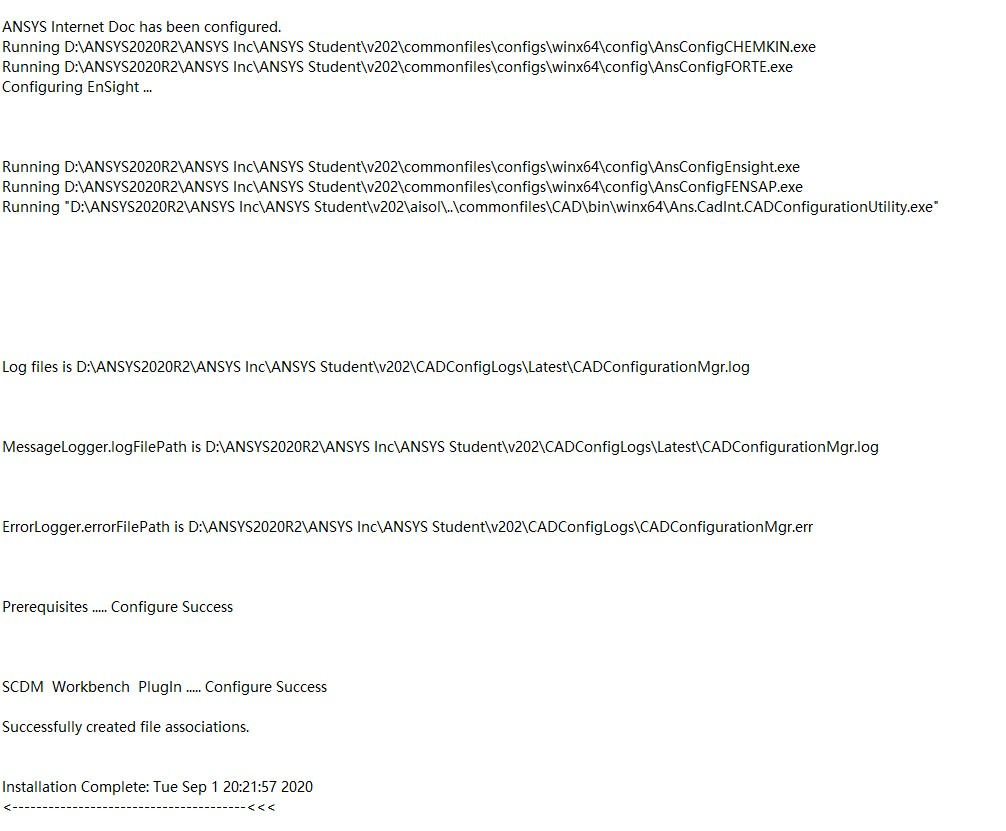 n
September 2, 2020 at 2:03 amSubscriberThank you sir, please see the screenshots I posted according to your instructions.nSeptember 2, 2020 at 6:37 amSubscriber2.nn
n
September 2, 2020 at 2:03 amSubscriberThank you sir, please see the screenshots I posted according to your instructions.nSeptember 2, 2020 at 6:37 amSubscriber2.nn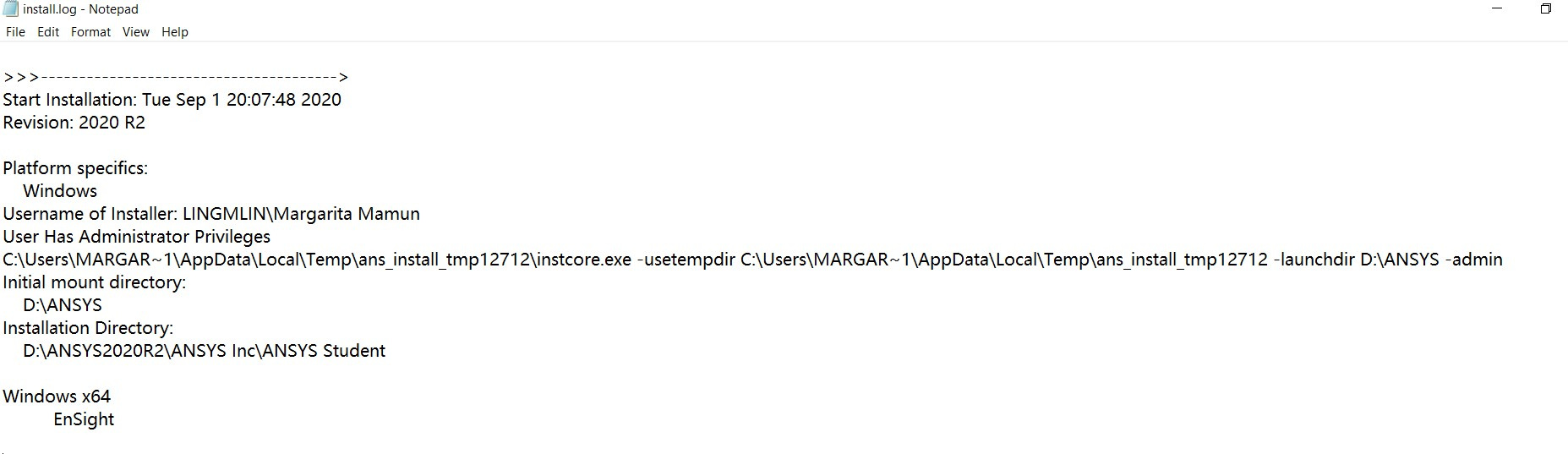


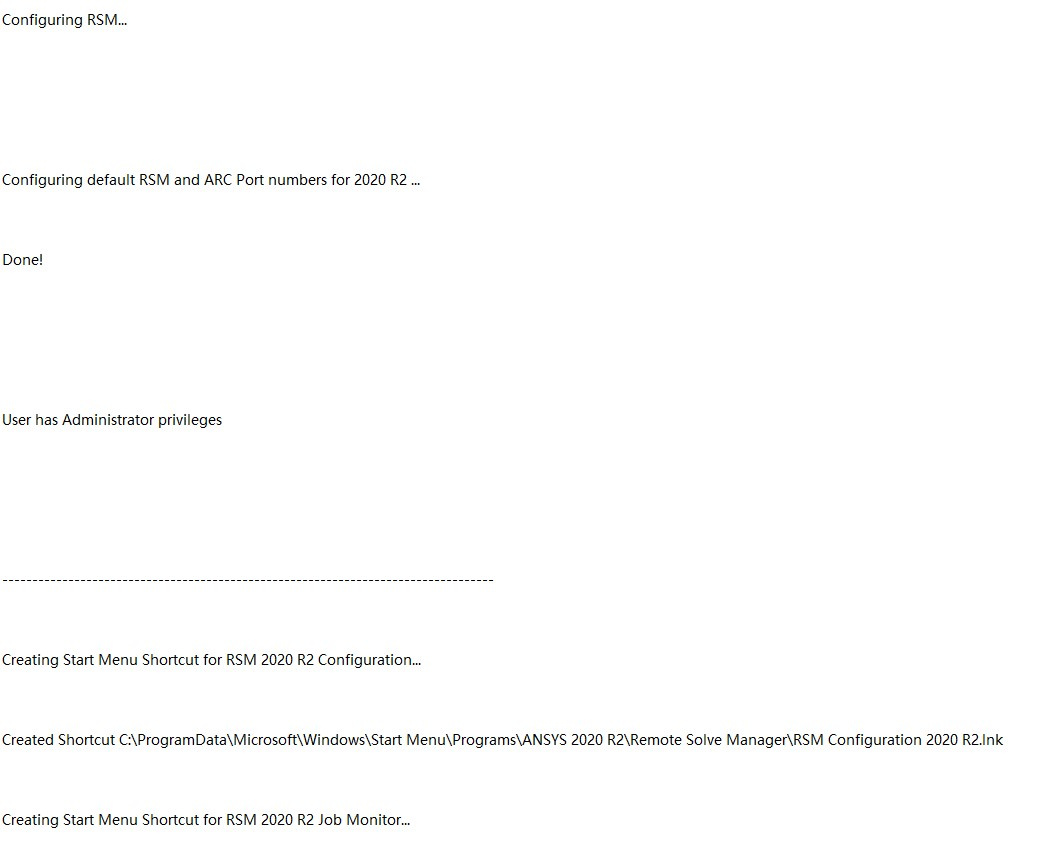
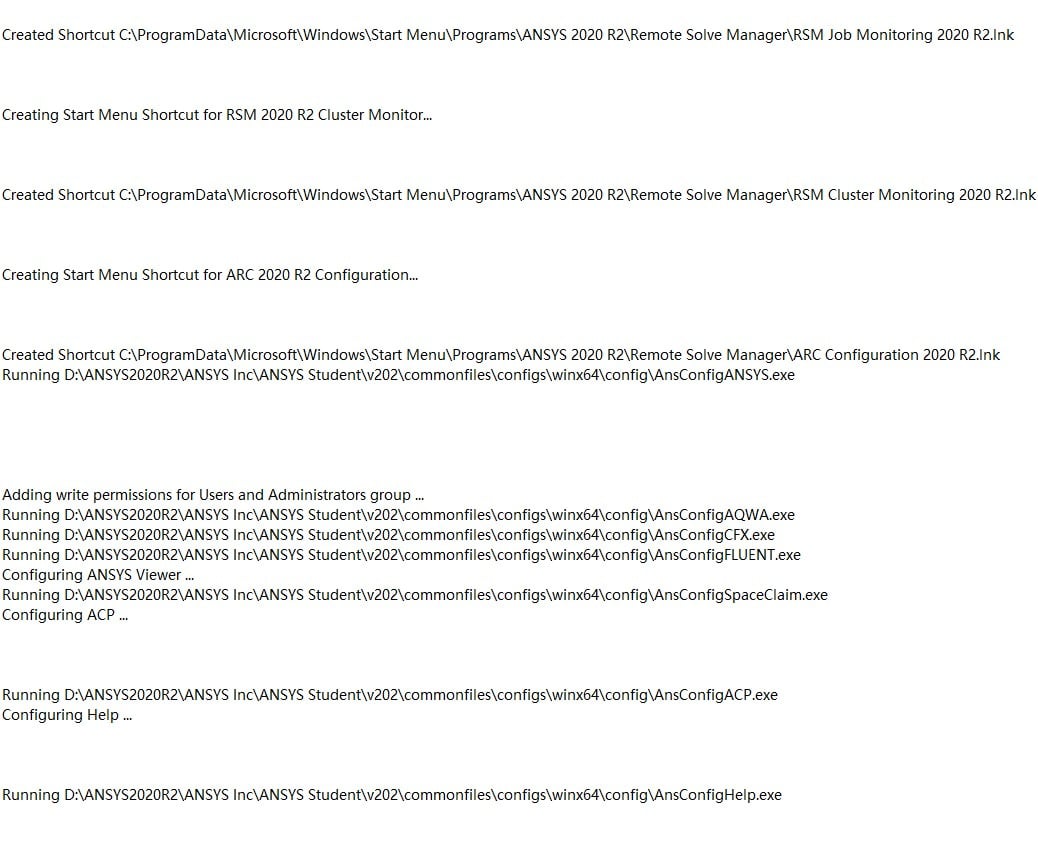
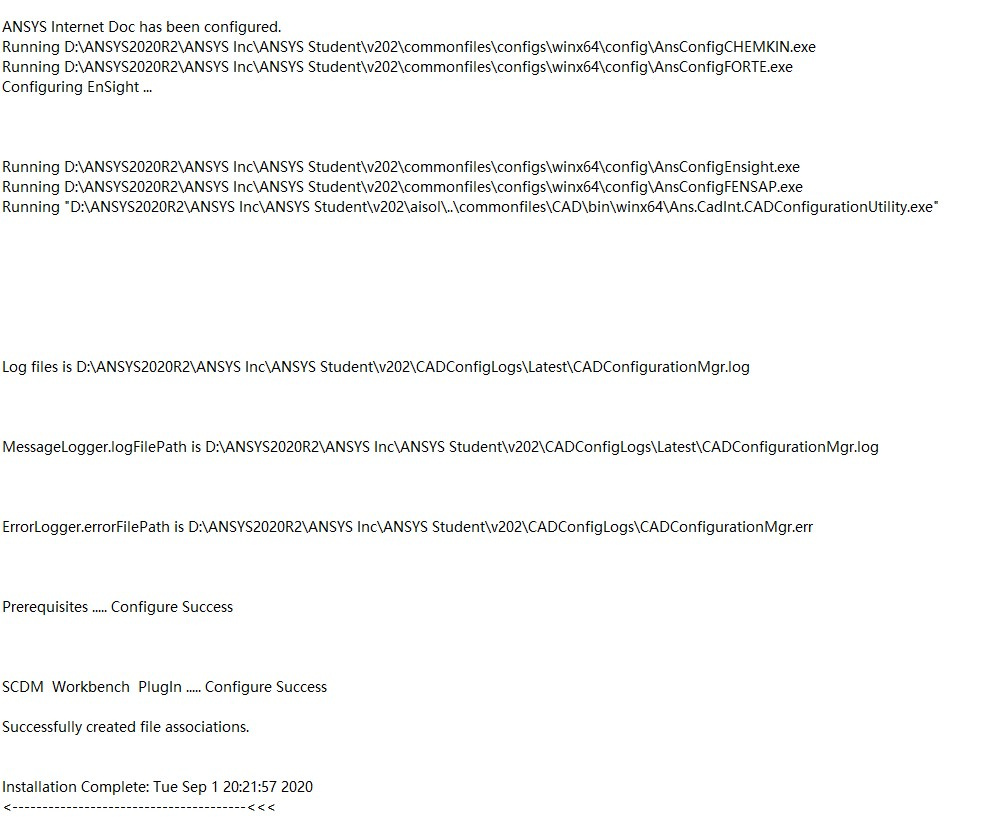 n
September 2, 2020 at 6:37 amSubscriber2.nn
n
September 2, 2020 at 6:37 amSubscriber2.nn

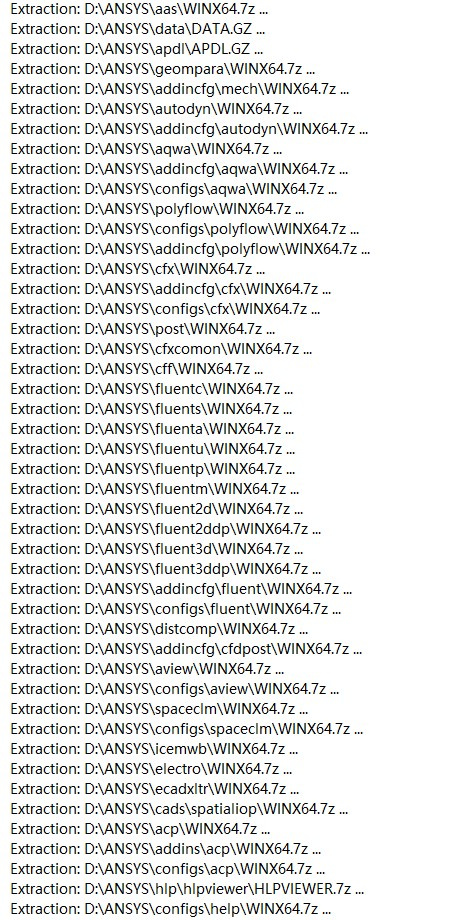 n
September 2, 2020 at 9:33 pmAnsys EmployeeThank you for the information.nPlease try the followings:nUpdate your Intel graphics driver to the latest available version.nInstall all pending Windows updatenTry logging into the machine with a username that doesn't contain space in it (or you can create a test one like 'abc'). Make sure it only contains English letters and/or numbersnSeptember 14, 2020 at 3:39 pmSubscriberI first tried to change my system to English. Since I had the family version of win10 which only supports one display language, I had to buy access to the pro version of win10 to change my system into English. I then changed my user name to the one without spaces and contains only english characters. My windows and other drivers were the newest version. After I tried all this, the workbench still didn't work.nnMy course deadline is close, so I decided to reset my windows to see if it works. After I reseted the laptop, it seems to be a more renewed version of win10 pro. I tried to download ANSYS again and this time the workbench started working.nnA BIG thank you toand my roommate Dr. Zhang.nSeptember 17, 2020 at 8:16 pmAnsys EmployeeNice to hear it's finally working for you.nThank you for the update.nFebruary 20, 2023 at 5:53 pm
n
September 2, 2020 at 9:33 pmAnsys EmployeeThank you for the information.nPlease try the followings:nUpdate your Intel graphics driver to the latest available version.nInstall all pending Windows updatenTry logging into the machine with a username that doesn't contain space in it (or you can create a test one like 'abc'). Make sure it only contains English letters and/or numbersnSeptember 14, 2020 at 3:39 pmSubscriberI first tried to change my system to English. Since I had the family version of win10 which only supports one display language, I had to buy access to the pro version of win10 to change my system into English. I then changed my user name to the one without spaces and contains only english characters. My windows and other drivers were the newest version. After I tried all this, the workbench still didn't work.nnMy course deadline is close, so I decided to reset my windows to see if it works. After I reseted the laptop, it seems to be a more renewed version of win10 pro. I tried to download ANSYS again and this time the workbench started working.nnA BIG thank you toand my roommate Dr. Zhang.nSeptember 17, 2020 at 8:16 pmAnsys EmployeeNice to hear it's finally working for you.nThank you for the update.nFebruary 20, 2023 at 5:53 pmAbhinav kumar singh
Subscriber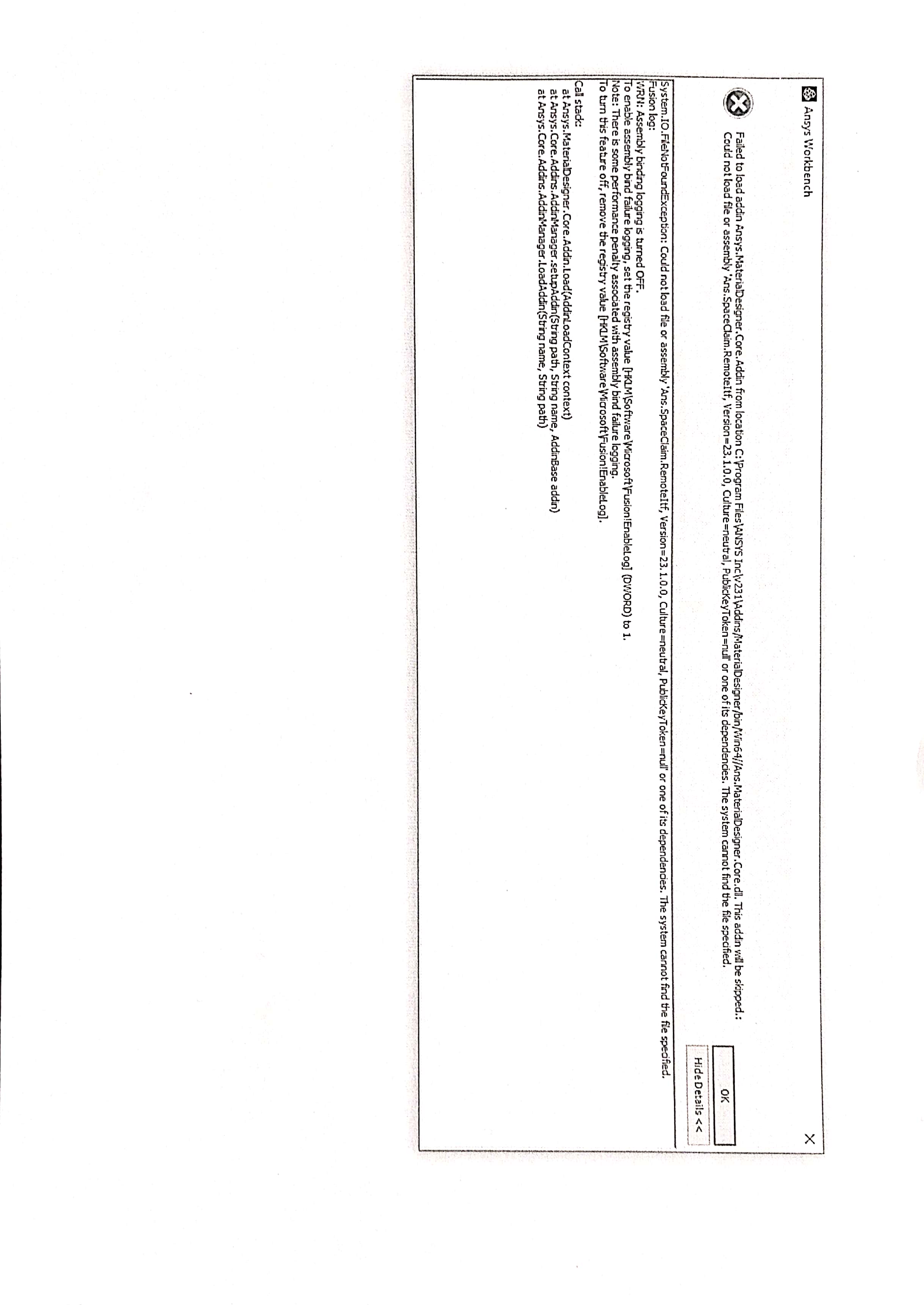 February 20, 2023 at 5:55 pmSubscriber
the same problem failed to load addin file in ansys workbench please help me immediately ...
Viewing 15 reply threads- The topic ‘Workbench problem:required addins could not be loaded’ is closed to new replies.
Innovation Space Trending discussions
 Top Contributors
-
peteroznewman
 6750
6750 -
scabo
 1906
1906 -
Dennis Chen
 1484
1484 -
javat33489
 1324
1324 -
NickFL
1087
Top Rated Tags
© 2026 Copyright ANSYS, Inc. All rights reserved.
Ansys does not support the usage of unauthorized Ansys software. Please visit www.ansys.com to obtain an official distribution.
-


The Ansys Learning Forum is a public forum. You are prohibited from providing (i) information that is confidential to You, your employer, or any third party, (ii) Personal Data or individually identifiable health information, (iii) any information that is U.S. Government Classified, Controlled Unclassified Information, International Traffic in Arms Regulators (ITAR) or Export Administration Regulators (EAR) controlled or otherwise have been determined by the United States Government or by a foreign government to require protection against unauthorized disclosure for reasons of national security, or (iv) topics or information restricted by the People's Republic of China data protection and privacy laws.

 You are navigating away from the AIS Discovery experience