Hello SER,
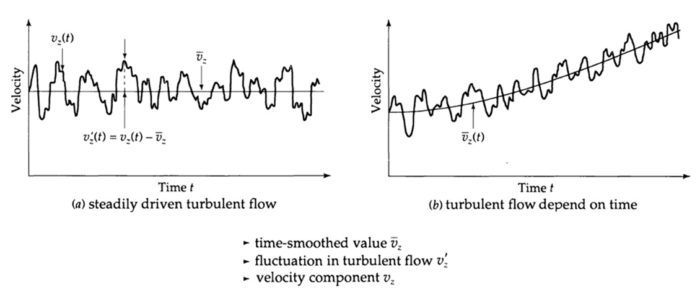
If I understand, you want to track velocity as a function of time at a specified location, is that correct? If so, the procedure is as follows
1. Create a "Point" from Domain->Surface->Point
2. Create a "Report Definition" based on "Vertex Average" of the required variable (velocity magnitude in your case) and select the point created in Step-1 as the surface.
3. Create a "Report Plots" under Solution->Monitors->Report Plots and select the report definition created in Step-2.
If the above steps are performed correctly, you will see the plot of time vs velocity magnitude at the chosen point once the simulation starts running.
Thank you,
Kalyan Goparaju



















 You are navigating away from the AIS Discovery experience