-
-
February 8, 2023 at 4:29 am
-
February 9, 2023 at 1:28 am
Yang Liu
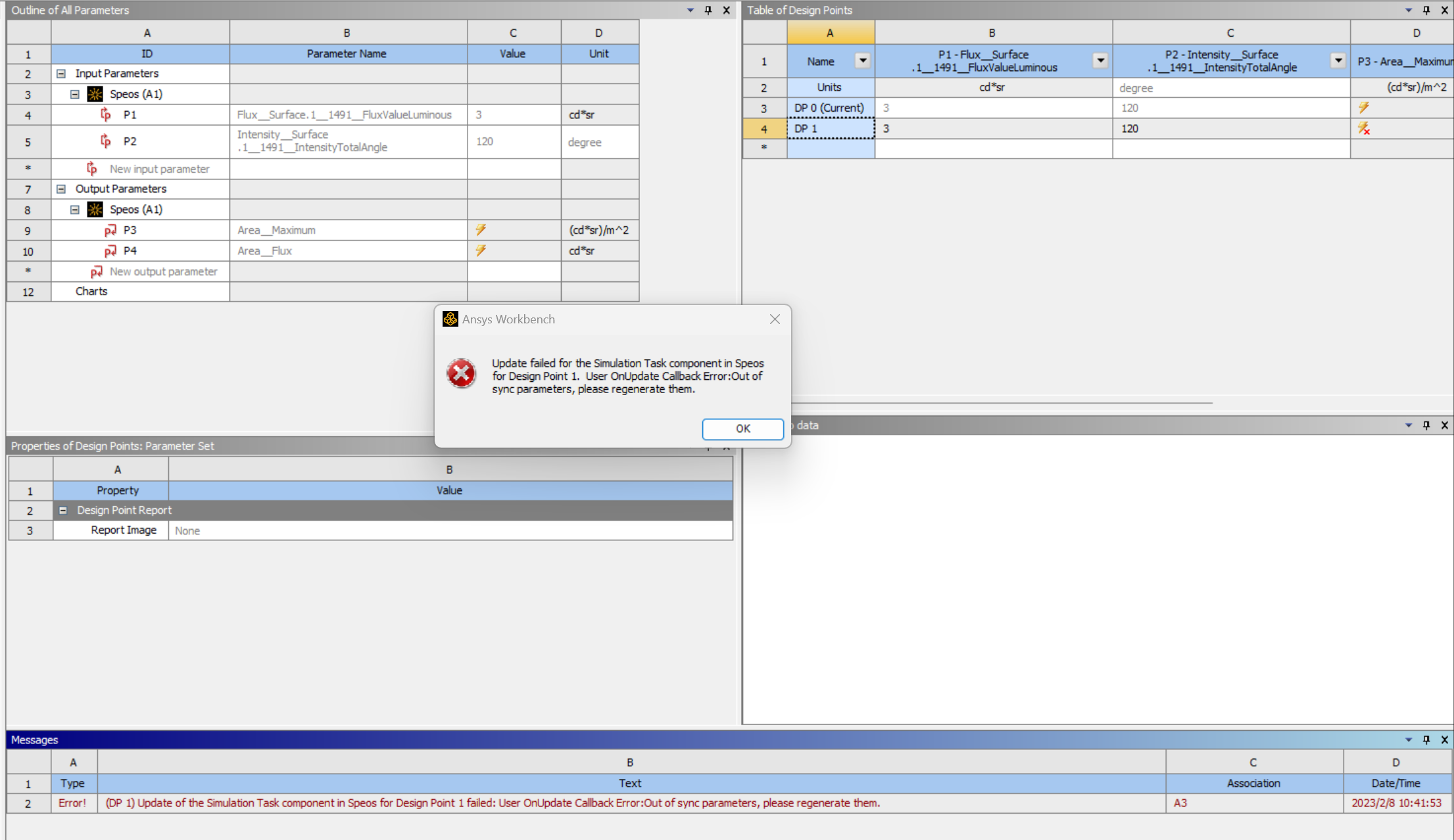
Ansys Employeehello,出现这种情况可能的原因是,在设定sensor的参数,在XMP template没有选择一个XML的文件,workbench输出需要results目标,这个目标是需要xml文件设置的。
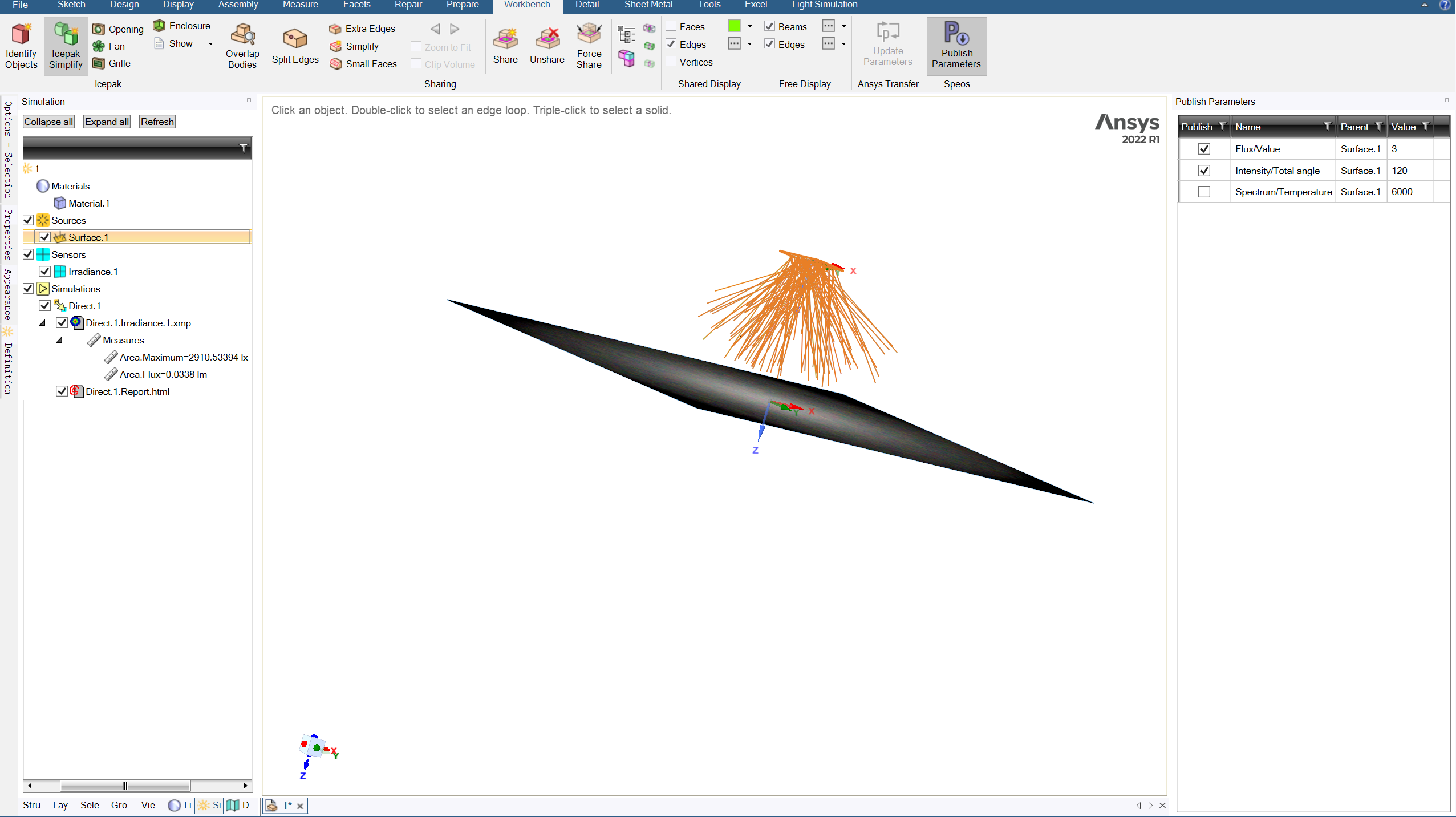
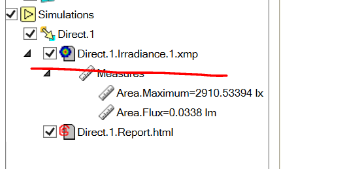
步骤:1.speos界面, 请点开的.xmp仿真结果,点击messures,确定目标数值,比如现在选择的area.max和area.flux,然后点击save保存,然后file - export template,保存xml文件。
2. speos界面,点开sensor,在xmp template选项下加载刚生成的XML文件。
3.speos界面,重新运行direct仿真。
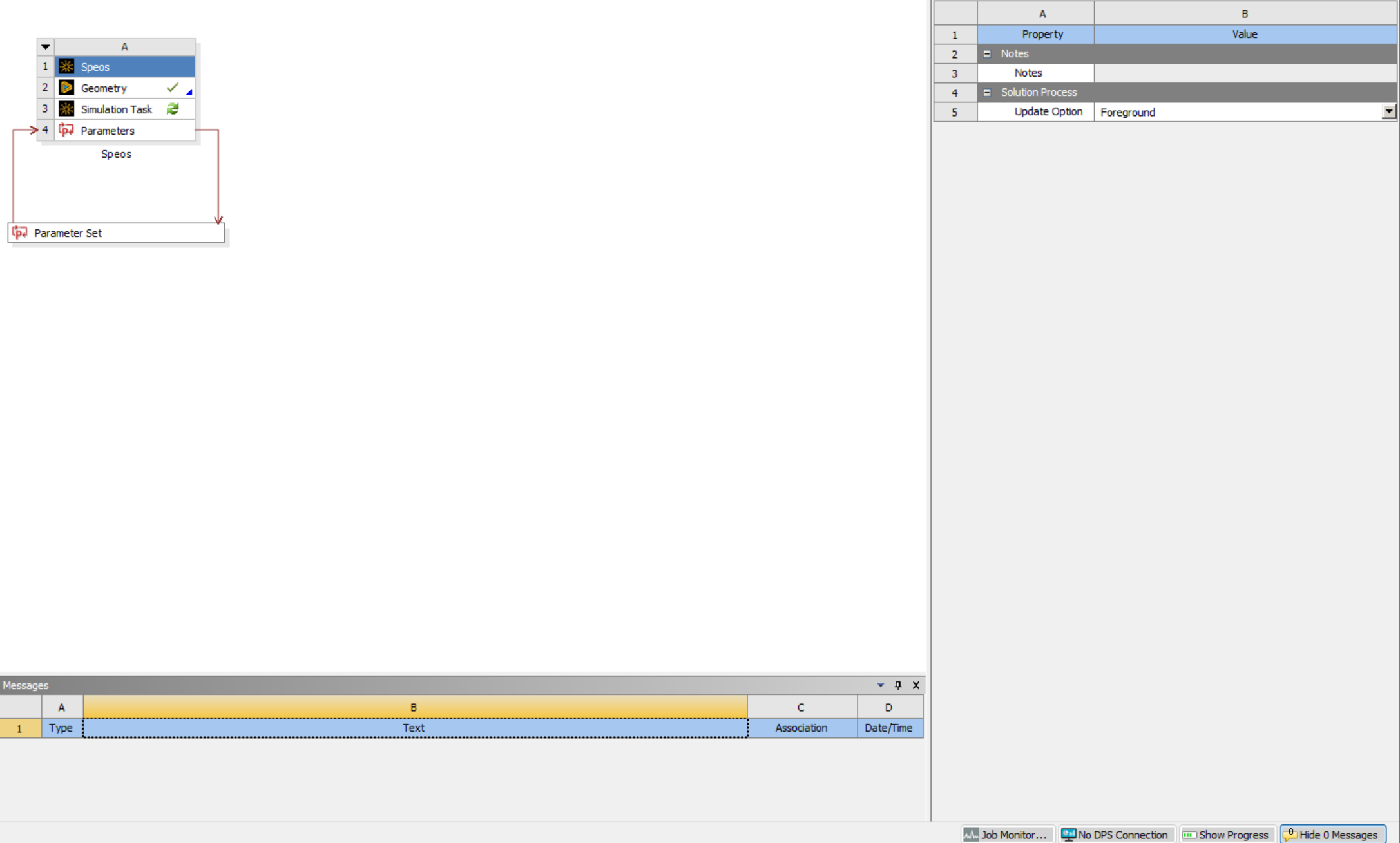
4.workbench界面,重新导入speos data,然后更新workbench的parameters。
5.workbench界面,update project。
-
Viewing 1 reply thread
- The topic ‘Update failed for the Simulation Task component in Speos’ is closed to new replies.

Innovation Space
Trending discussions
Top Contributors
-
5879
-
1906
-
1420
-
1306
-
1021
Top Rated Tags
© 2026 Copyright ANSYS, Inc. All rights reserved.
Ansys does not support the usage of unauthorized Ansys software. Please visit www.ansys.com to obtain an official distribution.