Hello,
It is my first post here, so I hope to post correctly.
I have run a Structural Optimisation for a component I'm designing. The part features other ancillary bodies attached to it that are where loads apply. After running the optimisation, and obtaining a geometry from the algorithm, I then need to transfer it to validation.
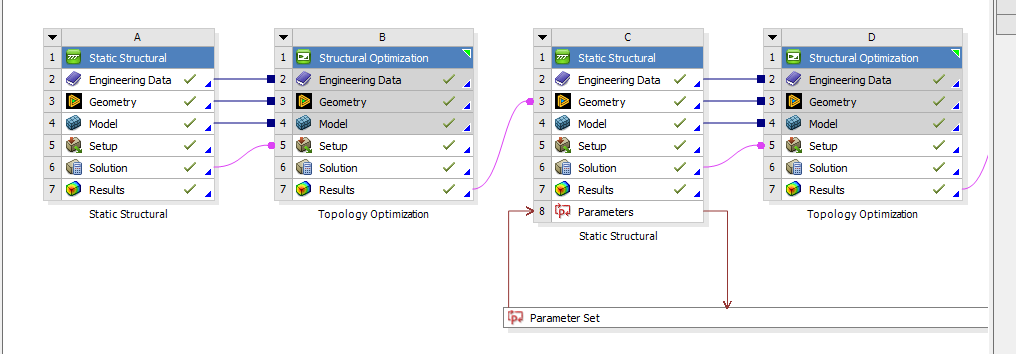
Using Ansys 2022 R1 I right click on the result tab in the project schematic and transferi it to "Design Validation System - Geometry". I then proceed to update and refresh all the upstream components until I get all the green ticks.
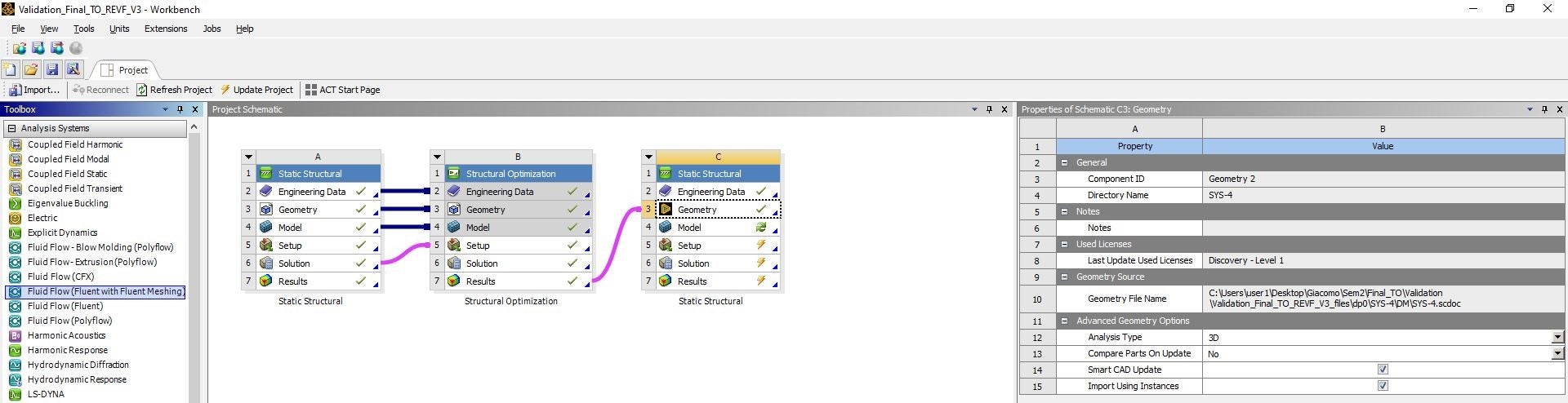
Troubles start here, when I open the transferred geometry in Spaceclaim, the ancillary parts that were attached to my component are disappeared, or better, they show in the tree (including original un-optimised geometry) but they are transparent. I have tried to right-click and isolate the component to view, but it doesn't work.
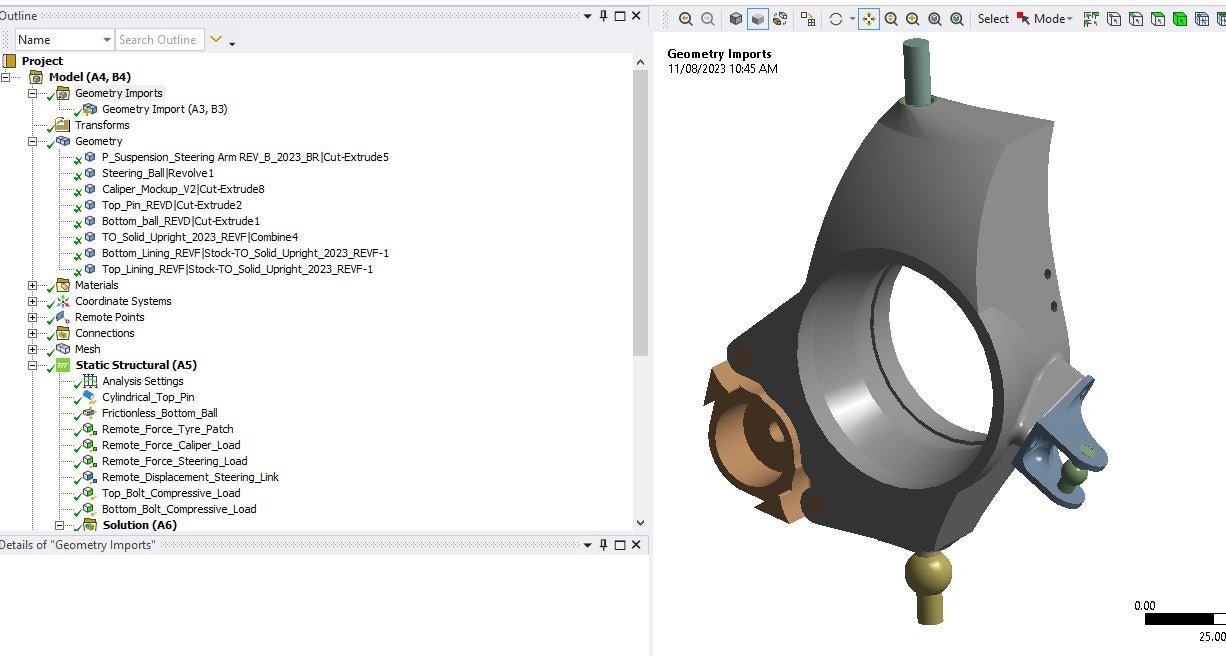
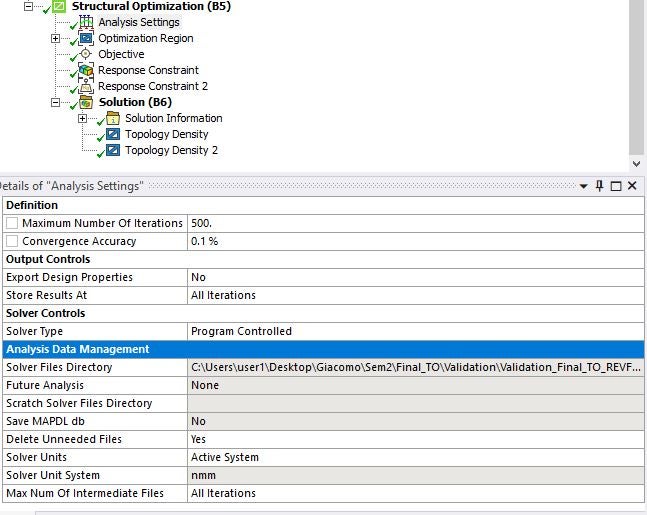
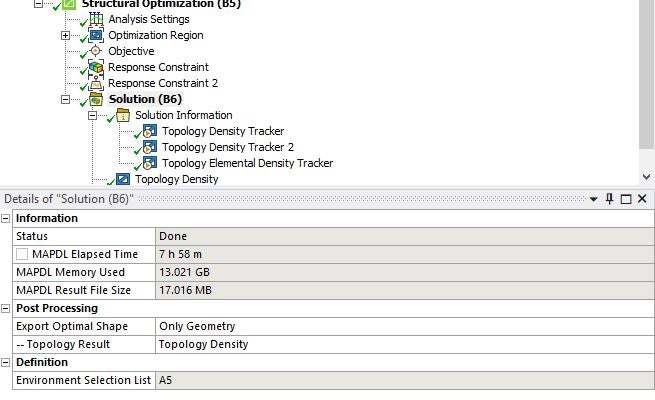
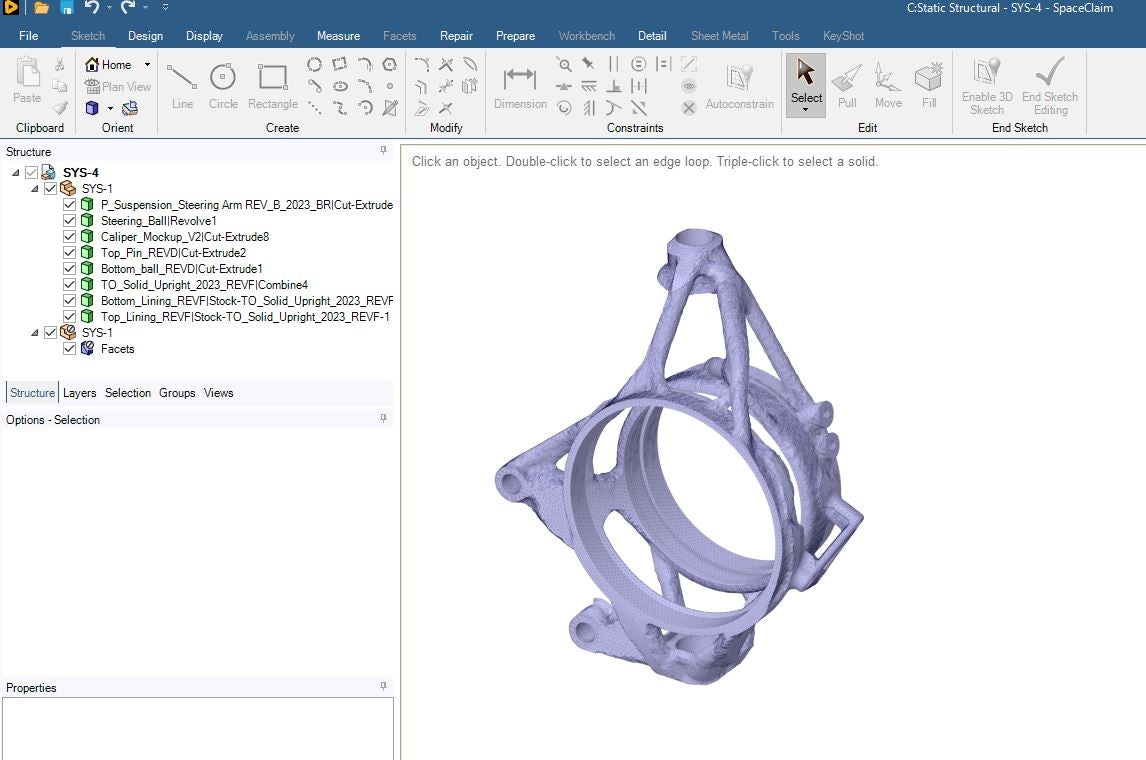
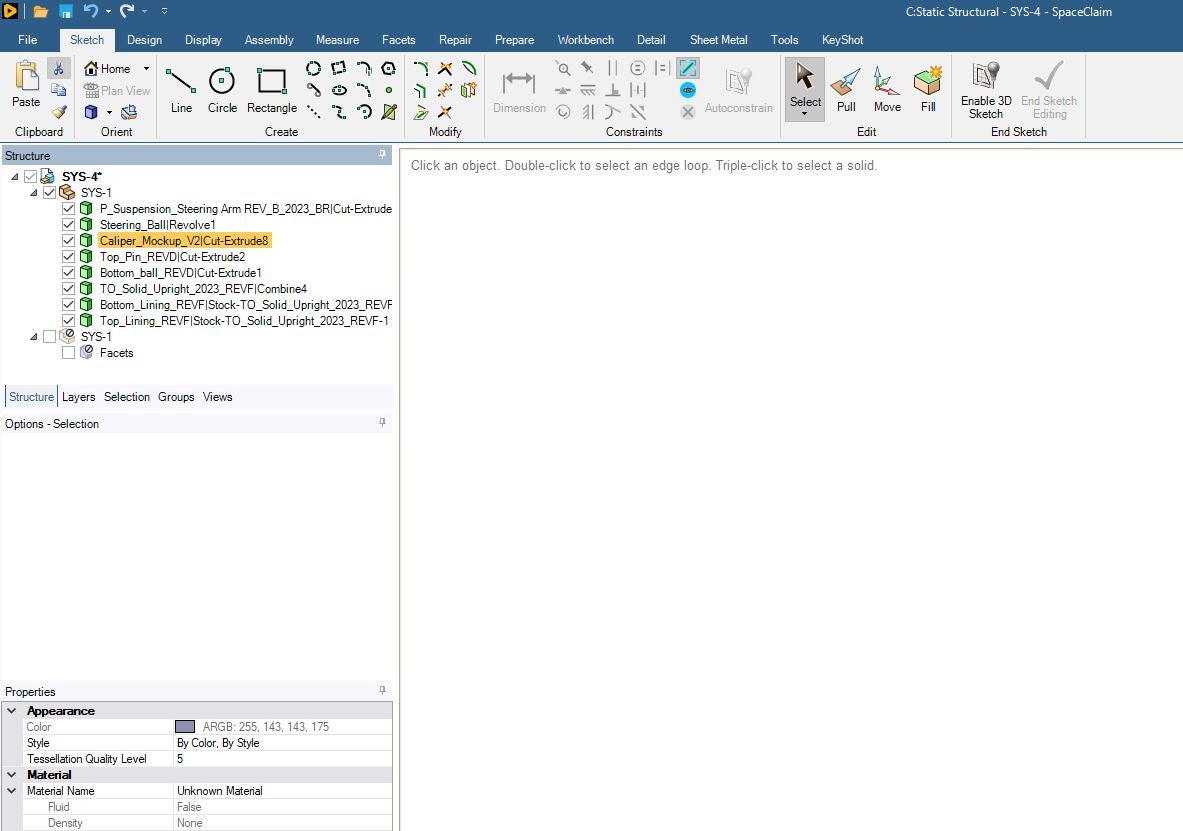
To validate my modell I do need to have the ancilliary parts on the model; I have tried exporting STL files and working with them on Solidworks, Fusion and Spaceclaim to add the components to the mesh body but is way beyond my capabilities.
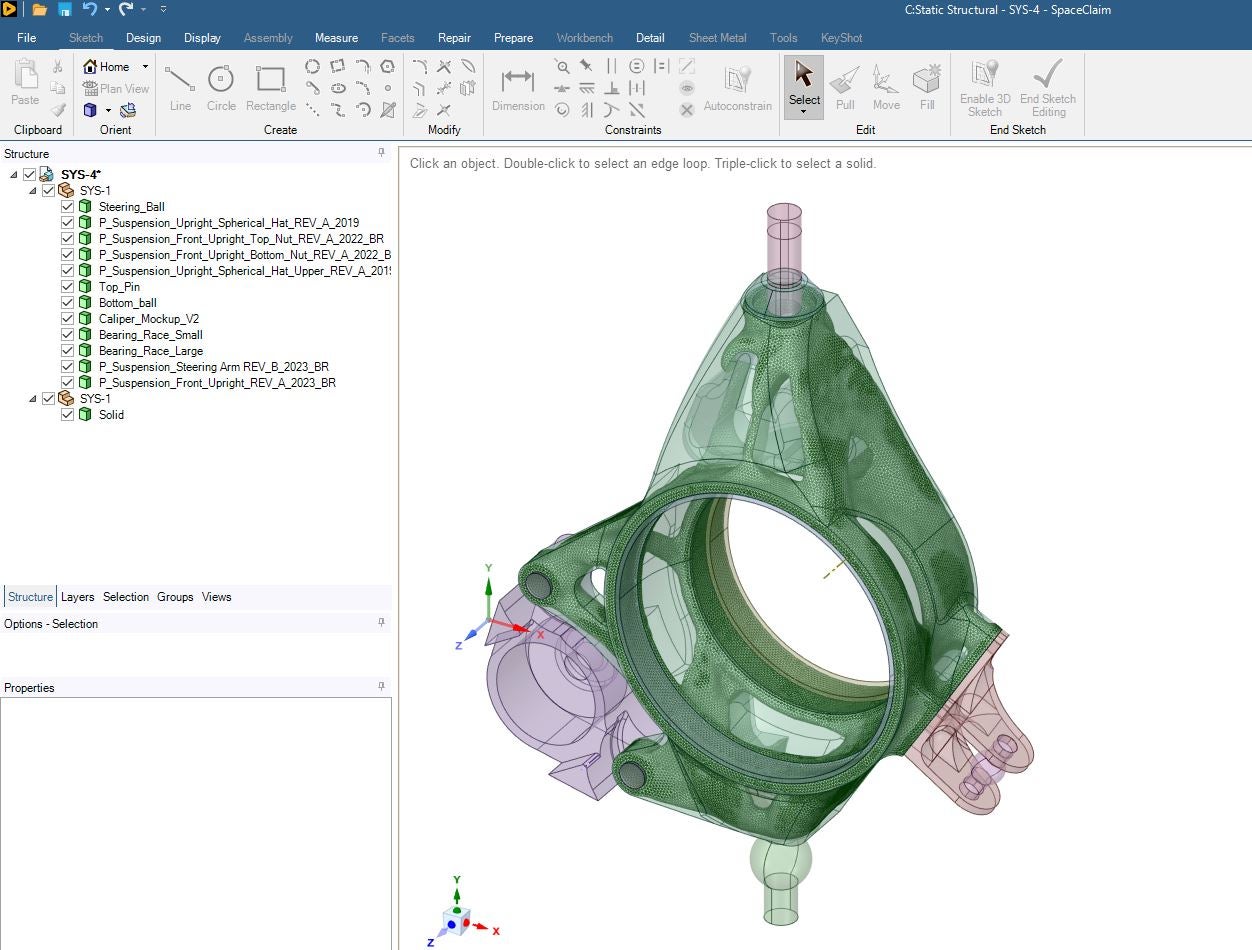
What surprises me, is that a few months ago I have done the same process and worked absolutely fine, here are some screenshots on how it should work. Any ideas on how I could get this fixed?


















 You are navigating away from the AIS Discovery experience