TAGGED: error, fluent, install-error, student-version
-
-
November 20, 2022 at 1:54 pm
Erik Forstner
SubscriberHello everyone,
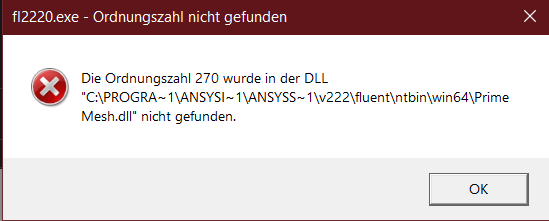
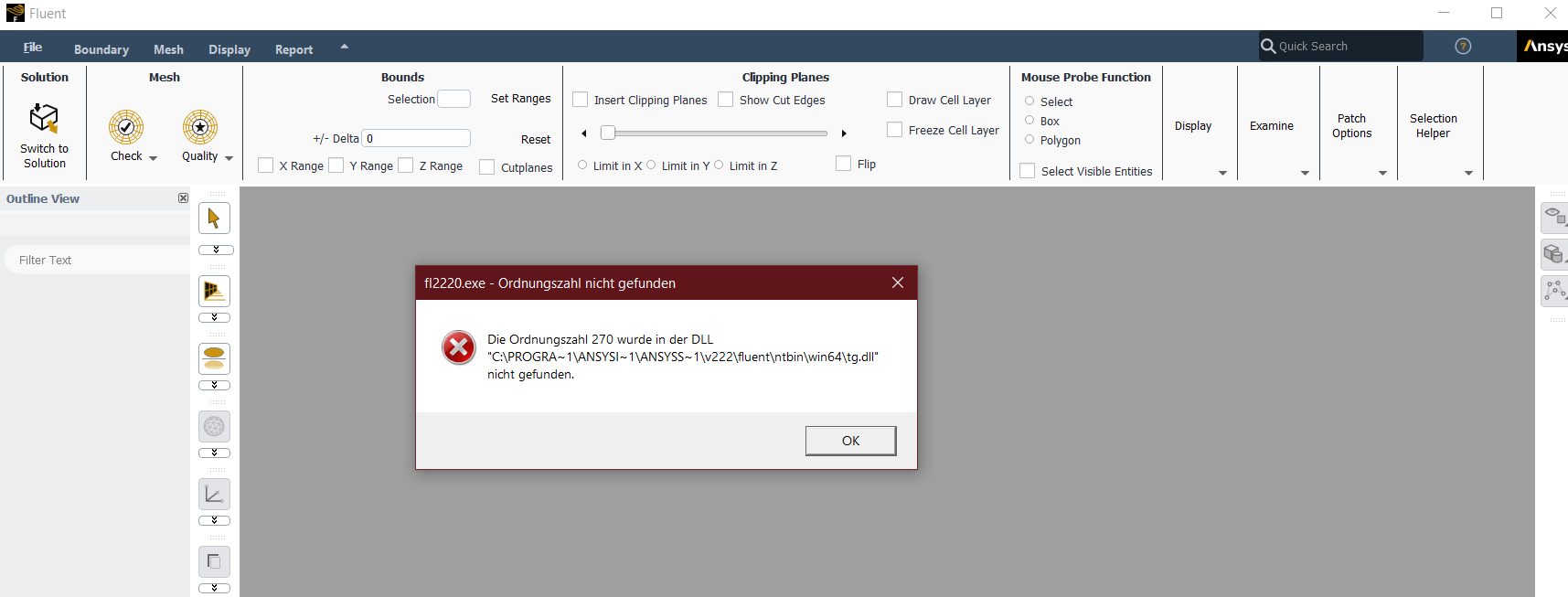
as stated in the title I receive the following errors when trying to start Fluent (no matter if I start it directly or from the workbench).
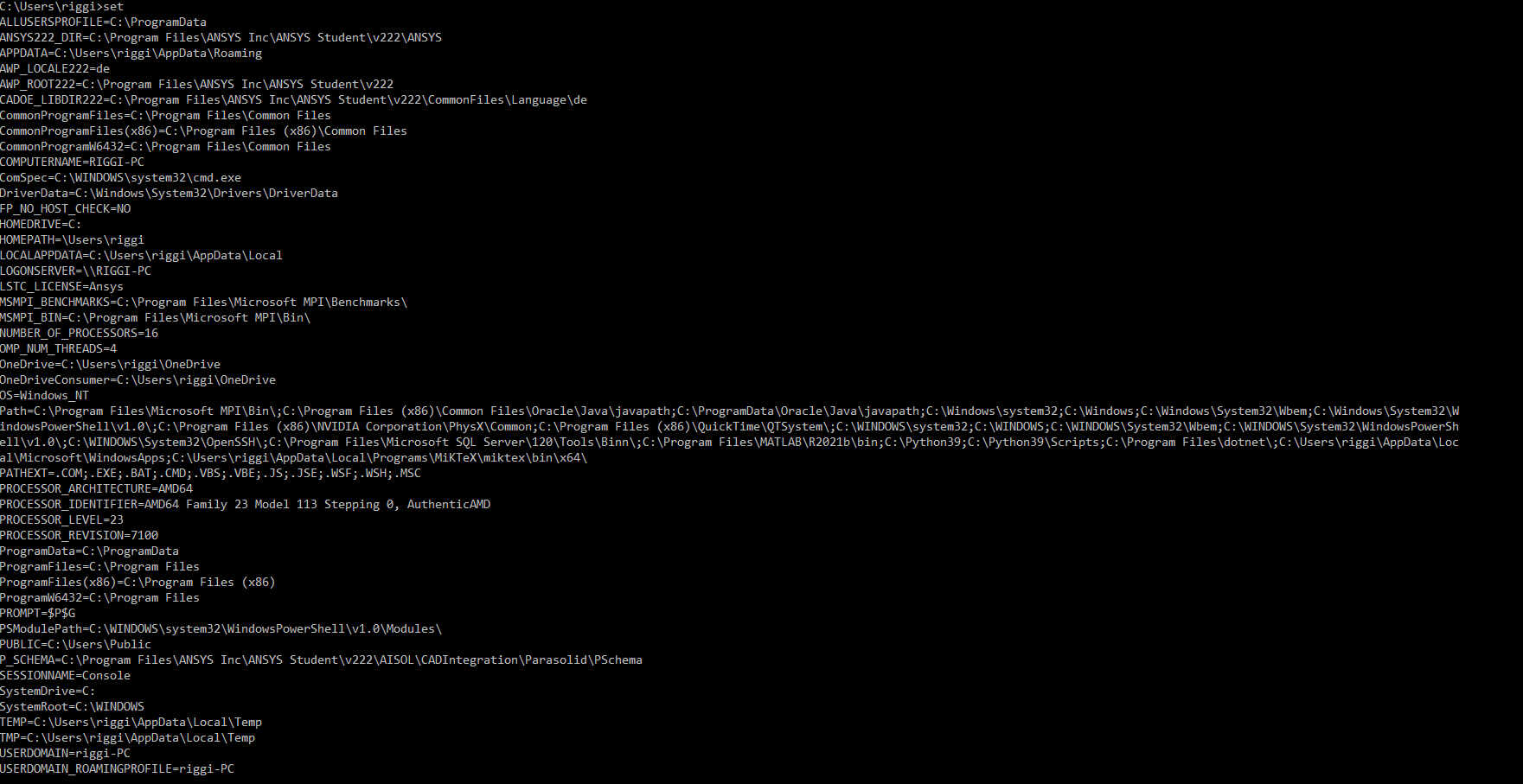
I have tried uninstalling, wiping all previous Ansys Data as well as environment variables and then re-installing. I've tried older versions as well as the latest one, the error remains. Workbench loads fine and I can use other applications like the DesignModeler or Meshing just fine. I've scoured the forums and the internet for possible solutions but haven't been able to resolve it, any help would be greatly appreciated.

-
November 20, 2022 at 2:01 pm
-
November 20, 2022 at 2:20 pm
Erik Forstner
Subscriber*Update*
I searched YouTube for possible solutions and stumbled upon a Video called 'Ansys Ordinal 242 could not be located error' which links to a thread in this forum: /forum/forums/topic/ansys-student-2020-r2-fluent-cannot-start/
The solution described there helped me fix my issue, Fluent now runs just like the other applications.
I have tried the above method before but only renamed one of the mentioned .dll files - there was another one mentioned in the list that I renamed to .old and that helped me fix the problem.
- Thread can be closed.
-
- The topic ‘“The ordinal XXX could not be located in the DLL…” when trying to start Fluent’ is closed to new replies.

-
6379
-
1906
-
1457
-
1308
-
1022
© 2026 Copyright ANSYS, Inc. All rights reserved.