Ansys Assistant will be unavailable on the Learning Forum starting January 30. An upgraded version is coming soon. We apologize for any inconvenience and appreciate your patience. Stay tuned for updates.
General Mechanical

General Mechanical

Topics related to Mechanical Enterprise, Motion, Additive Print and more.

Soft Gripper simulation

    • woyna
      Subscriber

      Hello there!


      I am trying to simulate bending of soft gripper, just like on the image below:
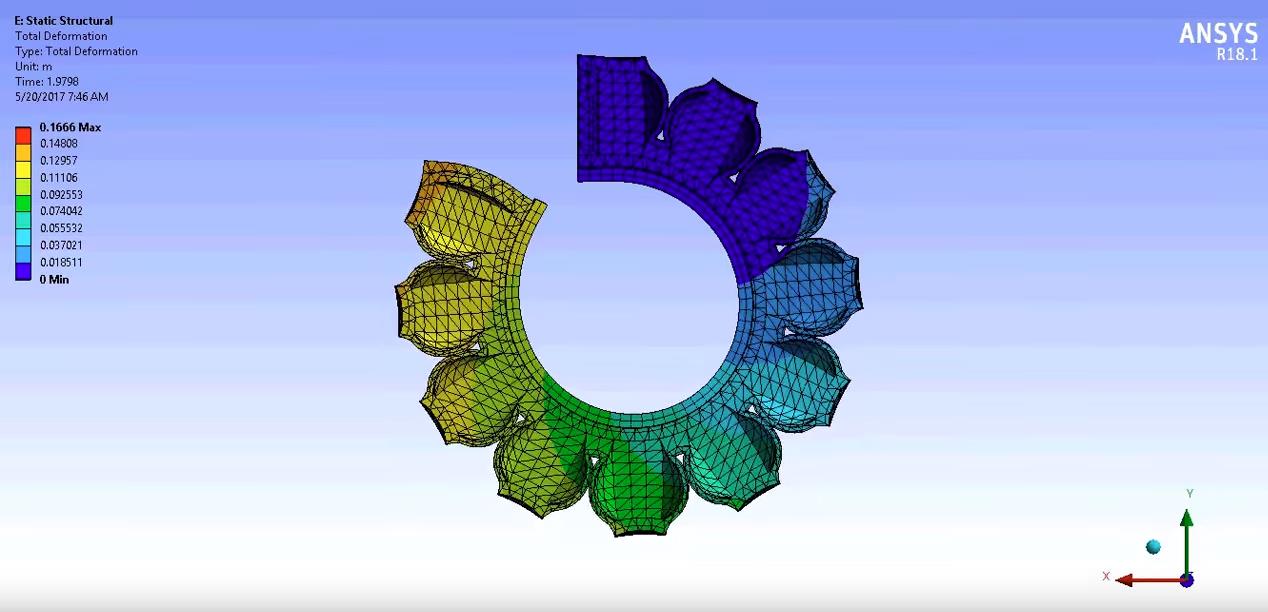


      I've already built a geometry of the gripper and I've assigned proper materials to each component. Three components are made of Dragon Skin 20. They have stifness behaviour defined as flexible.
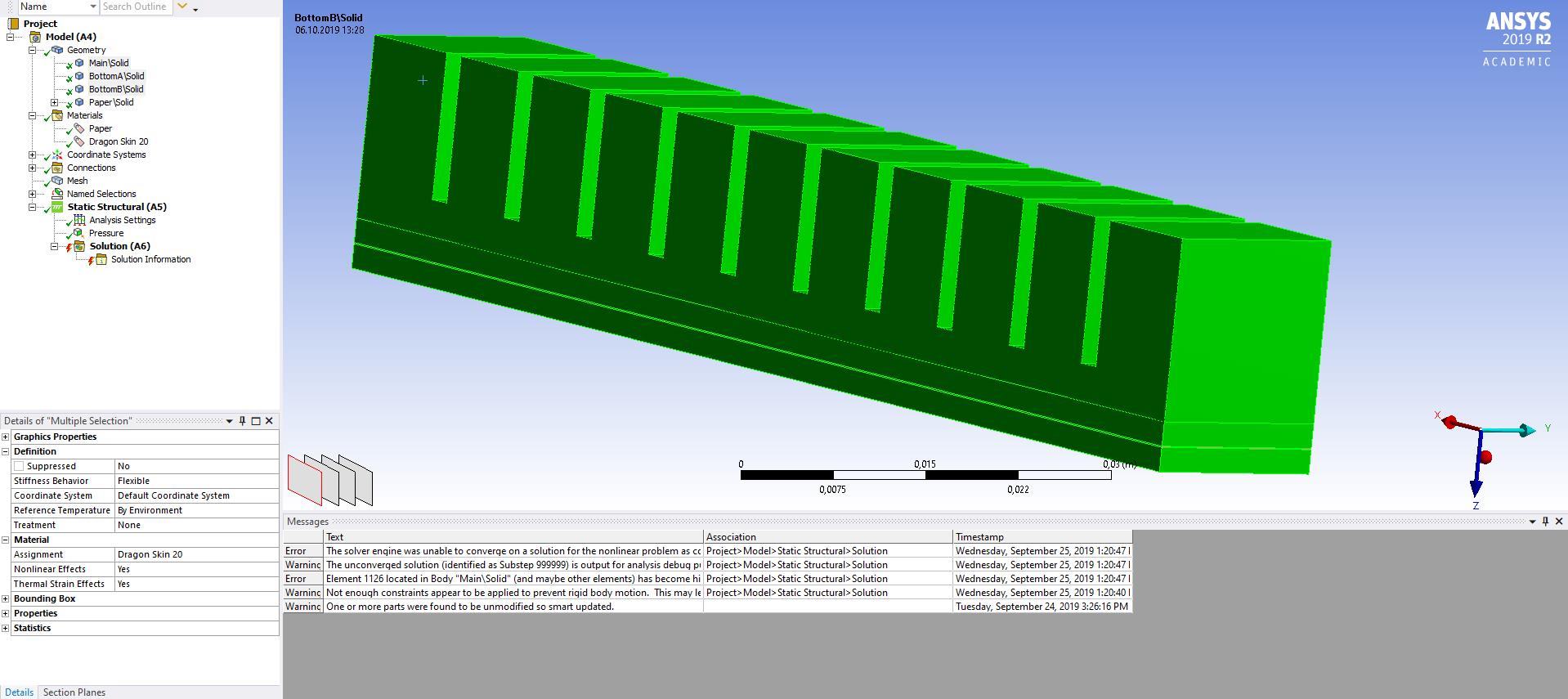


      And there is another body, thin layer made of paper. Its stifness behaviour is defined as rigid.


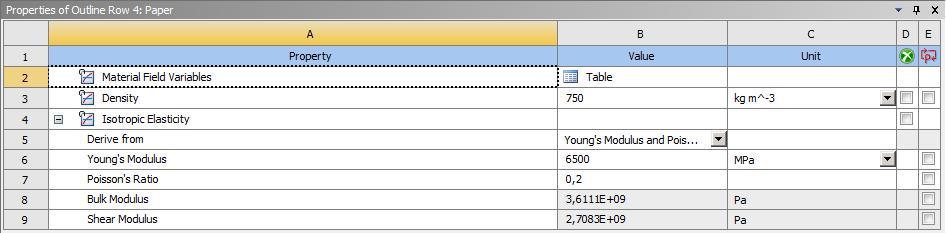
      Below, you can see properties of each material.


      Dragon Skin 20:



      Paper:


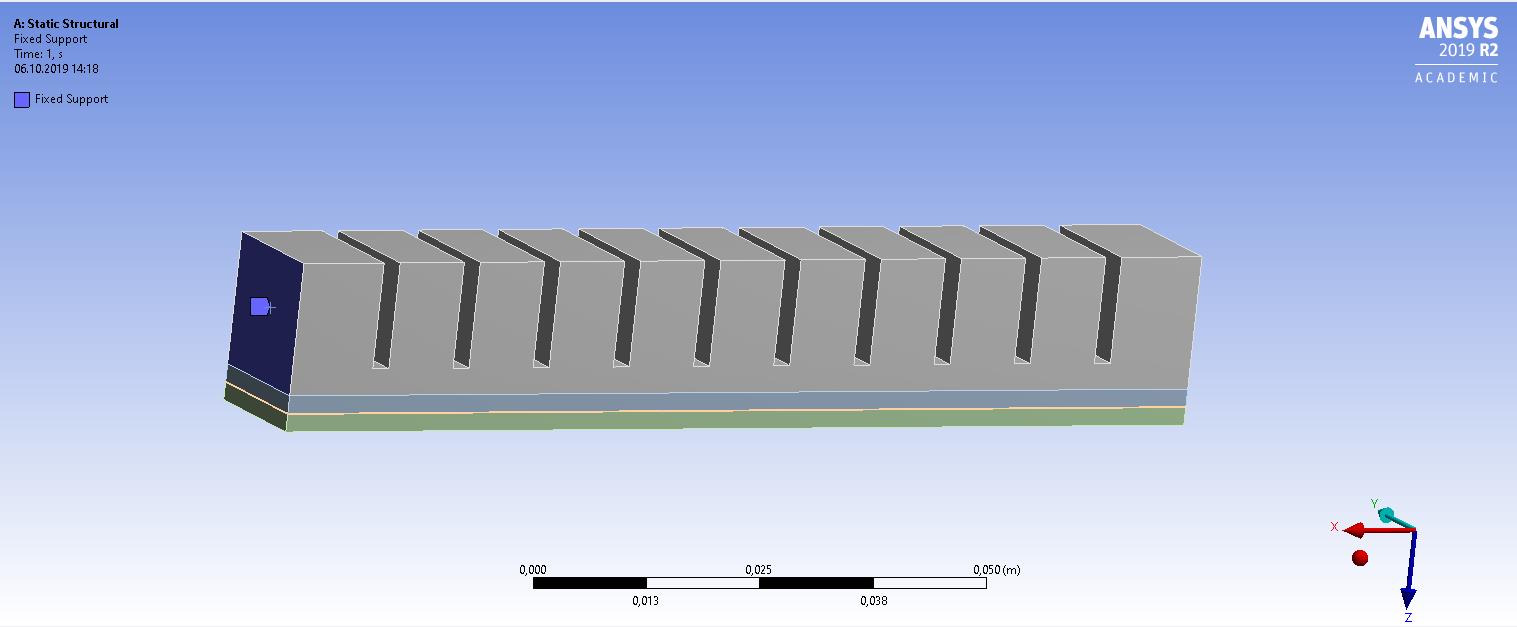
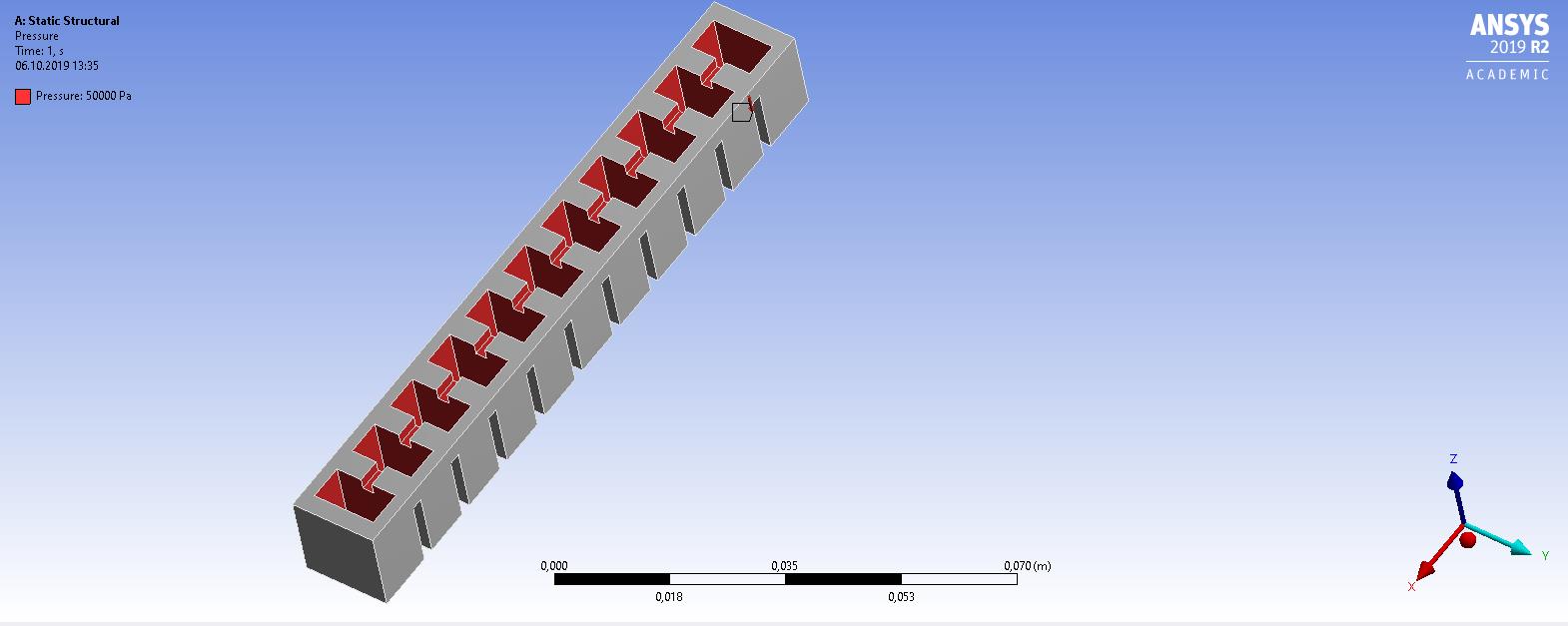
      I've generated mesh and I've inserted a pressure that is applied on the interior of the soft gripper.


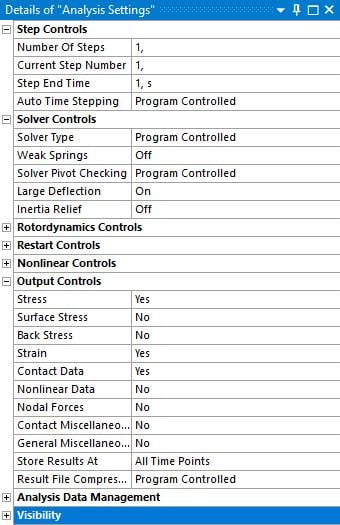
      What type of constraints should be added? And on what bodies/surfaces should they act? Details of Analysis Settings are attached below:


      I'm using ANSYS Academic Student 2019 R2.


      I'm stuck, I will be very grateful for every hint.

    • peteroznewman
      Subscriber

      Have you read this discussion?  It will help with Contact definition. Where did you find your copy of the first image?


      You said, "And there is another body, thin layer made of paper. Its stiffness behaviour is defined as rigid." Don't do that! Leave paper flexible. If the paper is rigid, it will not deform.


      Use a Fixed Support on the square face at one end of the gripper.


    • woyna
      Subscriber

      Can you send the link to the discussion about Contact again? I'm afraid, that the one that you've sent isn't working.


      The image is screenshot from this YouTube video: video. I've tried to contact the author of the video, but I didn't get an answer.


      I've changed Paper body to Flexible again and I've added Fixed support:


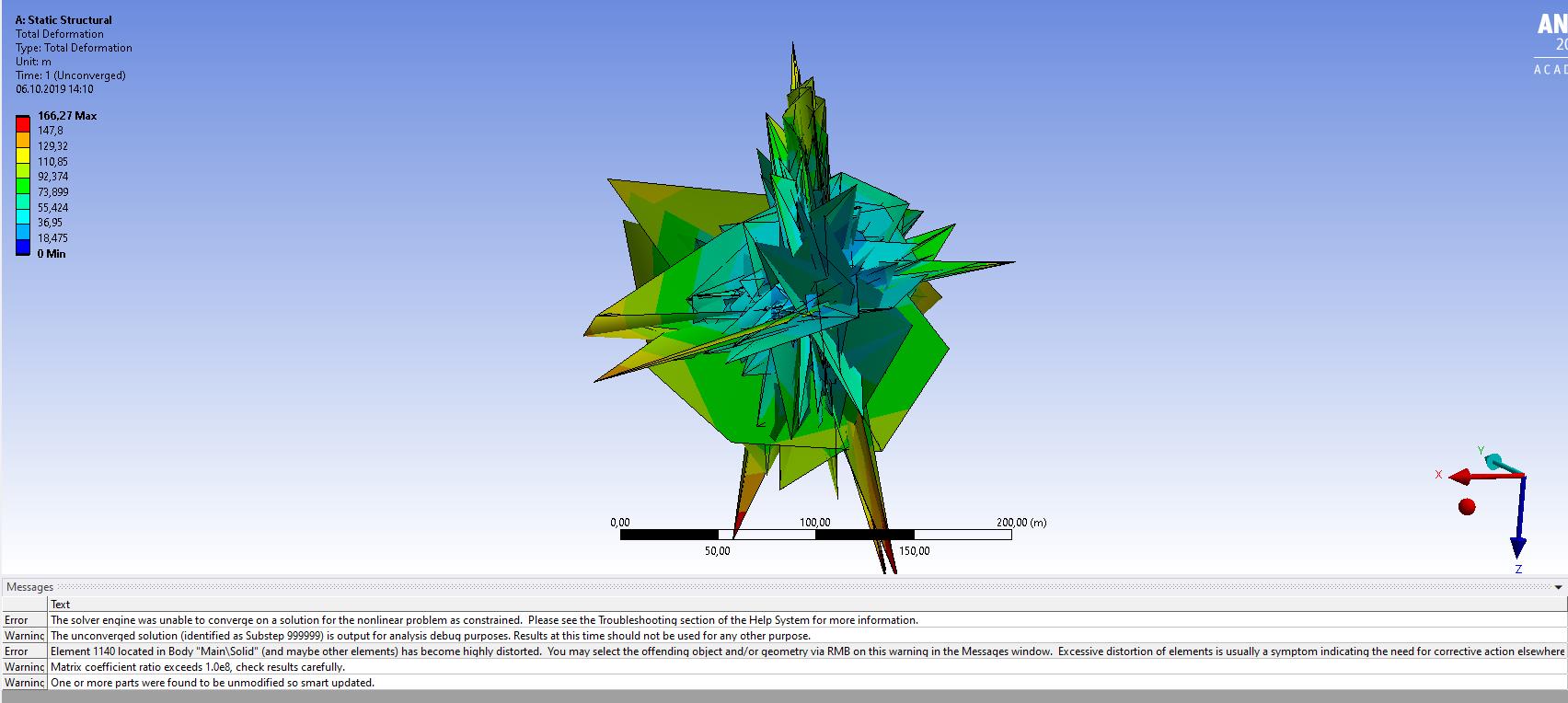
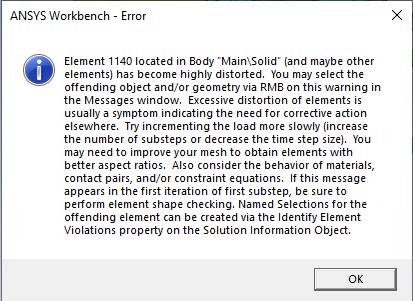
      When I try to evaluate results of Total Deformation, I get following errors:


      Here is the longest one that did not fit on the image:


    • peteroznewman
      Subscriber

      I repaired the link above.


      You must turn Auto Time Stepping On, then set the Initial and Minimum substeps to 100, Maximum to 200.


      You will experience many issues along the way to achieving the images you showed at the start. Good luck.


      https://www.youtube.com/watch?v=p1HYbMRHpPM

Viewing 3 reply threads
  • The topic ‘Soft Gripper simulation’ is closed to new replies.
[bingo_chatbox]