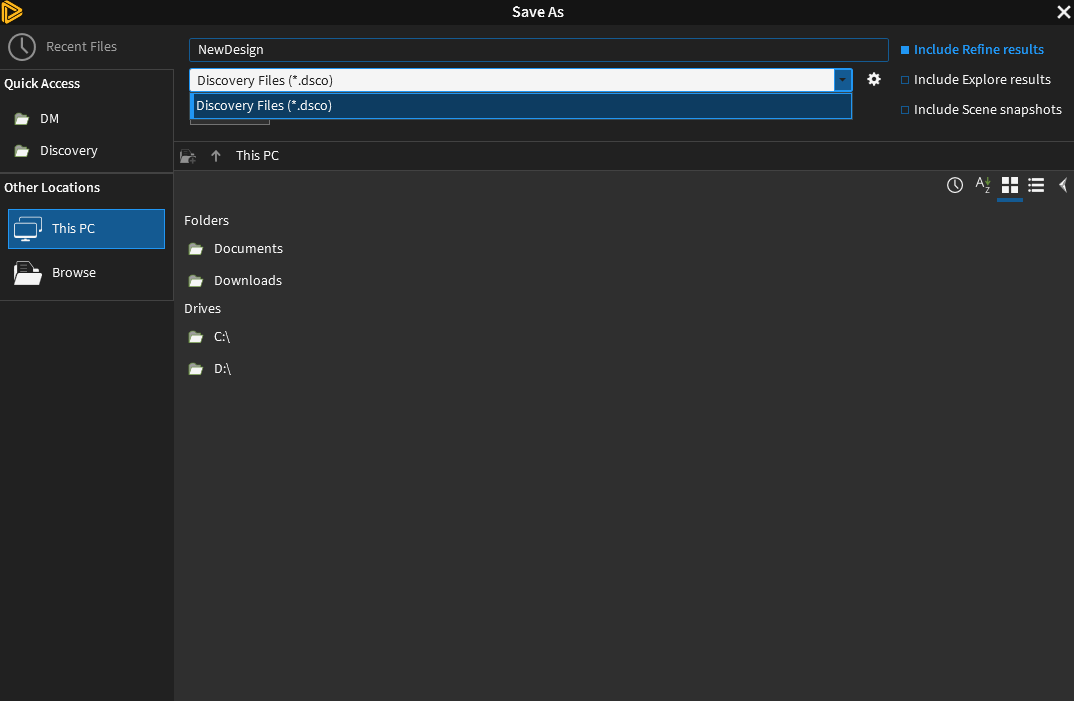
The free Ansys Student license is provided with all output formats removed except for Discovery files so what you are seeing is normal.
Open the LS-DYNA analysis system from the Toolbox in Workbench. That can import Discovery files into the Geometry cell, then open Mechanical from the Model cell.
In Mechanical, you can mesh the geometry, apply loads and support and define the analysis parameters. Then with the Solution branch of the Project outline selected, click on the Solution tab in the ribbon and you will see a button called Write Input file. Use this to write the LS-DYNA .k input file.
You also need to download and install the free student licesne for the LS-DYNA solver from here: https://www.ansys.com/academic/students/ansys-ls-dyna-student
That will put the LS-Run program on your Start menu. Open LS-Run and select the .k input file you wrote from Mechanical to solve that model. After the model solves, go back to Mechaical and use the Read Result Files button to import the results that the solver created into Mechanical for post processing.


















 You are navigating away from the AIS Discovery experience