TAGGED: ansys-apdl, apdl, display-problem, merge, post-processing-display
-
-
April 8, 2026 at 4:55 pm
nikita.falke
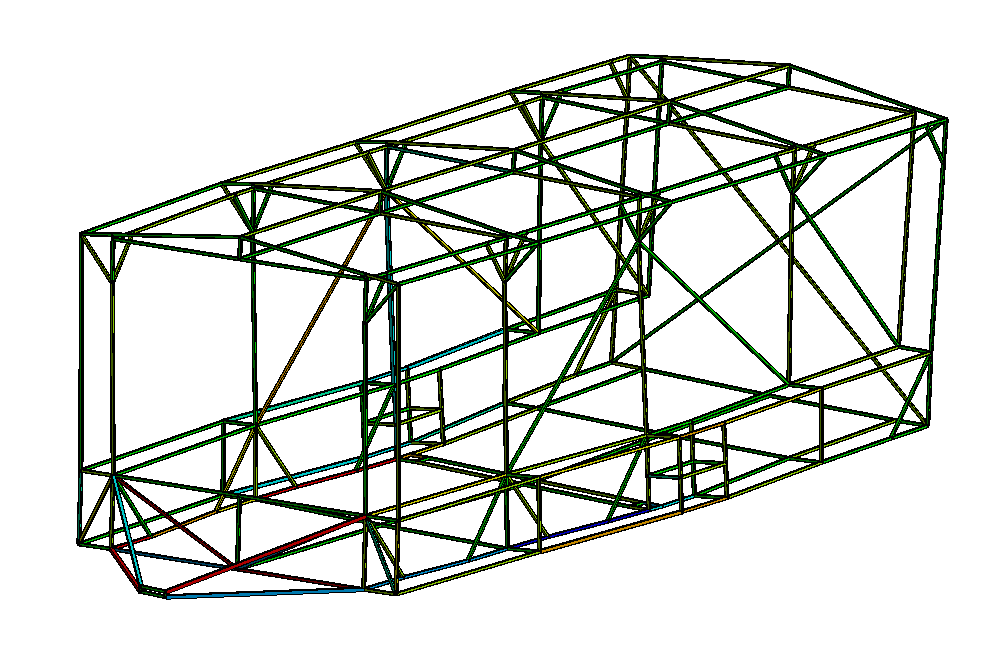
SubscriberHello, I am calculating axial forces in the link elements of a truss structure. I have used an APDL snippet to merge the nodes of all the links together (at the bottom of the post). When I solve the model, I do not get any error messages. Also, when the view is set to "Thick Shells and Beams", everything seems fine (see fig. 1).
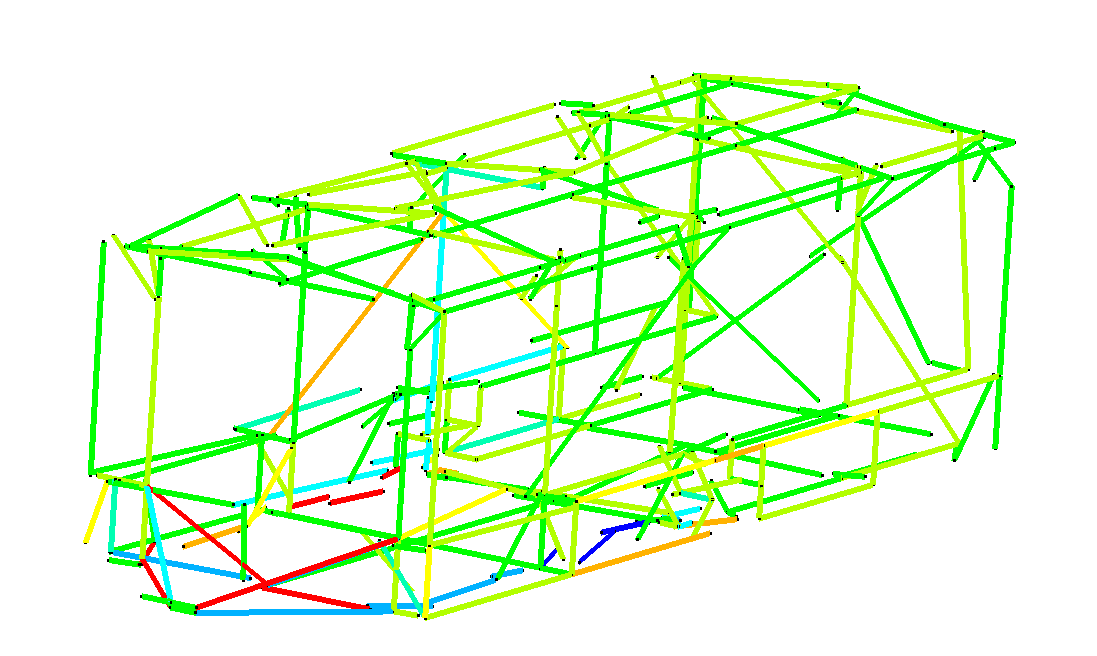
However, when I disable "Thick Shells and Beams", the elements seem to be all over the place (fig. 2).
Are my results somehow influenced by that or is this a mere display feature?
Thanks in advance
APDL Command:
/PREP7! 1. Select everything to ensure the merge affects the whole model
ALLSEL, ALL! 2. Merge Nodes
NUMMRG, NODE, 0.020, , , LOW
! 3. Compress Node Numbers (Cleanup)
NUMCMP, NODE! 4. Merge Elements (Optional but recommended for trusses)
NUMMRG, ELEM! 5. Return control to solver
ALLSEL, ALL
FINISH
/SOLU -

April 9, 2026 at 5:53 am
ErKo
Ansys EmployeeHi
Seems you use WB/Mech.
No need for these commands that are not recom.
So instead use shared topology/multi-body part (Seacrh this up there are videos), to connect beam/line geom. - see here how it is done:
Frame Analysis - FEA using ANSYS - Lesson 4
Mesh with 1 division per member/line body (mesh size object )and set type to truss not default beam.
All the best
Erko -
April 14, 2026 at 2:00 pm
nikita.falke
SubscriberThank you for your response! I tried using both multi-body part in DM and Shared Topology. They both produced inconsistent outcomes: some nodes would merge and others would not, without any apparent system or error source. The code was the only way I could combine the structure into a whole.
Still the question remains: is the second image just a display artifact or does it imply actual structural problems in my model?
Thanks in advance!
Nikita
-
- You must be logged in to reply to this topic.
-
6269
-
1906
-
1457
-
1308
-
1022
© 2026 Copyright ANSYS, Inc. All rights reserved.








