Ansys Assistant will be unavailable on the Learning Forum starting January 30. An upgraded version is coming soon. We apologize for any inconvenience and appreciate your patience. Stay tuned for updates.
Photonics

Photonics

Topics related to Lumerical and more.

Nested sweeps take very long time to simulate RCWA

    • hammam.albustami
      Subscriber

      Hello Ansys Comunity,

      I have question regarding very long time rcwa simulation.

      I'm doing nested sweep of parameters:

      for period_x (36 number of points)

           for groove_depth (36 number of points)

                 for duty_cycle (36 number of points)    

      I think that the problem arised from the saving HUGE fsp files that saved in same folder.

      How to resolve it ?

      Is there a solution not to save the files and to do the analysis in some different method?

      Thanks

    • hammam.albustami
      Subscriber

      the simulation is being stuck at 13% for more that 6 hours 😔

    • Kirill
      Forum Moderator


      Dear Subscriber,

      The built-in sweep tool creates a separate simulation file for each set of parameters. In your case, that results in 36^3=46656 files.
      First of all, running 46k simulations takes time. Even if a single run takes just 5 seconds, the full sweep could take up to 65 hours. With some quick math, you can estimate the total runtime.
      Additionally, depending on your excitation settings (e.g., wavelengths, angles) and the data being collected, each file may be several megabytes in size. This could easily add up to hundreds of gigabytes, so be sure you’re not running out of disk space.
      To avoid generating such a large number of files, consider writing your own script that:
      - updates the simulation parameters in-place,
      - runs the simulation, and
      - collects the results at each step.

      This approach allows you to loop through the parameter space without creating a separate file for every case.

      Best regards,
      Kirill

    • hammam.albustami
      Subscriber

      Thanks for replying me.
      Is there an example describe your solution suggestion on ansys website or on script command ?


      Hammam

    • Kirill
      Forum Moderator

      Dear Hammam,

      Probably the most relevant example would be Lumerical Sub-Wavelength Model: How to Simulate a Grating with Spatial Variations. It includes several LSF scripts that you may find helpful.

      Best regards,
      Kirill

    • hammam.albustami
      Subscriber

      Hello,
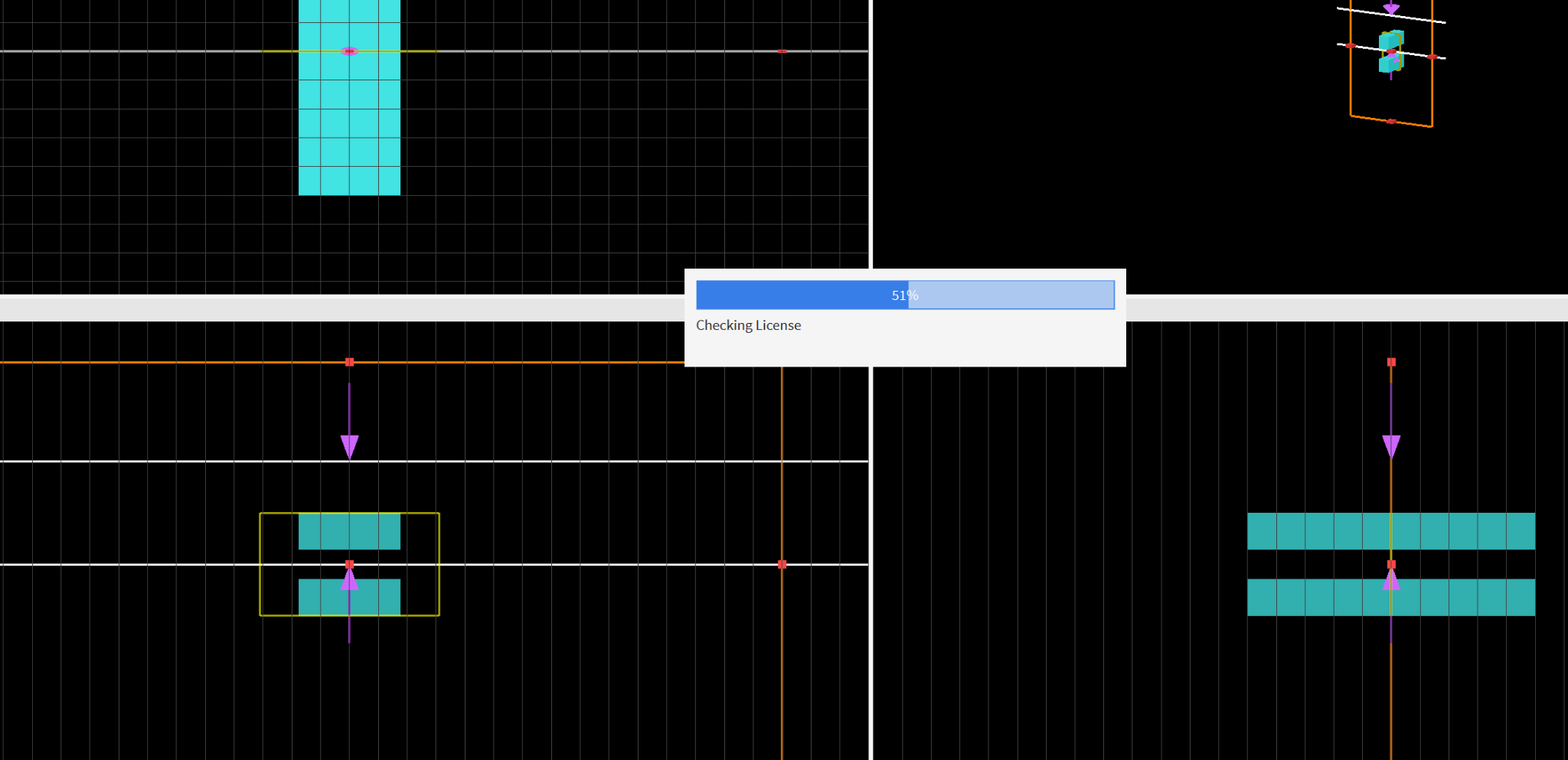
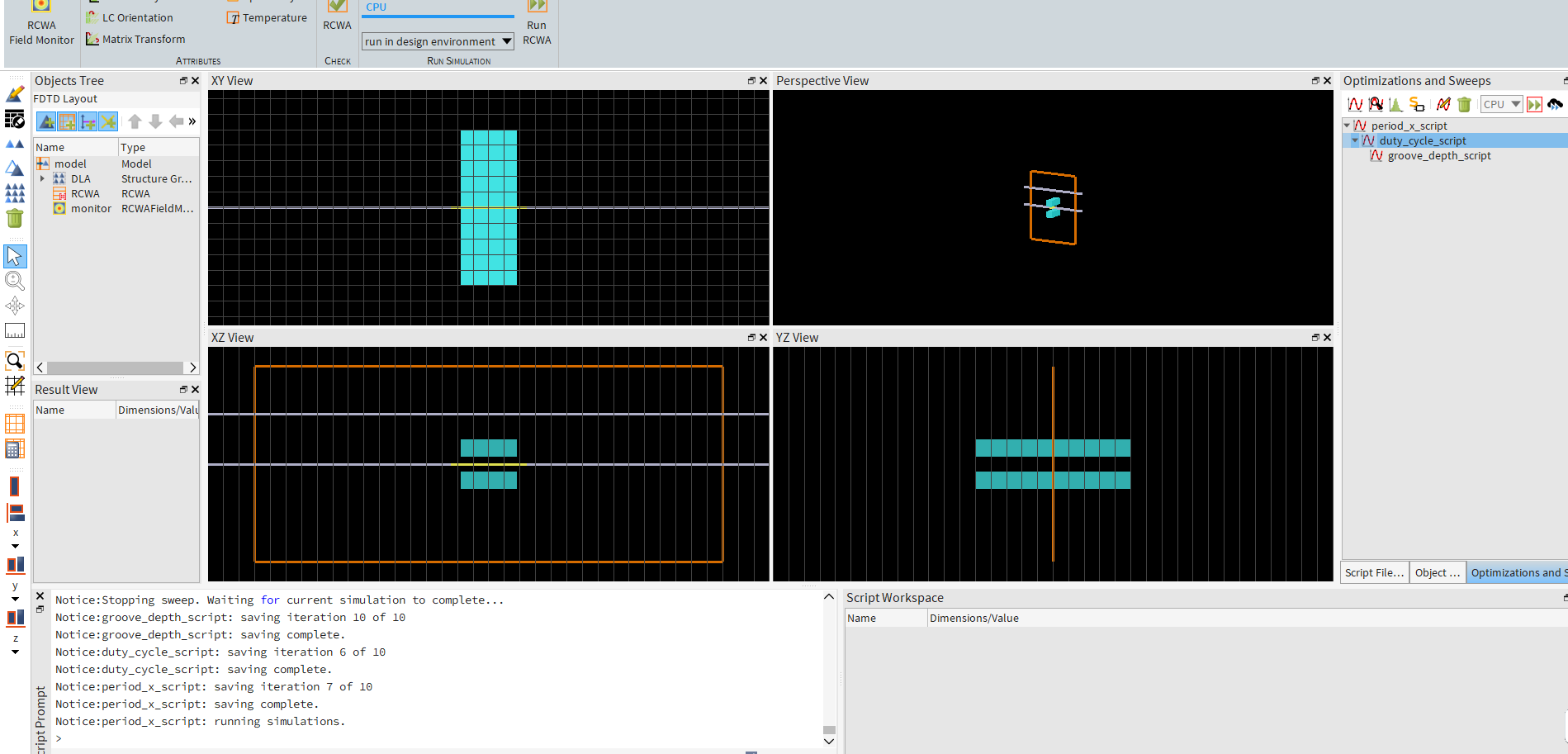
      I tried what you suggest but it seeams that the checking license every time the rcwa ran.
      How to overcome this issue ??

      Uploaded image

    • hammam.albustami
      Subscriber

    • Lito
      Ansys Employee

      @hammam.albustami,

      You mentioned in your initial post that the RCWA sweep is taking a long time to complete. And its stuck at 13%. 

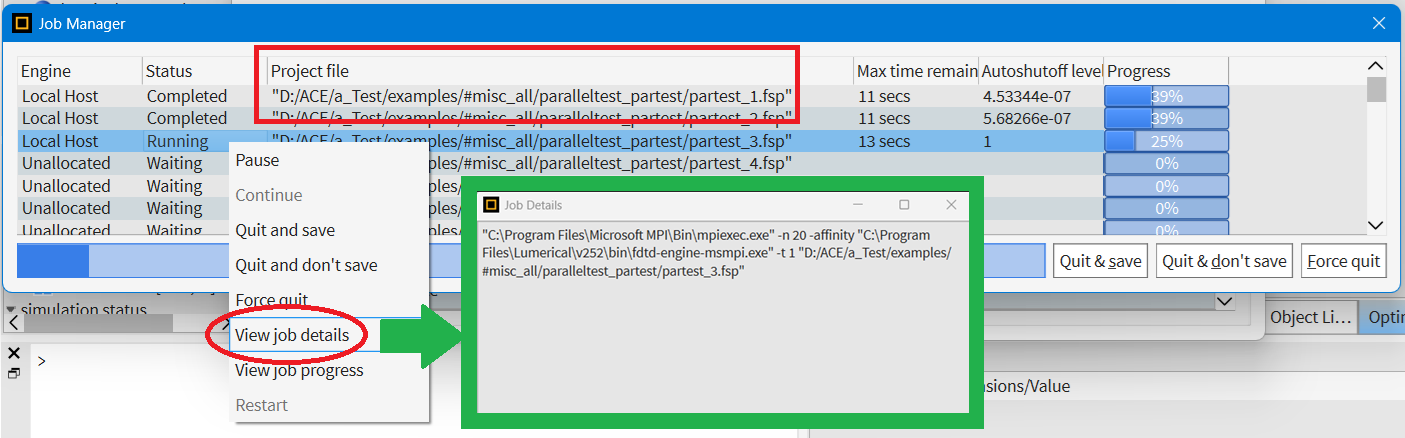
      1. Try checking the sweeps’ job details – e.g. scroll down to the stuck/affected sweep and right click on it to check the job details. Similar to this image
      2. Where is the simulation/sweeps stored? Ensure that the files are stored on a local SSD drive and not on a network or online/cloud storage
      3. Are you running RCWA simulations using the design environment / CAD/GUI
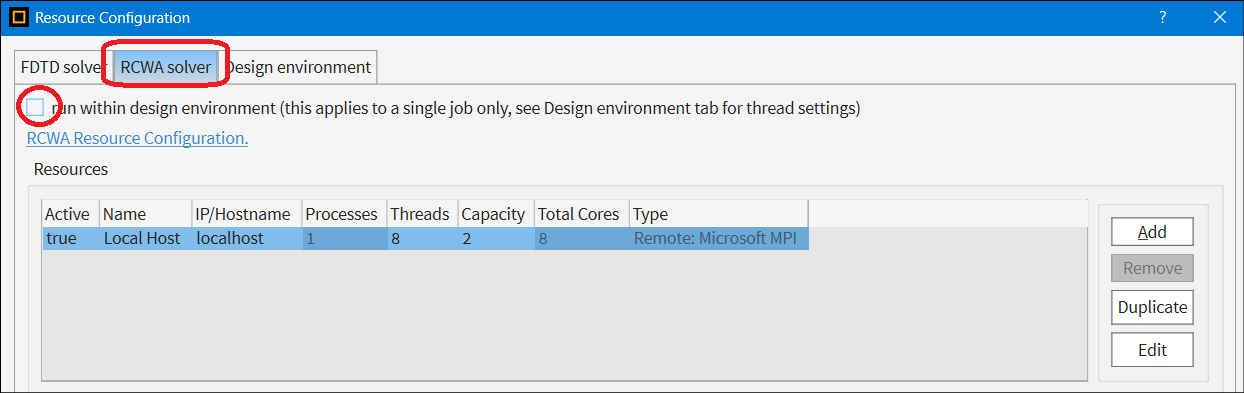
      4. Please send a screenshot of your RCWA > Resource configuration, similar to the image below (see this KB for more info).


      5. Also, are you running the Ansys license manager on the same machine where you are running Lumerical simulations?
        Or you are accessing the license via local network (LAN) or via Internet connection (WAN)? 
    • hammam.albustami
      Subscriber

      Hello,

      1- there is no error in the in the job details. But it stucks means takes very long time to finish the simulation (i think because of saving fsp files).

      2- My simulation fsp files saved in folder exists in desktop.

      3 - I run the simulation using python integration Api that call the lumerical and doing the simuysis take place using python.

      4 - the image attachced.

      5- the license manger ran on different machine where the simulation ran.


      Thanks


    • Lito
      Ansys Employee

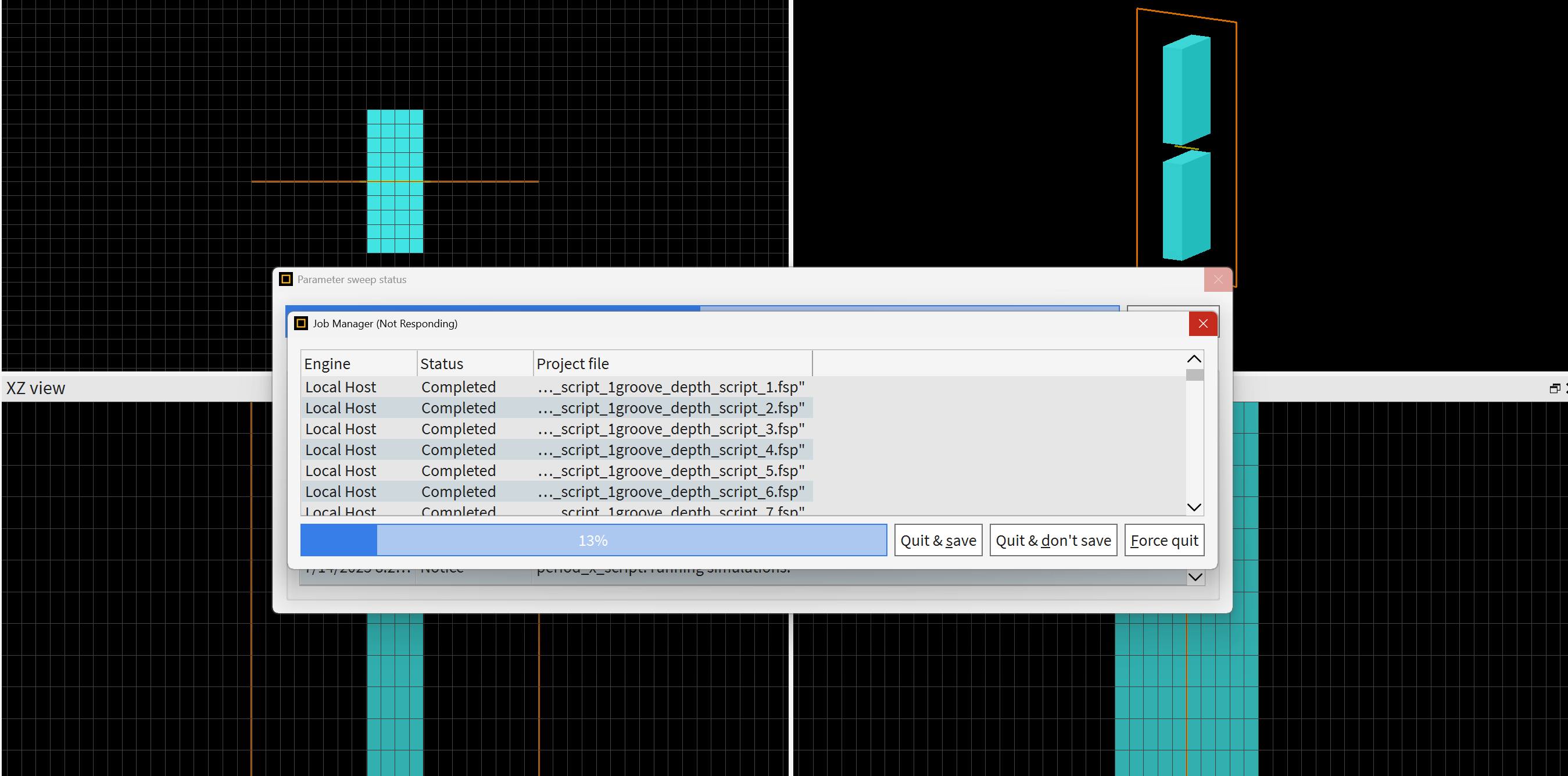
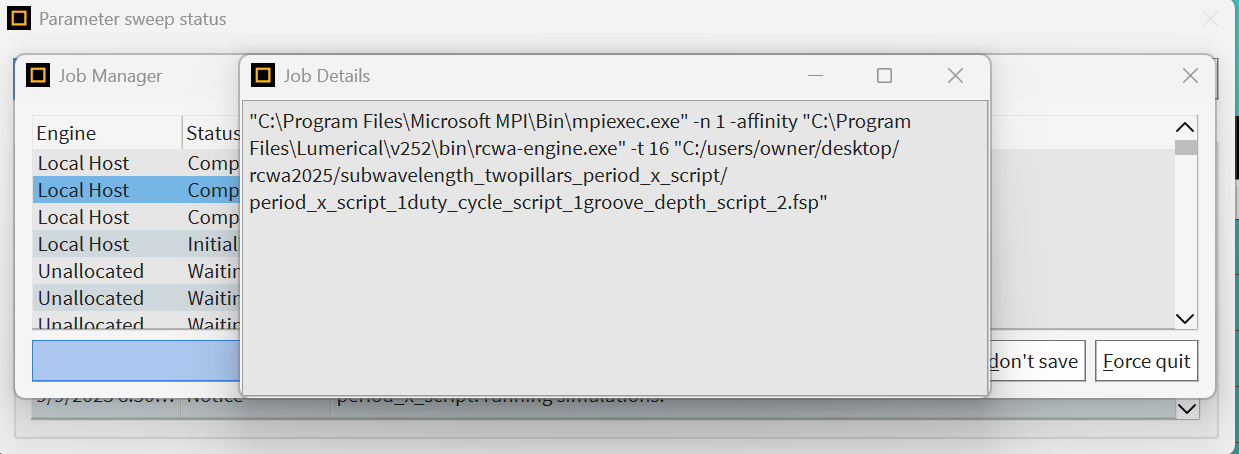
      Please check the full path shown on the Job manager window for your sweeps/simulations. Also Right Click on the stucked simulation/sweep and send us the screenshot of the job manager -- showing the full path of the simulation/sweeps are shown and the "status" and "job details" of the stuck sweep/simulation. (similar to the image below) 

    • hammam.albustami
      Subscriber

    • Lito
      Ansys Employee

      This will be difficult for us to debug and fix since we are unable to reproduce the issue. 

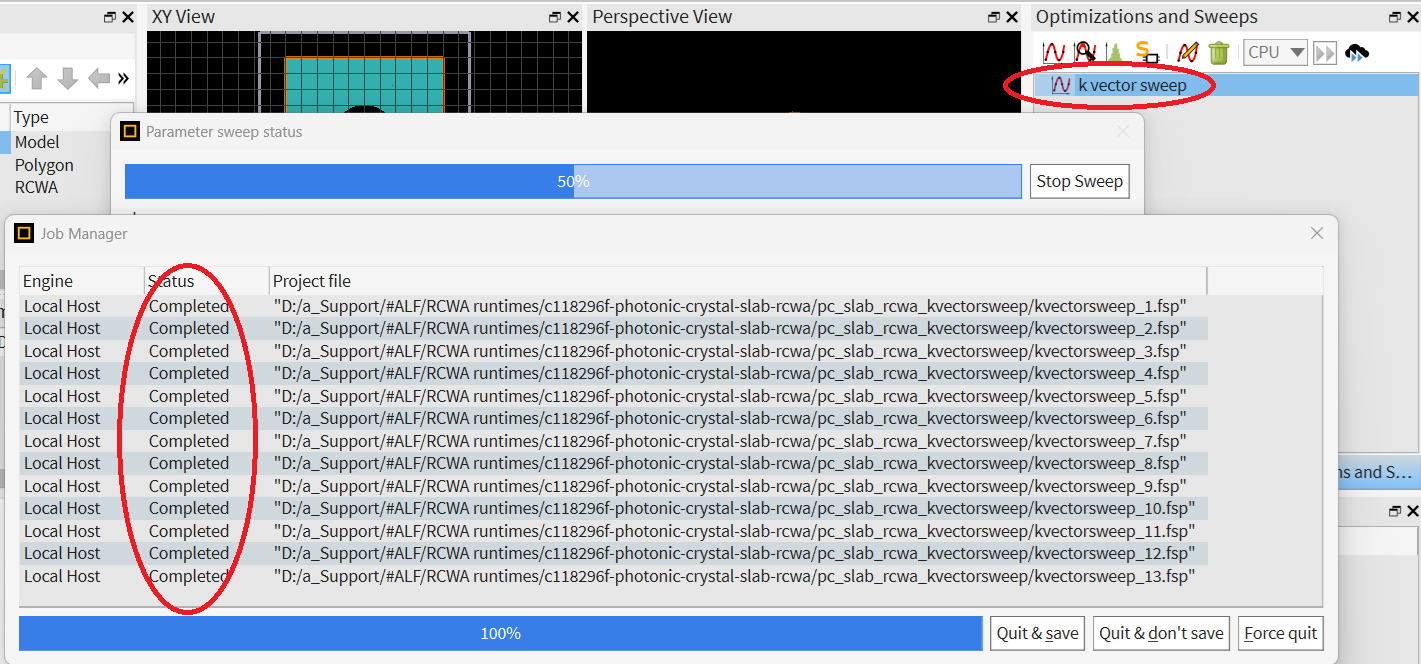
      1. Try the sweep/simulation example here >> Photonic Crystal Slab (RCWA) – Ansys Optics 
      2. Reset the Lumerical configuration/settings >> Ansys Lumerical product preference files – Ansys Optics 
        • e.g. Delete the "FDTD Solutions.ini" file 
          • del %AppData%\Lumerical\"FDTD Solutions.ini"
        • Reboot the machine 
      3. Then open and run the sweep using the default settings/resource configuration
        • Do not change anything on the Resources configuration

      We tried running the sweep from the above example with Lumerical 2025 R2.1 on Windows and it run to completion without any issues (as shown from the image below). 

    • Lito
      Ansys Employee

      By the way, when accessing the license from a different machine, it will take a few seconds for the client machine to "checkout" the license and run the job. Especially if the license server is on a different network or acccessed via the Internet and also if the simulation/sweep is run via a script.

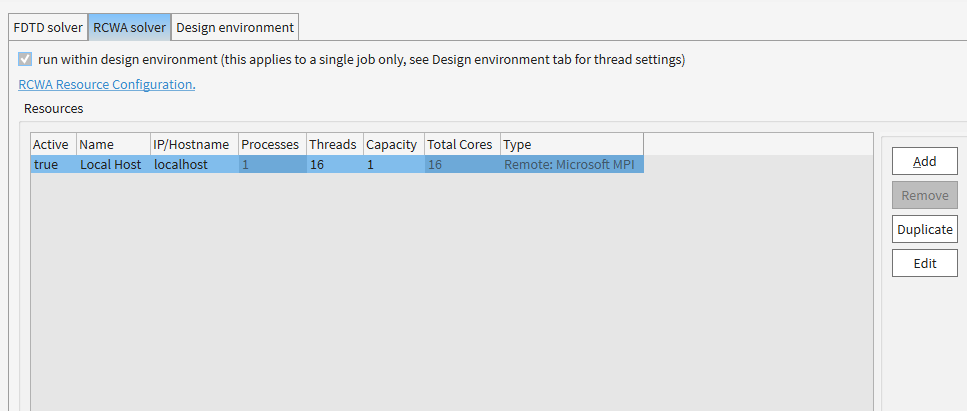
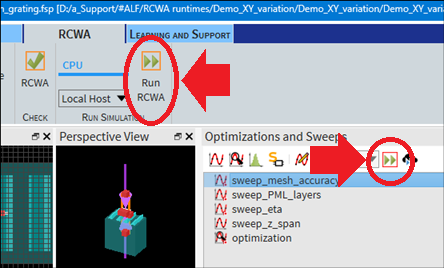
      Try running the simulation/sweep directly from the CAD/GUI as shown in the image below. This is how we run our tests for the example, Photonic Crystal Slab (RCWA) – Ansys Optics


Viewing 12 reply threads
  • You must be logged in to reply to this topic.
[bingo_chatbox]