Ansys Assistant will be unavailable on the Learning Forum starting January 30. An upgraded version is coming soon. We apologize for any inconvenience and appreciate your patience. Stay tuned for updates.
Preprocessing

Preprocessing

Topics related to geometry, meshing, and CAD.

Meshing failure with wind turbine blades!

    • chavescandinho
      Subscriber

      Hi

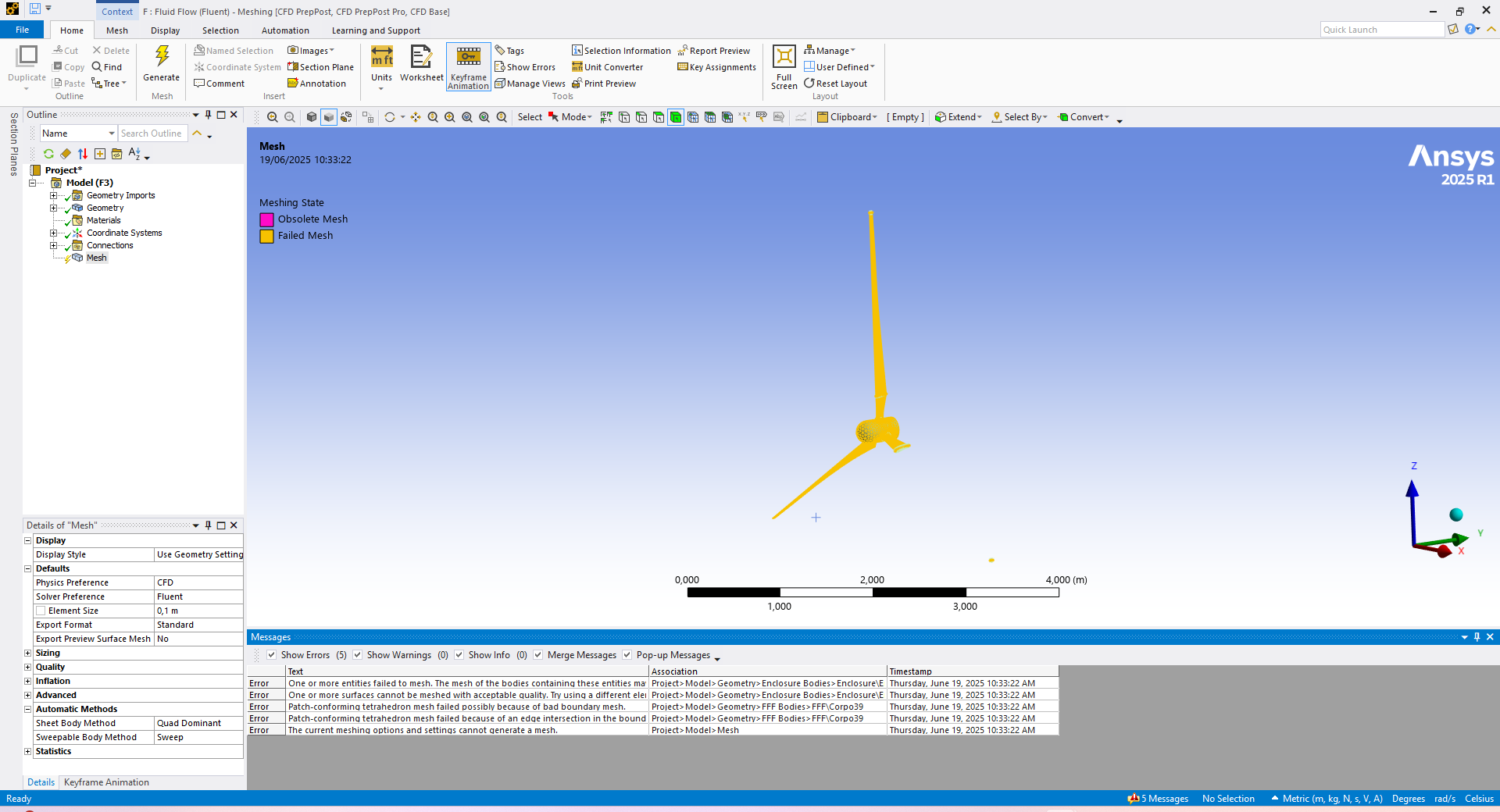
      I am having trouble meshing my wind turbine blades in Ansys mechanical. Despite several attempts, using different element sizes, virtual topology and mesh controls.

      My geometry below:

      https://drive.google.com/file/d/1OVVvWcjTk-uxtXkYHTrPNVEtYjGcXfPl/view?usp=drive_link


    • Govindan Nagappan
      Ansys Employee

      Right click on error message and see if it has an option to "show probelmatic geometry"

      If it identifies a face or curve, check the mesh settings in this region. Or check the geometry and make sure there are no errors.

      From the image, it appears that  the mesh is not created on one of the blades. If this is the case, try splitting the blade surface in CAD/Discovery and see if it helps. See if you can split and add edges to show the leading edge surface and trailing edge surface


    • peteroznewman
      Subscriber

      The file you configured to share from your Google Drive is set to Restricted so no one can download it.

      Use the pull down menu and change the access to this:

    • chavescandinho
      Subscriber

      Hi @Peteroznewman, I just changed it, so that everyone can have access

    • peteroznewman
      Subscriber

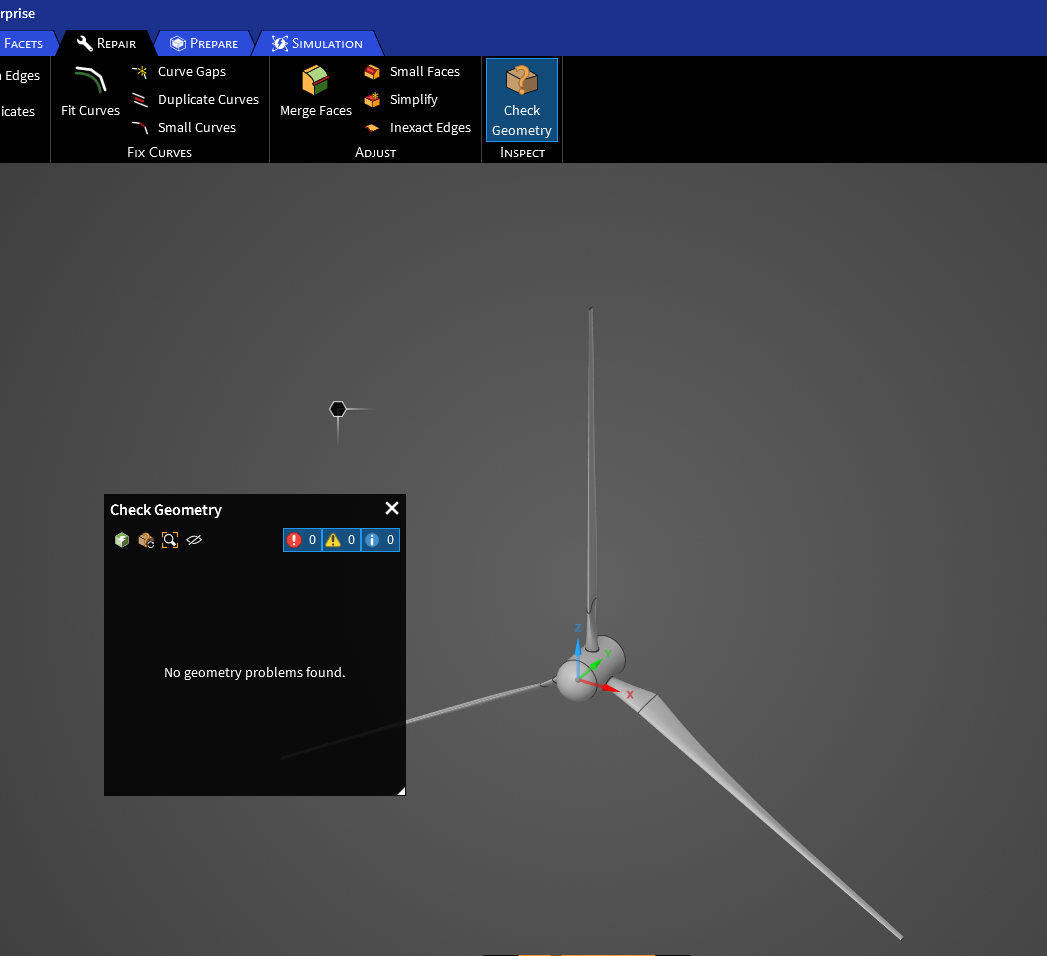
      I was able to download the 3 blade turbine. You seem to be trying to mesh the wing solid, but your mesh settings are set to CFD and you appear to be in the Mesh application which is used for meshing fluid domains.  The normal workflow is to create a fluid body enclosure around the solid parts and create a cavity in the fluid body that exactly matches the solid parts and mesh the air, not the wing.

      Please clarify what you are trying to mesh.

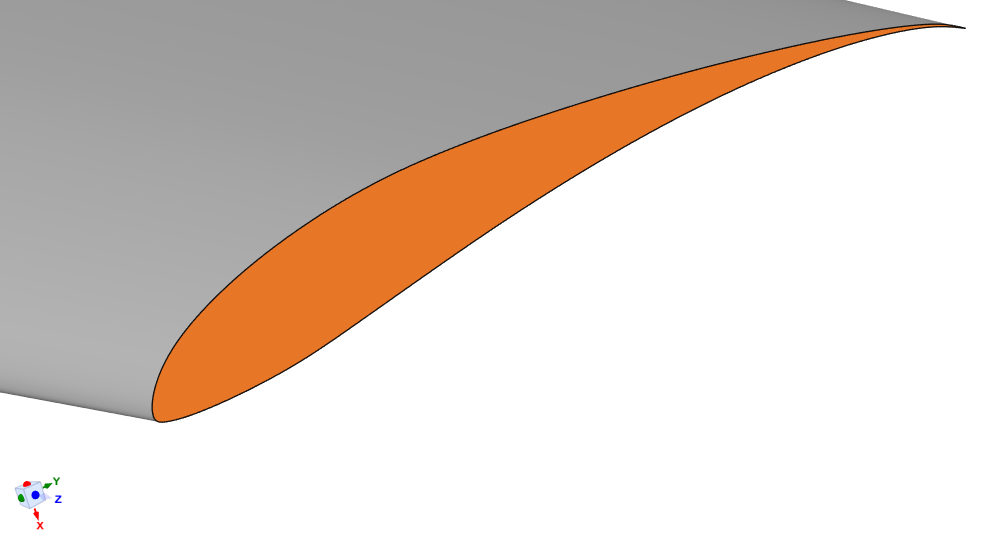
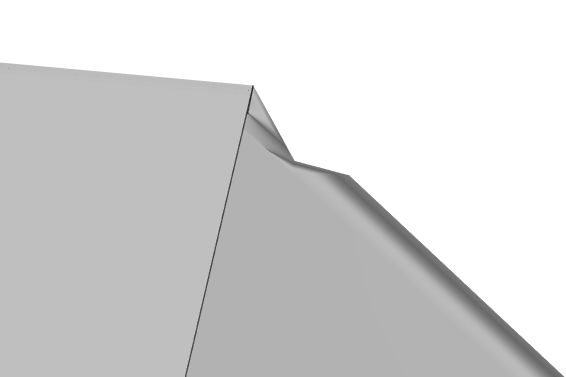
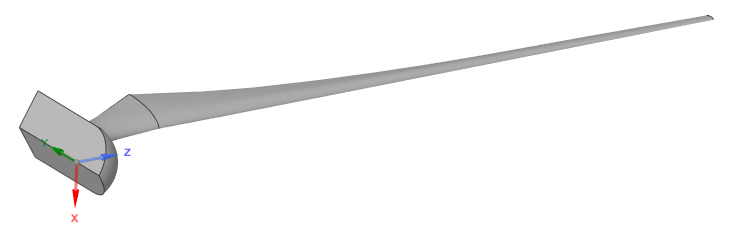
      The highlighted face below has a sharp spike which can cause problems while meshing.
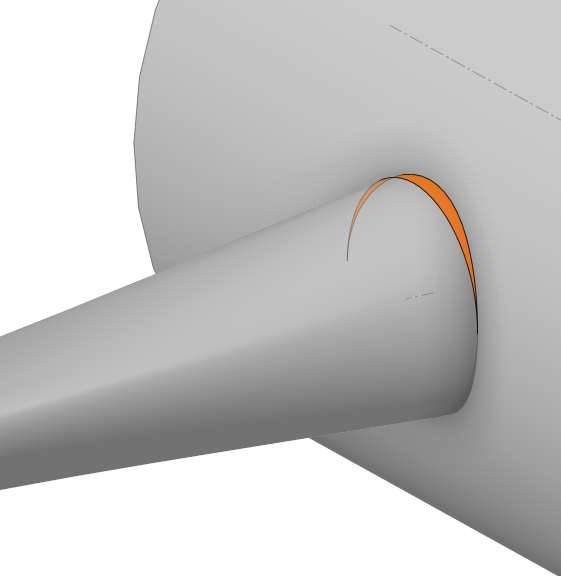
      It is best to cut that back and Pull the cut face over to the hub to eliminate that spike.
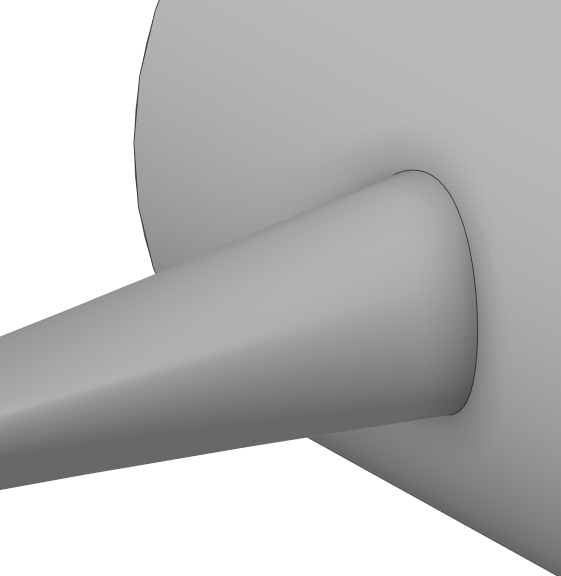
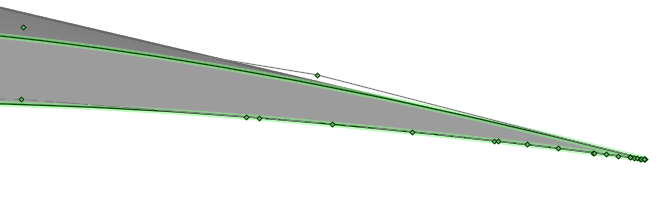
      Another defect in the geometry is a row of extra points at this location.
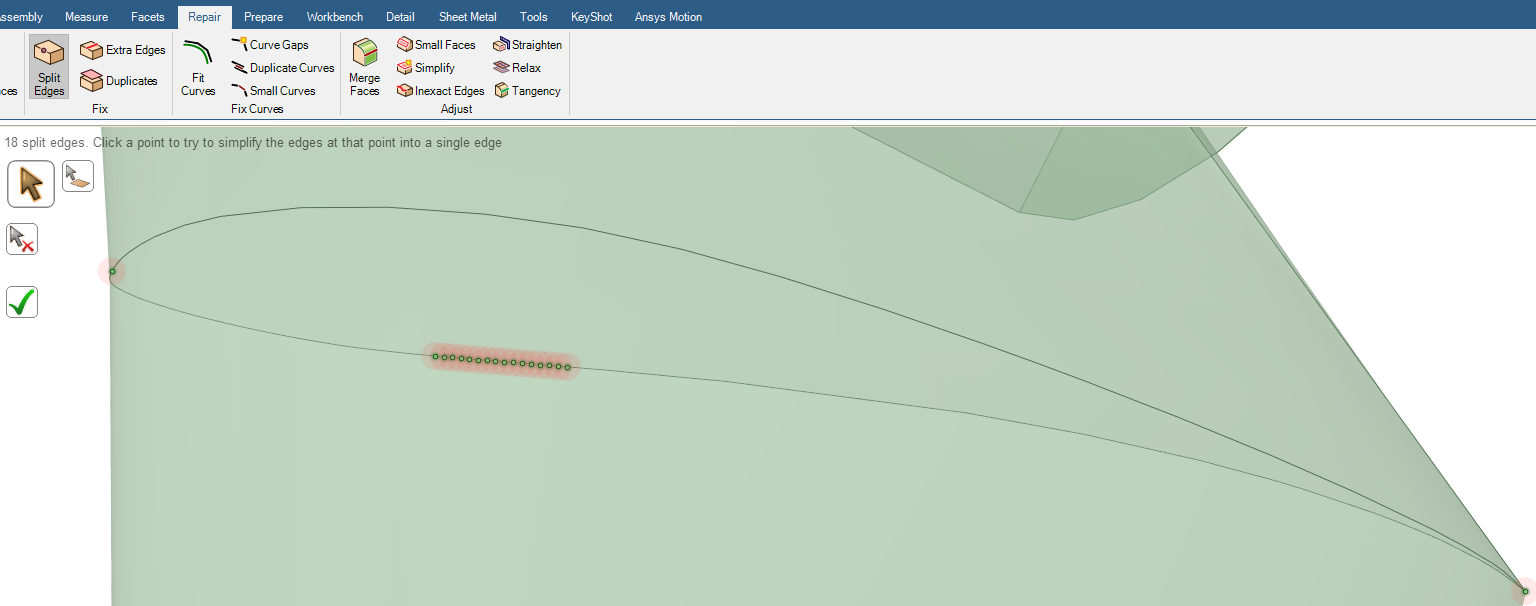
      Unfortunately, SpaceClaim can't automatically fix this problem so it will have to be repaired using more manual methods.


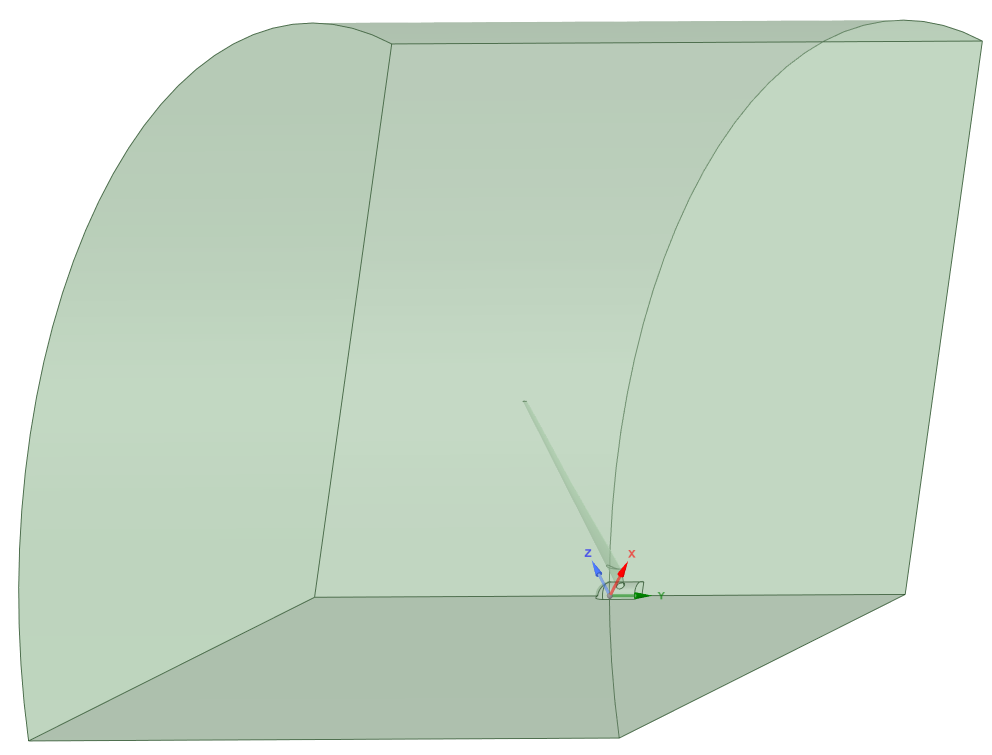
      Also, this geometry exhibits periodic property. In some cases, only 1/3 of the full air domain is meshed and periodic boundary conditions are applied to the cut faces of the air domain.  Is that appropriate for a wind turbine analysis?
      Here is a 1/3 air domain with the blade subtracted.  For an accurate simulation result, a much longer downstream mesh is required. I am cutting it off short to save time testing the meshing.
    • chavescandinho
      Subscriber

      Hi @Peteroznewman, I want to mesh the fluid domain(air) around all 3 blades to analyse their aerodynamic effects on each other. I will create a single enclosure for the full rotor, subtract the blades to form cavaties as you have shown.

      for accuracy, I need to simulate all 3 blades since interactions and unsteady effects are important, the sharp spike will be fixed now!

      thanks

    • peteroznewman
      Subscriber

      I created somewhat clean geometry for a 120 degree air segment. I attempted Fluent Watertight Mesh Workflow.  I got this error after surface meshing.

      Error: The surface mesh quality is 1 which would lead to a failed volume mesh. Either an un-suitable min size was used or the model contains very sharp trailing edges. In the latter case, it is recommended to add a small chamfer at these edges in the CAD

      It is true that the trailing edge is very sharp.

      It comes to a point. 

      I recommend taking the advice and adding a chamfer to the trailing edge. This is not easily done in SpaceClaim.

      There is also some defects in the surface quality such as the surface near the hub where it joins to the wing.

      A clean set of profile curves from the hub to the tip that include a small trailing edge flat may be required to get a good mesh.

    • chavescandinho
      Subscriber

      Thanks, I will apply all recommendations!

Viewing 7 reply threads
  • You must be logged in to reply to this topic.
[bingo_chatbox]