Hi everyone,
I’m completely new to LS-PrePost and CFD post-processing, so I would really appreciate some guidance.
Software:
LS-PrePost 4.13.5
Problem:
I have an ICFD simulation and I created a StreamLine object (StreamLine_30). I need to export the streamline geometry (point coordinates along each streamline) for all time states / frames, not just the current one.
Preferred output formats:
What I have already tried:
-
Recorded a macro (.cfile) while doing: texticfd select 30 icfd update 30 output "streamline_state1.k" 34 1 0 1 0 0 0 0 0 0 0 0 0 0 0 1.000000 0 0 The resulting .k file only contains state metadata and no actual node/point data.
-
Used Post → Output and exported as ASCII STL. This works and gives me geometry, but it converts the streamlines into triangulated surfaces. The file is very large and not ideal for getting clean polyline point data.
What I need:
-
A way to loop through all time states and export the actual streamline point coordinates
-
Preferably clean ordered points (polylines) rather than triangulated mesh
-
Batch process if possible (command file / script)
I’m not familiar with LS-PrePost scripting (SCL / command files / Python interface), so even a basic working example would be extremely helpful.
Has anyone successfully extracted StreamLine geometry over multiple states before? Any recommended workflow or alternative method would be greatly appreciated.
Thank you in advance!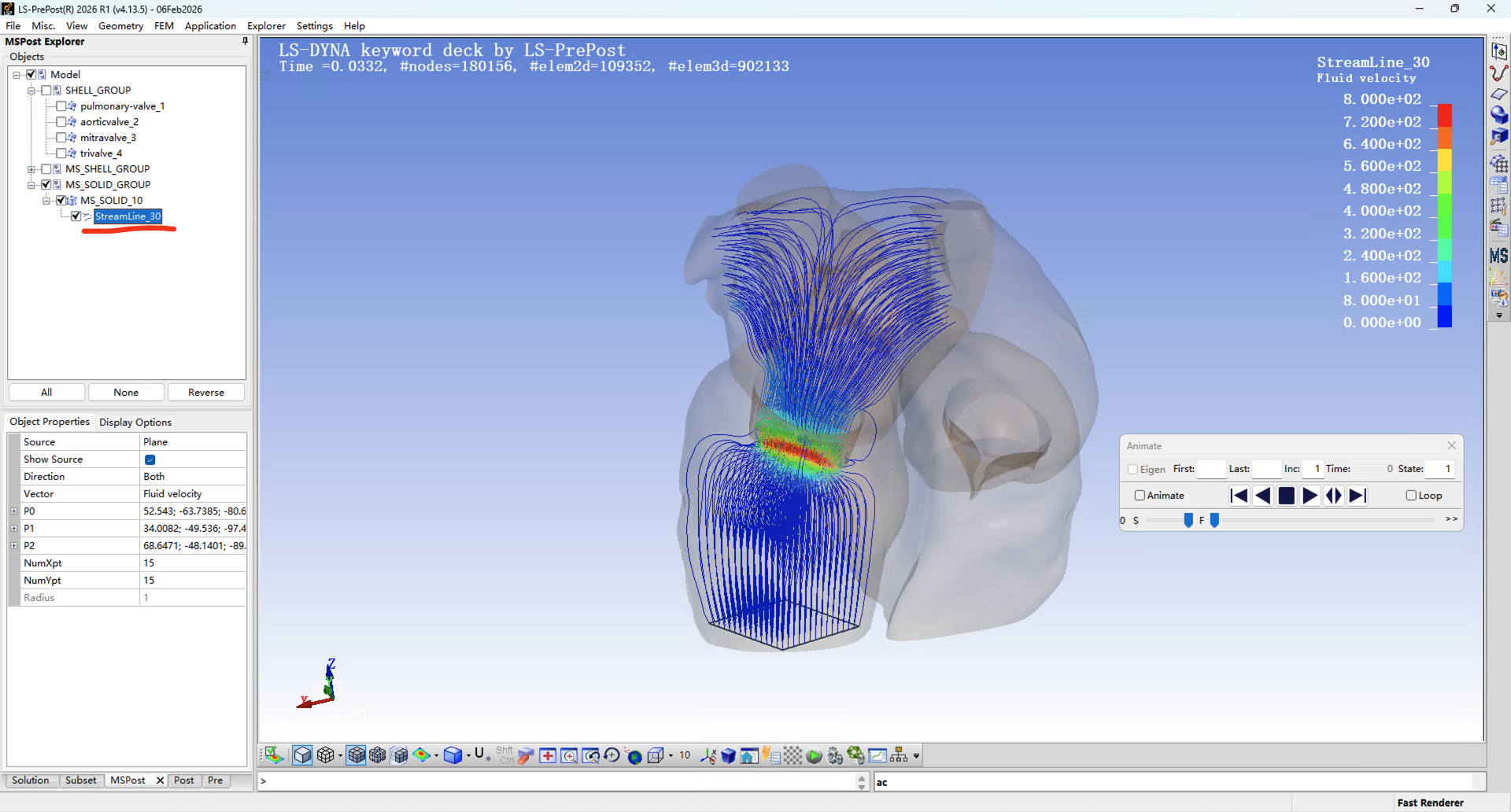

















 You are navigating away from the AIS Discovery experience