TAGGED: lsdyna, lsdyna-lstc-centos-linux, lsrun-license-error, usermat
-
-
May 26, 2026 at 12:36 pm
kshi84
SubscriberHello all,
I am trying to use a compiled solver from the usermat version of LS-DYNA. Initially I had some issues compiling the solver with the Makefile, but after adding some lines to the LIBS variable in the Makefile, I was able to compile something. However, when trying to use the file made with the Makefile, with LSrun, I get a license error.
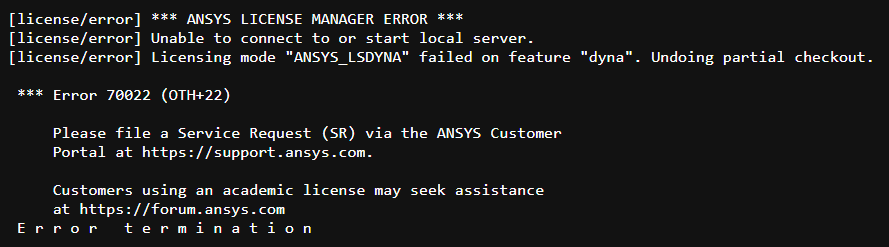
I tried some of the suggested solutions from previous posts, such as:
export ANSYSLMD_LICENSE_FILE=127.0.0.1
env ANSYSLMD_LICENSE_FILE=1055@127.0.0.1
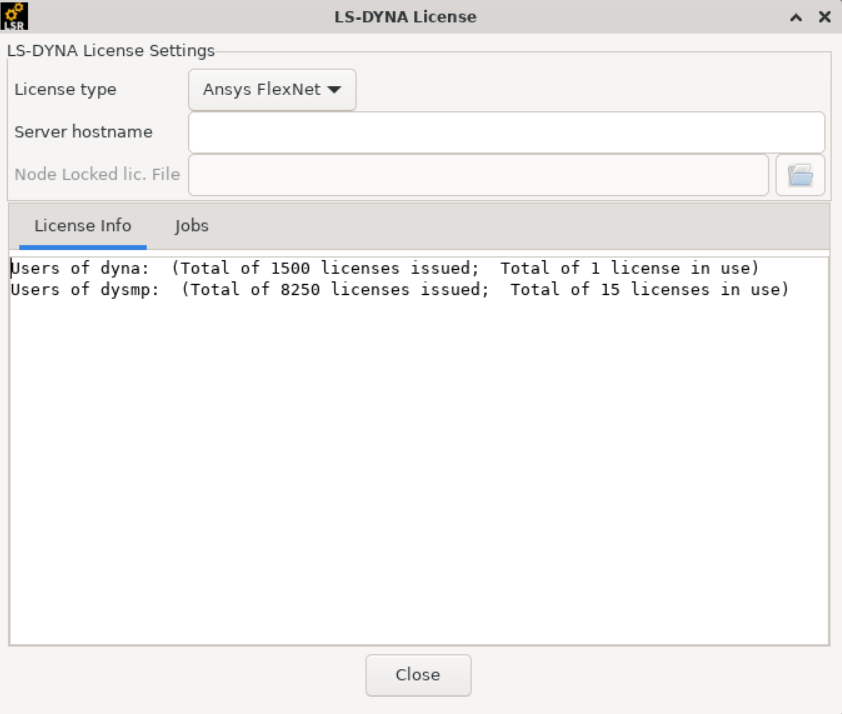
In the lsout file, it says "license option:check ansys licenses only" at the top. I am using the usermat version of R13.1 mpp double precision. I also saw an "ansyscl" file was mentioned. If this is needed, where would it be located when downloading the compressed folder? Is it supposed to be inside the compressed folder? I am unable to find file. Also looking in the license tab of LSrun shows licences are active and are waiting to be used.
Best,
K

-
May 26, 2026 at 2:12 pm
igandiko
Ansys EmployeeHello, do you have "ansyscl" file in the solver directory? If not, please download the non-usermat package of the same version and place the "ansyscl" file from this package in the usermat solver directory.Â
-
May 26, 2026 at 7:44 pm
kshi84
SubscriberHello,
I found a non-usermat package of of LS-DYNA with the same version, parallelization, and linux version as the usermat package I am using. I copied the ansyscl file from the non-usermat package and put it in the same directory as the solver executable. Running the same solver and keyword file resulted in a slightly different license error:
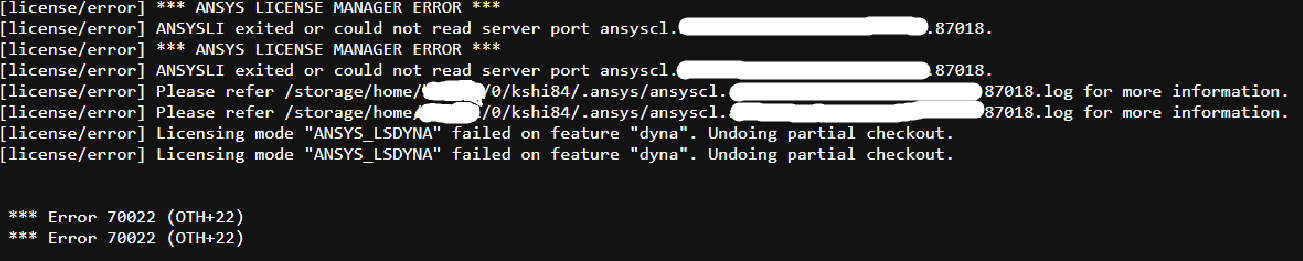
I am not sure how identifying this output is, so I whited out things I thought could be. I could not find the log files in the path provided by this image. Do you believe this is an issue stemming from the software side, or the computing cluster I am using LSrun on?
Best,
K
-
May 26, 2026 at 8:18 pm
igandiko
Ansys EmployeePlease try setting ANSYSCL_BIND_TO_LOOPBACK=1 and ensure there are read, execute permissions to the directory where ansyscl is located.Â
Are you using Ansys license or LSTC license to run LS-DYNA? If its Ansys, note that env ANSYSLMD_LICENSE_FILE should point to the license server.Â
Its probably better to run a simple non-usermat ls-dyna job to make sure your license settings are correct.Â
-
May 26, 2026 at 9:35 pm
kshi84
SubscriberHello,
I believe I am trying to use the ansys license? Atleast in the lsrun.out file states "license option:check ansys licenses only" at the top. I tried the solutions you suggested, by adding these lines to my .bashrc:
env ANSYSLMD_LICENSE_FILE=1055@127.0.0.1
export ANSYSCL_BIND_TO_LOOPBACK=1
I get the same error as pictured in my previous reply (with different numbers after "server port ansyscl.<...>"). I am waiting to hear back from the support team of the computing cluster on if the location of the license servers are different from localhost.Â
I wanted to mention that running the precompiled solvers (the ones that pop up when setting a preset in LSrun) work normally and do not terminate with a license error. The compiled solver I am using to my understanding is "non-usermat", as in I did not edit the source code at all (i.e. dyn21.f) before compiling with the Makefile.Â
Best,
K
-
May 26, 2026 at 10:02 pm
igandiko
Ansys EmployeeWhen you run non usermat solver, what license option did you select under ls-run settings (ls-run > ls-dyna > license)? Based on the options defined here, ls-run sets the license environment.Â
Since the pre-compiled executables work, can you try moving your user-mat executable to the same location where pre-compiled binaries are located and then call this user-mat exe?
Â
Â
-
-
-
May 26, 2026 at 10:13 pm
-
- You must be logged in to reply to this topic.
-
6520
-
1906
-
1463
-
1310
-
1022
© 2026 Copyright ANSYS, Inc. All rights reserved.