Ansys Assistant will be unavailable on the Learning Forum starting January 30. An upgraded version is coming soon. We apologize for any inconvenience and appreciate your patience. Stay tuned for updates.
Ansys Products

Ansys Products

Discuss installation & licensing of our Ansys Teaching and Research products.

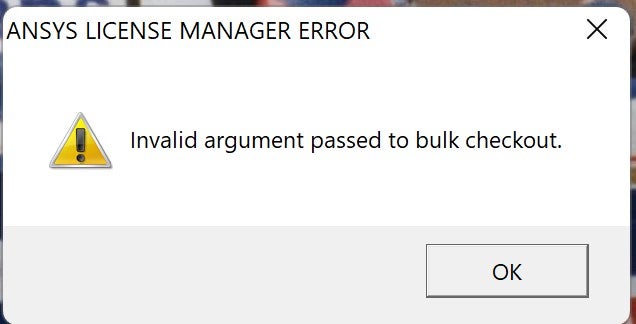
Invalid argument passed to bulk checkout

    • Jocelyn Dubuc
      Subscriber

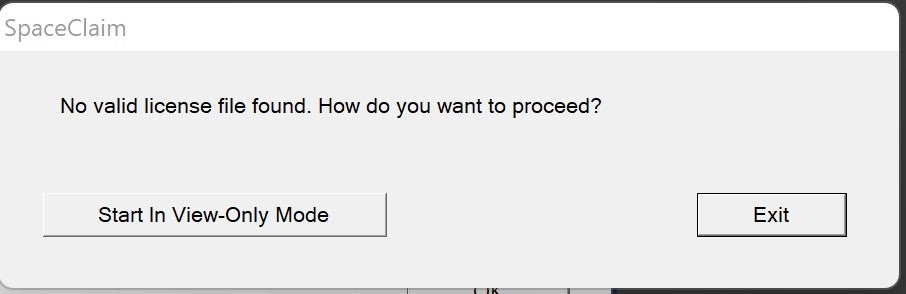
      I just installed Ansys student 2021R2 and I'm unable to use SpaceClaim. I can open a project in Workbench just fine but when I try to open SpaceClaim (either through the project or just standalone) I get this error message, followed by a message telling me that no valid license was found. However, the license should be built-in and valid until 01/31/2023. How can I get SpaceClaim to work?


    • George Karnos
      Ansys Employee

      Under %TEMP%\.ansys you should see license debug files.
      Are there any errors listed in the debug files?

      • Jocelyn Dubuc
        Subscriber

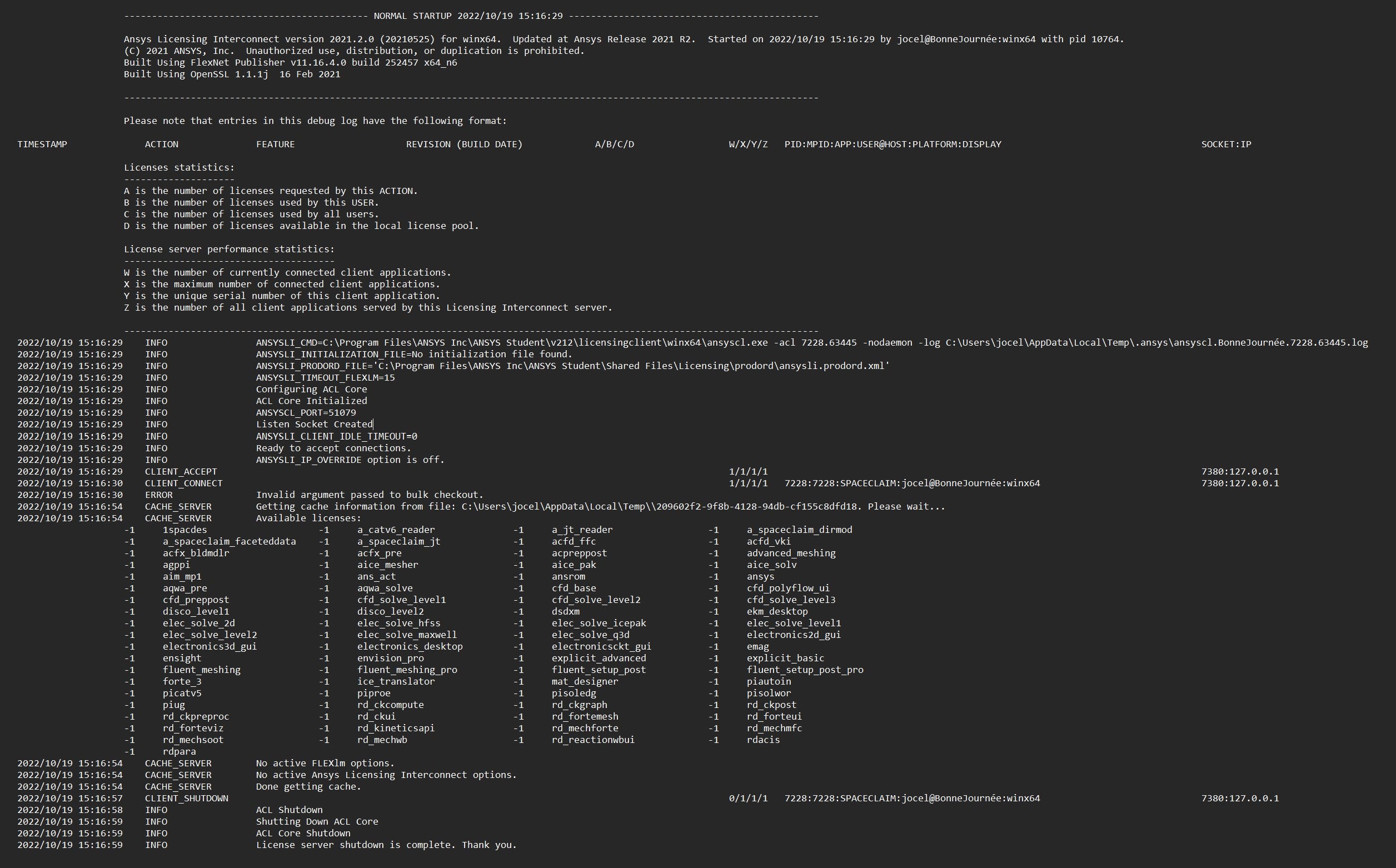
        Here is what I see in the license debug file when I try to open SpaceClaim. Please let me know if this isn't what you're talking about.

        • Jocelyn Dubuc
          Subscriber

          When I open licdebug.SPACECLAIM.212.out, this is what I see for my most recent start-up of SpaceClaim:


          2022/10/19 15:16:28    INFO                Starting Licensing Client Proxy server.
          2022/10/19 15:16:28    INFO                C:\Program Files\ANSYS Inc\ANSYS Student\v212\licensingclient\winx64\ansyscl.exe -acl 7228.63445 -nodaemon -log C:\Users\jocel\AppData\Local\Temp\.ansys\ansyscl.BonneJournée.7228.63445.log
          2022/10/19 15:16:28    INFO                Started ANSYSLI server.
          2022/10/19 15:16:30    CLIENT_CONNECT                                                                                           1/1/1/1   7228:SPACECLAIM:jocel@BonneJournée:winx64                  7380:10.192.177.151 
          2022/10/19 15:16:30    NEW_CONNECTION      Connected to Licensing Client Proxy server: 51079@127.0.0.1.

    • George Karnos
      Ansys Employee


      Exit all ansys programs.

      Try renaming:

      %APPDATA%\Ansys
      to:
      %APPDATA%\Ansys.old

      And:
      %APPDATA%\SpaceClaim
      to:
      %APPDATA%\SpaceClaim.old

      Now try to run.


      • Jocelyn Dubuc
        Subscriber

        Just tried this. I am still getting the same error message when I try to launch SpaceClaim.

    • George Karnos
      Ansys Employee

      If this a new installation, I recommend changing the Hostname of the machine...

      BonneJournée  contains a special character and most likely is interferring with license .

      Example... Change from BonneJournée to BonneJournee

      Also, when was this version downloaded?

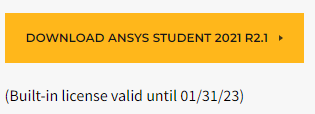
      Did you download the following version:   2021 R2.1
      • Jocelyn Dubuc
        Subscriber

        Ok, I will try changing the hostname and tell you what happens. I downloaded it yesterday (Oct. 18th) to try and see if a fresh install would fix the problem.

      • Jocelyn Dubuc
        Subscriber

        Changing the hostname did the trick. Everything seems to work now. Thank you so much for your help! 

    • George Karnos
      Ansys Employee

      Also, was there a previous version installed?


      • Jocelyn Dubuc
        Subscriber

        I had installed version 2021 R2.1 before but uninstalled to try and see if a fresh install would fix my problem. 

Viewing 4 reply threads
  • The topic ‘Invalid argument passed to bulk checkout’ is closed to new replies.
[bingo_chatbox]