Fluids

Fluids

Topics related to Fluent, CFX, Turbogrid and more.

Inlet and Outlet BC

    • Kepojeyathas94
      Subscriber

      Hi everyone.
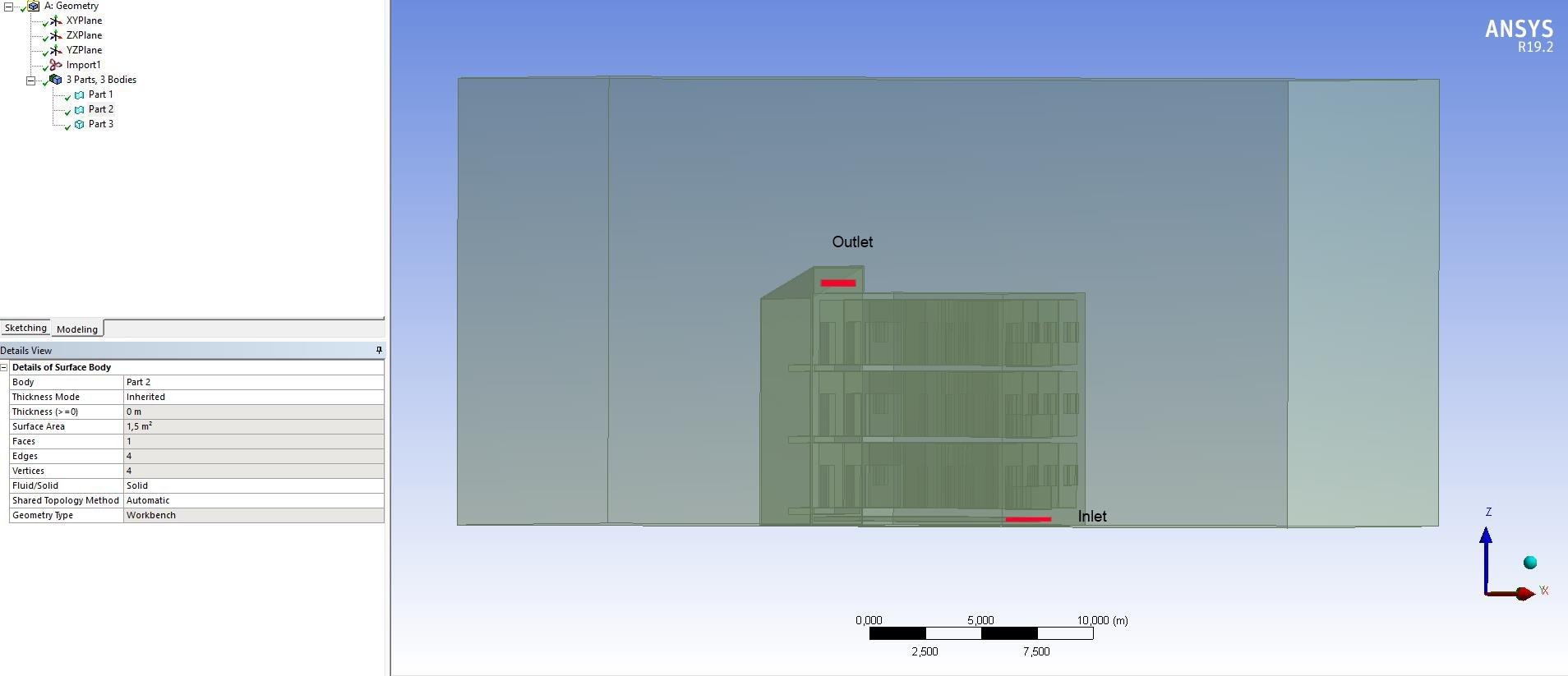
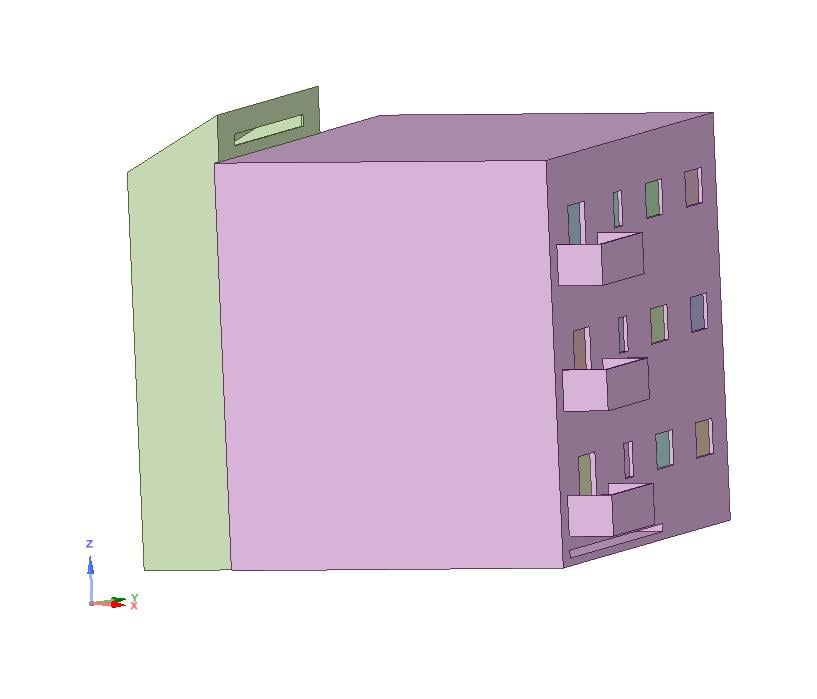
      I'm a beginner with fluent and this is my model and I need to let the air pass from the inlet and get out from the outlet. It's a 3D model and I tried to put a surface body to inlet and outlet but in fluent setup I can't see 'inlet' and 'outlet' named selection.
      Inlet and Outlet must be a volume body? Or it can be also a surface body?

    • Rob
      Forum Moderator

      Assuming you built the mesh in Workbench (ANSYS) Meshing you can set named selections on the end faces using inlet & outlet. If you've built a model using surface bodies you'll need to go back to the geometry tool & create a volume: we need mesh that bit. 


      As staff we can't open attachments so please post images of the geometry, mesh and whatever you see in Fluent. There's an icon in the bar just about where you type the text. 

    • Kepojeyathas94
      Subscriber


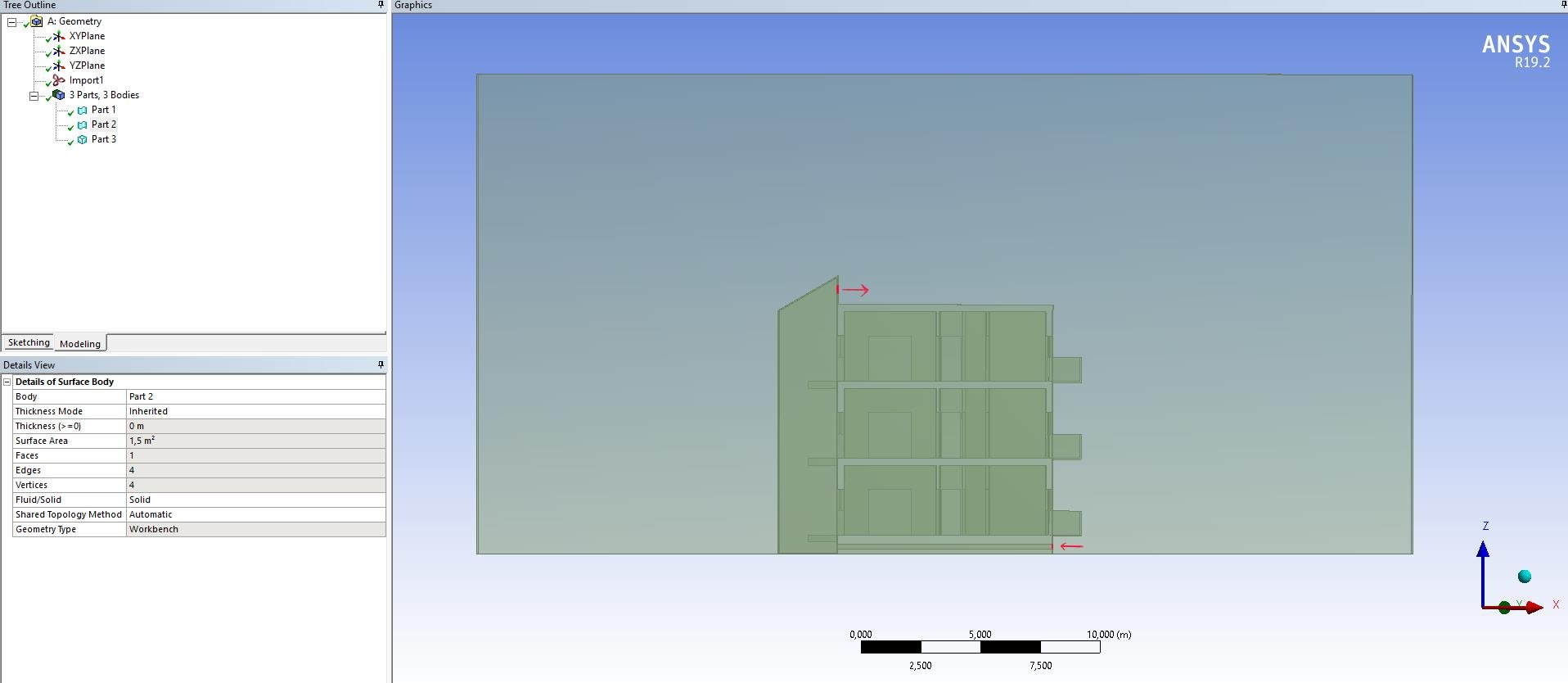
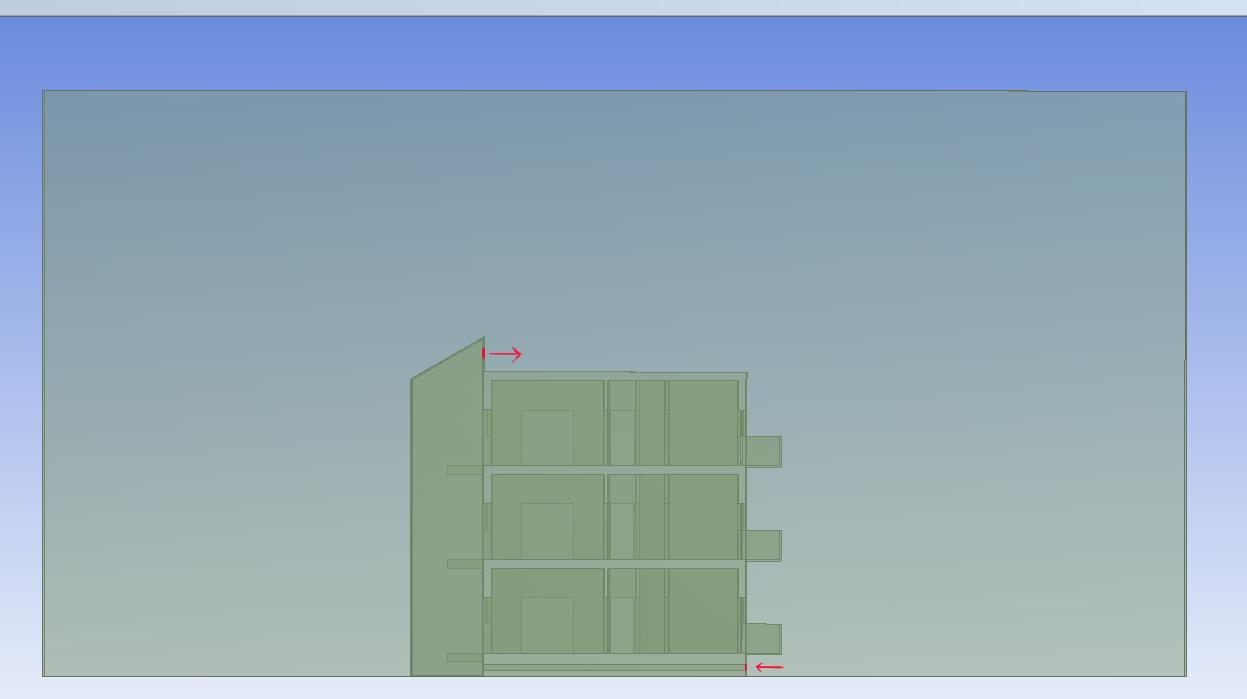
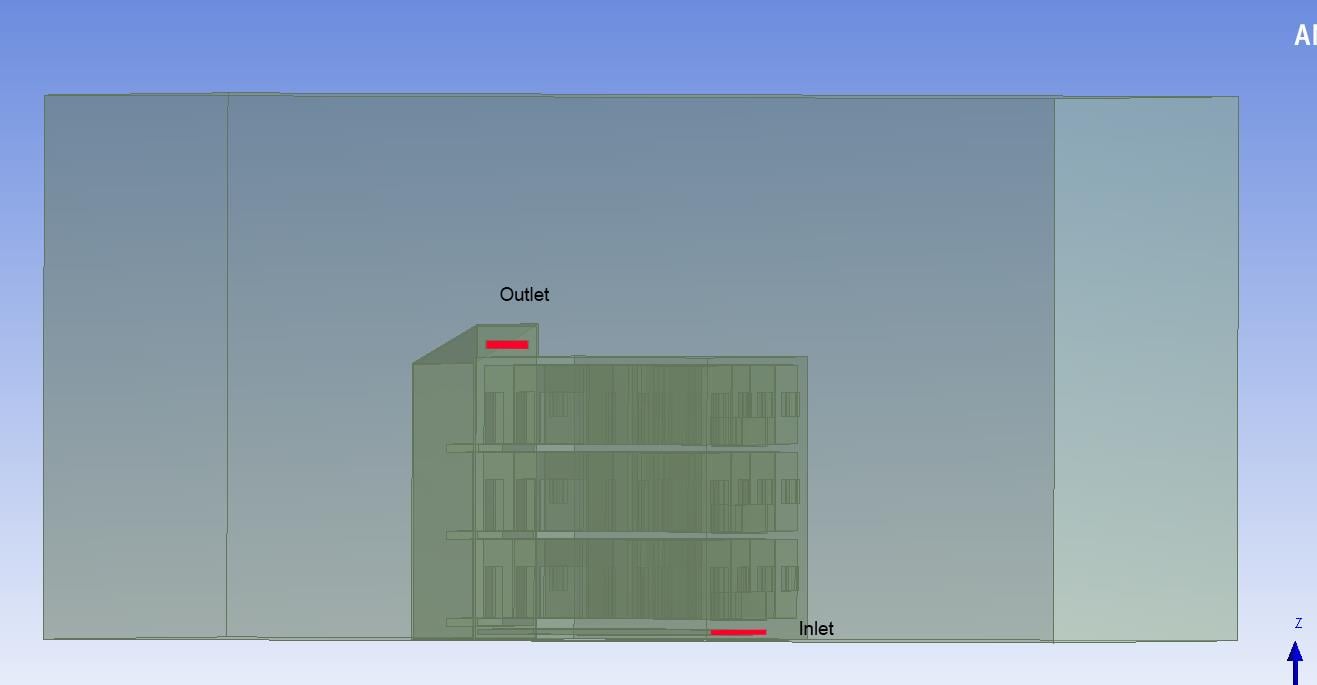
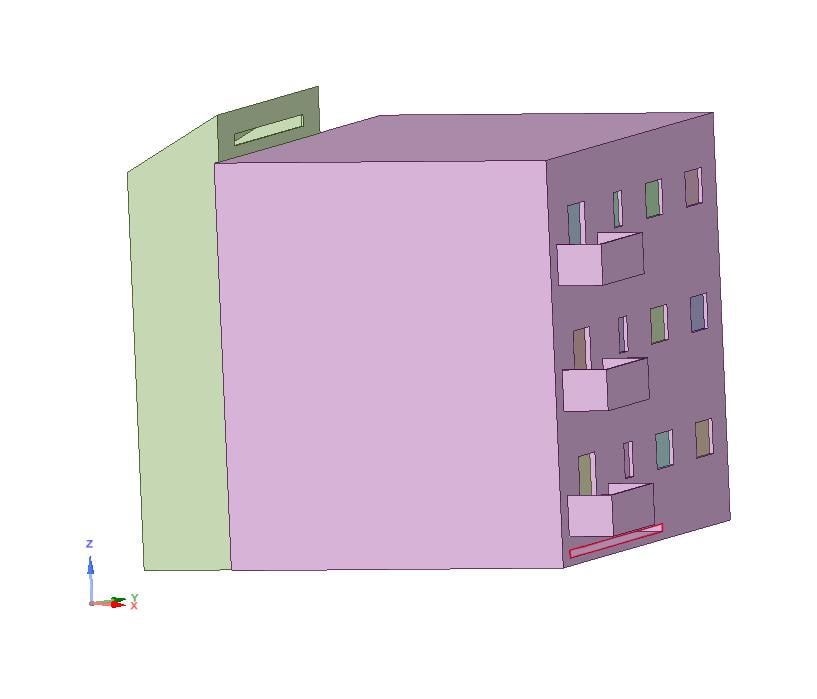
      These are the two attachments. I've built my model using Volume bodies. The big external volume is the air domain and at the moment there are two holes where I have to put my Inlet and outlet BC condition.
      I need to put my inlet and outlet BC in the red areas of the picture but and I don't know how to put them.
      I would be grateful if someone could help me.


    • Keyur Kanade
      Ansys Employee

      images are not clear. can you please post some zoomed in images of the solid bodies. 


      also as rob mentioned, do you have a closed volume body for fluid domain?


      please check some basic videos below. 


      https://www.youtube.com/watch?v=_N7WXFON_Nc


      https://www.youtube.com/watch?v=sZIX3CJkWBE


    • Kepojeyathas94
      Subscriber


      First I did my building model in AutoCAD 3D and then I did this external volume. I substracted the building area from the big volume with boolean operation. So my domain is closed and the fluid (air) is outside and inside the building. I need to know the air temperature inside and outside the building with a solar loading but my question is how to draw the inlet and outlet surface/body because at the moment I've got the hole in the red area

    • Amine Ben Hadj Ali
      Ansys Employee

      So your "outlet" and "inlet" faces are internal faces located inside the larger ensloure? Which boundary conditions are you using for the faces of the enclosure?

    • Kepojeyathas94
      Subscriber

      Yes, they are inside. A first simulation was putting inlet and outlet on the two opposite faces of the enclosure to see if the air is passing through the building. Now, in this simulation, I didn't put any Boundary conditions to the enclosure faces (they doesn't partecipate to Solar ray tracing) and my idea was to put something like a fan or aspirator in the red cloured area to let the air inside directly. But, as a beginner, I have some problems even I've seen a lot of video tutorial. 
      Thanks for your help.

      Kapishanth Jeyathas

    • Keyur Kanade
      Ansys Employee

      if there are holes at inlet and outlet then you need to create faces at the inlet and outlet. 


      you have done correct enclosure and subtracting building model from enclosure. now create the faces at the inlet and outlet. 


      then split enclsoure with these faces. create only one component for all bodies in model tree. 


      in component properties please use share option in sharetopo. 


      https://www.youtube.com/watch?v=h43E1YO1LiM

    • Kepojeyathas94
      Subscriber

      Ok, I did inlet and outlet faces as you said. 


      So I've got two surfaces and one air volume. After meshing and going on Fluent when I 'Check' the mesh it says this message. 


      When I suppress the two faces that I've created the mesh checking is ok. Why am I having this problem?

    • Kepojeyathas94
      Subscriber
      Can you help me?
Viewing 9 reply threads
  • The topic ‘Inlet and Outlet BC’ is closed to new replies.