-
-
March 27, 2023 at 9:31 pm
T-Ying Lin
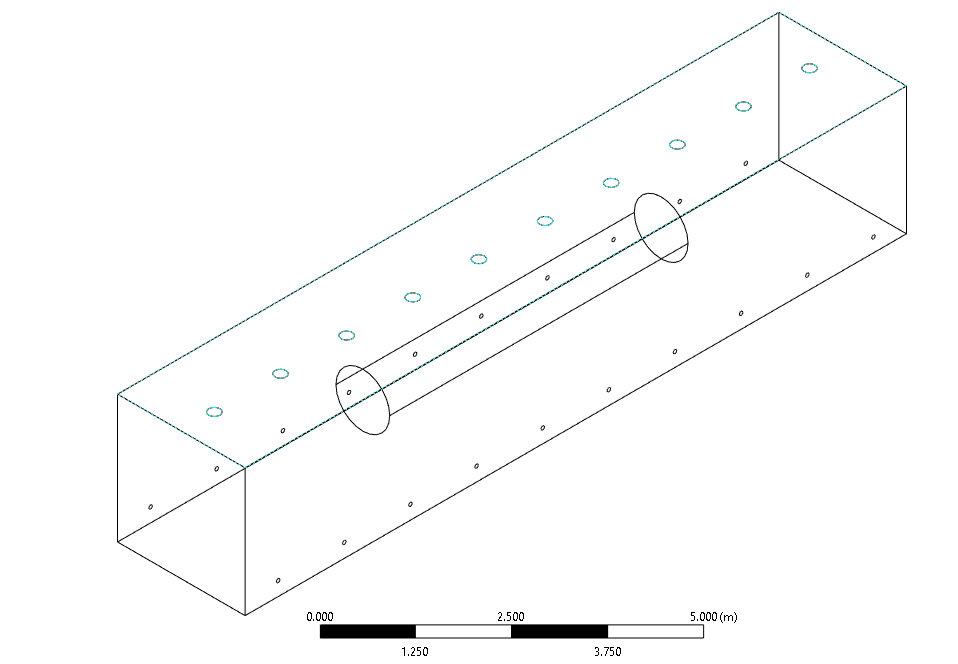
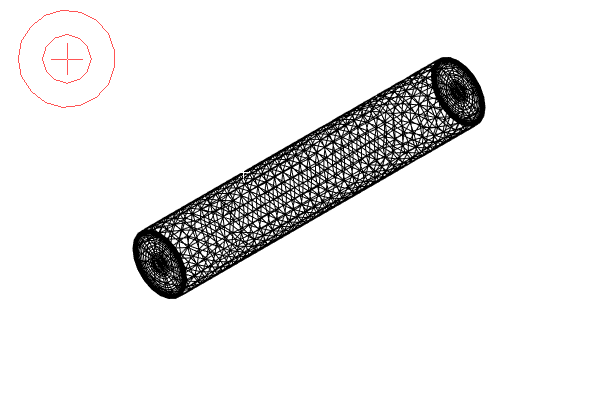
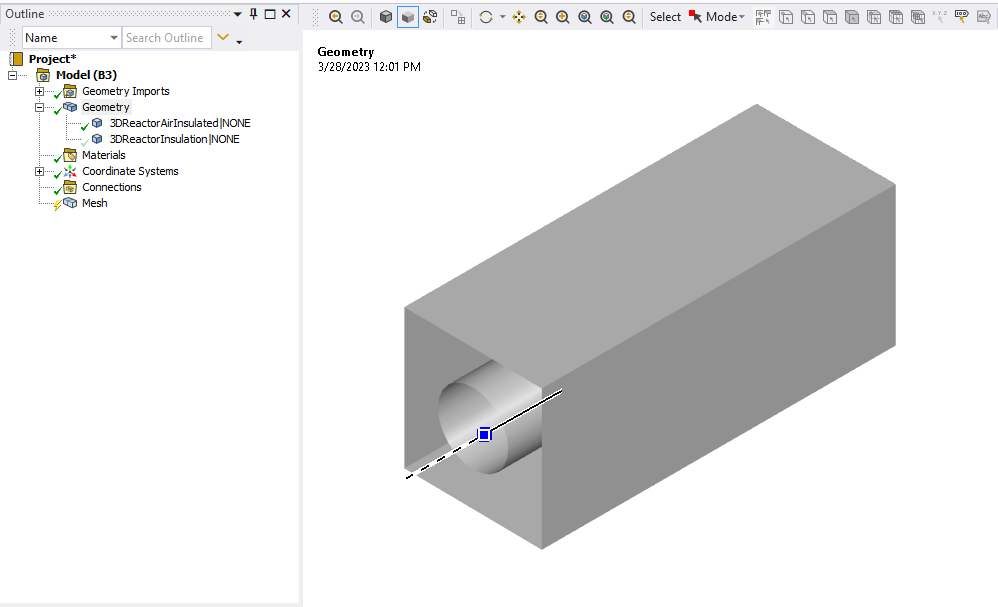
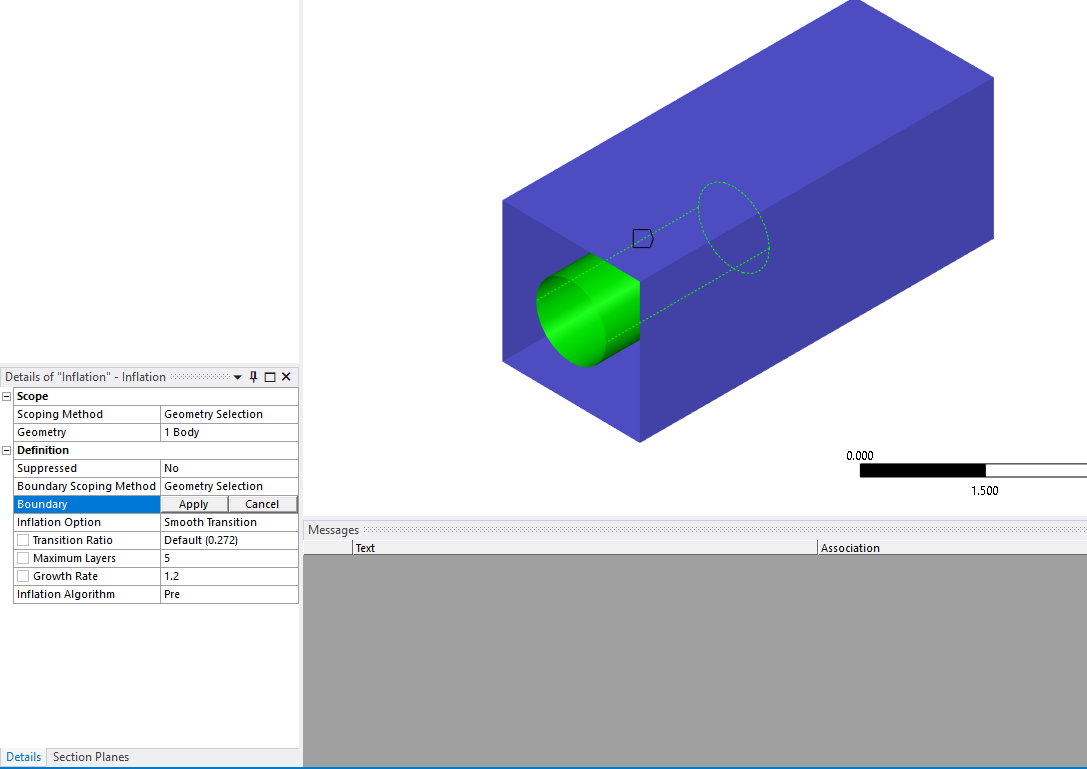
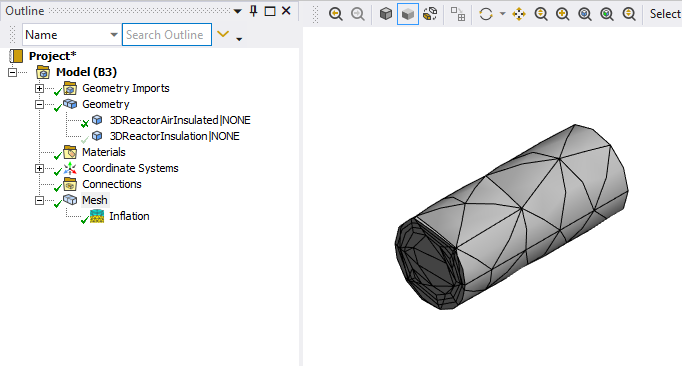
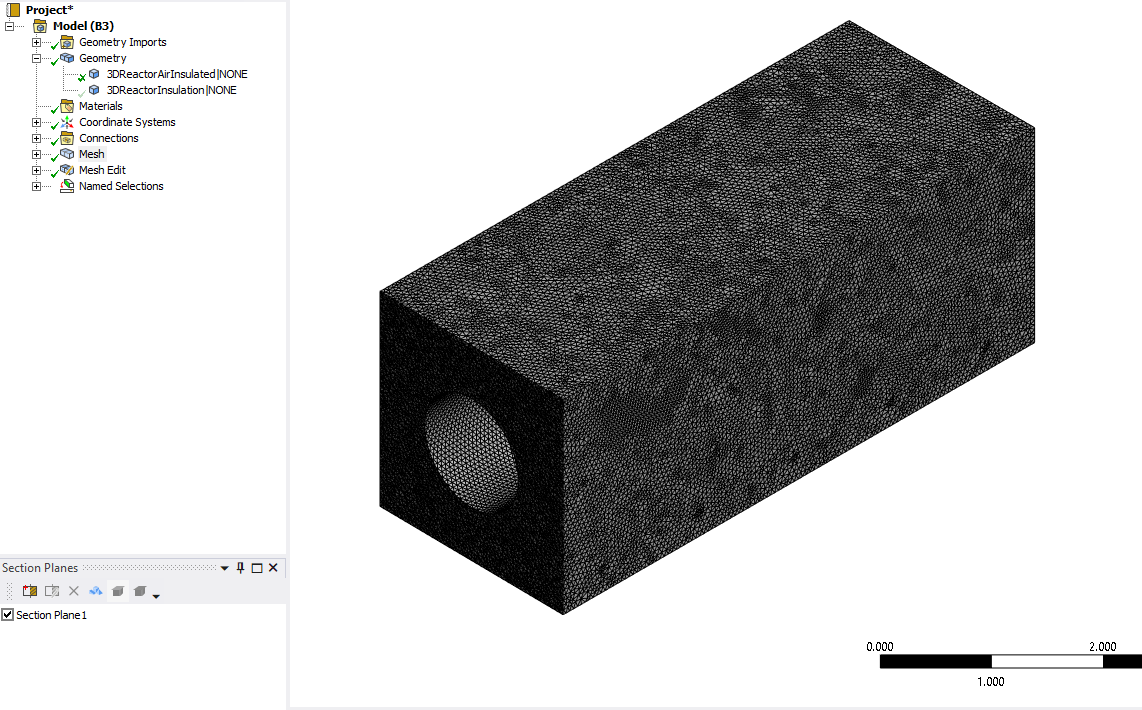
SubscriberThe geometry is shown here with a rectangular prism representing fluid completely encasing a solid cylinder. I am trying to set up inflation for the mesh for both the cylinder and the surrounding fluid but whenever I select the cylindrical faces of the cavity within the fluid for the solid cylinder the following mesh forms. It seems to invert the direction of the mesh. Is this a setting that I need to adjust or is my geometry unsuited for inflation meshing?Â
-
March 28, 2023 at 2:04 pm
Rob
Forum ModeratorI assume you have a volume for the outer section too? When you add the inflation which volume is it attached to?
-
March 28, 2023 at 2:21 pm
T-Ying Lin
SubscriberWhen I add the inflation, it is attached to the outer volume and produecs the displayed mesh. I know this for certain.
-
March 28, 2023 at 2:59 pm
Rob
Forum ModeratorAssuming you're in Workbench Meshing you should see two volumes in the geometry part. Hide the cylinder then set up the inflation. Then see what happens.Â
-
March 28, 2023 at 4:04 pm
-
-
March 29, 2023 at 8:41 am
Rob
Forum ModeratorWeird. Can you leave the cylinder hidden and just mesh the outer region (right click mesh selected object)?
-
March 29, 2023 at 4:34 pm
-
-
March 30, 2023 at 2:20 pm
Rob
Forum ModeratorThat's a function of the max cell size. Sizing is covered in the tutorials.Â
-
March 30, 2023 at 2:30 pm
T-Ying Lin
SubscriberPerhaps, but does this change the issue with inflation? I still wanted to set up an inflation mesh control for the layers near the cylinder because I wanted to model natural convection.Â
-
-
March 31, 2023 at 9:11 am
Rob
Forum ModeratorThat may depend on the inflation settings. If you're looking at natural convection you also need to look at boundary separation and bulk flow phenomena.Â
-
- The topic ‘Inflation Mesh Forming in the Wrong Direction’ is closed to new replies.

-
6039
-
1906
-
1425
-
1308
-
1021
© 2026 Copyright ANSYS, Inc. All rights reserved.