

TAGGED: mechanical, named-selections, worksheet
-
-
August 10, 2021 at 2:07 pm
JanD3004
SubscriberHello,
I would like to create a named selection of an area inside my volume in order to evaluate the deformation of the area selected. To specify the area I use cartesian coordinates but because I am running an FSI there are two volumes within the selected area and hence I select the nodes of both with the worksheet. Because I am interested in the nodes of the inner volume I tried using filters but I cant set it up properly.
I thought I could select all nodes at the area of interest and filter those selected to be the ones only of volume xyz but this does not work. Can anyone help me set this up or is there any other way to define the area described?
August 13, 2021 at 3:51 pmGovindan Nagappan
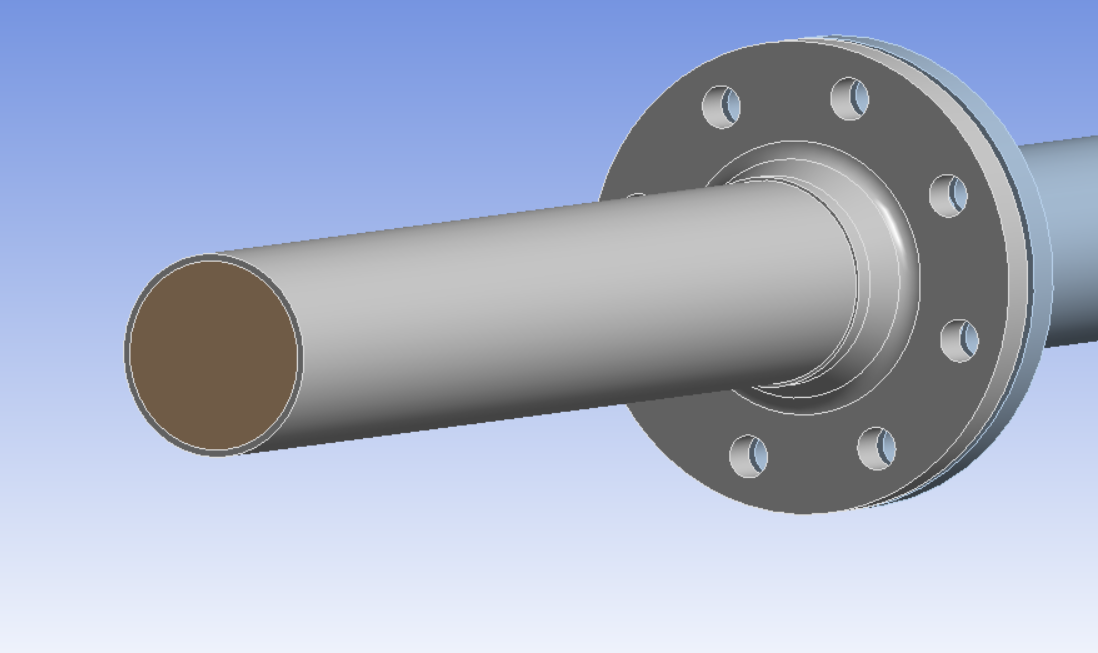
Ansys EmployeeCan you create named selection of the body(brown volume)
Then create another named selection,
Filter 1: Select body from named selection
Filter 2: Select the nodes
Filter 3: select nodes with your coordinates
September 6, 2021 at 12:27 pmSubscriberSorry for my late response. In the meantime I started utilizing APDL to get those tasks done but thanks for your answer, I might try this later on!
Greetings
Jan
Viewing 2 reply threads- The topic ‘How to use filters in named selections worksheets’ is closed to new replies.
Innovation Space Trending discussions
 Top Contributors
-
peteroznewman
 6044
6044 -
scabo
 1906
1906 -
Dennis Chen
 1431
1431 -
javat33489
 1308
1308 -
Shyam Prasad V Atri
1021
Top Rated Tags
© 2026 Copyright ANSYS, Inc. All rights reserved.
Ansys does not support the usage of unauthorized Ansys software. Please visit www.ansys.com to obtain an official distribution.
-


 You are navigating away from the AIS Discovery experience