My model looks like this where small cube is water reservoir and remaining is air and cylinder is the obstacle
When I was going with automatic method mesh ,it was showing divergence in the solution.
Then I tried to increase the quality of mesh by doing hexagonal mesh(which was performed by slicing the bodies like below) as by multizone option I am creating hexagonal mesh
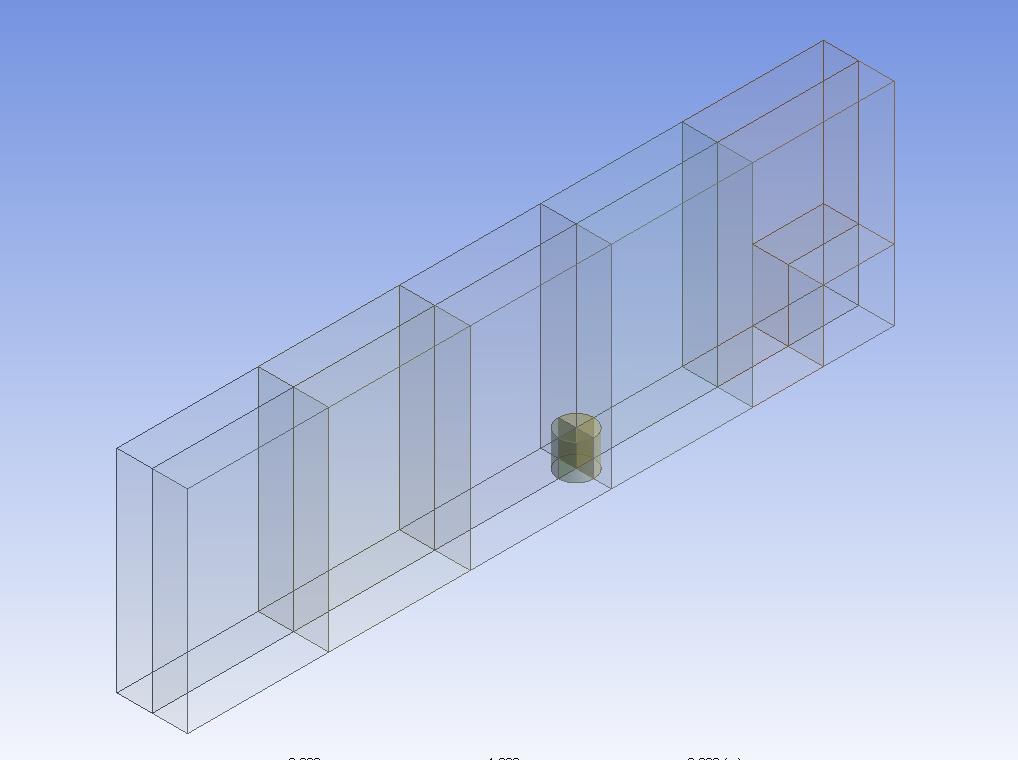
As a result I was able to do hexagonal mesh like shown in next image
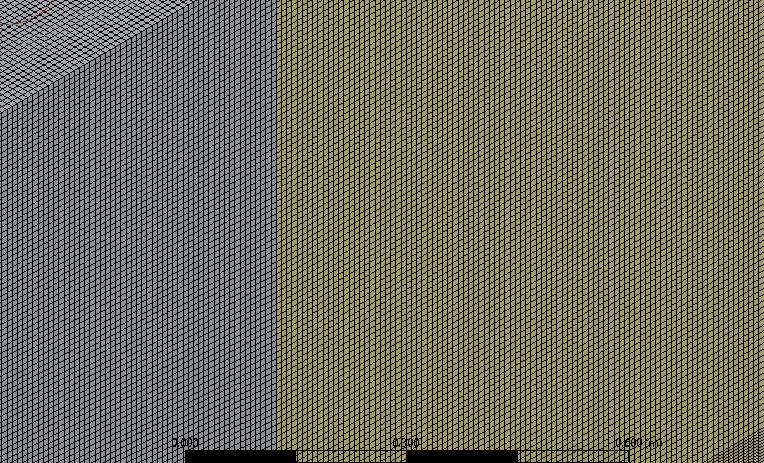
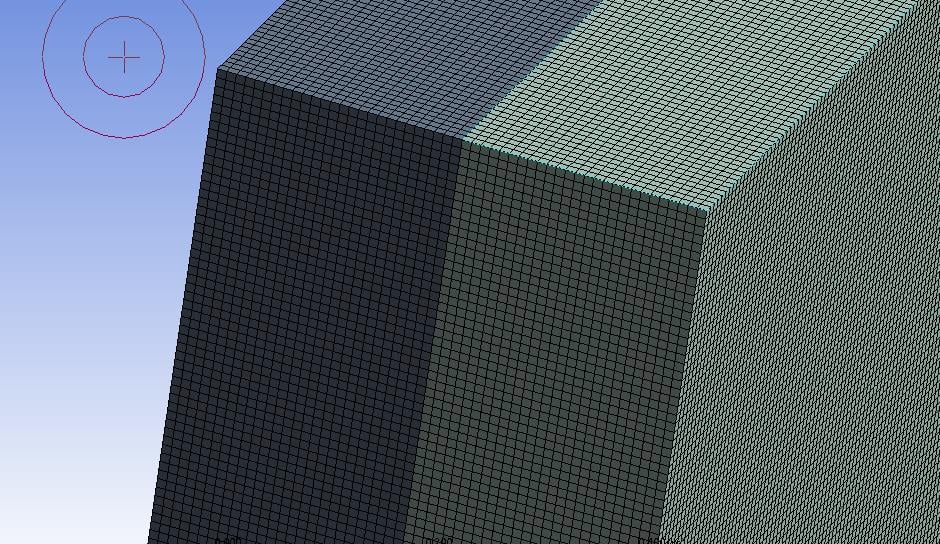

Then when I am trying to give named selection after this it is showing following warning

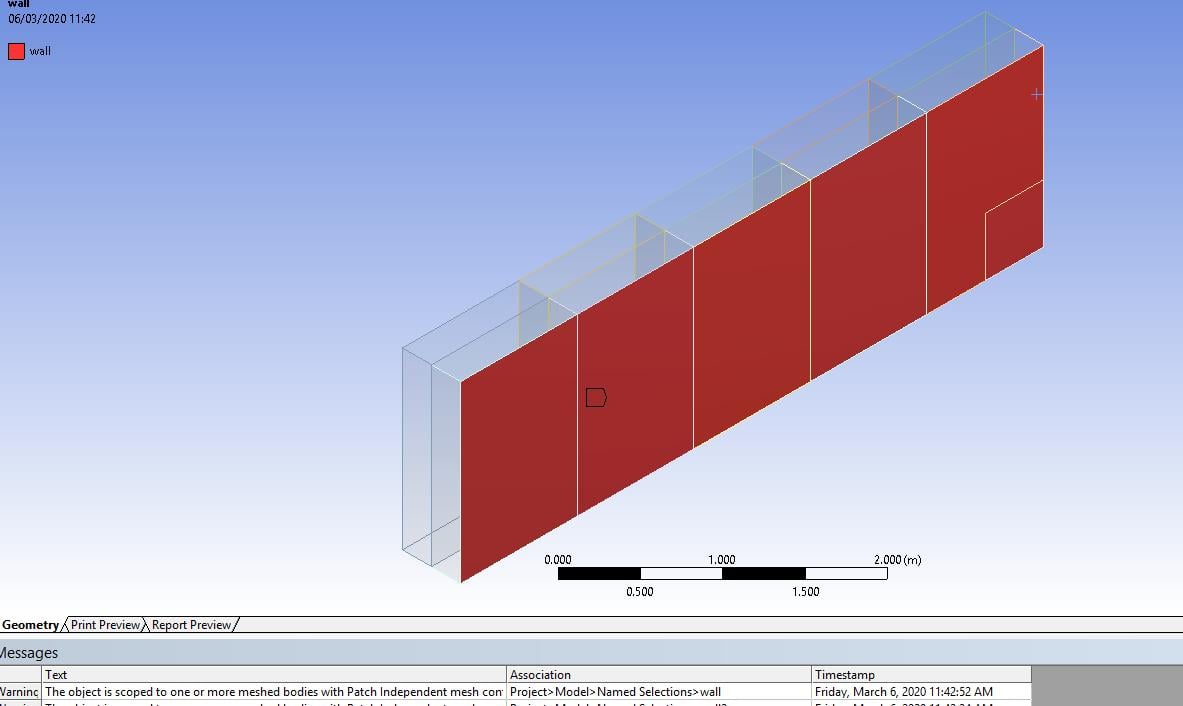
Àfter doing all this and when I am importing this mesh to setup it is showing following error
Error: lvectorlength: wta(1) " "Error Object: ()"
also this thing
Error: CAR: invalid argument [1]: wrong type [not a pair]
Error Object: #f
Preparing mesh for display...
Note: zone-surface: cannot create surface from sliding interface zone.
Creating empty surface.
Note: zone-surface: cannot create surface from sliding interface zone.
Creating empty surface.
Note: zone-surface: cannot create surface from sliding interface zone.
Creating empty surface.
Note: zone-surface: cannot create surface from sliding interface zone.
Creating empty surface.
Note: zone-surface: cannot create surface from sliding interface zone.
Creating empty surface.
Note: zone-surface: cannot create surface from sliding interface zone.
Creating empty surface.
Note: zone-surface: cannot create surface from sliding interface zone.
Creating empty surface.
Note: zone-surface: cannot create surface from sliding interface zone.
Creating empty surface.
Note: zone-surface: cannot create surface from sliding interface zone.
Creating empty surface.
Note: zone-surface: cannot create surface from sliding interface zone.
Creating empty surface.
Note: zone-surface: cannot create surface from sliding interface zone.
Creating empty surface.

Please look in to it and guide me


















 You are navigating away from the AIS Discovery experience