Ansys Assistant will be unavailable on the Learning Forum starting January 30. An upgraded version is coming soon. We apologize for any inconvenience and appreciate your patience. Stay tuned for updates.
3D Design

3D Design

Topics related to Ansys Discovery and Ansys SpaceClaim.

How to select multiple faces in a thousands-faces body

    • PPosabella
      Subscriber

      Dear all,

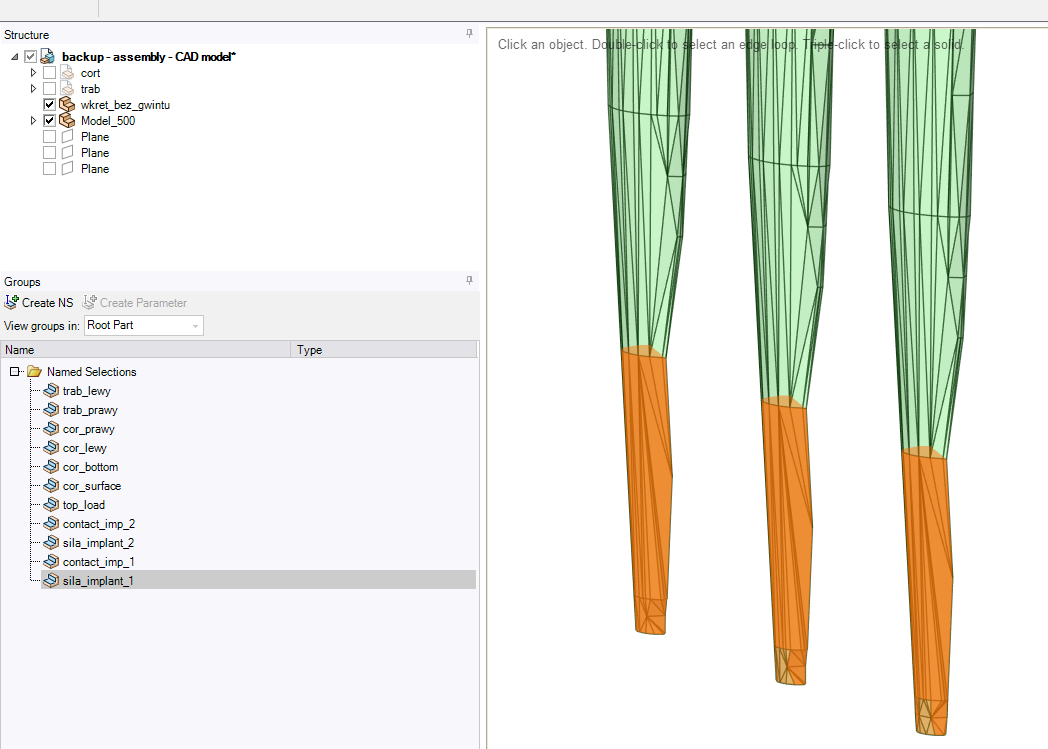
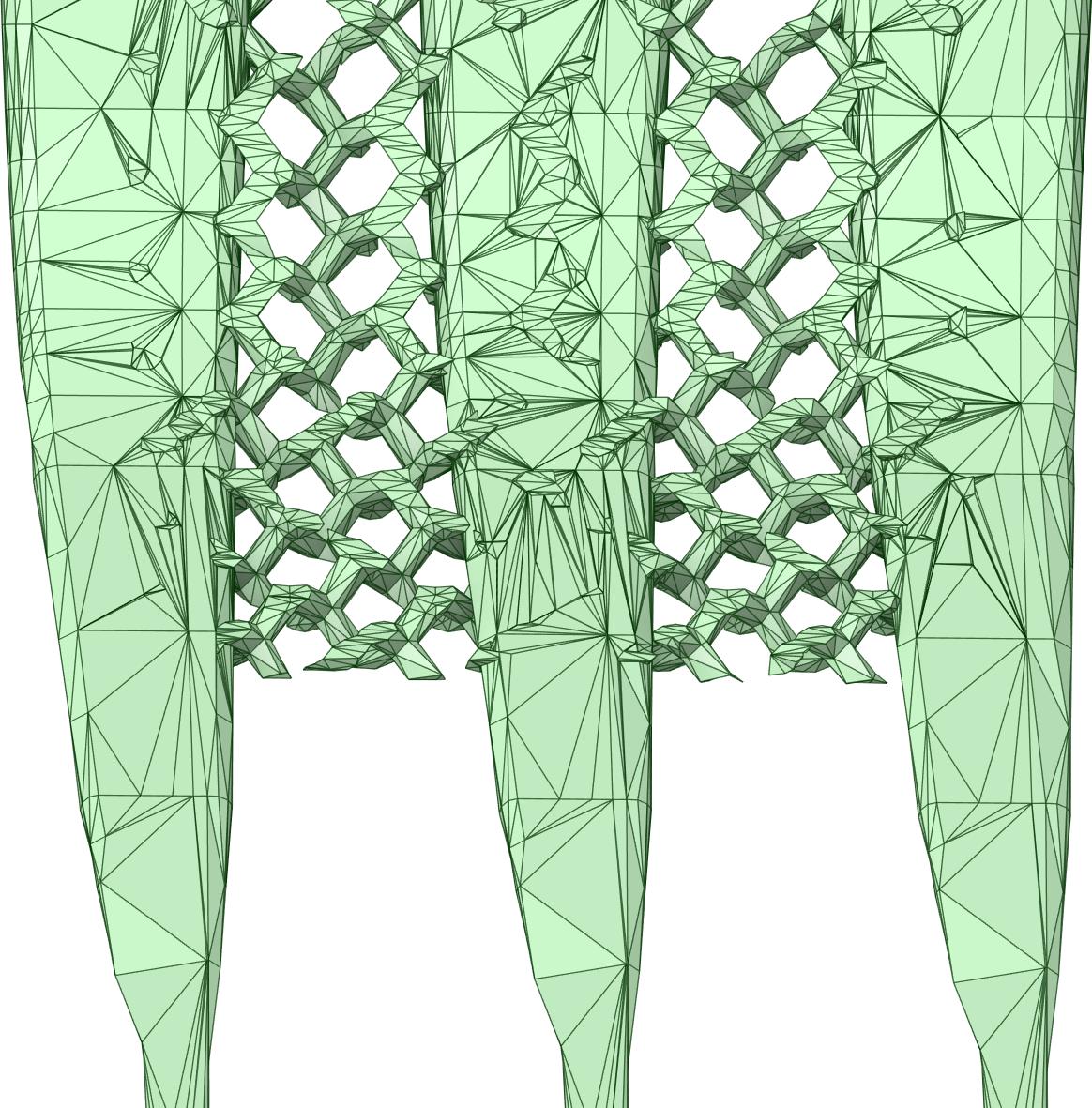
      I am working in SpaceClaim on some geometries which I will later mesh through ICEM and finally do some simlations. I want to define named selections to then apply boundary conditions, although it has been hard since there are too many close faces.

      How would you suggest to continue? I started selecting faces with different methods (box, lasso, polygon, etc.) but they are all quite inefficient. I've also tried to merge neighbouring faces, but it's still quite tedious. 

      Do you have ANY suggestions on how to proceed? I would just avoid selecting all the faces one by one.

      Thanks for you help!
    • Rob
      Forum Moderator

      Where did you generate the stl? Is it a single file, or can you import in sections? 

    • peteroznewman
      Subscriber

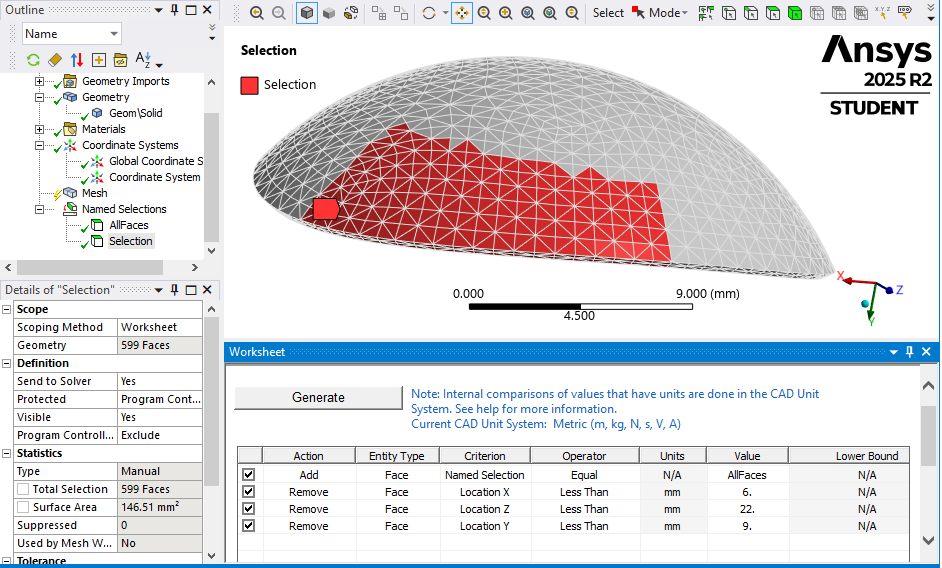
      You can use Named Selections by Worksheet where you can select by X, Y and Z coordinates.

    • PPosabella
      Subscriber

      It is a single file, and I have received it from a third-party, so I didn't personally create it. 

      @peteroznewman can you be more specific? I am not sure I understood fully what you said. I think that the large number of faces is given by the fact that they do not share all the same plane, hence they are may be tilted one respect to the other.


      There are already some Named selection defined in the geometry, although they correspond to whole sections of bodies, rather than faces.

    • peteroznewman
      Subscriber

      In a Mechanical Model, I can select faces using the Worksheet.

Viewing 4 reply threads
  • You must be logged in to reply to this topic.
[bingo_chatbox]