Ansys Assistant will be unavailable on the Learning Forum starting January 30. An upgraded version is coming soon. We apologize for any inconvenience and appreciate your patience. Stay tuned for updates.
Fluids

Fluids

Topics related to Fluent, CFX, Turbogrid and more.

How to do CFD simulation from STL file

    • Kanta Shimizu
      Subscriber

      I first imported the STL file into the geometry.

      We transferred the data to Fluent (with Fluent Meshing).
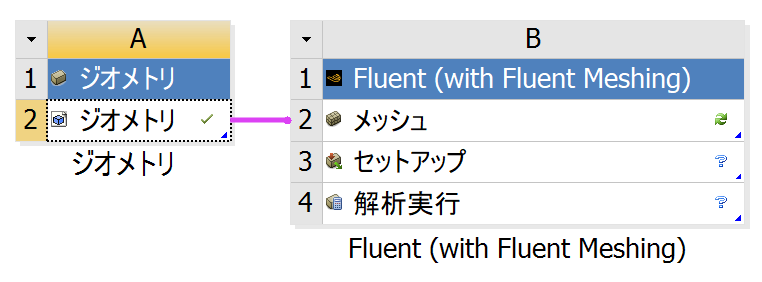
      I then tried to edit the mesh.

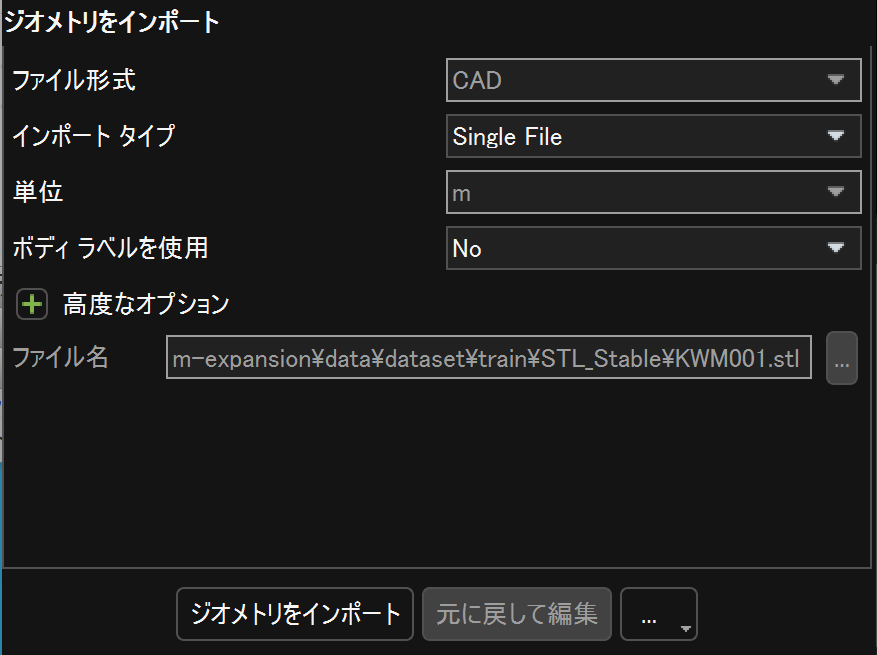
      However, in the mesh module, geometry could not be imported.

      I would like to know the reason for this and the solution.

    • Federico
      Ansys Employee

      Hello Kanta, 

      do you get an error message in the Fluent Meshing console?

    • Kanta Shimizu
      Subscriber

      No, I don't get an error message.

      Nothing happens when I press the ”ジオメトリをインポート" (import geometry) button.

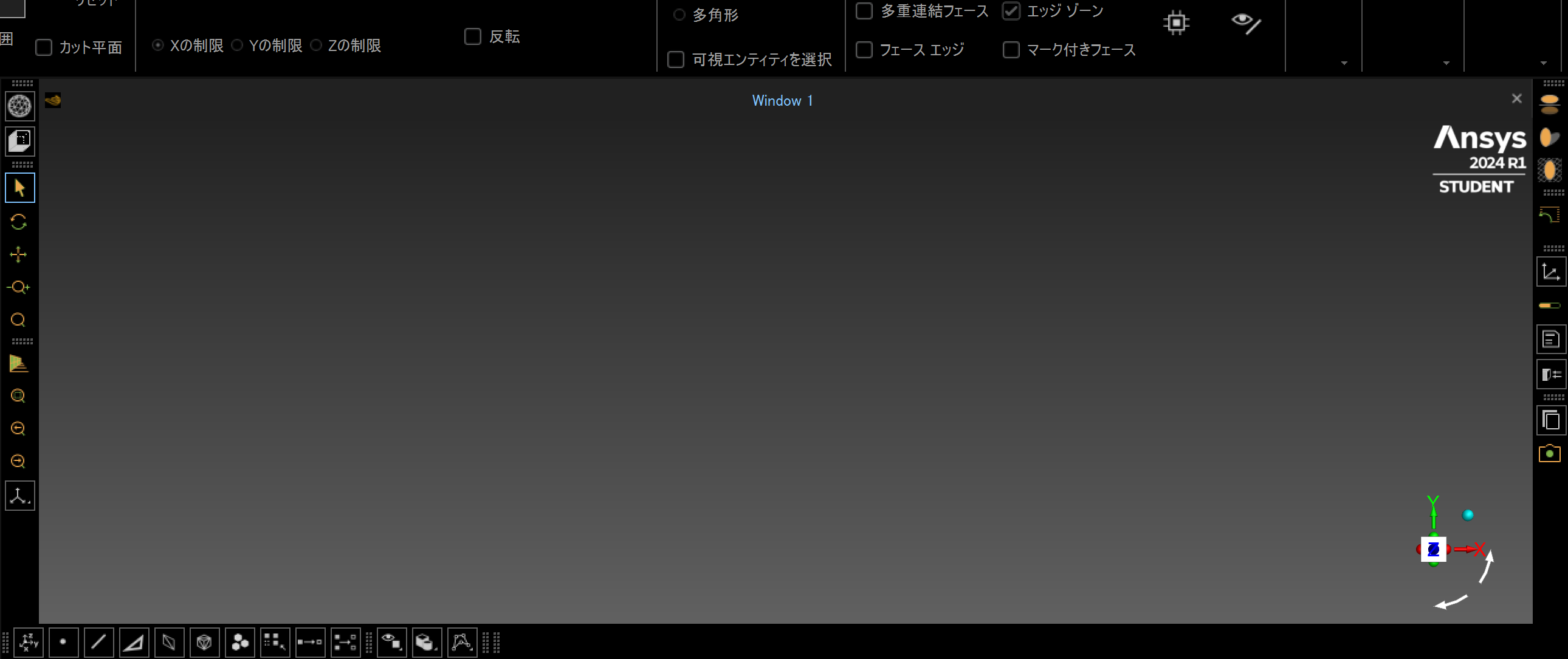
      Window1 shows nothing.

    • NickFL
      Subscriber

      A couple of things I would just try for an initial sanity check.

      1. Can you open the STL in Ansys SpaceClaim? Depending on the geometry I would possibly do some geometry clean-up on the STL before bringing it into Fluent meshing. But that would be a different topic.
      2. Try importing a simple cube as an STL and see if that works. The student version has a limit on the number of triangles the STL can have.
      3. I am not familiar with how ANSYS handles characters in Japanese, but in the German version certain characters trip up the Python. So I always use filenames containing only simple latin characters. 
      • Kanta Shimizu
        Subscriber
        1. Tes, I can open it in Ansys SpaceClaim.
        2. The same problem occurred with a very simple geometry created in Spaceclaim. This does not seem to be a problem specific to STL files.
        3. Filenames are written only in English. So, I think it is not the problem.
    • Kanta Shimizu
      Subscriber

      Meshing> Reading "C:Path\dp0\FFF-1\Fluent\FFF.msh.h5" ...

      3D mesh

      nodes: 0

      edges: 0

      faces: 0

      cells: 0

      reading 0 node zones

      reading 0 edge zones

      reading 0 face zones


      Warning: no nodes readanalyzing boundary connectivity...done.

      • NickFL
        Subscriber

        Have you tried the import in Stand-alone Fluent outside of Workbench? Does that work? It almost seems like a problem with installation in that one of the modules was blocked, especially if you can open it in SpaceClaim and not Fluent. Have you ever run something in Fluent before without using Fluent Meshing?

        Also, did you edit out the directory name or is your working directory really C:?

    • Kanta Shimizu
      Subscriber

      > Have you ever run something in Fluent before without using Fluent Meshing?

      No.

      > It almost seems like a problem with installation in that one of the modules was blocked, especially if you can open it in SpaceClaim and not Fluent.

      Then, what should I do? Should I re-install? 

      Even "..." button doesn't work. I think that fluent meshing does not work at all.

      • NickFL
        Subscriber

        I would first try a very simple problem of flow through a pipe. It doesn't matter the problem, just go through the workflow and see if you get the roadblock at the same point. Try going around Fluent meshing by using ANSYS meshing.

        If you get stuck in the same point, my recommendation is to reinstall. Be sure to turn off all antivirus programs when you do the installation.

        • Kanta Shimizu
          Subscriber

          I installed another version 2023 R2.

          However, the same problem occured. What happened?

        • NickFL
          Subscriber

          It does look like an installation error of some sort. I am sorry but not really sure what esle it could be. Are you making sure that all your AntiVirus software is deactivated when you install? If you can open it in SpaceClaim but cannot transfer it into Fluent, it seems like the only thing that could go wrong is in one of the translation routines. And basically these can sometimes be blocked by an Antivirus program upon installation.

Viewing 5 reply threads
  • The topic ‘How to do CFD simulation from STL file’ is closed to new replies.
[bingo_chatbox]