Hi everyone,
I am running a Finite Element Analysis using ANSYS Workbench (LS-DYNA extension). I’ve encountered an issue where the exported .k file automatically includes the *CONTROL_BULK_VISCOSITY keyword, even though I haven't manually added this card in the outline tree.
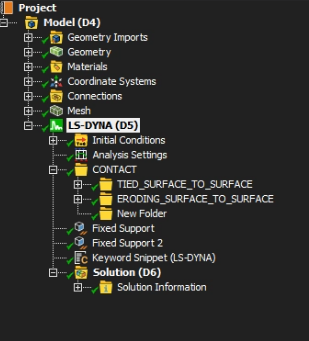
This keyword is significantly affecting my simulation results. When I manually delete it from the .k file and run it via the solver manager, the results align perfectly with my expectations. However, I want to find a permanent way to disable or modify this within the Workbench interface to avoid manual editing every time.
My questions are:
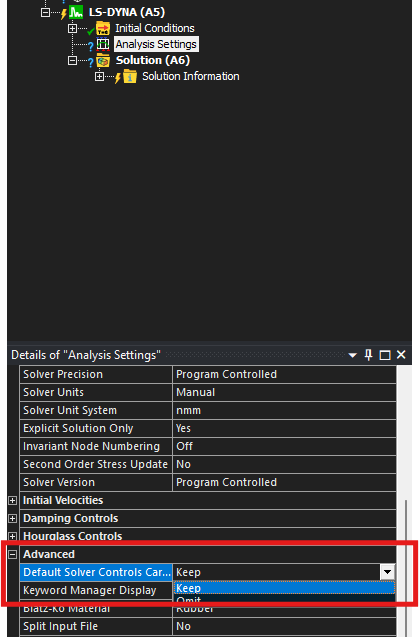
Where is the setting located in Workbench to suppress or remove *CONTROL_BULK_VISCOSITY?
Is there a default setting or a Command Snippet that might be triggering this?
Any insights would be greatly appreciated. Thanks!



















 You are navigating away from the AIS Discovery experience