-
-
February 15, 2019 at 1:01 am
designteam2
Subscriber
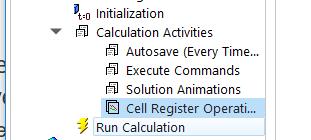
Figure 1. Calculation Activity location on the tree outline
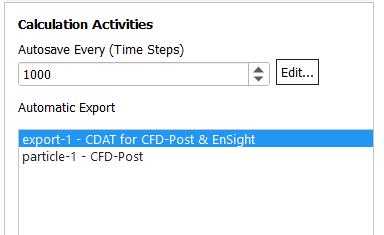
Figure 2. Exported variables that I create
Figure 3. Exported variables that I choose for post CFD.Â
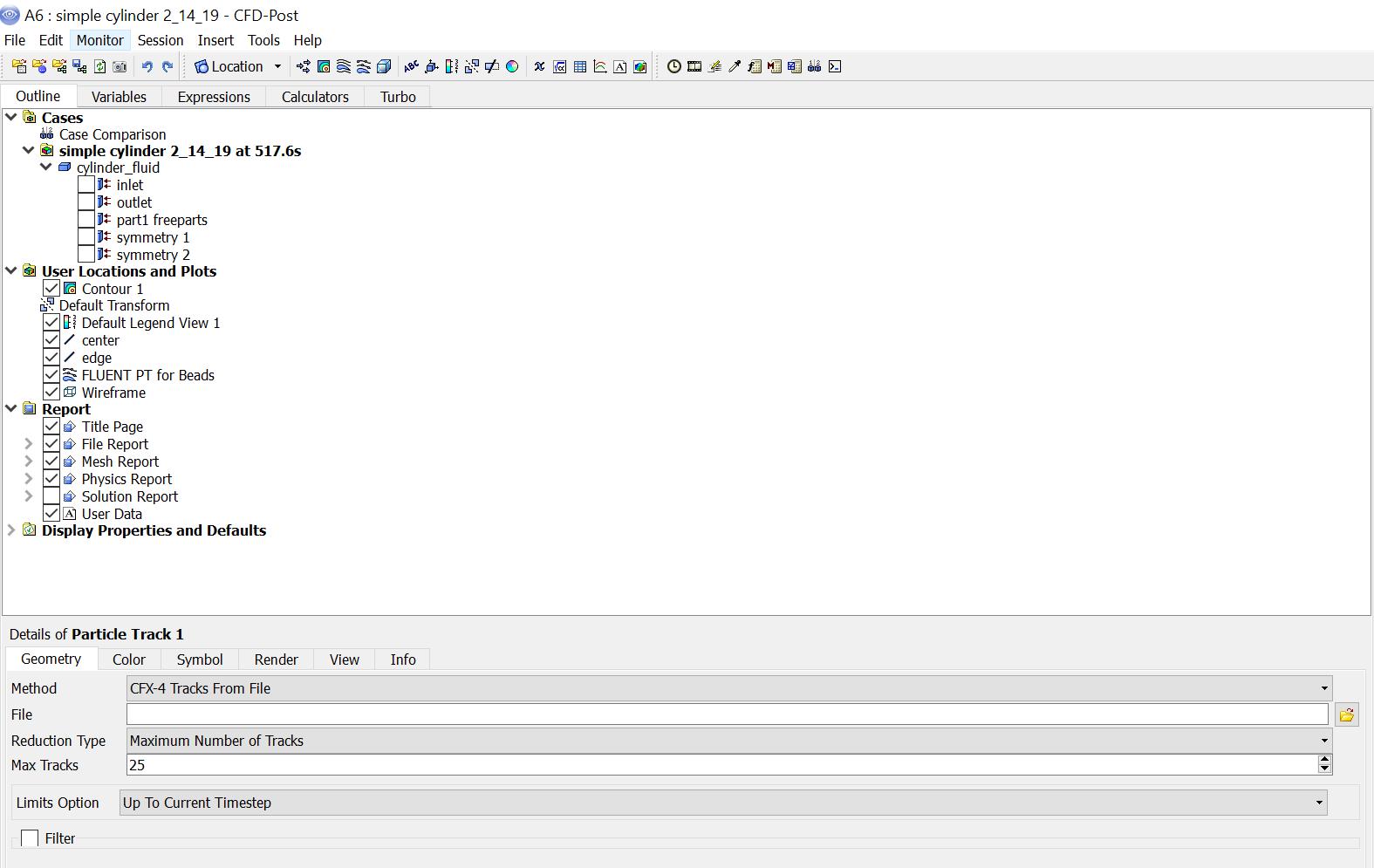
Figure 4. Particle variables that I choose for export.Â
Â
Based on figures 1-4 I show where I export variables from and that there are variables selected. For the variables in figure 4, these variables don't show up as options to plot in post CFD. Is it because its a default.xml file so they aren't for post CFD? How would I be able to get information such as particle residence time and time steps as options to plot in post CFD(as in the post CFD results cell below)?Â

-
February 15, 2019 at 5:51 am
Keyur Kanade
Ansys Employeelooks duplicate ofÂ
/forum/forums/topic/how-do-you-open-a-gz-file-in-post-cfd-ansys-fluent/
Â
-
February 15, 2019 at 5:49 pm
-
February 18, 2019 at 4:36 am
Keyur Kanade
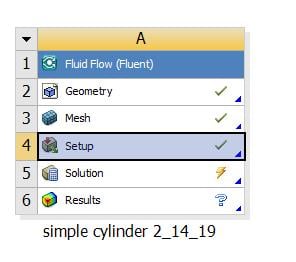
Ansys Employeein image above i can see green tick mark for geometry, mesh and setup. but not of solution. you should have green tick mark for solution once you run it.Â
-
- The topic ‘how do you read data files of the exported variables into ansys fluent CFD post?’ is closed to new replies.

-
4678
-
1565
-
1386
-
1241
-
1021
© 2025 Copyright ANSYS, Inc. All rights reserved.