Hello,
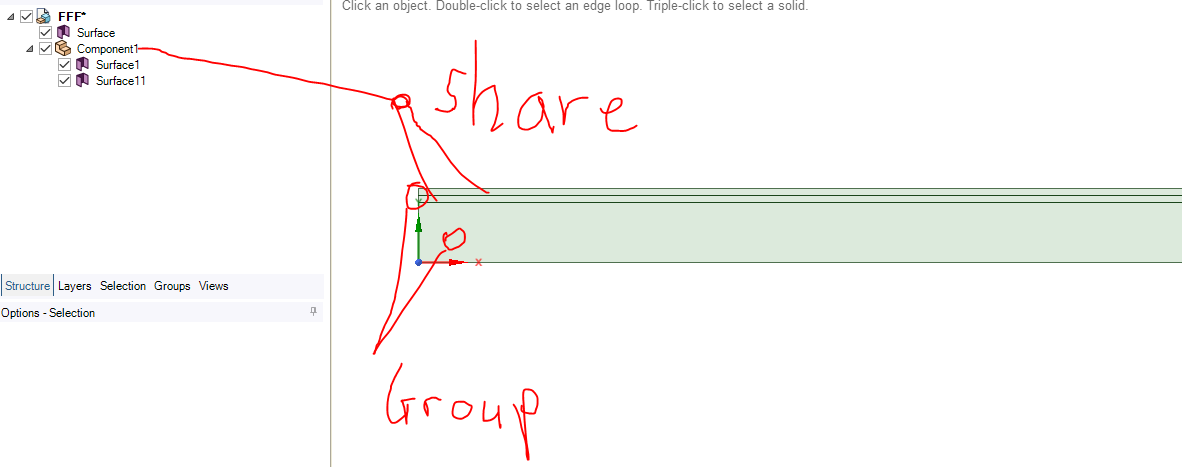
I have a 2D geometry that is divided into three adjacent regions. For my Fluent setup, I need different topology connections between these regions:
- the upper two regions must be connected with shared topology
- the large lower region must remain only grouped with the adjacent region, not shared or merged
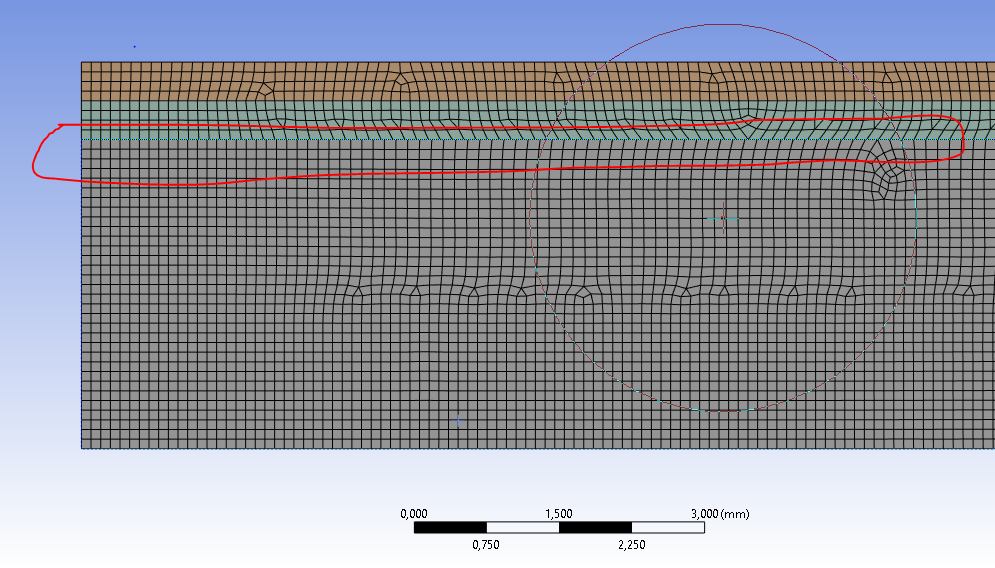
The problem is that when I set it up this way, the mesh at the interface between the grouped regions is not conformal. The cells on both sides of the interface do not match, which causes problems for my intended Fluent setup.
My question is:
How can I enforce a perfectly matching mesh at the interface in ANSYS Meshing without using shared topology or merge topology?
In other words, I want the nodes/elements on both sides of the interface to align exactly, even though the bodies are not connected by shared or merged topology.
Are there specific meshing methods, sizing controls, edge divisions, or other settings that can guarantee this?
Thank you in advance.


















 You are navigating away from the AIS Discovery experience