-
-
October 6, 2019 at 7:54 pm
-
October 6, 2019 at 9:24 pm
peteroznewman
SubscriberPut the Parasolid file in a zip file and attach the zip file to your post above so I can try it. Reply with the version of ANSYS are you using.
-
October 6, 2019 at 9:30 pm
Lpluillo
Subscriber   Ok. I uploaded the part solid as a zip.
Â
Thanks
-
October 6, 2019 at 9:31 pm
Lpluillo
SubscriberAfter creating the mid surface can you try tomsee if youcan mesh it? That is where I am having problems.
Â
I am using 19.2 R2 Student version
Â
-
October 6, 2019 at 10:56 pm
peteroznewman
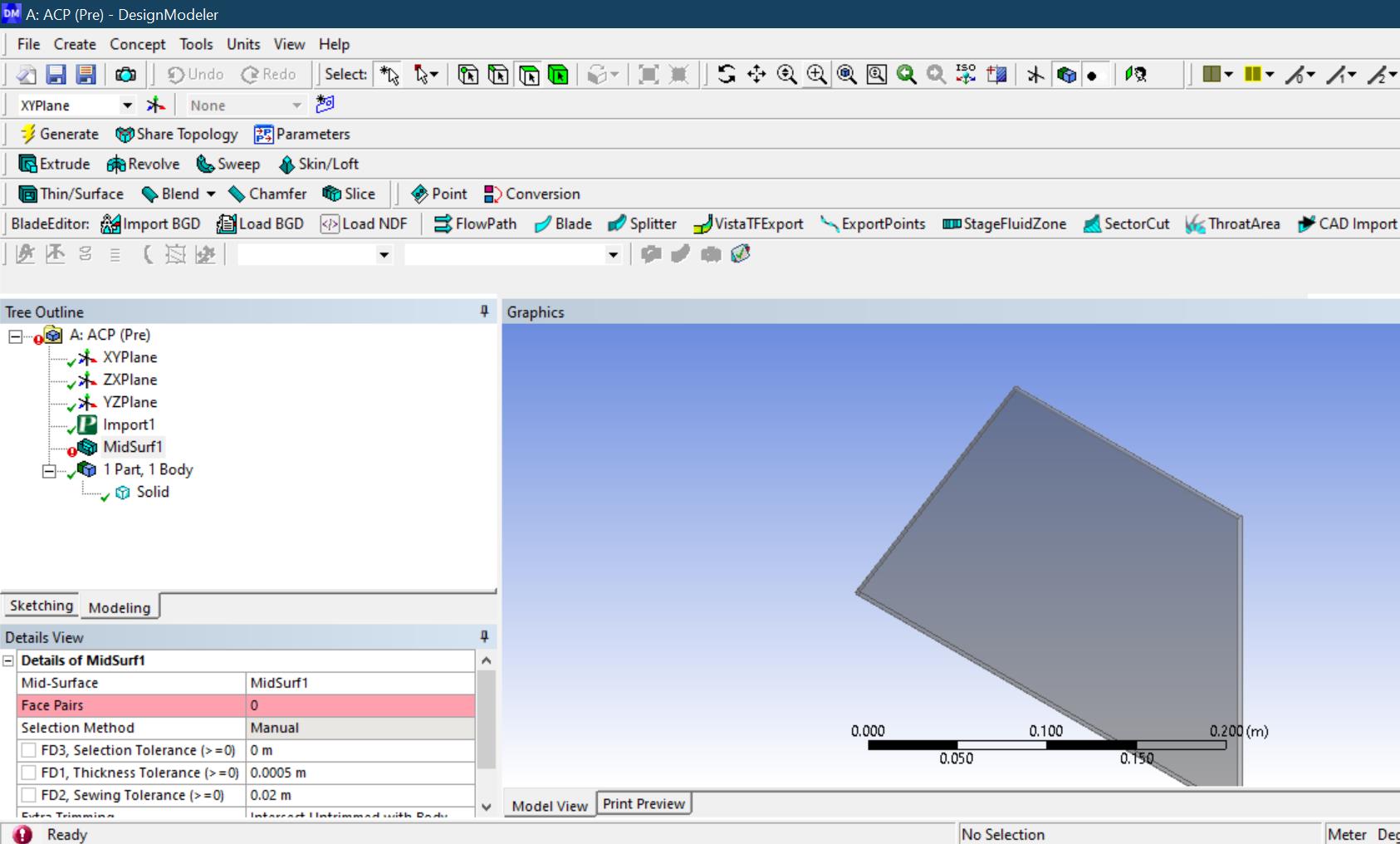
SubscriberYou have to get rid of the Rounds on the solid part before you can do a Midsurface. In SpaceClaim, go to the Prepare tab, click the Rounds tool, draw a box around the whole solid and click the check mark. Now you can click the Midsurface tool and get that done.
Attached is a 2019 R2 archive.
-
October 7, 2019 at 4:00 am
Lpluillo
SubscriberThanks!
Â
This worked perfect!
I have another important question.
I need to do CFD analysis (Using Fluent) to our university's team rocket.
Can I import a whole asembly from NX (After changing it to a parasolid) to ANSYS?
After doing this I am triying to mesh it and it gives me many errors.
Do you how can I do the meshing for this assembly?
 Is there a way of creating a mid surface or something like that too?
Â
Thanks a lot for your help!
We appreciate it a lot.
-
October 7, 2019 at 8:49 am
Ananth Narayan
SubscriberThe reason for your mesh error might be intersection of rocket's and domain model. To eliminate this error, open the model in design modeler and choose Boolean>subtract, select domain as target body; rocket as tool body and preserve tool body should be yes. Later then try to mesh. Hope you will now get no error.Â
-
October 7, 2019 at 12:11 pm
peteroznewman
SubscriberYes, you can export the whole NX assembly as a Parasolid and import it into SC or DM.
For airflow around a rocket, you want to do a Boolean Unite operation and convert the rocket into a single solid body. Leave the fins as solid, don't use midsurface on them.
You can either use NX to create the solid body of the air around the rocket and do boolean subtract, then export the air solid body or you can export the single rocket solid body and use SC or DM to create the Enclosure.
-
October 11, 2019 at 5:09 am
Lpluillo
SubscriberÂ
Hello,
Â
Thanks again for answering.
Â
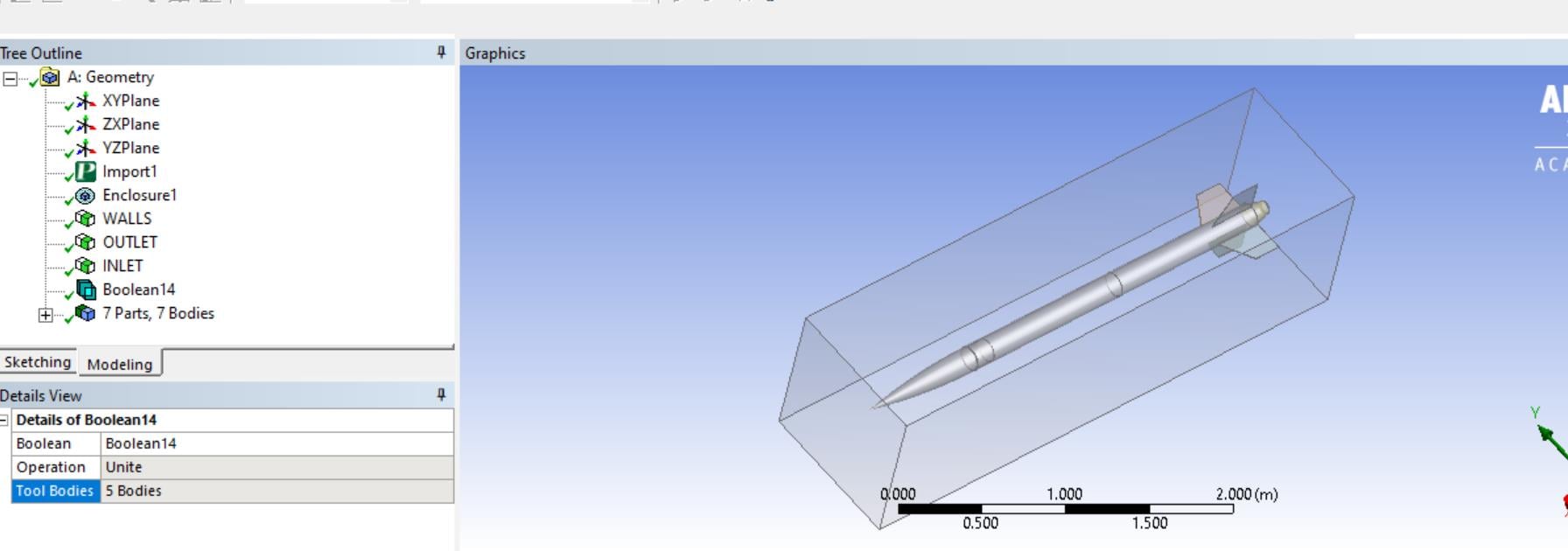
I did as you told me, to create the boolean using substract. (AS SEEN BELOW):
 I also used the boolean Unite(AS SEEN BELOW):
Â
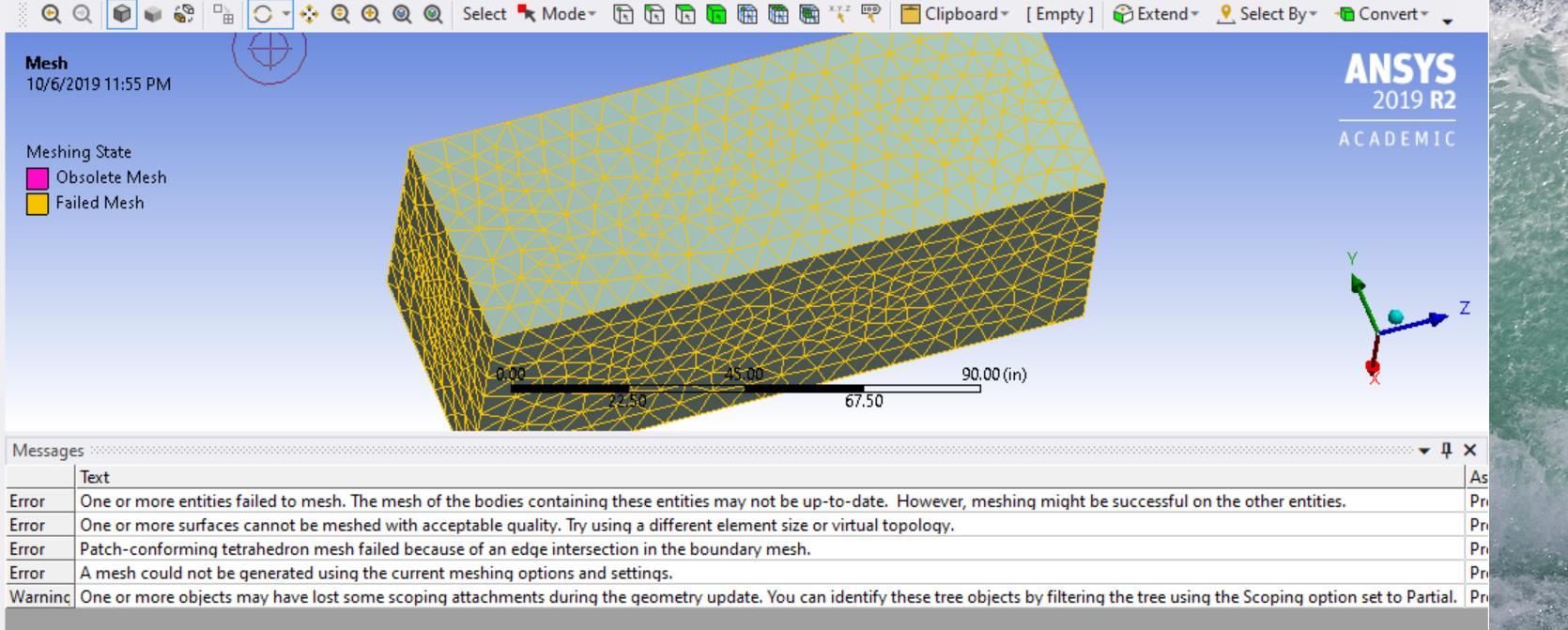
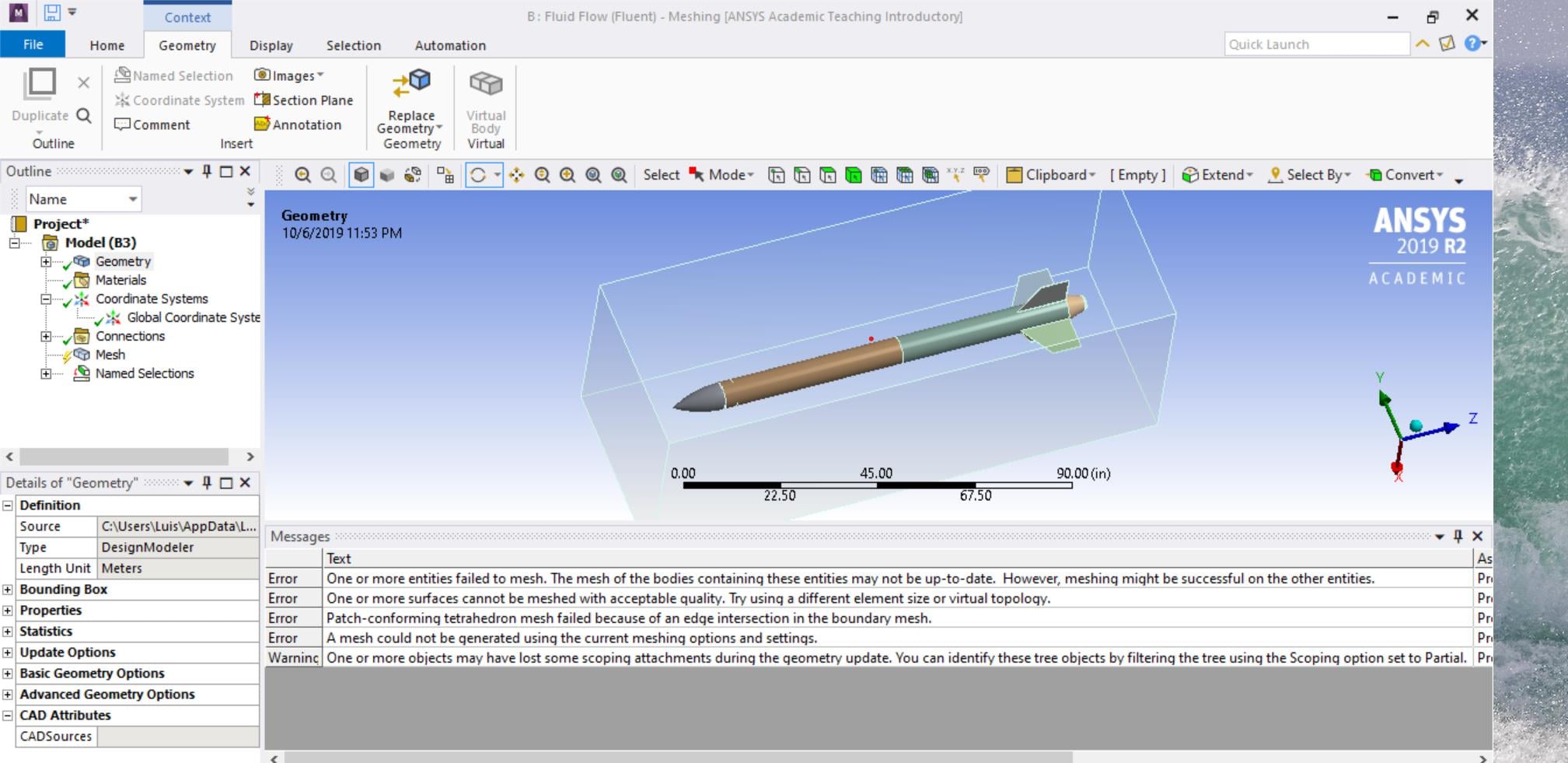
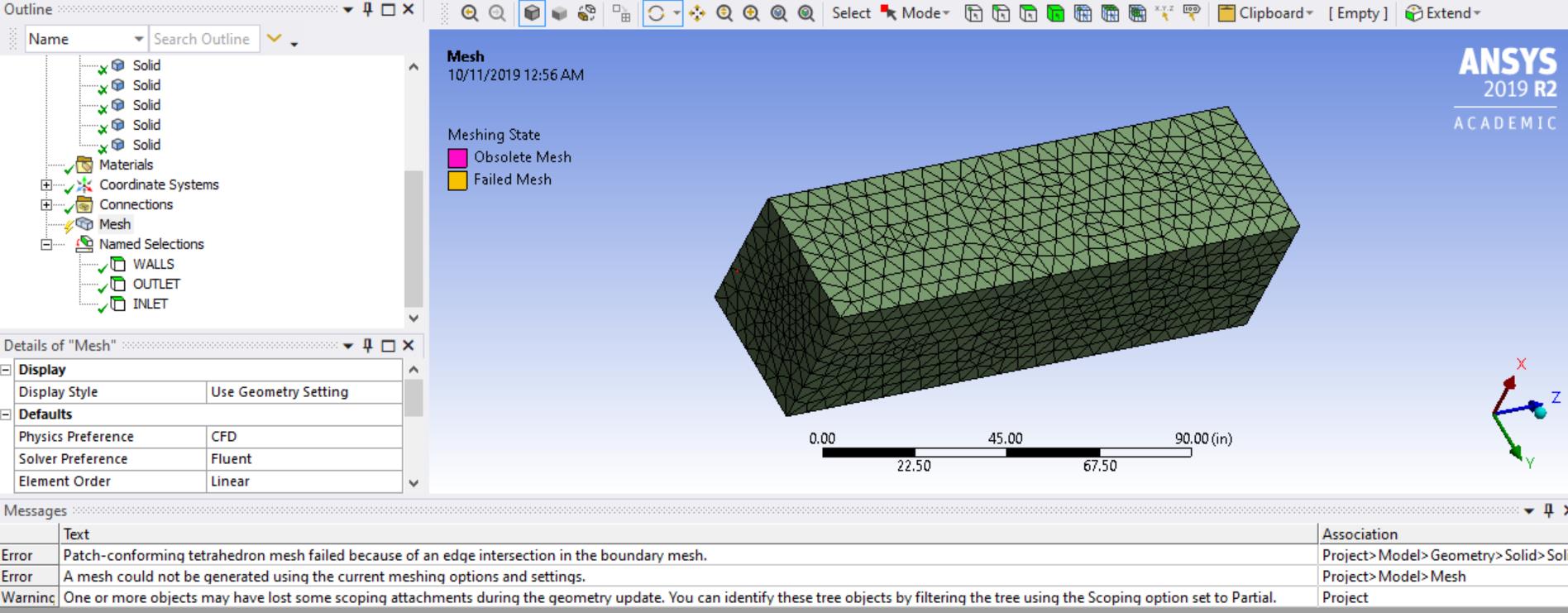
When meshing I still get error (AS SEEN BELOW):
Â
I am using the regular quick mesh in Mechanic, is this the problem? Should I mesh it with another one? Or is there a problem with the stiching in the beggining with the boolean function?
Â
I have attached the PARASOLID ZIP file of the assembly of the rocket if you want to see in ANSYS 2019 R2 version.
Â
Thanks again, we've been looking at all the youtube and forums and I haven't found any answers. We need to submit these analysis by next week to NASA, so we really do appreciate for your time and help.
Â
-
October 11, 2019 at 7:57 pm
peteroznewman
SubscriberIf I open this Parasolid in SpaceClaim, there are many bodies.
The rocket body parts are hollow, they should be solid.
Fill all the body parts, then merge them all into a single solid body.
Then draw an air solid and subtract the single solid rocket body from the air.
-
October 12, 2019 at 3:10 am
Lpluillo
SubscriberOk .
Â
ANSYS is not that easy as we tought, but thanks for helping us with the learning process.
Â
We would do that now,
-
October 14, 2019 at 3:47 am
Lpluillo
SubscriberGreat! It worked perfect now.
Â
I am doing now the CFD with fluent. Is there a way of getting the total Drag coefficient of the rocket at the max velocity?
Is there a way of choosing fiberglass material and smooth roughness?
Thanks.
-
October 14, 2019 at 4:06 am
peteroznewman
SubscriberAsk your Drag coefficient question in a New Discussion in the Fluid Dynamics section.
You can mark this discussion Solved by picking a post that best answers you original question.
-
- The topic ‘How can I create a mid surface in Design Modler?’ is closed to new replies.

-
5884
-
1906
-
1420
-
1306
-
1021
© 2026 Copyright ANSYS, Inc. All rights reserved.