Hello,
If you have installed the FREE Student version, no license manager is needed as the License is included and nothing is needed.
If you installed an academic version and your school’s server is a physical machine that has the License Manager installed, you do not use Web licensing.
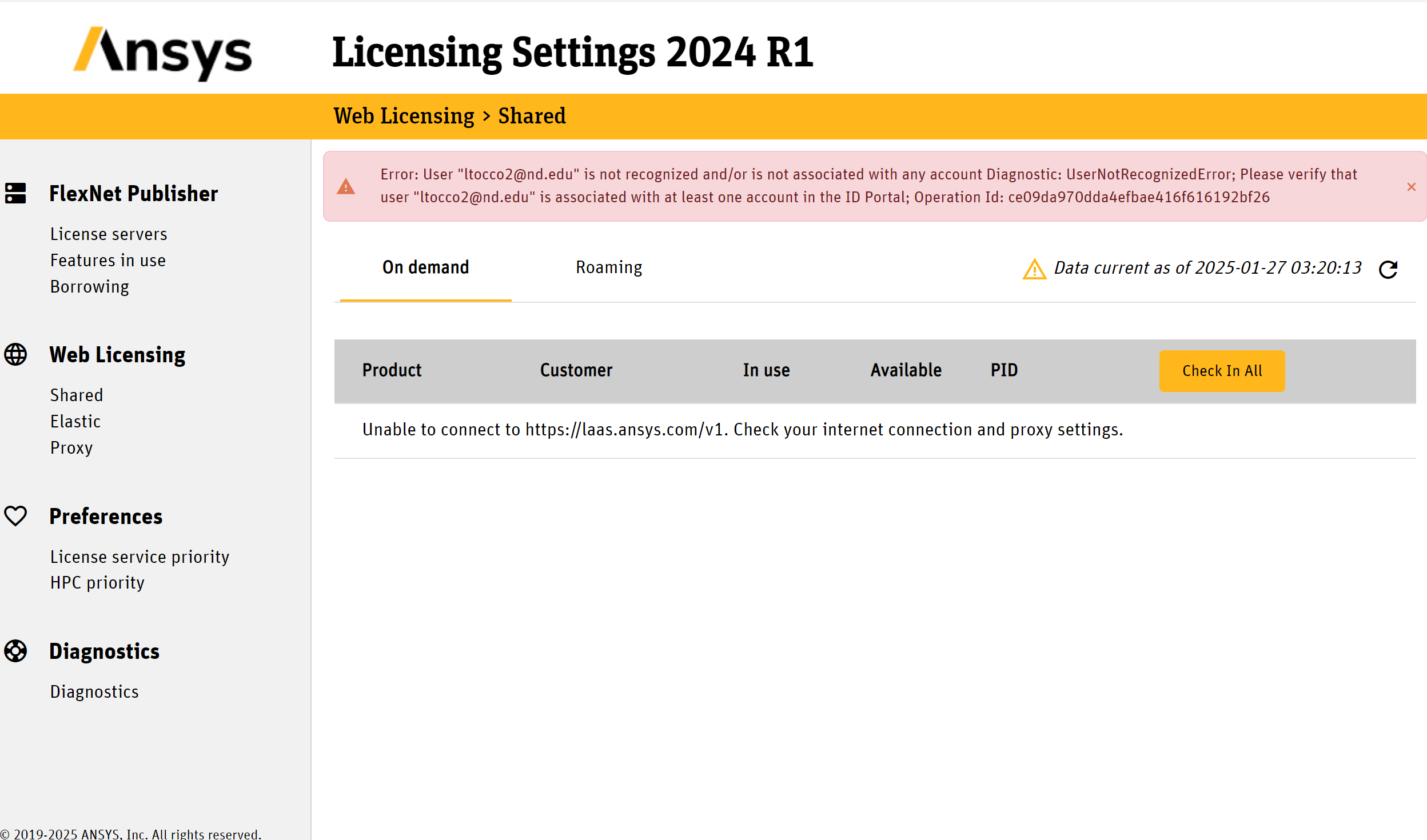
Click on License Servers under FlexNet Publisher
Make sure it’s enabled.
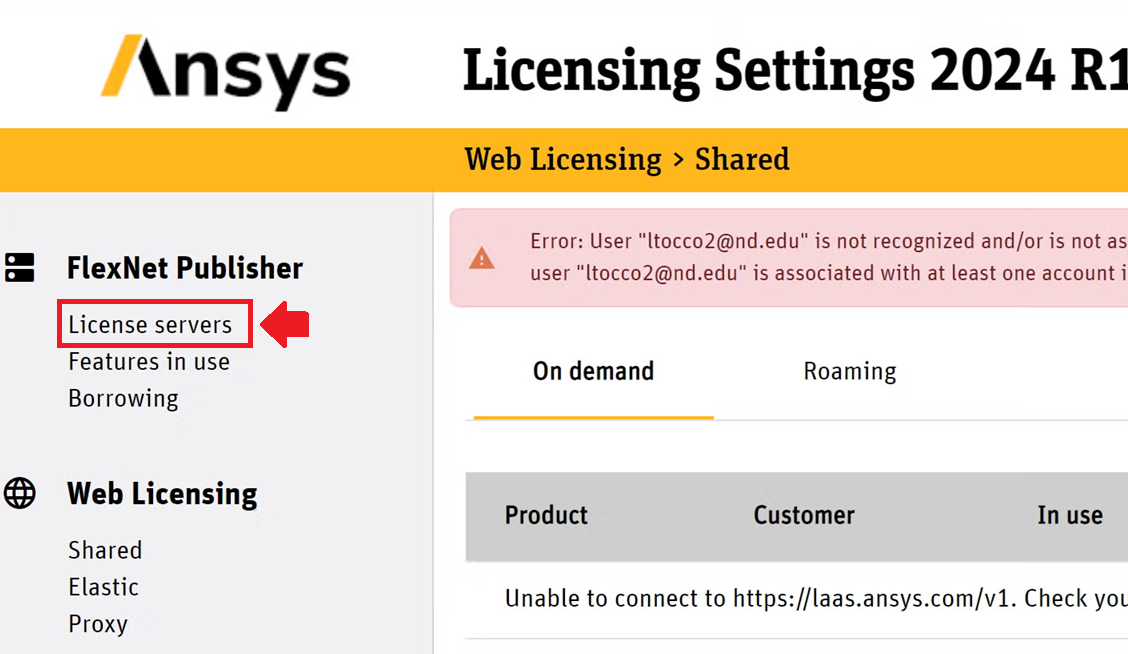
Verify with your school’s IT Dept that the Hostname and port are correct.
You must be able to communicate with the Server on the network.



















 You are navigating away from the AIS Discovery experience