I am doing some analysis on a hip stem. And I want to apply a force to the center of the head. In the scoping method for geometry selection, when I select vertex so I can pick just the point at the center, it is unable to do that selection. So I used a remote force and selected the top face so the force will be applied at the center of that geometry. I don't know if doing it that way has the same effect as having a point force at the center.
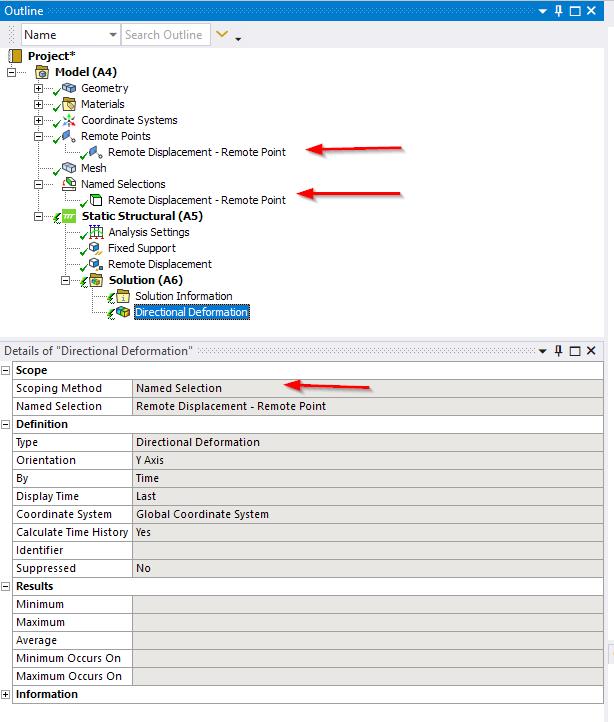
I'll like my output to be directional deformation, specifically that at the point where the force is applied but I am unable to select that point still. So my question is how can i select that midpoint so the results I get is the directional deformation at the point were the force is applied? I was able to select a node at the center I don't know if that is appropriate.
find below a picture which kind off shows what I'm talking about. You'll see the force acting at the center of the scoped face.



















 You are navigating away from the AIS Discovery experience