-
-
June 26, 2020 at 6:25 pm
dorianrendon
SubscriberI recently installed the ANSYS academic version successfully through my school.
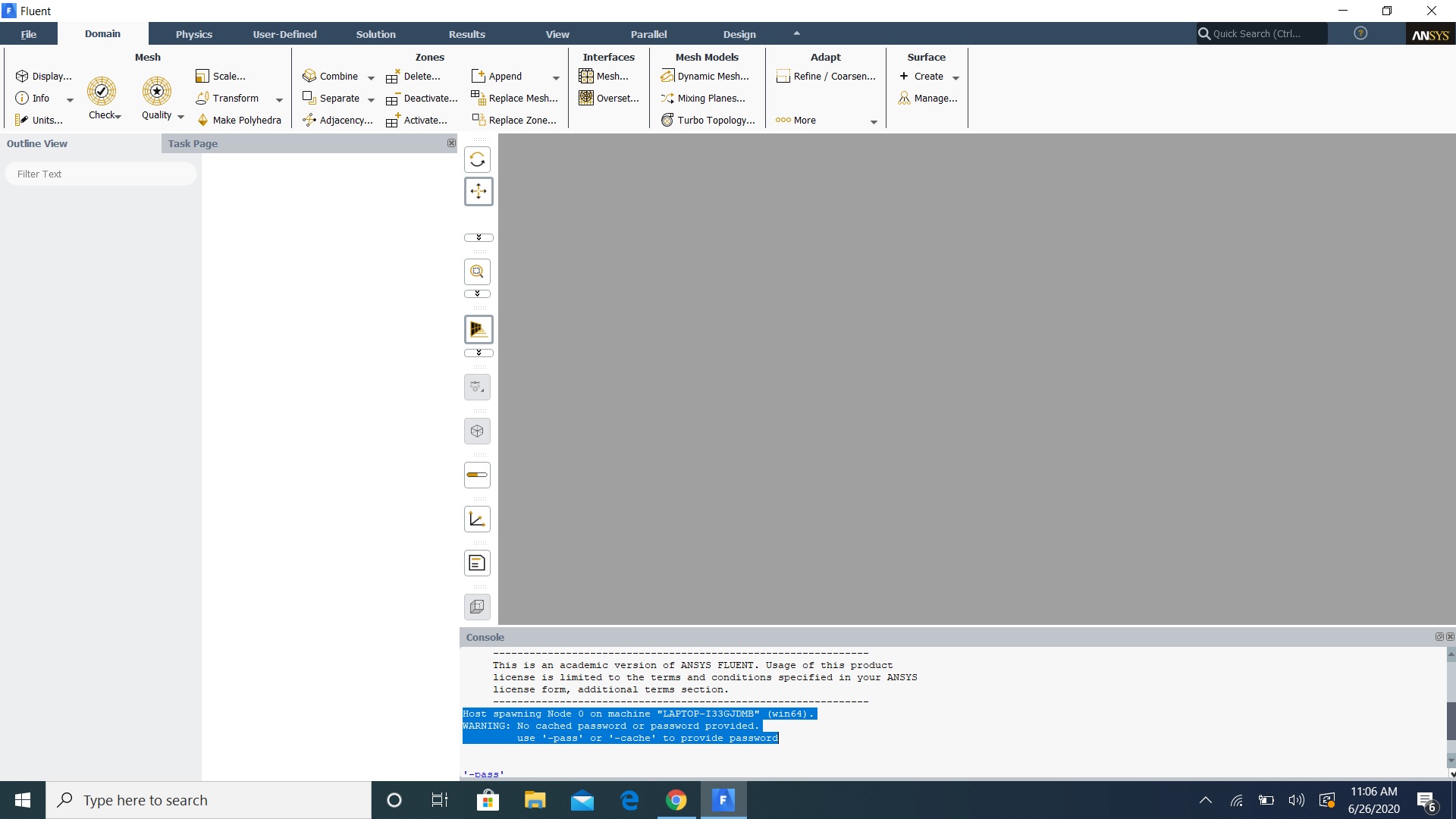
As you can see in the image attached Fluent actually opens up but with a message that reads:Â
"Host spawning Node 0 on machine "LAPTOP-I33GJDMB" (win64).
WARNING: No cached password or password provided.
use '-pass' or '-cache' to provide password."
and that's it. I am not able to use it, whatsoever. The cursor appears as if something it loading.
Although, it lets me click on Domain, Physics, User-Defined, and the others on the top except for File,
but still nothing else works. Anything else that I click on my laptop makes an error sound.
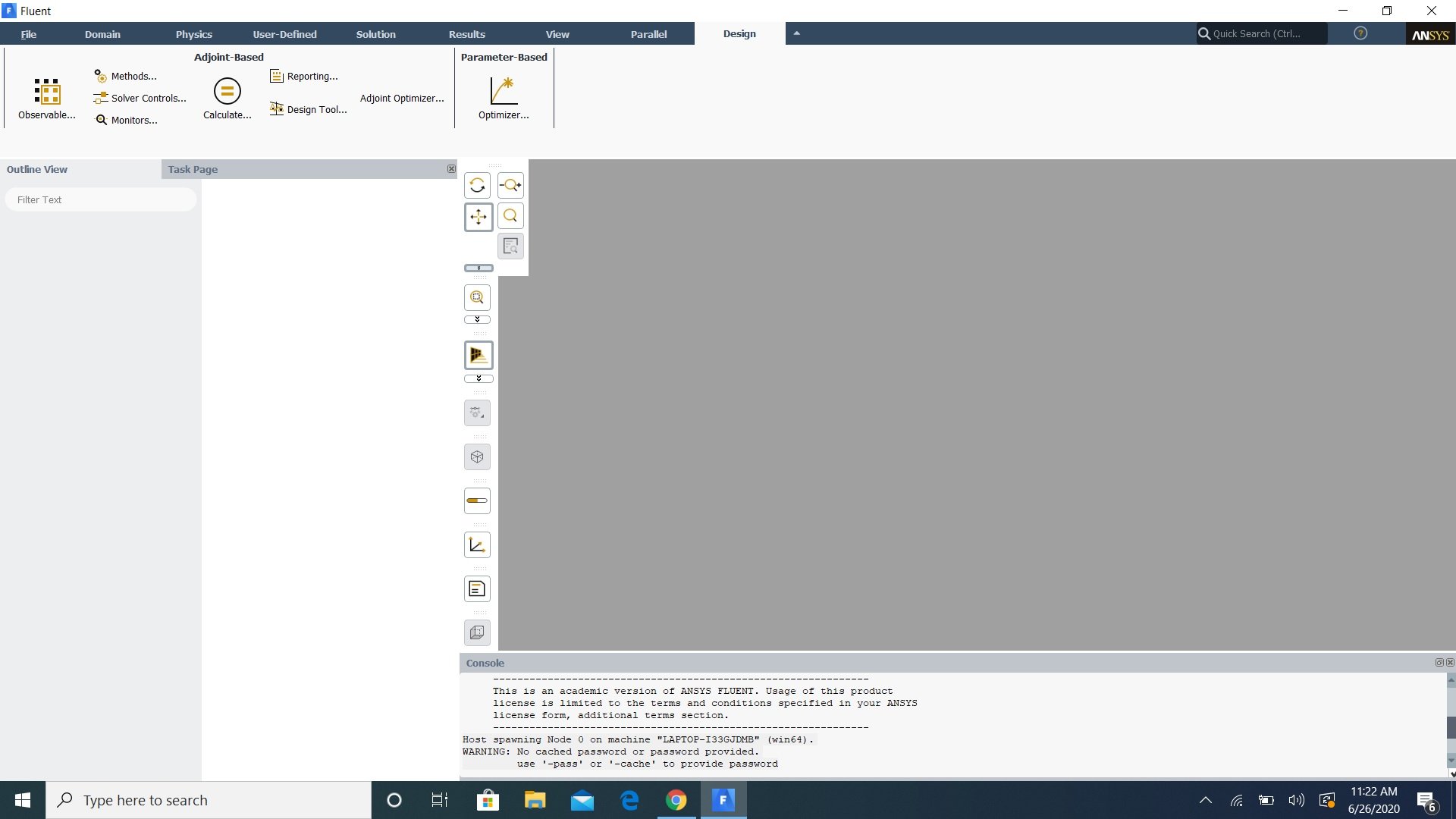
So I added a second screen shot to help you see how it is acting on my end.
Â
-
June 30, 2020 at 12:02 am
tsiriaks
Ansys EmployeeTry this
In Fluent Launcher, click more options -> parallel -> select MPI type to be MS-MPI and check the box to specify IP address to be 127.0.0.1
If it doesn't help, try suggestion in here
/forum/forums/topic/fluent-19-2-not-working/
-
Viewing 1 reply thread
- The topic ‘Fluent Problems’ is closed to new replies.
Innovation Space
Trending discussions
Top Contributors
-
4673
-
1565
-
1386
-
1236
-
1021
Top Rated Tags
© 2025 Copyright ANSYS, Inc. All rights reserved.
Ansys does not support the usage of unauthorized Ansys software. Please visit www.ansys.com to obtain an official distribution.