I am modelling a small two-bladed propeller for CFD in ANSYS 2026 R1 Student. The propeller was reconstructed in Fusion 360 using lofted airfoil sections, exported as STEP/SAT, imported into ANSYS, and Boolean-subtracted from a rotating cylindrical fluid domain for Fluent. Inserted one first to see whats the problem.
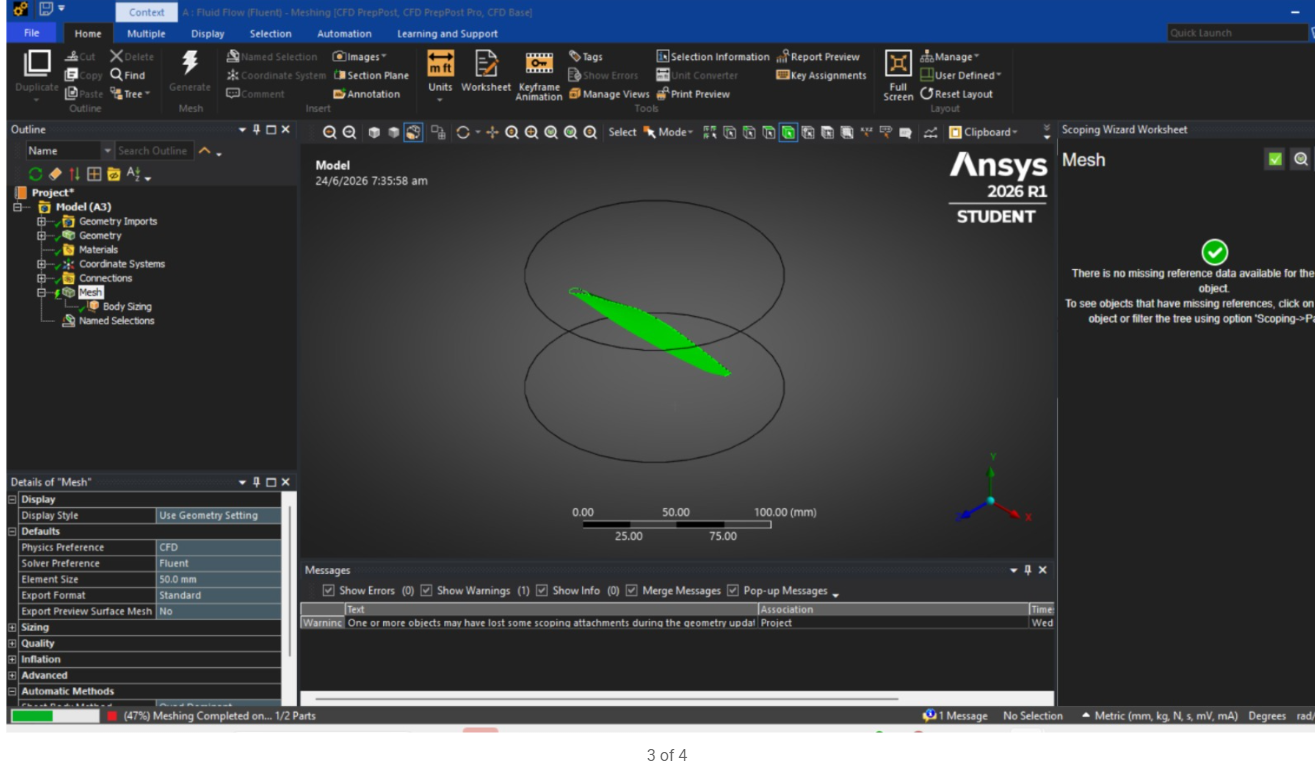
The issue is that meshing the rotating domain fails. The main errors are:
“one or more entities failed to mesh”
“one or more surfaces cannot be meshed with acceptable quality”
“the current meshing options and settings cannot generate a mesh”
When I inspect the failed region, ANSYS highlights the propeller trailing-edge area and sometimes the root/tip area. The blade wall faces are selectable after the Boolean subtract, but the surface mesh still fails around these thin/sliver faces.
Things I have tried:
- Reduced the loft from 30+ airfoil profiles to about 10 profiles.
- Removed guide rails from the loft.
- Blunted/rounded the trailing edge in the airfoil sketches before lofting.
- Exported clean STEP/SAT files with only the final solid body.
- Turned off automatic inflation.
- Tried automatic Virtual Topology, but it created 0 virtual faces/edges.
- Tried body/edge sizing.
- Tried stitching the separate trailing-edge surface in SpaceClaim, but it did not solve the issue.
Please help
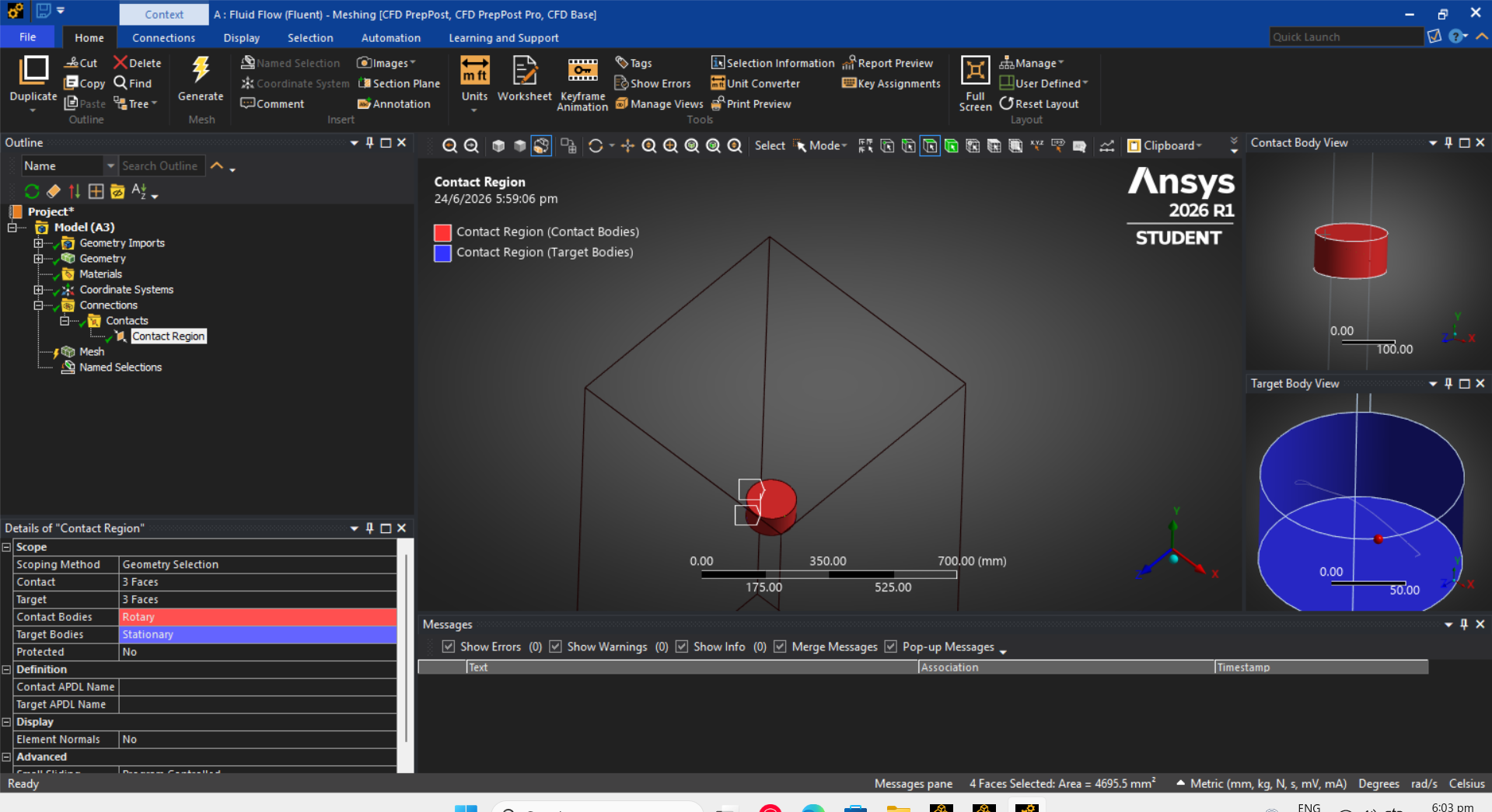
SCreenshots:



















 You are navigating away from the AIS Discovery experience