Hello
It seems the mesh around the airfoil I generated has a high aspect ratio and has poor quality elements

There are regions close to the airfoil wall where the mesh just becomes unstructured as shown below:


The mesh was created using edge sizing with biases towards the airfoil wall, one of them shown below:
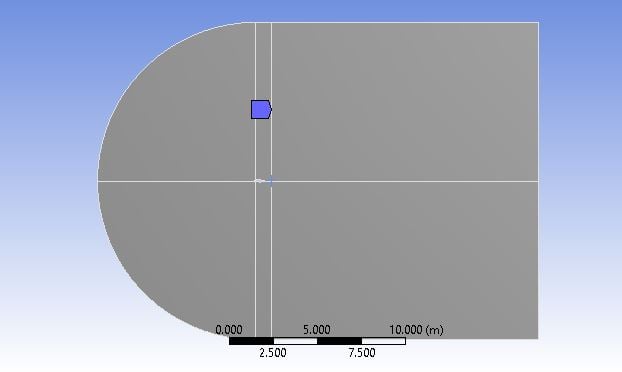
The Mesh controls utilized are shown below:
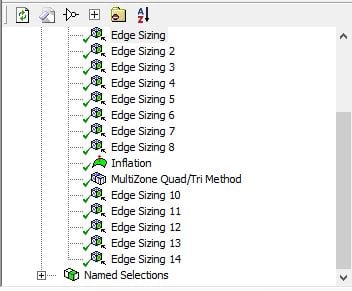
inflation was created to help capture the effects of the boundary layer.
Also when I tried to run the simulation in fluent it gave this warning:
"Limited wall distance for 3 cells to 1.000000e-12.
Please inspect the wall distance by displaying the
contours of the 'Cell Wall Distance' at the
boundaries. If you observe any irregularities we
recommend the use of an alternative algorithm to
correct the wall
Please select /solve/initialize/repair-wall-distance
using the text user interface to switch to the
alternative algorithm"
How do I solve this issue?




















 You are navigating away from the AIS Discovery experience