TAGGED: 2d-mesh, 2d-meshing, 3d-mesh, 3d-meshing
-
-
March 20, 2023 at 3:02 pm
Boaz Roijers
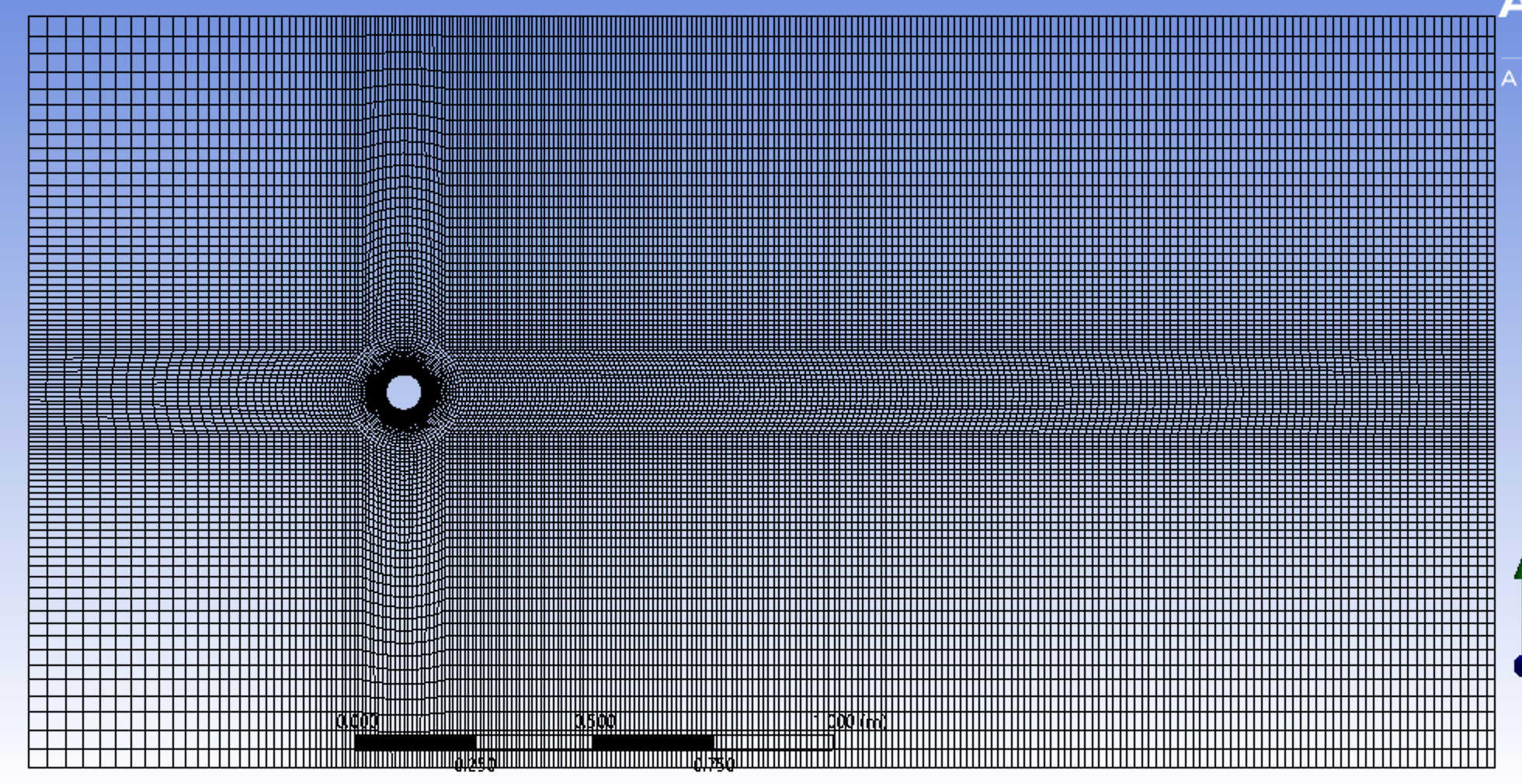
SubscriberI am moddeling flow around a cylinder with the goal to link windtunnel measurements to my simulation results. I opt to run my simulations in Ansys Fluent. I created a 2D grid/mesh according to several guidelines. However, I want to extrude this 2D mesh with a height of 2.5D (diameter of cylinder, in this case 75mm) and divide the extruded part in 64 partitions. How can I do this? I read a few thing about using CFX-Pre and extend the mesh in Z-direction. This approach should prompt a question that allows for this extrusion and division of elements. However, this question does not pop-up in my CFX-Pre 2021. Is there another way to create a 3D mesh?

-
March 21, 2023 at 6:52 am
Keyur Kanade
Ansys EmployeeYou can do it in ICEMCFD.
Please go through help manual for more detailsÂ
Regards,
Keyur
How to access Ansys Online Help Document
Guidelines on the Student Community
Fluids Engineering Courses | Ansys Innovation Courses
Â
-
March 22, 2023 at 1:48 pm
Boaz Roijers
SubscriberDear Keyur,
I am utilising a student license and saw that this type of license does not support ICEMCFD. However, I found another solution.Â
Open Ansys Fluent Meshing -> File -> Import -> Fluent 2D Mesh -> 'select file'
Mesh (tab) -> Prisms... -> 'select boundary zones' -> 'set first height to the distance of the desired division in meters' + 'number of layers' -> apply -> create
Â
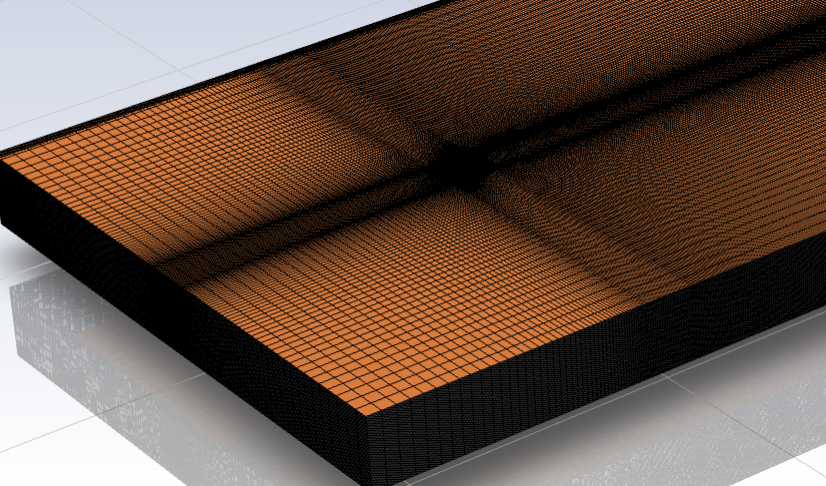
Now the mesh is extruded into the Z-direction. What rests, is to split the surfaces from each other to assign the appropriate boundary conditions. This can be done under the tab Boundary -> Zone -> Separate. I added a figure of the result.
Â
Â
I hope this might be of any help to others.
Â
Kind regards,
Â
Boaz Roijers
-
-
- The topic ‘Extruding a 2D mesh to a 3D mesh’ is closed to new replies.
-
6234
-
1906
-
1457
-
1308
-
1022
© 2026 Copyright ANSYS, Inc. All rights reserved.