RBilko
It is possible, but the degree of difficulty can vary greatly depending on the geometry. You can ensure that the surface is extended in the same direction by using the Pull Direction option.
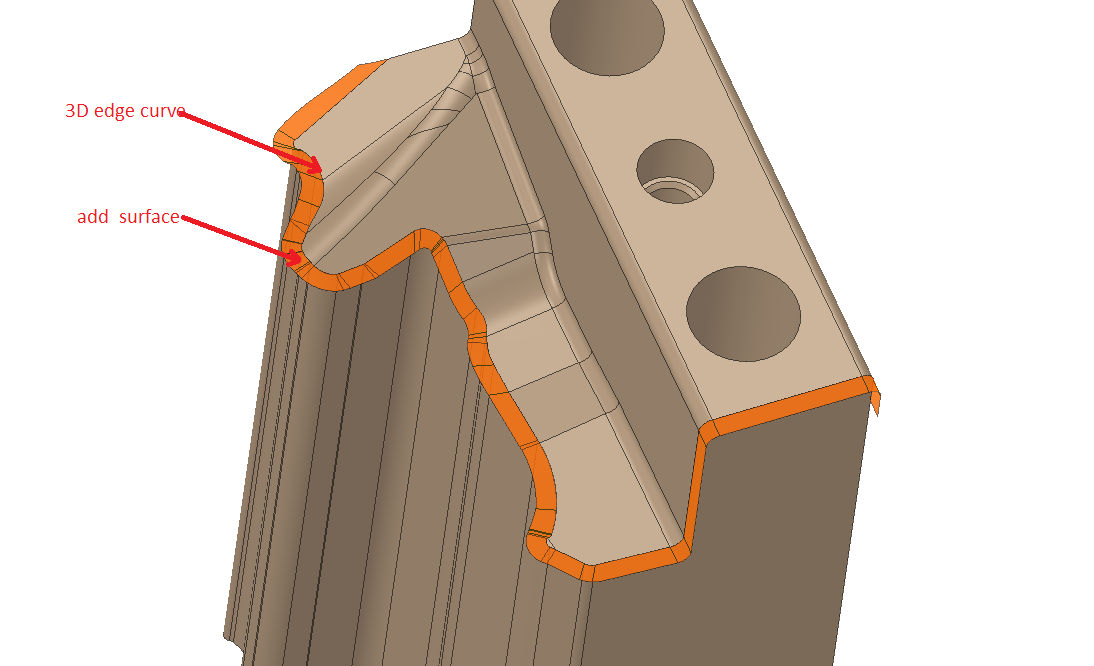
The challenge comes when you have multiple surfaces all at different orientations, as in the image above. It's difficult to do them simultaneously and keep exact tangency, and if you do them one by one eventually they will fail to line up.
You might be able to create a copy of the body and then extend all the vertical walls outward using Pull. That would most likely maintain all the surface connections while enlarging the area of interest. You could then copy and paste the surfaces and delete the duplicate solid body.


















 You are navigating away from the AIS Discovery experience