-
-
January 10, 2023 at 9:33 am
ouyangxin
SubscriberHello there,Â
Â
Today, I am trying to modify the example "Edge Coupler" through all-script-way to build all structures.
Here is the link of "Edge Coupler": https://optics.ansys.com/hc/en-us/articles/360042305354-Edge-coupler Â
Â
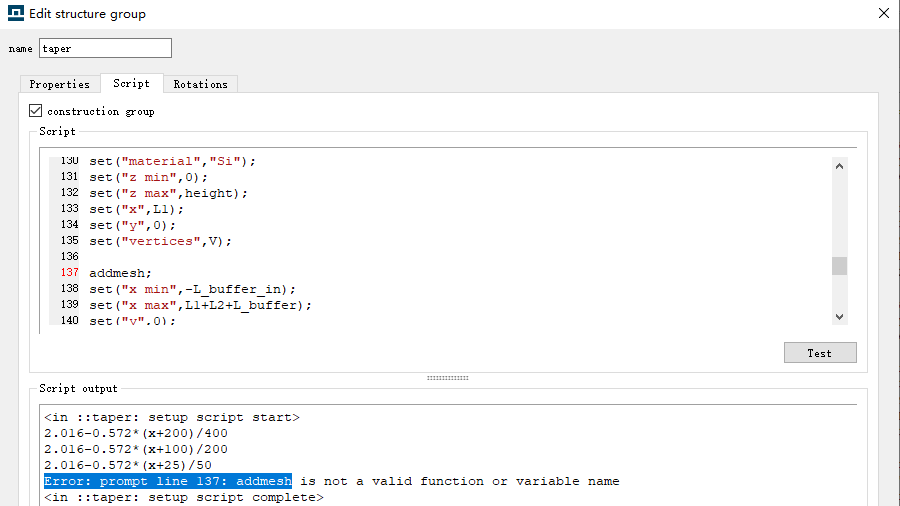
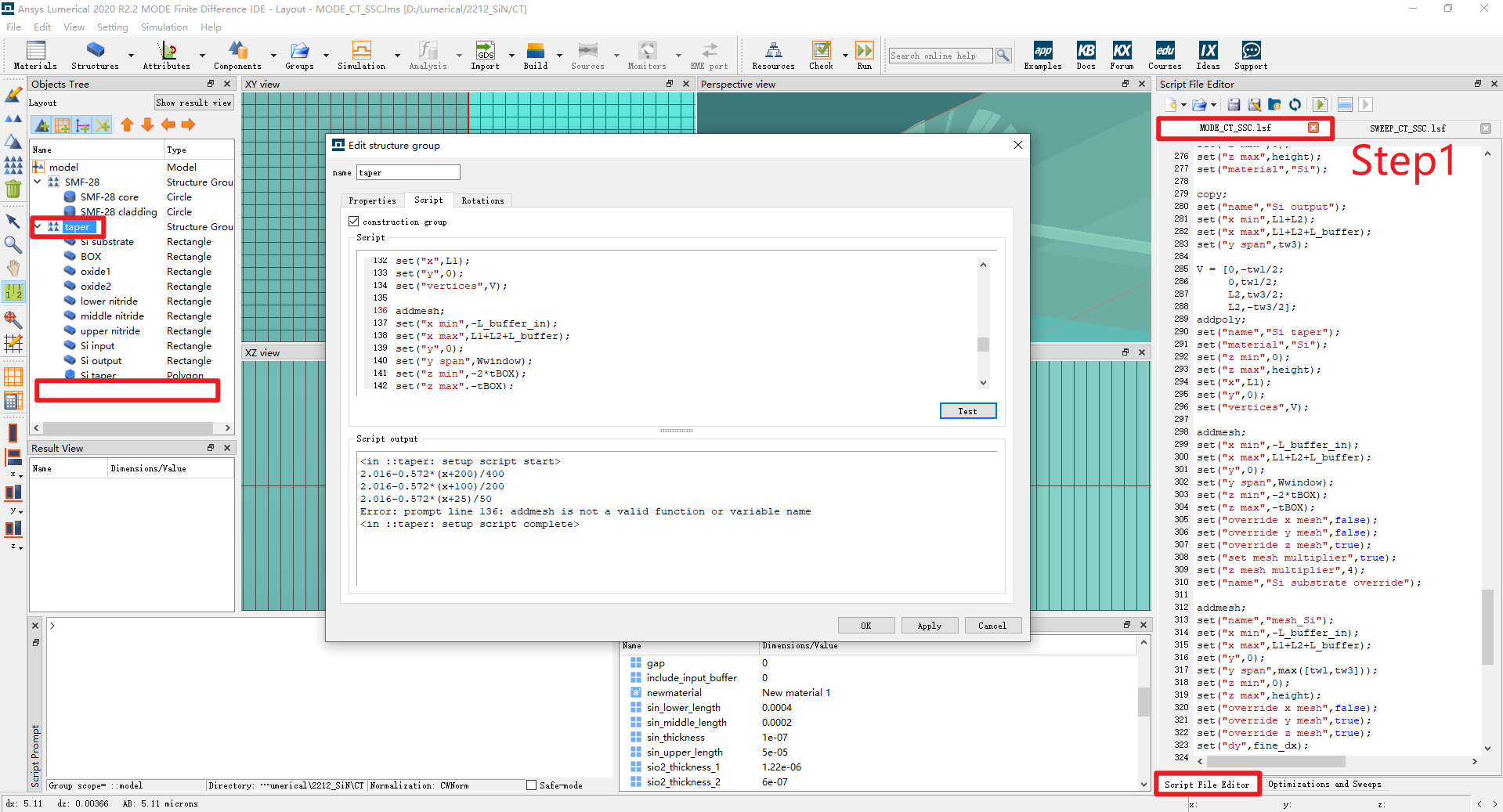
However, when I trying to use addmesh command in script tab of structure group window, error reported as showing followed:
I am wondering, if it is a bug or I did something wrong? addmesh should be a normal command which is frequently used in simulations.Â
Â
Thanks for your reading and hope get your replies.Â
-
January 10, 2023 at 9:46 am
-
January 10, 2023 at 4:15 pm
Guilin Sun
Ansys EmployeeNot every script can work in a group or in "model". In particular, the structure group can only set physical geometry (geometry plus material). FDTD and Override mesh can only be in an analysis group. You can use analysis group to contain and setup the structure group.
-
January 11, 2023 at 1:04 am
ouyangxin
SubscriberThank you, Dr. Sun. It works, thanks for your explanation.
BTW, before I met another error-report while using script, the link is:
/forum/forums/topic/error-report-when-using-select-command-to-get-coordinates/Â
At this moment, is there any solution to "override" this problem?
Thanks.Â
Â
-
-
January 11, 2023 at 1:55 am
Guilin Sun
Ansys EmployeeYou will need to follow the example here:
https://optics.ansys.com/hc/en-us/articles/360034928733-adduserprop-Script-commandI guess there is some kind of bug, since you use
?getnamed("group")
you cannot find the object you want.
I guess it might not be designed to do this after the group script, since you have set the data to the property so you know its value.
In addition, if you use mysript as shown in the example, you cannot rename the object, somehow. when you use
set("script",'addrect;
you can change the name of the object added. however, the single quote mark thinks the group script has not stopped, I believe.
Â
-
January 11, 2023 at 3:01 am
ouyangxin
SubscriberA interesting part of getnamed command is if it is used inside the script, it cannot work. However, if it is used outside the main-script, like run it inside the script prompt directly, everything is fine.
Sometime, if I want to fix the displacement between the monitor and one stucture built through script, that issue is really annoying.Â
Â
For the single/double quote, based on my use:
set("script",'addrect; XXXXX: then inside the script, for command, double quote could be used, like set("name","abcd");Â
accordingly, set("script","addrect; XXXXXX: inside the command inside followed script, single quote is only allowed. For the object name, rename the structure, there is no problem. If want to change the monitor name, it really doesn't work, Interesting.
Â
Thanks for your answers, and wish you have a good one.Â
-
-
January 11, 2023 at 4:56 pm
Guilin Sun
Ansys EmployeeIt is complicated. If I get the time I can dig it more. But maybe it is not designed to use this. The variable values are known inside the group. It is not necessary to get it from the object since they are assigned before.
-
- The topic ‘Error reported while adding mesh through script in structure group’ is closed to new replies.

-
5879
-
1906
-
1420
-
1306
-
1021
© 2026 Copyright ANSYS, Inc. All rights reserved.