Q: Ansys Workbench Mechanical and related applications produce JavaScript Runtime Error Type Mismatch on Windows 11 24H2
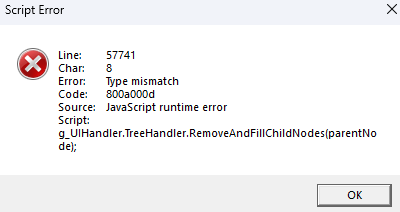
Issue often occurs when importing geometry into a new analysis. Error may be similar to the following:
Script Error
Line: 61871
Char: 8
Error: Type mismatch
Code: 800a000d
Source: JavaScript runtime error
Script: g_UIHandler.TreeHandler.RemoveAndFillChildNodes(parentNode);

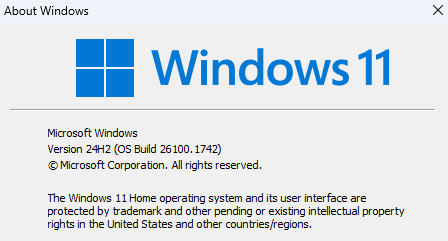
A: Windows 11 24H2 has begun setting a local policy that, by default, causes applications to use the JScript9Legacy.dll instead of JScript.dll.
Windows 11 24H2 was not available at the time of Ansys 2025R1 release testing and is not officially supported.
A future Ansys 2025R1 Service Pack 2 will address this issue without having to modify the Windows registry as stated here.
This issue can be resolved for all previous Ansys versions by changing the default registry key to load the classic jscript.dll instead of the JScript replacement DLL jscript9legacy.dll. The end user should understand any potential risks this may cause.
Search the internet for “JScriptReplacement” or "JScript9Legacy.dll for further information.
To load jscript.dll by default:
- Launch regedit.
- Navigate to: HKEY_LOCAL_MACHINE\SOFTWARE\Policies\Microsoft\Internet Explorer\Main
(Create the folder Keys for Internet Explorer and Main if they do not exist) - Right-click the Main key and select New | DWORD (32-bit) Value.
- Name the new value JScriptReplacement.
- Set the value of JScriptReplacement to 0.
- Reboot the computer


















 You are navigating away from the AIS Discovery experience