-
-
December 27, 2018 at 12:15 pm
Max4
SubscriberHi,
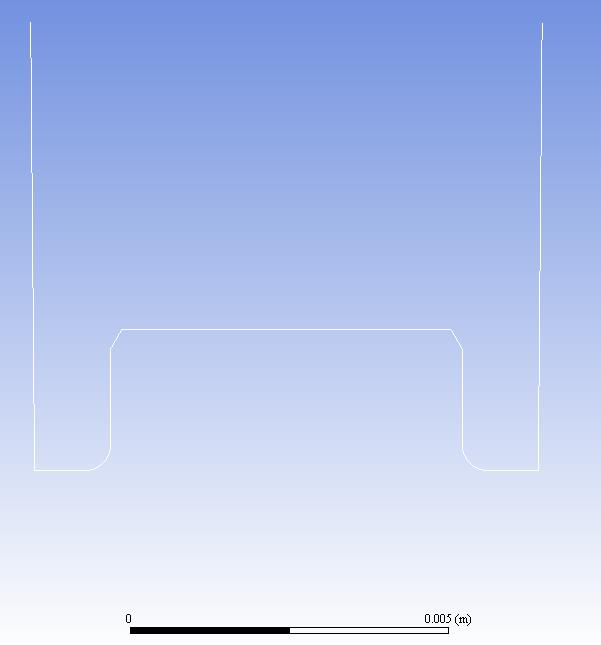
I´m trying to simulate the movement of the piston in white. Triangle elements for the mesh (size 1e-4m). UDF function for the velocity (v=0.075*cos(30*time)) and an amplitude of 5mm for the movement.
Below the setup for the dynamic mesh (Piston as Rigid Body - Interior as Deforming and Wall_Piston as Stationary).
When I display the mesh motion, I have not straight lines which move with the piston, and when I remove "Wall_Piston as Stationary", it disappears.
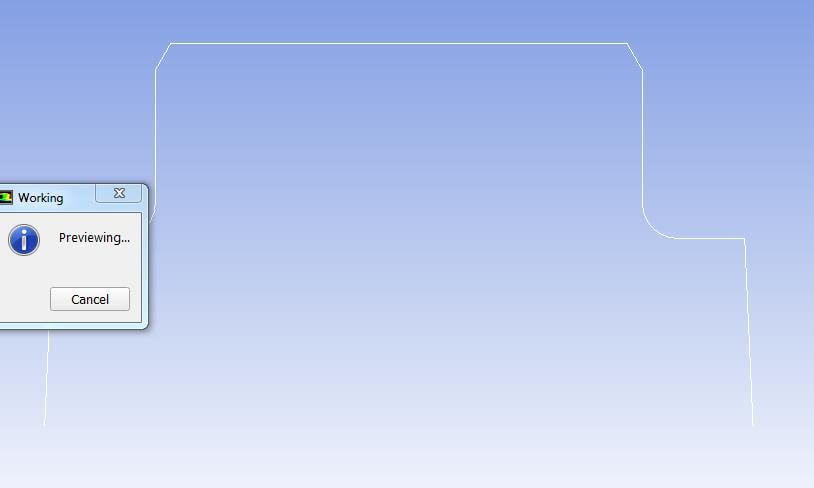
Problem is when I try to preview the mesh motion (delta t=1E-3= max velocity / minimum cell size), I have this message.
What Type should I choose for the "Wall_piston"? I have try with Deforming and a cylinder as Definition but it doesn´t run. I have also delete the interior as Deforming.
Â
Regards,
Maxime
-
December 31, 2018 at 3:02 am
Keyur Kanade
Ansys Employeeinterior as deforming
wall piston as deforming
if its 2d, try to use plane instead of cylinder.Â
-
December 31, 2018 at 7:27 am
Max4
SubscriberHi,
Thank you for your answer. Yes, it´s a 2D-Simulation. I changed the wall piston as Deforming and used Cylinder as Definition (see below).
When I display the Zone Motion, I can see the wall piston and it moves in straight line with the piston.
Problem is that I add the following error message:
Â
Regards,
Maxime
Â
-
January 2, 2019 at 11:39 am
Rob
Forum ModeratorAs it's a warning the mesh preview should still work: what does the mesh look like? Which bit is actually moving as it could be the chamfer angle is giving some remeshing issues.Â
-
January 3, 2019 at 9:17 am
Max4
SubscriberI have set the Wall_Piston as Deforming and faceted. I have made a finer mesh (element size 3E-5m) with a delta t of 1E-3 s.
Â
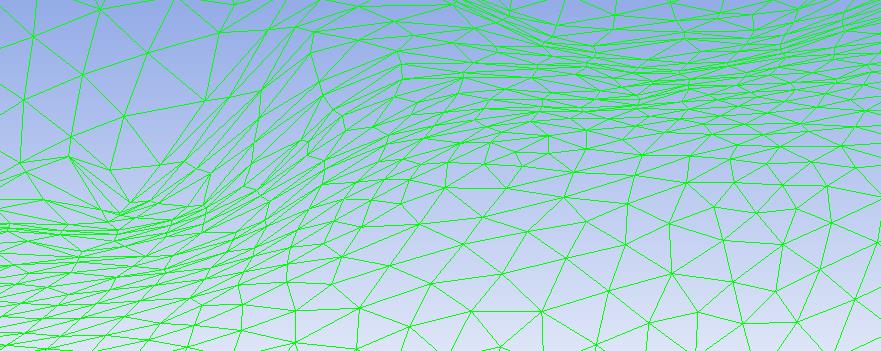
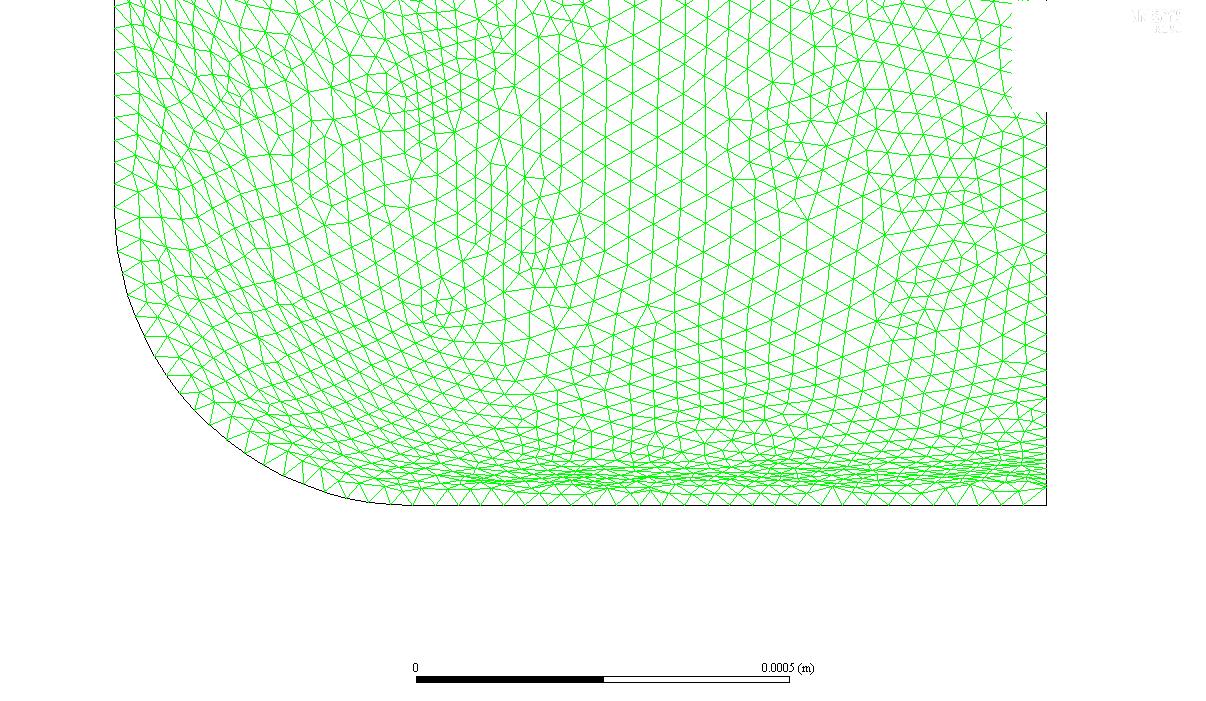
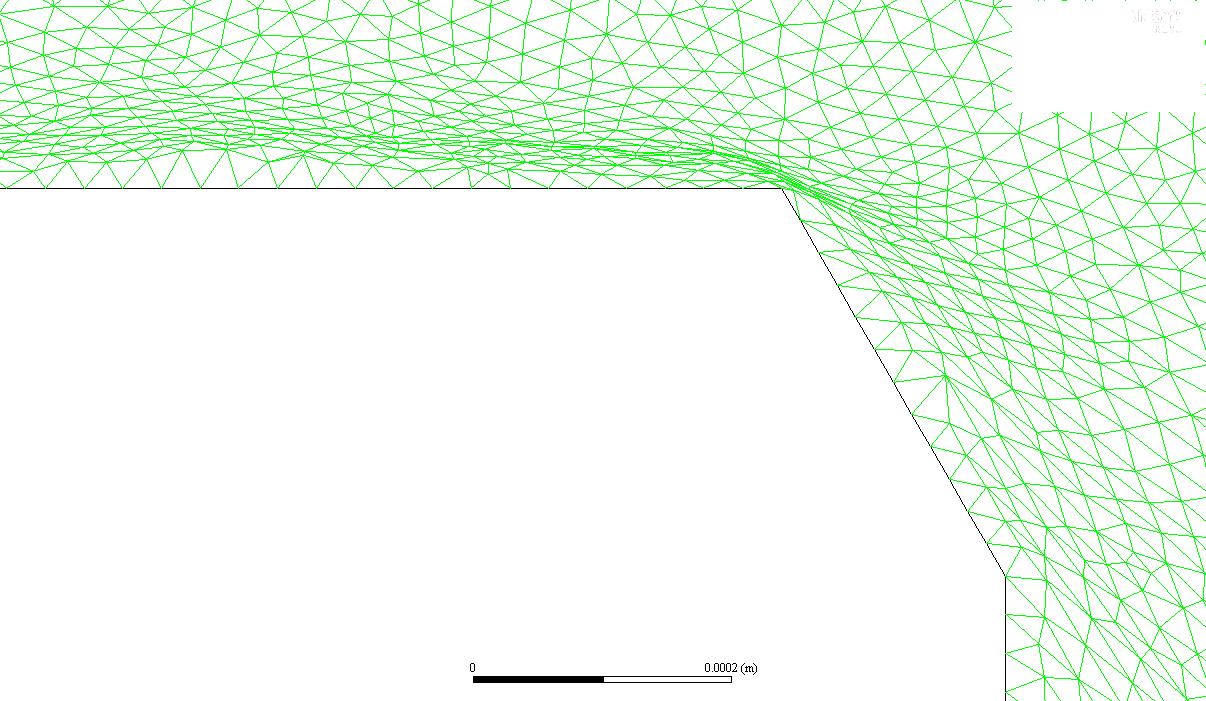
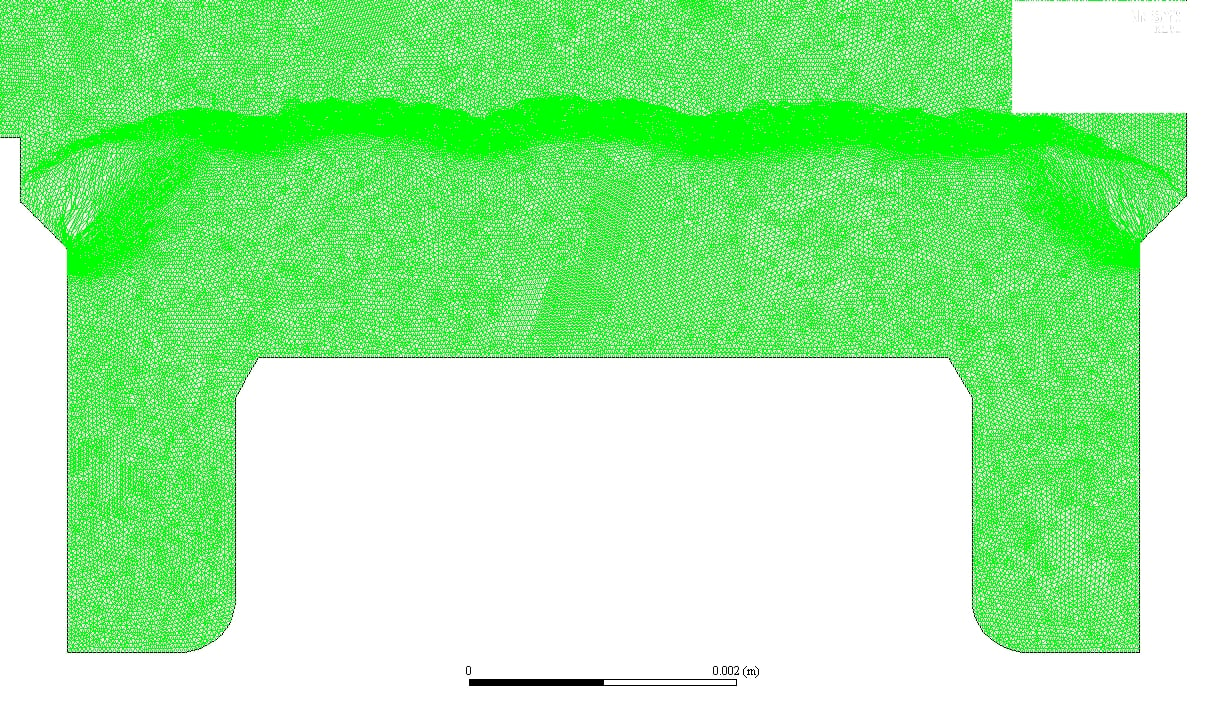
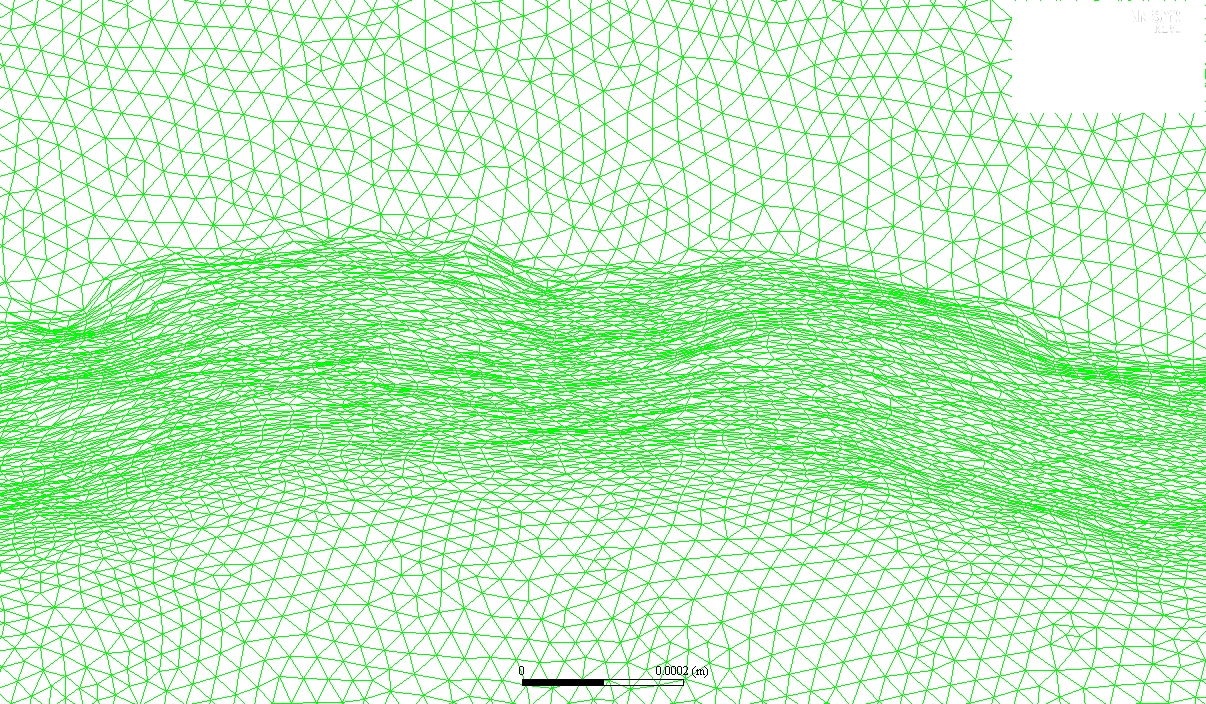
This picture shows bad cells with a high skewness at the bottom. Is there any way to avoid this or to remesh earlier ? I set the remeshing intervall at 1. For exemple, decrease the time step size.
There I have the same problem with bad cells. Should I create a Cell_Zone which is attached to the piston and which moves with it?
Â
Regards,
Maxime
-
January 3, 2019 at 9:27 am
-
January 3, 2019 at 10:38 am
Max4
SubscriberThank you for your answer. I change the spring constant as 0 and the others parameters had I already.
I have taken a time step size of 1E-4s with 100 iterations and a remshing interval of 1. Around the piston it looks good.
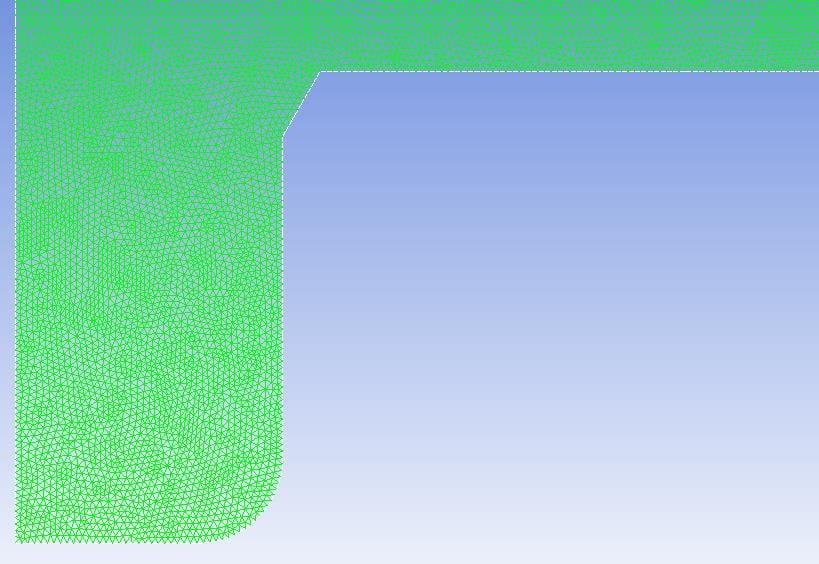
But there is another problem. First at the corner in red circled:
Then, in the domain on the top of the piston, the cells are compressed with a high skewness (0.95 - 0.98).
When I ticked "Local Cell", Zone Remesing is enabled by default and will be triggered if local cell fails to create an acceptable mesh. Howewer, it will be invoked if skewness > 0.98, and can be lowered to 0.96 by using rpsetvar 'dynamesh/remesh/max-thread-skew 0.96. May it changes something ?
Should I add the Layering?
Â
Maxime
Â
-
January 3, 2019 at 11:21 am
Rob
Forum ModeratorTry running the mesh preview with a smaller time step, ie a factor of 10 lower and see what happens.Â
-
January 3, 2019 at 12:03 pm
-
January 4, 2019 at 5:37 am
Keyur Kanade
Ansys Employeein remeshing please make sure you put the values for min length scale as given in mesh info. max skewness can be 0.7.
you can use size meshing interval = 1
Â
-
January 4, 2019 at 8:34 am
Max4
SubscriberI have already set this parameters. I don´t understand why the all the cells are compressed in the same zone.
 I can maybe use Diffusion-Based Smoothing instead of the Spring-Based Smoothing. Indeed, it allows larger deformations than spring-based. Moreover, it should tend to generate better quality meshes. With the diffusion parameter alpha, it is possible to preserve the mesh close to the moving boundary and then absorb the motion of the mesh in the far field. What do you think about it?
Regards,
Maxime
-
January 4, 2019 at 2:06 pm
Rob
Forum ModeratorYou can. What you do is fix a mesh in one fluid region and (I think) set that as rigid body motion. All of the remeshing then takes place in a different fluid zone that you will need to set up. The in-cylinder tutorials should show this: it's not a feature I've used.Â
-
- The topic ‘Dynamic Mesh – Negative Cell Volume’ is closed to new replies.
-
5849
-
1906
-
1420
-
1305
-
1021
© 2026 Copyright ANSYS, Inc. All rights reserved.