To whom it may concern
Hi, I am trying to build an optimized grating structure. The idea is that based on the standrad focal grating coupler, I would like to add a photonic crystal structure before the grating coupler as you can see in the attached screenshot.
I have modified the mesh order so that, for additional photonic crystal the mesh order is higher than that of the silicon grating coupler.
In order to see it better, I would like to make them appear in different colours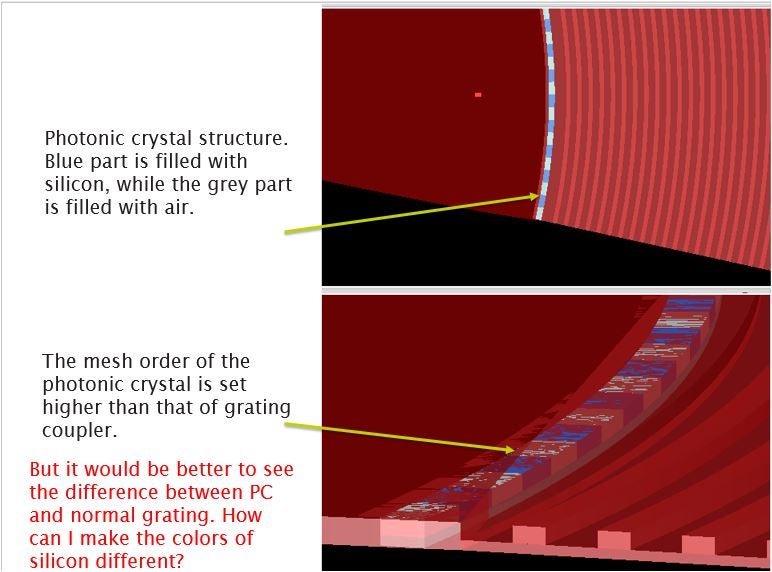 .
.
For example, the blue part is still silicon while the grey part is filled up with air.
However, I cannot just modify the colour of the material inside the photonic crystal. If I change the colour of the silicon in the library, the whole silicon structure would change at the same time. So I will not be able to see the difference between the normal grating coupler and the additional photonic crystal.
Is there a way to duplicate the silicon data and saved it as a new material with a different colour? If so, how can I do it?
Thank you for the help.
Yours sincerely
Adam


















 You are navigating away from the AIS Discovery experience